
Photography logo templates





.jpg)


How to make a photography logo
-
Sign in or create a free Wixel account
Start by signing in or creating a free Wixel account. This gives you access to the logo editor, project saving, and all brand asset tools you need to build your identity.
-
Describe your brand and vision
Enter your business name and a short description into the prompt field. Wixel's AI design agent uses these details to research visual trends in the photography industry and generate logo concepts tailored to your niche.
-
Customize your photography logo
Choose the logo concept that resonates with your vision, then refine every detail in the editor—adjust fonts, colors, icons, layout, and tagline copy. This level of control ensures the final design reflects exactly what your photography brand stands for.
-
Download your free photography logo
Export your finished logo in high-resolution, production-ready formats including scalable SVGs and transparent PNG/JPEGs. Every file is optimized so your logo looks sharp across any platform or material.
-
Generate a complete brand identity
Create a brand theme based on your logo’s colors and style, and apply it to anything else you design in Wixel—from social media posts and videos, to professional documents—so your brand will be recognizable everywhere.
Build a standout brand with our photography logo maker
Photography logo ideas backed by research
Wixel's AI design agent performs a real-time search of visual trends in the photography industry and generates logo concepts informed by what actually resonates in your niche—so you can start with directions that already feel relevant rather than guessing your way to a professional result.
Full control over every detail
Once the AI suggests a direction, the editor puts you in charge of every element—fonts, colors, icons, layout, and tagline copy all respond to your input so you can shape a photography logo that matches the vision in your head without compromising on precision.
From photography logo to full brand kit
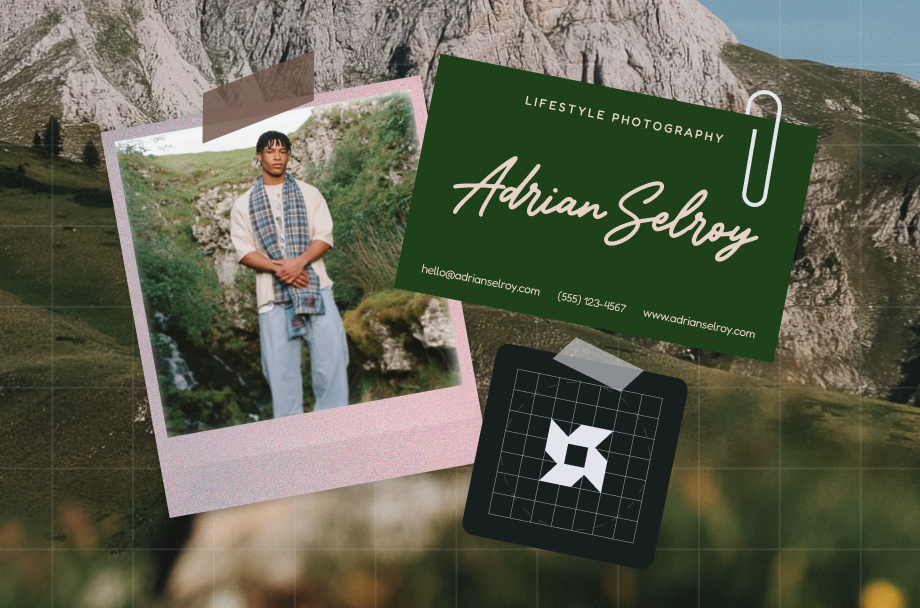
Your finished logo becomes the foundation for a complete brand identity. Wixel generates a cohesive set of social media assets, business cards, and branded designs that carry your visual style across every touchpoint—so you can launch with a consistent, professional presence from day one.
.jpg)
Make your photography logo versatile
A strong photography logo needs to perform well beyond a single context—it should look equally sharp as a website header, a social media profile image, and a watermark on your portfolio images. When you use an online photography logo maker, think about how your design scales across these different placements. A logo that relies on fine detail may lose clarity at smaller sizes, while one that feels too simple might not command attention on a large banner. The goal is to design a mark that holds its visual weight whether it appears on a printed business card or embedded in a video intro, so your brand stays recognizable everywhere your work appears.
Create a unique photography logo icon
Your icon is often the first visual element a potential client notices, so it should communicate something meaningful about your photography style rather than default to a generic camera symbol. Consider what sets your work apart—whether that's moody editorial portraiture, vibrant event coverage, or serene landscape compositions—and let that inform your icon choice. Wixel's AI logo generator researches current visual trends in the photography industry and suggests icons and styles that align with your specific niche. From there, you refine the symbolism and composition in the editor until the icon feels distinct enough to separate your brand from every other photographer in your market.
Download your photography logo in high resolution
Once your free photography logo design is finalized, exporting it in the right file formats ensures it stays crisp across every application. SVG files give you scalable vectors that maintain perfect clarity at any size, with transparent PNG and JPEG available for use, like on your photography website portfolio. Downloading multiple formats from the start saves you from reworking files later, so you can confidently use your logo on everything from a gallery wall label to an Instagram highlight cover without any loss in quality.
Remix your logo into new designs
Your photography logo is more than a standalone mark—it serves as the foundation for a cohesive brand identity that extends across every client touchpoint. Once you finalize your logo in Wixel, the AI design agent can generate a complete brand kit. You can then apply branded elements like colors, typography, and visual style to social media posts, business cards, and promotional materials. This consistency matters because clients often encounter your brand in multiple places before booking a session, and a unified look builds the professional trust that converts browsers into paying customers. Explore Wixel's image resizer to adapt your branded assets for any platform dimension while keeping that seamless visual identity intact.


Photography logo FAQs
How do I create a photography logo?
You can create a photography logo by describing your brand vision to Wixel's AI design agent, which researches current visual trends in the photography industry and generates tailored logo concepts for you. Enter your business name and a short description of your style—whether that's editorial, landscape, or event photography—and the agent produces multiple directions based on real-time design research.
Once you select a concept, the editor gives you full control to refine fonts, colors, icons, and layout so you can shape a logo that genuinely represents your creative identity. This workflow combines the speed of an online photography logo maker with the precision of a professional design tool.
After finalizing your design, export it in production-ready formats and use your logo as the foundation for a complete brand kit. You can also showcase your work alongside your new brand by building out your photography website portfolio, or get a head start with our photography website templates.
Can I edit my photography logo after creating / downloading it?
Yes, you can return to the Wixel editor and modify your photography logo after creating it. Your chosen logo concept and project files are saved to your account, so you can reopen the design and adjust typography, colors, iconography, or layout whenever your brand evolves.
This flexibility matters because a photography logo maker should support your growth rather than lock you into a single version. As your style shifts or you expand into new services, the editor lets you refine your free photography logo design without starting over.
Pro-Tip: If you need to adapt your logo or branded assets for different platforms, Wixel's image resizer helps you adjust dimensions while maintaining visual clarity—so your updated logo looks sharp on everything from Instagram profiles to printed portfolios.
Which color is best for a photography logo?
The best color for a photography logo depends on the emotional tone you want to communicate and the specific niche you serve. There is no single correct answer, but your palette should align with the mood of your work and the expectations of your target audience.
Black and white palettes remain popular in photography logo design because they convey sophistication and let your images take center stage. Warmer tones like muted golds or earthy hues work well for wedding and portrait photographers who want to signal intimacy. Cooler tones such as deep blues or slate grays suit commercial and architectural photography, projecting precision and reliability.
When exploring photography logo ideas in Wixel's editor, you can test different color combinations directly on your design. The AI design agent also suggests palettes informed by current trends in the photography industry, so you can compare options side by side before committing. Choose colors that complement your portfolio rather than compete with it—your logo should frame your work, not overshadow it.
Do I own my photography logo after downloading it?
When you create a photography logo using Wixel's AI tools, you are essentially getting an AI-generated output. Because this content is created by artificial intelligence, it is your responsibility to:
• Review your logo carefully before using, publishing, transmitting, or displaying it in any format
• Confirm that you are legally permitted to use your logo for your personal or commercial needs
When it comes to ownership, we do not claim any rights over the AI-generated output you create to the extent that the output does not contain any pre-existing intellectual property owned by us. Otherwise, you are free to evaluate your photography logo and use it as permitted by law without ownership claims from us.
How do I find the right photography logo?
Finding the right photography logo starts with clarifying what your brand represents and who you want to attract. Before opening any photography logo maker, consider your shooting style, your ideal client, and the visual impression you want to leave—these details guide every design decision that follows.
Wixel's AI design agent accelerates this process by analyzing visual trends specific to the photography industry and generating concepts that reflect your inputs. Rather than scrolling through generic templates, you receive directions informed by real research so you can evaluate options that already align with your niche.
From there, the editor gives you complete control to test different icons, font pairings, and layouts. Exploring varied photography logo ideas this way helps you compare directions with intention rather than guesswork. Once you land on a design that feels right, review our logo plans to choose the export package that fits your needs and start building a cohesive brand identity around your final mark. If you want to further establish your creative identity, try our [cv maker]