
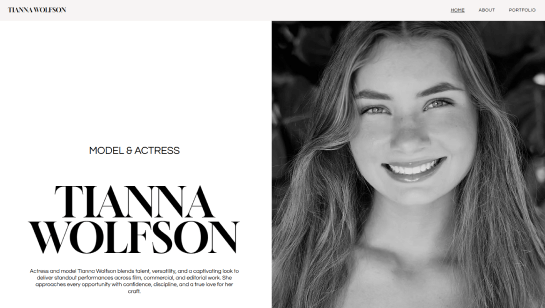

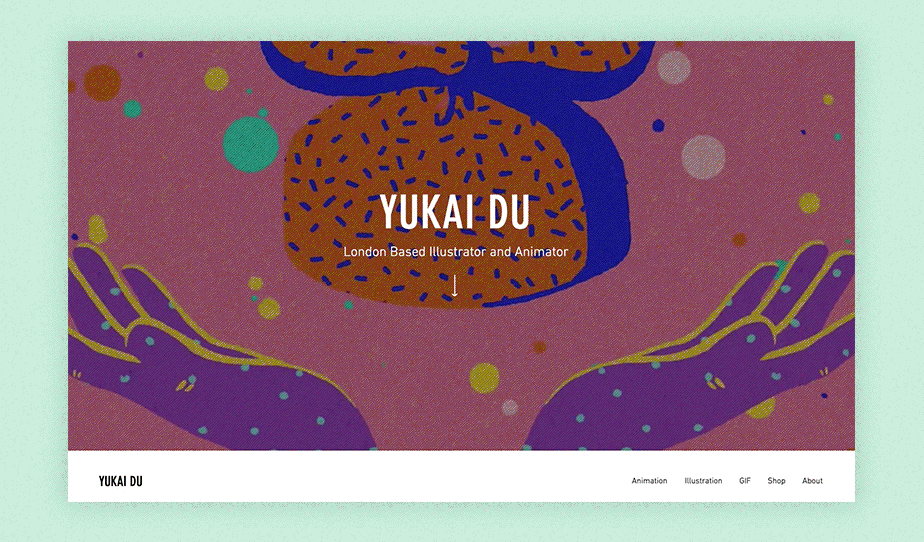




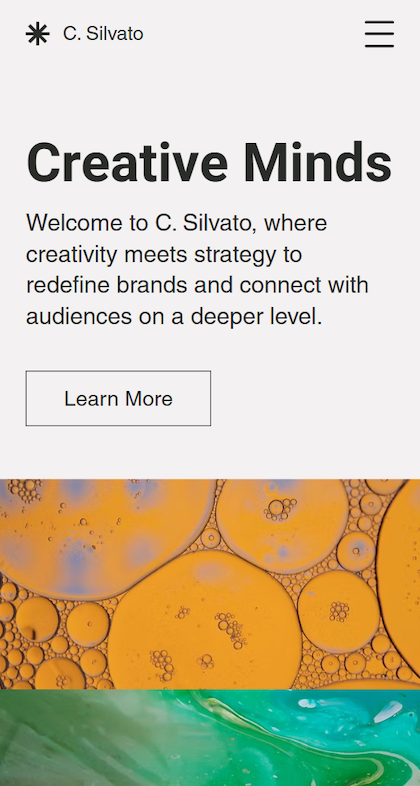


Build and design your cool website

Drag and drop editor
With Wix’s flexible editor, you can play around with dynamic sections, layered elements and scroll effects to create a stunning, visually rich website.
Design features
Try out cool website design features like animated transitions, parallax scrolling and microinteractions that add depth and personality to your site.
AI creation tools
Use built-in AI to craft eye-catching content, refine project details and add interactive sections to make your cool website more engaging.
Smart site growth
Scale your website with eCommerce features, captivating blogs and podcasts, marketing tools, chatbots and interactive forms.
Wix is trusted by over 300M users
Content ideas for your cool site

Eye-catching website galleries
Display your visuals, products or projects with vibrant grids, smooth sliders and interactive galleries. Use hover effects and animations to give your website a cool feel.

Social media feed
Show your latest posts with custom social feeds, embedded videos and interactive streams. Blend them seamlessly with your design to make your cool website feel alive and connected.

Interactive booking hub
Highlight your availability with animated calendars, time-slot pickers and custom forms. Add confirmation pop-ups, reminders and seamless payment options to make scheduling easy and stylish.

Cool Bio page
Create a stylish bio page with interactive sections, eye-catching photos and embedded videos. Share your story and achievements to make your website more personal.
.png)


Cool website designs FAQ
What makes a website design feel “cool” and original?
A cool website stands out through bold visuals, unique color schemes and custom graphics. Interactive elements like animated buttons or hover effects add personality without overwhelming users. Creative layouts that break standard grids can make a site memorable.
How do I balance creative design with usability?
Even bold designs need intuitive navigation so visitors can easily find information. Prioritize key content and keep interactive effects purposeful. Make sure text, buttons and visuals are readable and accessible on all devices. Testing with real users helps ensure creativity enhances rather than hinders the experience.
What layout ideas work best for engaging websites?
Asymmetrical grids and layered sections add depth and movement. Interactive galleries and sliders let visitors explore visuals or products in an engaging way. Subtle scrolling effects or reveal-on-scroll animations guide attention naturally.
Should I start with a template or design from scratch?
Templates give a fast, stylish starting point that can be customized to feel unique. Designing from scratch allows full control over layouts, animations and interactions for a one-of-a-kind site. A hybrid approach works well: use a template as a base then add custom sections and effects. Learn more: how to build a website