
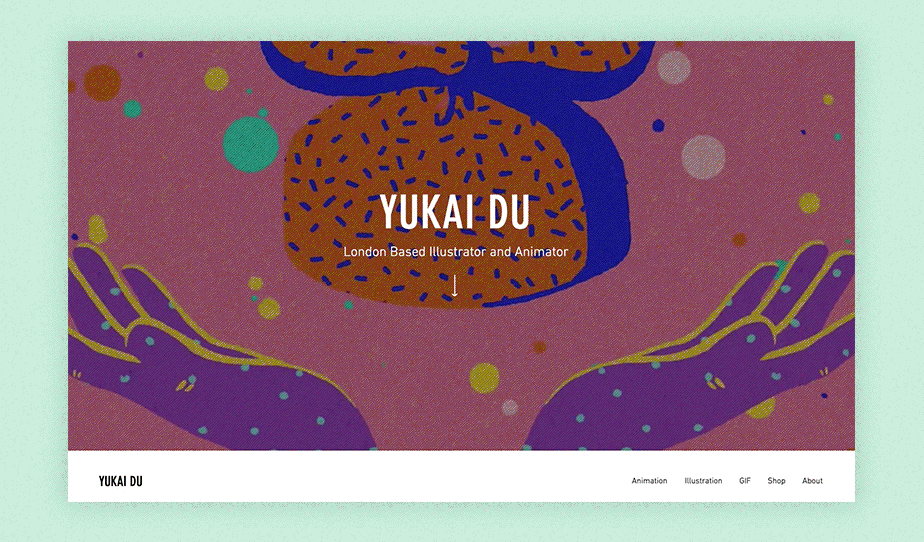
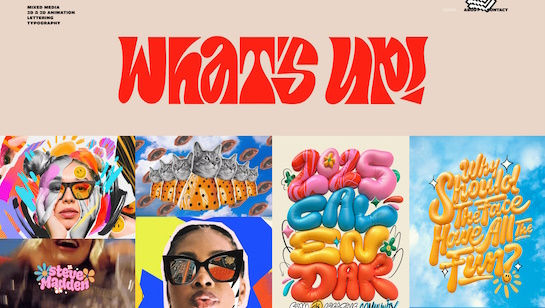


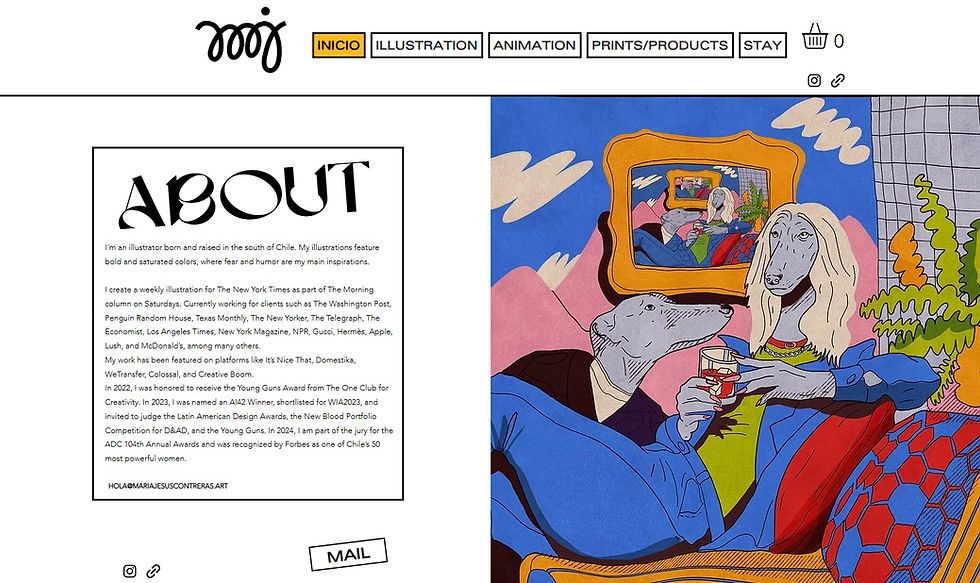


Build and design your artist website

Drag and drop editor
Arrange your portfolio exactly the way you want it with a drag and drop website builder that needs no coding skills. Move images, text and galleries into place freely, so your site reflects your artistic vision from the first click. A .show domain covers showing work, not only staging a performance.
Design features
Choose from professional layouts built for visual storytelling, with tools to showcase your work through galleries, lightboxes and image sliders. Your portfolio website deserves a presentation that does justice to every piece you create.
AI creation tools
Build your artist site in minutes using a free AI website builder that generates pages, writes copy and matches your style automatically. Spend less time setting up and more time making art.
Built-in growth tools
Reach more collectors, fans and collaborators with built-in SEO tools, social media integrations and an online store for selling prints or originals. Every site also includes robust website security to keep your work and your visitors protected.
Wix is trusted by over 300M users
Content ideas for your artist website

Artwork galleries
Organize paintings, drawings or sculptures into collections by series, medium or year. Add the title, year, medium and dimensions so collectors have what they need to buy.

Meet the artist
Share your training, influences and how your practice has evolved. Keep it personal so collectors and curators connect with you before they view a single piece.

Sell prints & originals
Sell originals, limited prints or digital downloads directly from your site. A built-in checkout keeps buyers with you instead of a third-party marketplace.

Exhibitions & shows
Add an exhibitions calendar showing where your work appears next. Use scheduling tools to promote opening nights, send reminders and keep collectors updated.

Commissions & contact
A simple contact form is all most artists need. Note the inquiries you welcome, like commissions, gallery shows or licensing, so serious buyers reach out.


Artist website FAQ
What should an artist website include?
An artist website needs a gallery to show your work, an about page to explain who you are and what you make, and a contact page so buyers and galleries can reach you. If you sell work, add a shop for prints or originals. A news or blog section is optional but useful for sharing exhibition updates with your audience.
How do I make an artist website for free?
Sign up for a free website builder like Wix, pick a template designed for artists and upload photos of your work with a short bio. You can publish without spending anything, then upgrade later if you want a custom domain or to sell work online. The whole process takes an afternoon even if you've never built a website before.
What is the best website builder for artists?
Look for a builder that gives you strong image display options — grid layouts, full-screen galleries and lightbox views are all worth having. You also want a shop, a contact form and basic SEO settings like custom page titles and descriptions. The best option is one you can update yourself without a developer so your site always shows your most recent work.
Do artists need a website?
Yes. Social media platforms change their algorithms and policies constantly, and you don't own your presence on them. A personal website shows up in search results when collectors or curators look for artists in your style and gives you a direct way to sell work without paying a platform fee. It's also the most professional way to send someone to see your work.
How do I display my art on a website?
Use a simple grid or masonry layout with plenty of white space so each piece can be seen properly. Enable lightboxes so visitors can click to see a larger version and write a short caption for each work with the title, year, medium and dimensions. Always upload the highest resolution images you have and photograph your work in natural light.
How much does it cost to build an artist website?
Free plans on most website builders let you publish a real site at no cost. A paid plan typically runs $10 to $25 per month and adds a custom domain, removes platform branding and unlocks ecommerce features for selling work. Most independent artists find a mid-range paid plan covers everything they need.
What should I put on my artist website homepage?
Lead with your strongest image or a short video of your work, then add a line or two about who you are and what kind of art you make. Include clear links to your gallery and contact page in the navigation. Browsing website templates designed for artists first can help you decide on a layout before you start adding your own content.
Should an artist website have a blog?
A blog helps with search visibility and gives collectors a reason to return to your site. Use it to write about your process, document a body of work or share news about upcoming shows. Only add a blog if you'll actually update it — an empty or outdated blog looks worse than having none at all.
How do I sell my art online through my website?
Add an online shop page where visitors can buy directly without leaving your site. Set up payment processing, decide on your pricing and shipping options and list each piece with a clear image and description. Selling from your own site means you keep more of each sale and stay in full control of how your work is presented to buyers.
How do I get people to visit my artist website?
Start by writing descriptive alt text for every image, using your medium and style in page titles and creating written content that explains your work. Share new pages and posts on Instagram and Pinterest with a direct link in your bio. Building an email list of collectors and followers is the most reliable long-term way to bring people back every time you add new work.