





Build and design your wedding website

Drag and drop editor
With Wix’s flexible editor, you can create a wedding website and easily arrange photos, maps, RSVP buttons and custom sections as you create. A .events domain suits a business whose product is the event itself.
Design features
Make your personal wedding website stand out with scroll effects, animations and interactions.
AI creation tools
Generate an Our Story page, add event details and design sections with AI to make your wedding website uniquely yours.
Event integrations
Easily add features, like gift registries or guest lists, to your event website to manage your wedding planning at every stage.
Wix is trusted by over 300M users
Wedding website examples FAQ
What are wedding website examples?
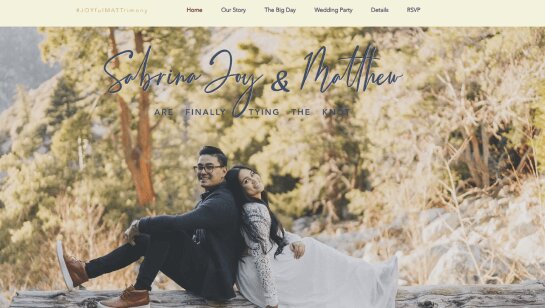
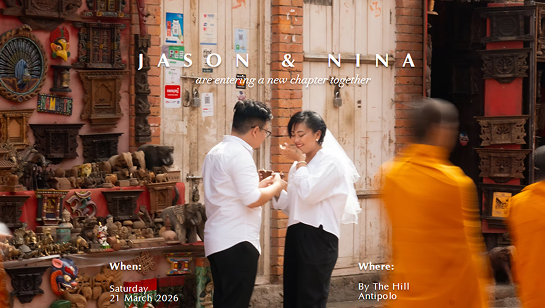
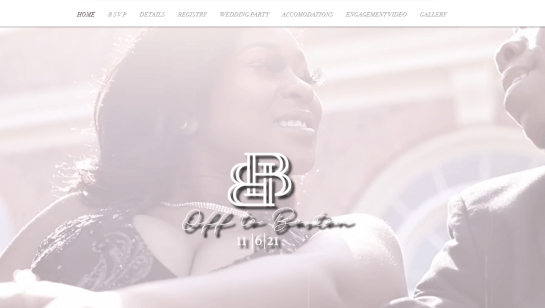
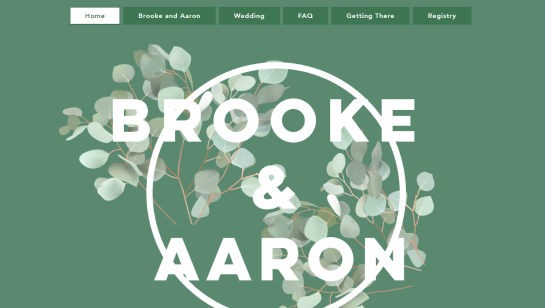
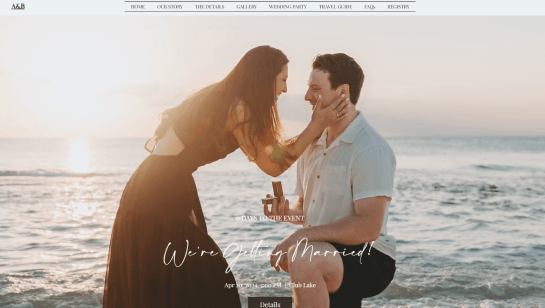
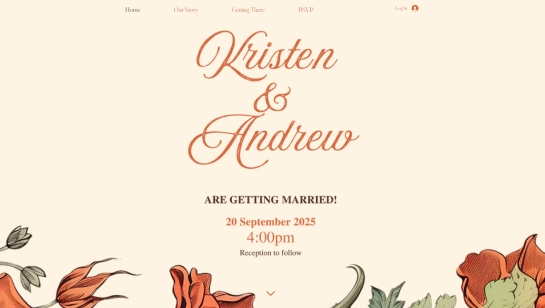
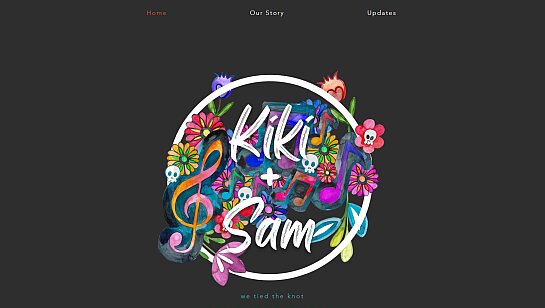
Wedding website examples are real sites created by couples to share event details, RSVP info and wedding stories. They show different layouts, styles and features you can use for your own site. If you’re planning your wedding, these examples can inspire your design and help you learn how to create a wedding website that’s beautiful, organized and easy for guests to navigate.
What should a wedding website include?
A wedding website should feature the wedding date, venue details, RSVP form, travel and accommodation info, registry links and a timeline. Many couples also include their love story, photos and a FAQ section for guests. Using free wedding website templates can help you quickly set up a site that’s both beautiful and organized, giving you inspiration for layout, design and content.
How do I design my wedding website?
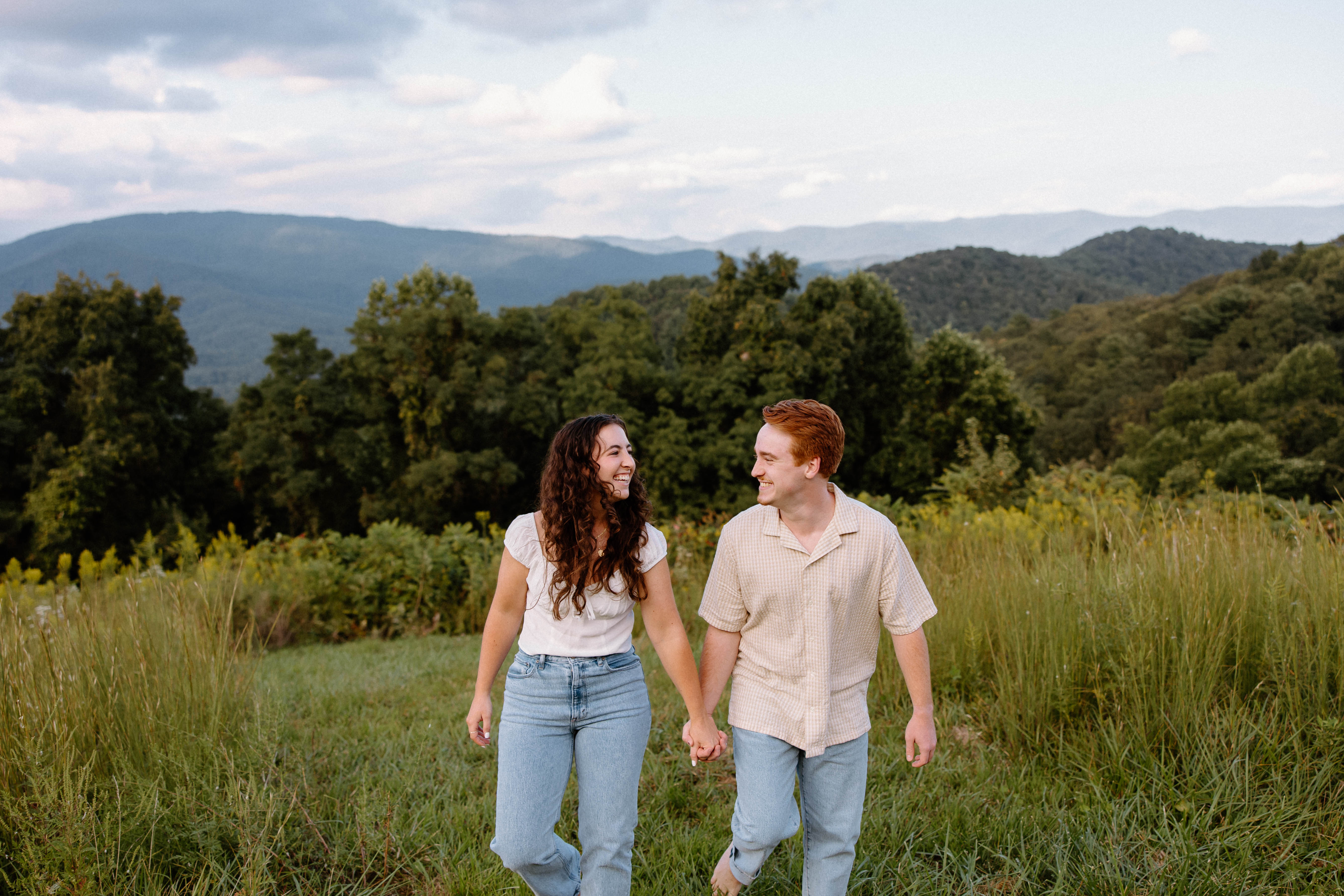
Choose a clean layout and fonts that match your wedding's vibe. Your homepage should welcome your guests and clearly display the big date. Then, organize your details: ceremony info, RSVPs and travel tips. Add personal touches like engagement photos to tell your story but keep it balanced.
Do I need an RSVP form on my wedding website?
Yes. An online RSVP form makes life way easier for you and your guests. You can customize your form to collect meal preferences, plus-one details and song requests all in one go. Having everything in one organized spot means fewer emails and phone calls to track down. You can even set up automatic reminders for those friends who are a bit slow to respond so you can focus on the fun stuff.
What FAQs should I put on a wedding website?
Answer the questions guests ask most: “Where should I park?”, “Are kids invited?”, “Can I bring a plus-one?”, “What’s the dress code?” and “Where should I stay?” Add details about ceremony start times, shuttle services and nearby attractions if many guests are traveling. Including this upfront saves you time answering the same questions repeatedly and ensures everyone arrives prepared.
What makes a good wedding website design?
A great wedding website design is both functional and beautiful. It should be mobile-friendly, easy to navigate and quickly communicate the important details. Personalize it with photos, videos and a short story about your relationship. Use clear headings and short sentences so guests can find what they need without any fuss. A simple and smart design makes it easier for people to RSVP or check out your travel tips.
Why should I look at wedding website examples?
Looking at wedding website examples helps you find design inspiration and decide what sections to include, like schedules, venue info, registry links and photo galleries. It also helps you choose a style that fits your wedding theme.
How do I use wedding website examples to build my own site?
Use wedding website examples to choose a layout you like, then customize it with your colors, photos and wedding details. Focus on clear navigation and easy RSVP options so guests can find what they need quickly.