Updated: 2 days ago
Build your website, your way with Wix Harmony →

What is the Wix MCP? It's a Model Context Protocol server that connects AI tools like Claude and Cursor directly to Wix's developer platform, giving them live access to Wix documentation, APIs and business functionality. Instead of searching the docs and writing integration code by hand, you describe what you need in plain language and your AI client handles the rest.
In ChatGPT, this same connection is available as the Wix plugin for ChatGPT: connect it once, then tag @wix in any prompt to put it to work.
Whether you're a developer building a custom eCommerce website, a freelancer managing client sites or a business owner who wants to automate operations through AI, the Wix MCP removes the manual work between your idea and your live site.
If you're curious about how to get your business ready for agentic AI, the Wix MCP is a practical starting point.
TL;DR: what is the Wix MCP?
Topic | Summary |
What it is | A Model Context Protocol server that connects AI tools to Wix's APIs and documentation |
Who it's for | Developers, freelancers, agencies and business owners |
How to use it | Paste a config JSON snippet into your preferred AI tool (Claude, Cursor, Windsurf) |
What you can build | eCommerce, Bookings, Blog, CRM, Payments, Events, CMS and more |
Cost | Free to start; Premium plan available for extended business functionality |
Start from the basics: learn how to make a website from scratch.
What is the Wix MCP?
The Wix MCP is a Model Context Protocol (MCP) server built and maintained by Wix. MCP is an open standard for connecting AI-powered tools with external data sources, documentation and APIs. Once an MCP server is configured in your AI client, that client can discover and call the resources the server exposes, without you having to write the boilerplate yourself.
The Wix MCP specifically exposes Wix's entire platform as a set of structured, callable tools. According to Wix's official documentation, once you configure the server, your AI client can search Wix documentation, write code for the Wix platform and make API calls on your live sites. That's a significant shortcut: instead of reading docs, finding the right endpoint and implementing it yourself, you type a prompt and your AI client does all three.
Wix launched the MCP server in May 2025 as part of a broader developer tooling investment following the release of Wix Studio. It's available to anyone, and you can start using it for free.
"An engineer no longer needs to know everything equally deeply. At Wix we are developing the xEngineer approach, a regular engineer who has a strong foundation in one area but, thanks to AI, can work more broadly and take on tasks end-to-end." — Aviran Mordo, VP of Engineering at Wix
Learn more:

Wix Harmony brings AI and manual creation together in a single, smart platform. You can generate full pages, layouts and content with natural language, then fine-tune every detail with precise drag-and-drop control. It’s faster, more flexible website creation, without sacrificing quality or creative freedom.
How does the Wix MCP work?
The Wix MCP sits between your AI client and Wix's platform. When you send a prompt, your AI client uses the MCP server to look up the right documentation, find the correct API endpoint and either write the code or execute the action on your behalf. You stay in your IDE or AI chat window throughout.
Getting set up takes three steps:
01. Configure

Add the following JSON to your AI tool's MCP configuration:
{"mcpServers": {"wix-mcp-remote": {"type": "http", "url": "https://mcp.wix.com/mcp"}}}
02. Describe your task or website
The Wix MCP responds to natural language, but the specificity of your prompt directly affects the quality of the output. Vague prompts produce generic starting points.
Specific prompts produce working code or completed actions.
There are two types of prompts you'll use:
Action prompts: Tell the AI client to do something on a live Wix site. These make direct API calls. Example: "Apply a 15% discount to all products on the site Party Costume Store for one week starting today."
Code prompts: Ask the AI client to generate code you can copy or build on. Example: "Show me Node.js code that uses the Block Member method from Wix Members." The output is code in your editor, not an action on a live site.
A few practical rules for getting better results:
Name the Wix site explicitly. The MCP works across multiple sites, so specifying which one prevents errors. Use: "On the site [site name]..." at the start of any action prompt.
Name the Wix business solution. Several solutions share similar API names. Wix Stores, Wix Events and Wix Restaurants all have Orders APIs. Saying "using Wix Bookings" or "using the Events API" routes the prompt correctly.
Separate code requests from action requests. Don't mix "write me code that does X" with "now run it on my site" in the same prompt, especially if you haven't reviewed the code yet.
Use the word 'Wix' in new chats. It cues the AI client to activate the Wix MCP context. Starting a new conversation with "On the Wix site..." or "Using the Wix APIs..." makes a difference.
For a full library of tested prompts across different use cases, browse the official Wix MCP sample prompts. For more on how AI prompting works for website creation specifically:
03. Run and deploy
Execute the generated code to launch or update your website directly from your AI assistant.
Before you start, make sure you have Node.js version 19.9 or higher installed. The Wix MCP works with all MCP-compatible AI tools, including Claude, Cursor, Windsurf, VS Code with Copilot and n8n. If you don't have a Wix account, you'll be prompted to create one when you first interact with the server.
Worth knowing: most AI clients validate the code the Wix MCP helps generate, but this depends on the specific model you're using. Always review and test generated code before deploying to a live site. Wix's own guidance is to treat validation as your responsibility, regardless of which AI tool you're working with.
See the Wix MCP in action here:
What can you build with the Wix MCP?
The Wix MCP gives you access to all of Wix's core business solutions. That includes:
eCommerce

Centralized management for orders, inventory, shipping and finance. Set up a store, run discounts and handle payments through natural language prompts.
Bookings

Sell services, manage appointments, set staff calendars and handle just about any scheduling need your business has.
Payments
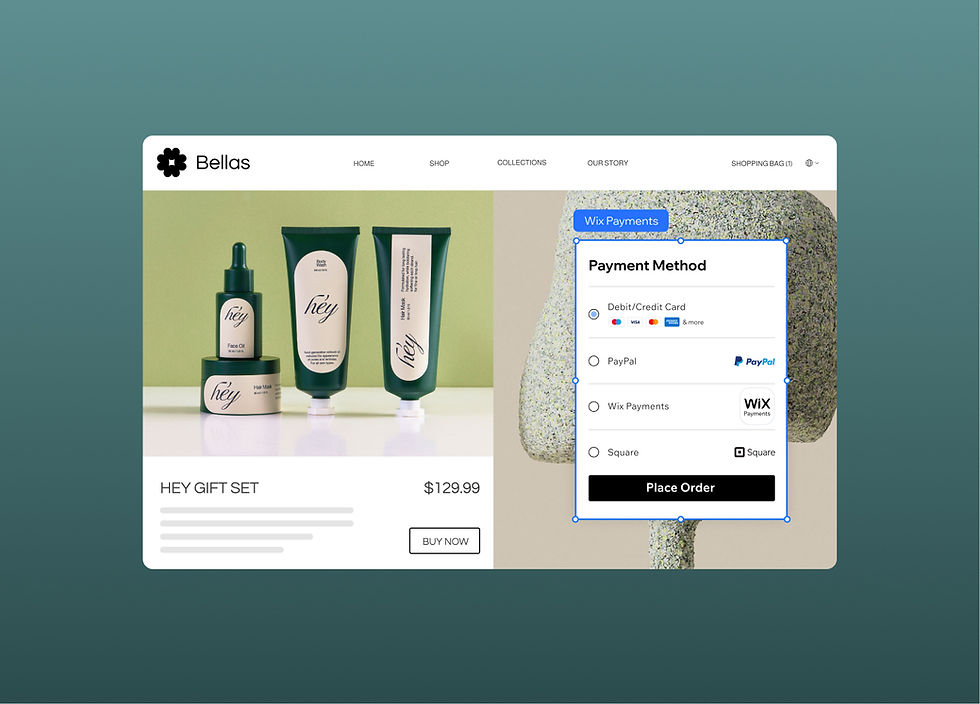
Integrate a secure payment solution on booking or commerce sites. Supports debit and credit cards, Apple Pay, installments and more.
Learn: AI eCommerce builder features.
Events

Run events with ticket sales, customizable registration pages, seating plans and attendee tracking built into your event website.
Pricing plans

Create membership or subscription pricing that fits your business model.
Explore: membership website builder.
Blog

Start a blog and add it to any site. Manage content with tags and categories, assign editorial roles and connect to monetization through subscription plans.
CMS
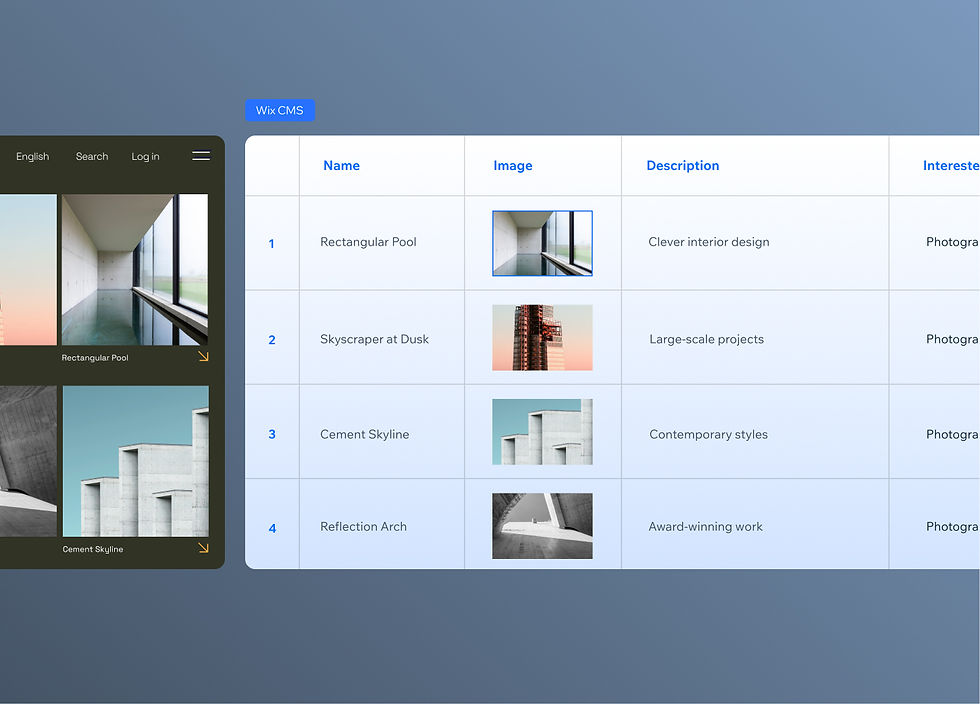
Manage content via collections connected to your site's frontend, without touching the visual editor.
Learn more:
CRM

Capture leads through forms and live chat and manage contacts directly through your AI client.
Restaurants

Build a restaurant website with online ordering, reservations, custom menus and marketing tools.
You can also use the Wix MCP to build a headless CMS platform and custom Wix apps. The full list of available APIs is at dev.wix.com/docs/sdk.
The same business areas are also covered from the agent side. Symphony by Wix is an AI agent platform for independent business owners and small businesses that coordinates specialized agents around business goals. eCommerce, bookings, client communications and finance can be handled by agents working inside Wix instead of through a client you configure yourself.
"Wix's AI tools are doing real work for business owners: generating content, creating visuals, automating the tasks that would otherwise eat hours out of the week. That's what scaling with AI actually looks like. Not a gimmick but a genuine reduction in the operational load on the person running the business." — Yarin Singolda, Product Marketing Manager at Wix
Explore:
Is the Wix MCP secure?
Website security is a reasonable concern any time you're giving an AI tool access to live business data. Wix factors security into every stage of its design and development process. The Security Operations Center monitors threats 24/7 and the platform holds certifications including PCI DSS Level 1, SOC 2 Type 2, SOC 3 and several ISO standards. It's also compliant with GDPR, CCPA and LGPD.
The infrastructure running underneath is built for reliability: multi-cloud website hosting, global CDN coverage and multiple layers of DDoS protection. For most developers and business owners, the Wix platform's security posture is stronger than what they'd build themselves.
On code validation: most AI clients will validate the code the Wix MCP helps generate, but this depends on the capabilities of the specific model you're using. The recommendation from Wix is to always review and test generated code before going live, regardless of your AI tool of choice.
If you're thinking about how to run an SMB better with agentic AI, the security and reliability of the underlying platform matters as much as the AI features on top.
What is the Wix MCP FAQ
What is an MCP server?
MCP stands for Model Context Protocol, an open standard for creating connections between data sources and AI-powered tools. An MCP server provides an AI tool with resources such as documentation, API access and functionality it can call while executing tasks. This speeds up workflows significantly, since the AI client doesn't have to rely on general training data alone.
Is the Wix MCP compatible with all AI tools?
The Wix MCP is compatible with any MCP-compatible AI tool. That currently includes Claude, Cursor, Windsurf, VS Code with GitHub Copilot and n8n, among others. You'll need Node.js version 19.9 or higher installed to use the local server configuration. A remote HTTP configuration is also available for tools that support it.
Do I need a Wix account to use the Wix MCP?
Yes. If you don't already have one, you'll be prompted to create a Wix account when you first start chatting with your AI client about your project. Creating an account is free.
Who is the Wix MCP for?
The Wix MCP serves three groups: developers who want to build on or integrate with Wix without manually navigating the documentation, business owners who want to manage their sites and operations through AI conversation and agencies and freelancers who handle multiple client sites. It's also useful for AI automation specialists building workflows that include Wix as a component. Learn more about the best AI website builders to understand how the Wix MCP fits into the broader AI-powered web creation landscape.