Make any AI project business-ready in one prompt. Try Wix Headless →

Choosing a headless CMS can be difficult because the best option depends on how your team builds, manages and delivers content. You need enough flexibility for developers without making content management harder for everyone else.
The right choice comes down to finding a balance between developer control, content workflows, business needs and cost. This guide walks you through the key factors to consider so you can compare headless CMS platforms and choose one that fits your project.
Go from code to live site with Wix Headless. Upload or drag in your HTML, CSS and JavaScript files to get your site live with a shareable URL. Wix handles the hosting and infrastructure, and you can add eCommerce, bookings, CMS, payments and more with a single prompt.
TL;DR: how to choose a headless cms
Don't choose a headless CMS based on its feature list alone. See how it works with your actual content and team, check what you'll need to build and maintain yourself and look at the full cost before you decide.
You'll learn:
When headless makes sense and when it doesn't
How to define what your project needs
What to check when comparing CMS platforms
The difference between self-hosted and managed options
What a headless CMS really costs
How to test and compare your shortlist
How Wix Headless fits into the options

What a headless CMS is and when you need one
A headless CMS stores and manages your content, then sends it through an API to any frontend you build. Unlike a traditional CMS, it separates content management from the presentation layer. Your developers choose the frontend framework, and the same content can power a website, an app or a kiosk.
That separation gives you flexibility, but it also shifts work to your team. Someone has to build and maintain the frontend, so going headless only pays off when you actually need that freedom.
Learn more: What is a headless CMS

Signs headless is the right fit
Headless tends to make sense when you publish to more than one channel, have developers on hand and need control over the frontend and performance. It's also a strong match if you build frontends with AI coding tools and need a reliable backend behind them.
It's especially useful when you need the same content across several products. If product information, articles or other content needs to appear on a website, mobile app and other interfaces, a headless CMS keeps that content in one place.
Teams outgrowing templates often hit this point first. If your designers keep asking for layouts your current platform can't handle, a decoupled setup removes that ceiling.
When a traditional CMS is enough
If you run a simple blog or a brochure site and nobody on your team writes code, headless can add cost without adding much value. A visual website builder or a traditional CMS gets you live faster and keeps editing simple.
The same goes for very tight timelines. Building a custom frontend takes time, so if you need to launch next week, a template-based site is usually the smarter call.

Define your project requirements
Before you look at any platform, write down what you're building. List every channel the content will reach, from your website to a mobile app or in-store screens. Then note the content types you need, such as products, blog posts, events or team profiles.
Next, look at your people and your stack. A team of developers can handle a code-first platform, while a marketing-led team needs a friendly editor and visual preview. Note the frontend frameworks and hosting setup you already use, since the CMS needs to fit them.
Finally, set a budget and timeline that include the frontend build, hosting and ongoing upkeep. If you plan to sell online, add commerce to the list early, since headless commerce changes which platforms make your shortlist.
Read more: What is headless commerce?
If you're migrating an existing site
List the content you already have and identify what needs to move, change or be rebuilt. Check how the new CMS handles redirects, URLs, structured content, media, SEO metadata and content export before choosing a platform.

Key factors to evaluate in a headless CMS
Once you know what you need, compare platforms on the factors that shape daily work. These eight cover what matters most to editors, developers and the business.
01. Editor experience and visual preview
Your editors will live in the CMS every day, so test the interface early. Look for clear fields, drag-and-drop media and the option to schedule content without help from a developer.
Don't just ask editors if they like the interface. Give them a real publishing task and see how long it takes without developer help. Also ask every vendor to show a live preview of your frontend, since editors who can't see a page before it goes live end up filing endless support tickets.
Expert tip from Rafal Koziarz, developer of Solitairec:
"The CMS has been very helpful. I try to get my partner to manage as much as possible through the Wix admin console, from product management to text and content."

02. Content modeling and reuse
Content modeling is how you define the structure of each content type and its fields. For example, a "Team member" model might include a name, role, photo, bio and social links. That same content can then be reused across different pages or channels.
Check how easy it is to change a model later. Projects evolve, and a platform that makes schema changes painful will slow you down for years.
03. APIs, SDKs and integrations
Most platforms offer a REST API, a GraphQL API or both. REST is simple and widely supported, while GraphQL lets developers request exactly the data they need, which can be useful for complex frontends.
Look for ready-made integrations with the tools you already run, plus webhooks. Webhooks let the CMS notify other systems when content changes, which matters for search indexing, publishing workflows, analytics and other connected services.
04. Developer experience and frontend compatibility
Check that the CMS works well with the frameworks, languages and deployment setup your team already uses, such as React, Next.js, Vue, Astro or a mobile app. Look for clear documentation, SDKs, starter projects and examples for your preferred frontend framework.
A technically flexible CMS can still be a poor fit if developers spend too much time working around its APIs or documentation.
05. Roles, workflows and versioning
As your team grows, you'll need control over who can edit, approve and publish. Look for custom roles, approval workflows and a full version history so you can roll back mistakes in seconds. Also check for draft, review and published states if several people work on content.

06. Localization and media handling
If you plan to reach other markets, check how the platform handles translations and locale-specific content. Check that localization covers structured content, URLs, metadata and media as well as body copy, since adding it later is far harder than planning for it now.
Media matters too. Built-in image optimization and delivery through a CDN keep pages fast without extra tools.
07. Performance, scalability and security
Ask how the platform handles traffic spikes, where its servers are located and what uptime it commits to. For security, look for single sign-on, audit logs and compliance with the standards your industry requires.
Managed platforms usually handle hosting, SSL and scaling for you. Self-hosted options give you more control, but your team owns every patch and outage.
08. SEO controls
A headless setup gives developers more control over technical SEO, including markup, rendering and page performance. But that control only helps if the frontend is built well.
Make sure editors can manage meta titles, descriptions, URLs and structured data without touching code, and preview metadata before publishing. Check how the setup handles redirects, canonical URLs, XML sitemaps and robots.txt, plus server-side rendering or static generation where relevant.
Want a CMS that comes with a full business backend built in? Try Wix Headless for free.
Self-hosted vs managed headless CMS
The biggest structural choice is who runs the infrastructure. You can host the CMS yourself or let the vendor manage it for you.
Self-hosted
Open source software can be free to download and customize, but running it still has infrastructure and maintenance costs. You can host it anywhere and change the code to fit your needs.
The catch is everything around it. Your team handles servers, databases, updates, backups and security, and those hours add up fast.
Managed SaaS
A SaaS headless CMS runs in the vendor's cloud, so you skip the infrastructure work and get updates automatically. Setup is fast and support is usually included.
In return you accept the vendor's pricing and usage limits. Read the fine print on API calls, records and seats, since crossing a limit can push you into a much pricier tier.
All-in-one platforms
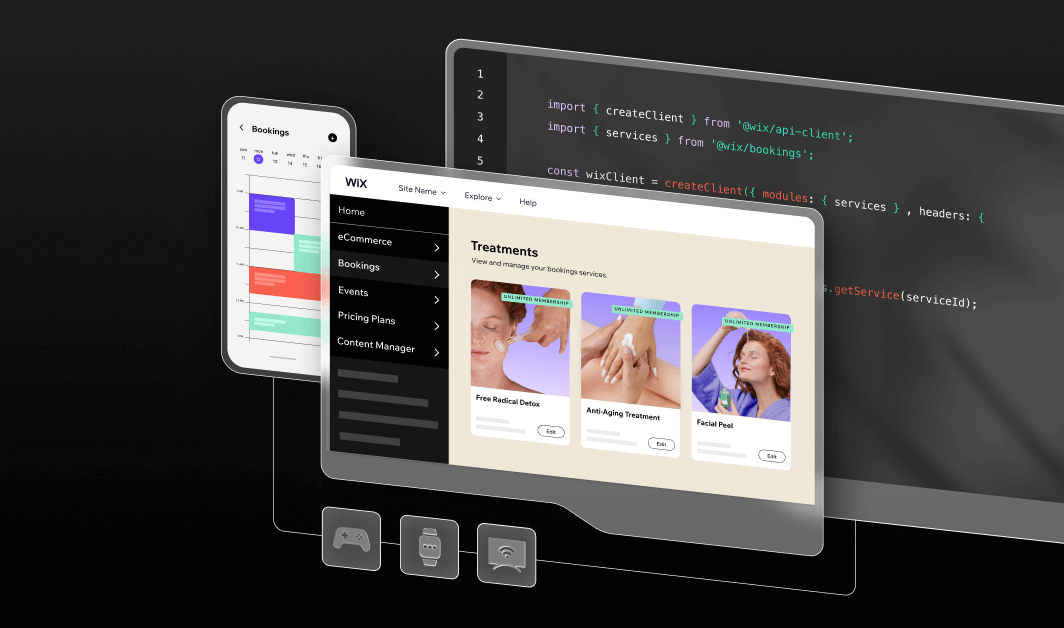
Some managed platforms combine a headless CMS with services such as commerce, payments, bookings and hosting. This can reduce the number of separate systems your team has to connect and maintain.
Calculate the real cost of a headless CMS
The sticker price is only part of the bill. A free plan can turn expensive once you add more editors, content or API traffic, and the jump between tiers is rarely small.
Then add the costs outside the CMS itself, from frontend development and hosting to image delivery and extra services such as search or commerce. Ongoing maintenance often costs more than the initial build.
Expert tip from Tuvit Rubin Kaplan, Head of DevRel at Wix:
"Frontend creation became easy almost overnight. But running a business still requires real infrastructure. Wix Headless is where those two things meet."
To compare fairly, estimate your total cost for the first two years. Include CMS fees, hosting, frontend development, developer maintenance, additional services, migration and the time your content team spends managing the system.

How to evaluate your shortlist
A structured evaluation keeps you from picking on hype or a polished sales demo. Work through these steps with your team.
01. Build a shortlist
Use your requirements to narrow the field to three or four platforms. Drop any option that fails a must-have, like a missing localization feature or a hosting model your team can't support.
02. Ask vendors the right questions
Go beyond the feature list. Ask how pricing changes as you grow, what support you get, how preview works with your framework and how you can export your content if you leave.
03. Run a proof of concept with real editors
Build one realistic page, populate it with real content, connect it to your actual frontend and let an editor publish a change. This tests the whole system rather than just the CMS interface. Watch where people get stuck, since their feedback is often the deciding factor.
04. Test content export and migration
Export a sample of your content and check that it comes out clean and complete. If you're moving from another system, map your existing content to the new model before you sign anything.
05. Score the options and decide
Rate each platform against your requirements, weight the factors that matter most and add up the scores. Share the results with every team involved so the final choice has full buy-in.
Run your proof of concept on a full business backend. Connect your frontend to Wix Headless and test every flow for free.

Is Wix Headless a good fit?
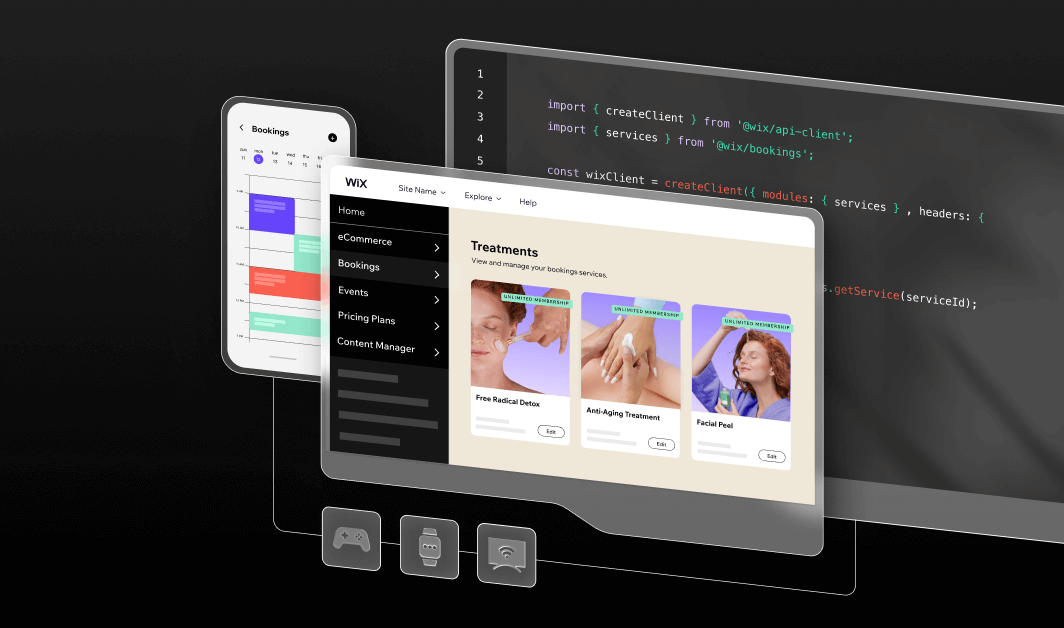
Wix Headless is worth considering if you want a custom frontend but also need managed business capabilities such as a CMS, eCommerce, bookings, events and payments. It can be particularly useful for agencies and AI builders who want to create the frontend themselves without building every business service from scratch.
You keep full control of the frontend. Build it with any framework or AI coding tool, then connect to Wix through REST and GraphQL APIs, the JavaScript SDK or the CLI. Wix manages the business data, content and permissions through its backend and dashboard, while your custom frontend remains under your control.
Hosting is flexible too. With Wix-managed headless, Wix takes care of website hosting, the CDN, SSL and scaling. With self-managed headless, you host the frontend on your own platform and connect to the same Wix backend.
You can start building for free and move to a paid plan when you're ready to accept payments or connect a custom domain.
Get inspired:
How to evaluate Wix Headless
If Wix Headless makes your shortlist, these steps take you from setup to a working proof of concept.
01. Choose your hosting option
Decide if you want Wix to host your project or prefer to host the frontend yourself. Both options connect to the same backend, so pick the one that suits your workflow.
02. Connect your frontend in one prompt
Point your AI coding tool at wix.com/headless/skill.md and it wires your frontend to the Wix backend for you. Already have static files? Use drag and drop deploy to take your HTML, CSS and JavaScript live in seconds.
03. Set up your CMS collections
Organize your content into collections that connect directly to your frontend. Editors can then update text and images from the dashboard without touching code.
04. Add the business solutions you need
Turn on stores, bookings, events or payments as your project grows. These services are managed through the same Wix backend, so you don't have to build each business system from scratch.
05. Test with deploy previews and go live
Use deploy previews to check changes before they're public. When you're ready, upgrade to a premium plan to add your domain and start selling.

Choosing a headless CMS FAQ:
What should I look for in a headless CMS?
Start with the editor experience, content modeling, API options, frontend compatibility and preview. Then check roles and workflows, localization, performance, security and SEO controls. Finally compare pricing models and support so the platform fits both your team and your budget.
How much does a headless CMS cost?
Costs range from free open source software to enterprise plans that run thousands of dollars a month. Your real budget also includes frontend development, hosting, migration and ongoing maintenance. Estimate the total cost over two years rather than comparing starting prices.
What's the difference between a headless and a decoupled CMS?
Both separate content management from presentation. A decoupled CMS may provide a built-in frontend and also allow a separate one, while a headless CMS is designed to deliver content through APIs without requiring a built-in presentation layer. In practice the terms are sometimes used interchangeably.
Can non-technical editors use a headless CMS?
Yes, as long as the platform offers a clear interface and visual preview. Some headless systems are built mainly for developers, so test the editor with your content team before you commit. A good setup lets editors update text and images without filing a ticket.
Should I choose a CMS with a REST or GraphQL API?
Both work well, and many platforms offer each. REST is simple and widely supported, which makes it easy to start with. GraphQL lets developers fetch exactly the data they need in a single request, which can make data fetching easier to manage in complex frontends.
How do I avoid vendor lock-in with a headless CMS?
Choose a platform that lets you export all your content in a standard format such as JSON. Also check that you can access your content through standard APIs and export your media, metadata and structured content. Test an export during your evaluation, not after you sign.


