Updated: 1 day ago
Ready to showcase your best work? Start building your portfolio →
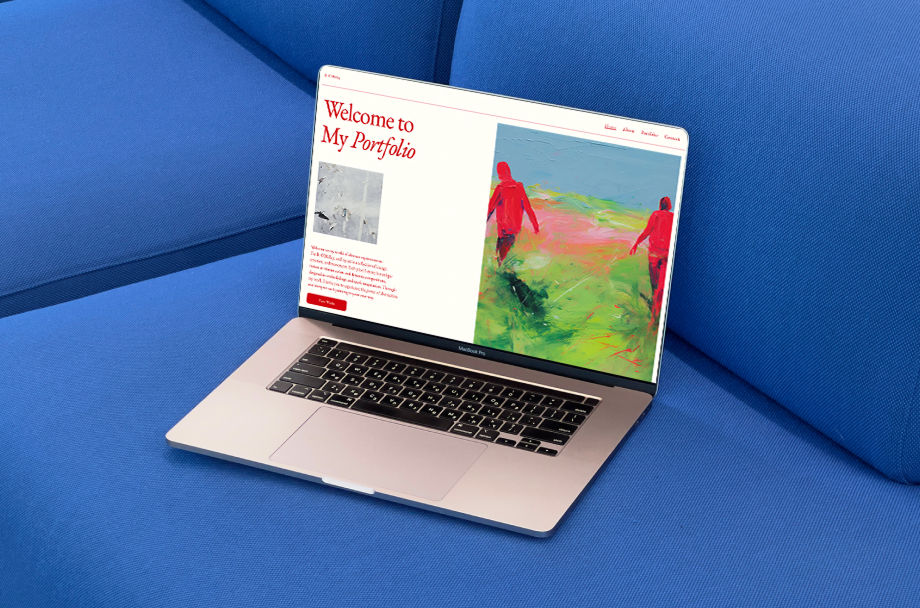
How do I make my portfolio stand out? Make it clear, professional and easy for visitors to navigate. Showcase your best work, highlight your unique style and make it simple for potential clients or employers to understand what you do and why they should work with you.
An online portfolio built with a solid website builder does more than display your work. It tells your story, reflects your style and gives visitors a reason to reach out.
This guide shows you how to create a portfolio that gets noticed. You’ll learn how to showcase your work, communicate your value and build a site that impresses and converts visitors into opportunities.
Ready to build your portfolio quickly? Try our AI portfolio generator to create a professional online portfolio in minutes.
TL;DR: how do I make my portfolio stand out?
A portfolio stands out when it's clear. It should be well-designed and easy to navigate. Visitors need to know who you are, what you do and how to contact you within seconds of landing on your page.
To make yours work harder, focus on quality over quantity. Use a clean professional design. Write a bio that tells your story and add a strong call to action. Wix makes portfolio website creation easy, giving you the tools to implement all of these features quickly.
The table below shows the features that separate a forgettable portfolio from a great one.
Feature | Why it matters |
Clean, professional design | Creates a strong first impression |
Curated work samples | Shows quality, not just volume |
Clear bio and value statement | Tells visitors who you are and what you offer |
Easy navigation | Keeps visitors on your page longer |
Contact section | Makes it simple for people to reach out |
Mobile responsiveness | Ensures your portfolio looks great on any device |
Fast load times | Reduces bounce rates and improves user experience |
SEO-friendly structure | Helps people find you through search engines |
Discover real portfolio website examples and learn design, layout and content strategies that make them stand out.
How do I make my portfolio stand out? Let’s break it down in 8 steps
Building a portfolio that gets results isn’t about doing everything at once. Make smart choices at each step. The steps below will help you build a portfolio you’re proud to share.
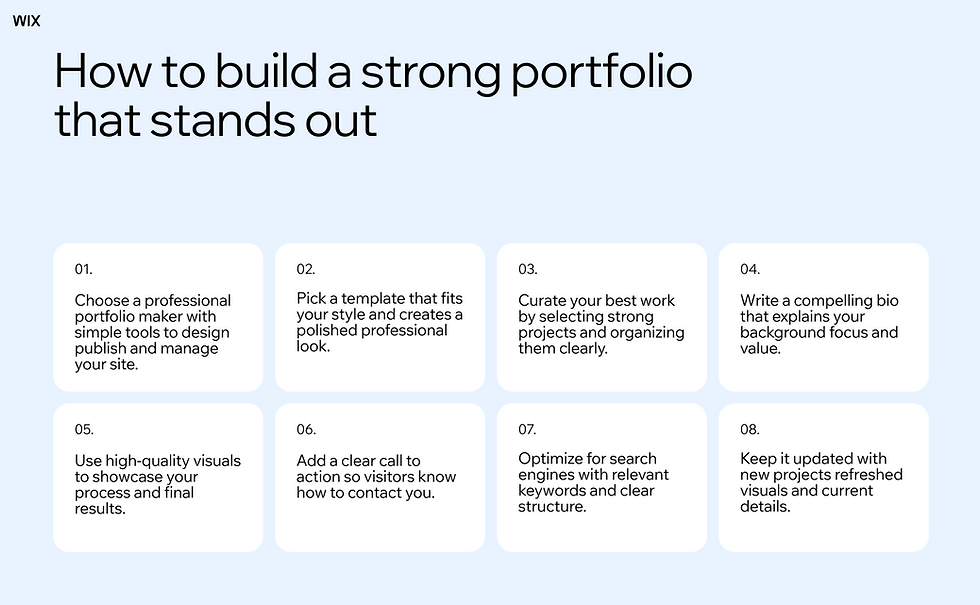
01. Choose a professional portfolio maker
A portfolio maker is the foundation of your online portfolio. It gives you simple tools to design, publish and manage your site without worrying about code.
The right platform makes the process faster and helps your portfolio look polished. You can choose from hundreds of templates, customize your layout and publish your site all from one place. Wix gives you the tools to build a portfolio website fast so you can focus on your work instead of the setup.

Expert tip from Hani Safe, product lead (Showcase) at Wix
"An outstanding portfolio is all about storytelling. It’s not just a showcase of work but a narrative that weaves together a professional’s skills, creativity and personality. Features like dynamic presets, AI setup and beautiful templates let creators bring their stories to life, ensuring that every portfolio not only stands out for its aesthetic appeal but also tells a compelling story about the creator behind it."
Learn more:
02. Pick a template that fits your style
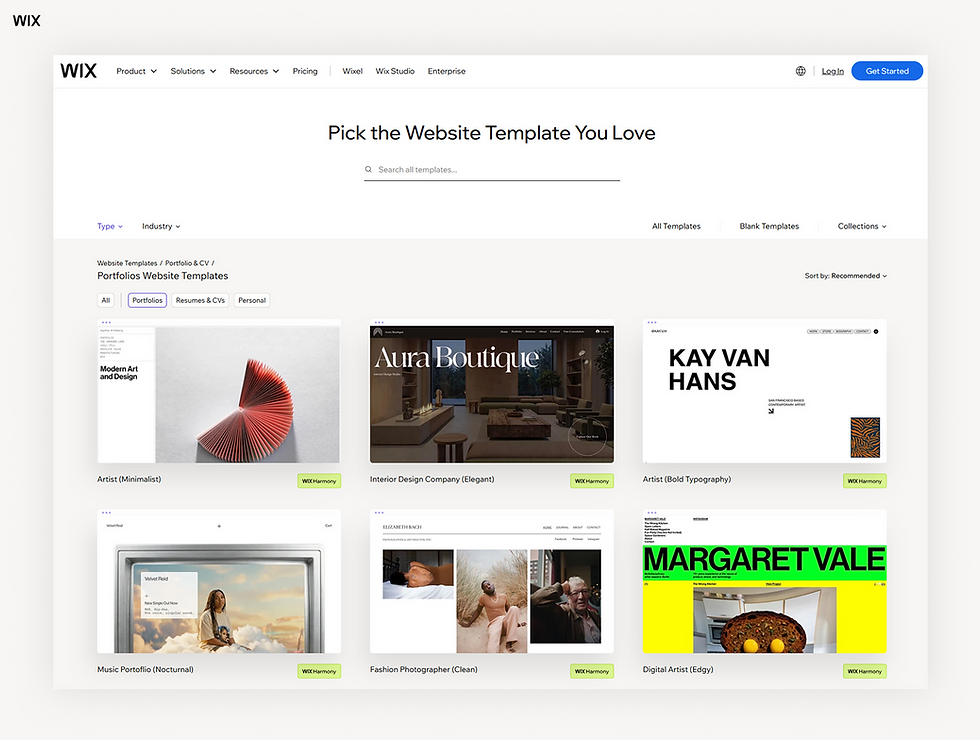
Your template sets the look and feel for your portfolio. It should match your field, your style and the type of work you do.
A well-chosen template instantly communicates professionalism. Wix offers a wide range of portfolio templates designed for creatives, freelancers, photographers, designers and more. These ready-made layouts save time and make it easier to launch your site without starting from scratch.
03. Curate your best work
Show only your strongest pieces. Don’t include every project you've ever done. Quality beats quantity every time and it’s what helps you make a real impression.
Choose work that matches the type of projects you want more of. Organize your samples in clear categories so visitors can quickly find what’s relevant to them. A curated portfolio shows confidence and expertise.
Include context for each project such as the brief, your role and the outcome. Also document the process behind your work to show how you approach challenges and solve problems.
Looking to land your next role? Learn how to make a portfolio for a job that gets noticed.
04. Write a compelling bio
Your bio tells visitors who you are and why they should work with you. It should be clear, specific and written in a tone that matches your brand.
Keep it concise. Mention your background, your area of focus and what makes your approach different. Avoid vague language like "passionate professional" instead be direct about the value you bring. A strong bio builds immediate trust.
Use this section to share your personal story and what drives your work to connect on a human level.

Learn how to write a professional bio and create it with a bio website maker.
05. Use high-quality visuals
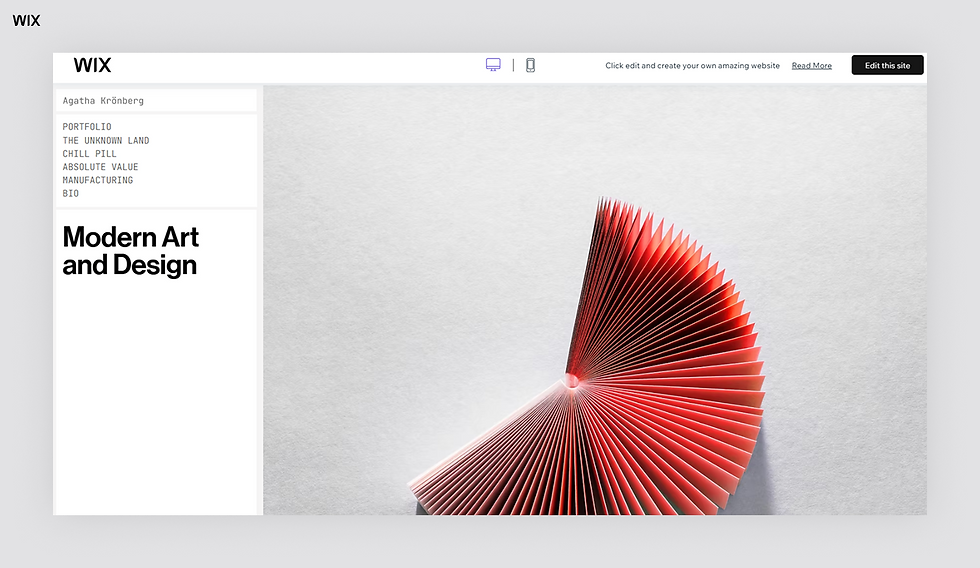
High-quality visuals make your portfolio immediately engaging. Highlight your work with clear visuals that show how you approached each project. Include screenshots, sketches or step-by-step examples that illustrate your problem-solving process.
Show how your projects evolved from initial ideas to the final result. Well-presented visuals help visitors understand your thinking, the challenges you faced and the impact of your work.
If possible, add interactive elements like clickable prototypes or links to live work. These details make your portfolio more memorable and give visitors a reason to explore further.
06. Add a clear call to action
Every portfolio needs a next step. Without a call to action, visitors don’t know what to do after viewing your work.
Make it easy for people to reach out. Include a contact form, email address or booking link in several places on your site. A strong call to action turns casual visitors into real leads.
Use concise language and guide visitors clearly so they know how to connect with you.
07. Optimize for search engines
Search engine optimization (SEO) helps people find your portfolio when they search for someone with your skills. Without proper portfolio SEO, even a great looking portfolio can go unnoticed.
Add relevant keywords to your page titles, headings and descriptions. Write alt text for your images and create a clear URL structure. Wix makes portfolio website setup easy with built in SEO tools that guide you step by step through the optimization process.
08. Keep it updated
A portfolio that has not been updated in years sends the wrong message. Regular updates show that you are actively growing and producing new work.
Set a reminder to review your portfolio every few months. Add recent projects, refresh your bio and update your contact details as needed. An up-to-date portfolio demonstrates that you take your work seriously.
Regularly refresh your visuals and interactive elements to keep your portfolio engaging and reflective of your current skills.
Create your portfolio based on your industry:
What to include on a portfolio website
The content of your portfolio matters just as much as the design. Every strong portfolio needs a few essentials. Here’s what to include in a portfolio:
A strong homepage: Your homepage should immediately communicate who you are and what you do. Use a clear headline and a brief value statement.
Work samples: Choose 6–12 of your best projects. Include context for each one: the brief, your role and the outcome.
An about page: Share your background, your process and what drives your work. Add a professional photo to build trust.
A services or skills section: Be specific about what you offer. This helps the right clients find you faster.
Testimonials: Social proof from past clients or employers adds credibility and builds confidence in your work.
A contact page: Make it easy for people to get in touch. Include multiple options if possible.
Wix makes building your online portfolio simple. You get all the sections you need in one place along with easy to use tools that help you showcase your work and reach your goals.
Common mistakes to avoid
Even strong portfolios can lose opportunities when a few common mistakes get in the way. Avoiding these common portfolio mistakes will help your portfolio stay clear, professional and easy to explore.
Including too many projects: Adding every project you have worked on can overwhelm visitors. Focus on a small selection of your best work that reflects the type of opportunities you want.
Lack of context for projects: Showing visuals without explanation makes it harder for visitors to understand your role or the impact of your work. Briefly explain the project goals, your responsibilities and the results.
Unclear navigation: If visitors struggle to find key pages, they may leave before exploring your work. Keep navigation simple and make important sections like work samples, your bio and contact information easy to access.
Weak or missing call to action: A portfolio should guide visitors toward the next step. Without a clear call to action, people may not know how to contact you or start a conversation.
Outdated content: An outdated portfolio can make it seem like you are no longer active. Update your projects, visuals and bio regularly so your work always reflects your current skills.
Slow loading pages: Large images or poorly optimized pages can slow down your site. Faster pages improve user experience and help keep visitors engaged.
Ready to get started? Build your portfolio with Wix today.
How do I make my portfolio stand out? FAQ
What makes a portfolio stand out to employers?
A portfolio stands out when it's clear, specific and easy to navigate. Employers and clients want to quickly understand what you do, see the quality of your work and know how to contact you.
The strongest portfolios include curated work samples, a compelling bio and a clear call to action. They're also well-designed, mobile-friendly and load quickly. Wix helps you stand out with bold, on-brand website templates that are built to impress.
How many projects should I include in my portfolio?
Most experts recommend including between 6 and 12 projects. The goal is to show range and quality without overwhelming visitors.
Focus on work that's relevant to the opportunities you want. If you're targeting a specific industry or type of role, prioritize projects that align with that focus. Wix provides the tools you need to design, publish and manage a portfolio from one platform.
Should my portfolio have a custom domain name?
Yes, a custom domain makes your portfolio look more professional and is easier to share. It also supports your SEO efforts by making your site easier to find.
A domain like yourname.com is simple, memorable and signals that you take your work seriously. Wix offers domain registration and built-in web hosting so everything stays in one place.
Learn more about how to register a domain name.
How do I get my portfolio to show up on Google?
Getting found on Google requires a basic SEO setup. This includes writing descriptive page titles, adding alt text to images and using relevant keywords throughout your content.
Creating a sitemap and submitting it to Google Search Console also helps. Wix offers built-in SEO tools that walk you through each step, making it straightforward to get your portfolio indexed and ranking. Wix provides reliable hosting for your online portfolio and ensures fast page speeds, both of which are factors Google considers when ranking sites.


