

Design a resume website your way on Wix

Drag and drop editor
With Wix’s flexible editor, you can easily create an online resume website and freely arrange text blocks, skill bars, buttons and custom sections as you create.
Design features
Make your best resume website stand out with scroll effects, sleek animations and interactions.
AI creation tools
Generate unique professional bios, create content and add sections to your site with built-in AI features.
Career integrations
Connect your portfolio to external platforms and add tools to support your job search, from resume display to inquiry management and interview scheduling.
Wix is trusted by over 300M users
Content ideas for your resume website

About me
Share your story, what you’re great at and where you’re headed next. Focus on your unique professional strengths you bring to your work.

My work
Showcase your work with a dynamic gallery that highlights your best projects in a visually engaging way.

Recommendations
Share endorsements or testimonials from clients, colleagues or employers to demonstrate credibility and professional trust.

Get in touch
Add your contact info, email social links or resume so recruiters and clients can easily reach out.
.jpg)


Resume website examples FAQ
What should I include on my resume website?
Start with the basics: your name, professional title and a clear summary of your skills and experience. From there, add sections for your portfolio, work history, education and contact details so visitors can quickly understand what you do and how to reach you.
If you’re exploring how to make a resume website, think beyond listing achievements. Use project highlights to show real results, add links to published work or case studies and include testimonials or certifications to build trust. A clean layout, strong calls to action and easy navigation will help recruiters or clients find what they need fast and move one step closer to contacting you.
How long should a resume website be?
Keep your site easy to navigate. One or two scrollable pages is usually plenty to cover your bio, experience, portfolio and contact details. Remember that quality is better than quantity. Show off your most impressive work and achievements.
Do I need a portfolio on my resume website?
It depends on your field but in many cases, yes. If your work is visual, project-based or results-driven, adding a portfolio can strengthen your resume website and show what you’re capable of beyond a list of roles. Designers, writers, developers, marketers and consultants all benefit from showing real examples of their work in action.
When you create a resume website, think of your portfolio as proof. Instead of just saying you improved conversions or led a campaign, show the project, explain your role and highlight the outcome. Even if your industry is more traditional, you can include case studies, presentations or measurable results to add depth.
And if you’re wondering how this fits with how to write a resume, the principle is the same: be clear, relevant and results-focused. Your portfolio simply brings that strategy to life with tangible examples.
Should I include a downloadable resume?
Yes. Recruiters and clients often want a copy they can save for later, so having a downloadable PDF is a great idea. Just make sure the design matches your site and all your latest wins and contact info are ready to go.
How do I make my resume website look professional?
Use a clean layout with readable fonts, consistent colors and clear headings. Prioritize navigation and readability and avoid clutter or overly flashy visuals. High-quality images or project screenshots help show professionalism.
How do I write an about section for my resume site?
Keep it focused, clear and human. Start with who you are professionally, what you specialize in and the kind of roles or projects you’re looking for. Then add context. Share a short career story, a few key achievements or the perspective that shapes how you approach your work.
The strongest About sections balance credibility with personality. Think measurable results, clear strengths and a sentence or two that shows how you think or solve problems. If you need inspiration, browse examples of the best about pages to see how others blend storytelling with strategy.
End with direction. Invite readers to explore your portfolio, download your resume or get in touch. A great About section doesn’t just describe you. It positions you.
Do I need a blog on my resume website?
Creating a blog is optional but can help demonstrate expertise, share insights or highlight projects in more detail. Even occasional posts about industry trends, case studies or personal lessons can add value and improve site visibility.
What are resume website examples?
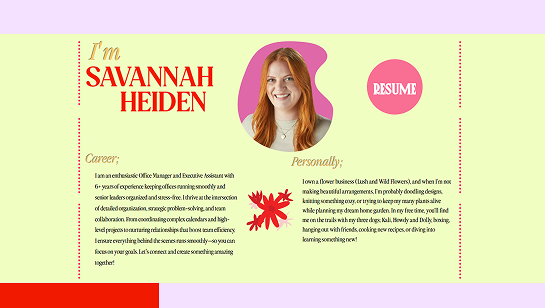
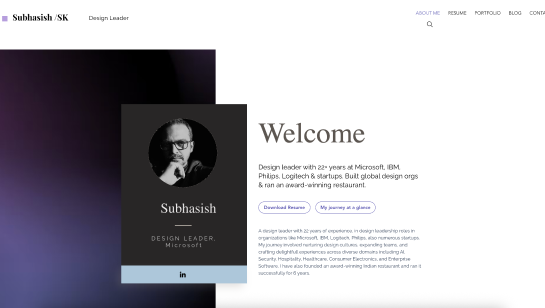
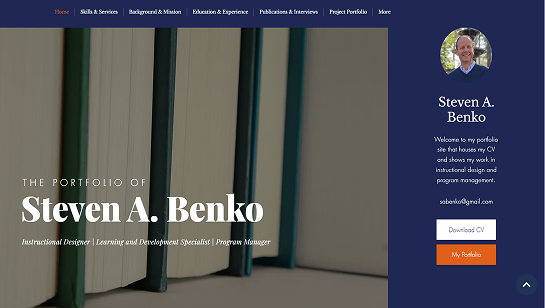
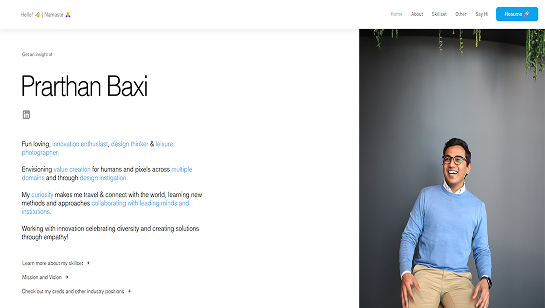
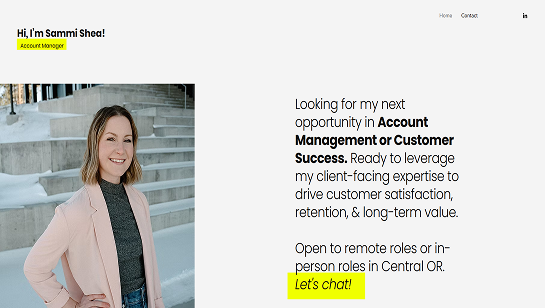
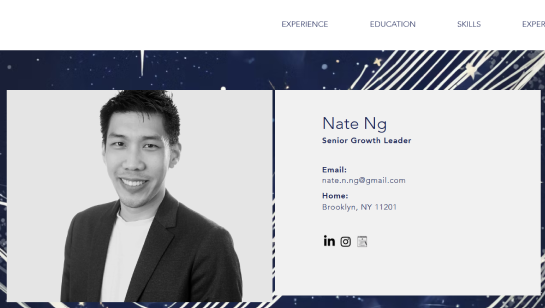
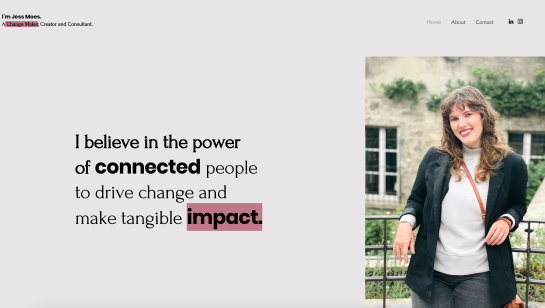
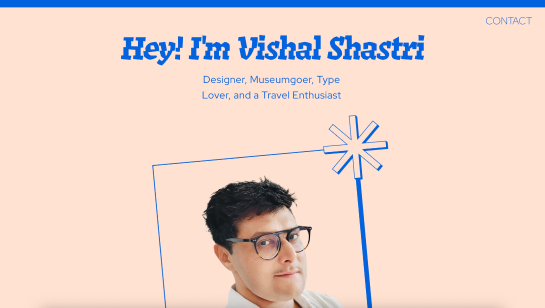
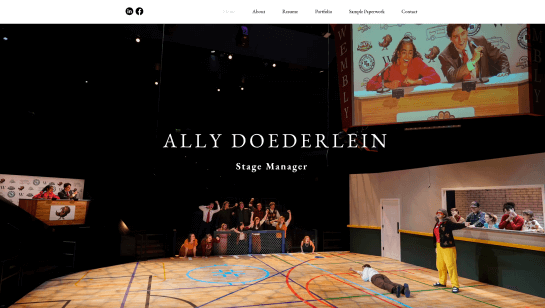
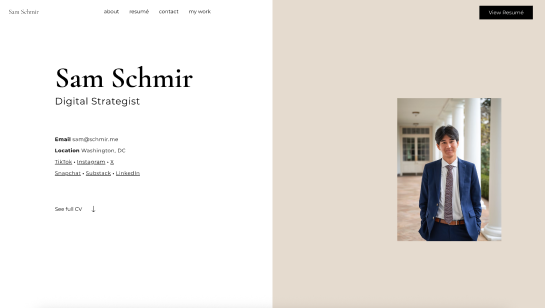
Resume website examples are real websites that showcase a person’s professional experience, skills and portfolio. They help you see how others structure their resume online and present their work in a polished, visual format.
Why should I look at resume website examples?
Looking at resume website examples helps you get ideas for layout, design, and content. You can learn how to organize sections like experience, education, skills and projects in a way that’s easy to read and visually appealing.
What should a resume website include?
A resume website should include your name, professional summary, work experience, education, skills and contact information. Many resume sites also include a portfolio section, testimonials and a downloadable resume.
How do I use resume website examples to build my own site?
Use resume website examples to identify layouts and styles you like, then customize them with your own content. Pay attention to navigation, readability and how projects are showcased to make your site stand out.
Can I build a resume website without coding?
Yes. You can build a resume website without coding with Wix. Wix offers website templates, drag-and-drop editing and built-in features for creating a professional online resume quickly.