
Book across all channels
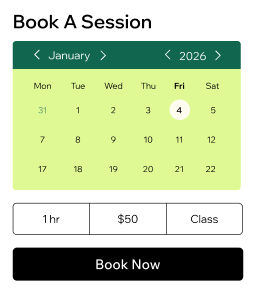
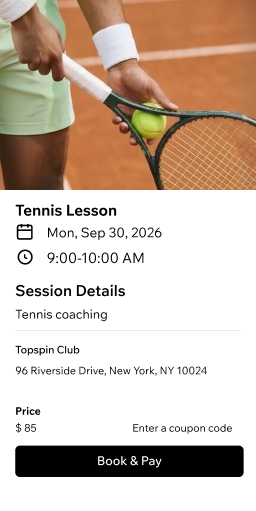
Let members book classes from your site, Fit by Wix app, social media or Google. Offer a smooth fitness booking experience on any device.
Manage your team
Assign trainers to sessions, sync calendars and set permissions. Let staff track their own schedules and client lists.
Accept payments your way
Get paid online or in person with cards, digital wallets and Wix POS. Charge deposits or full amounts before a class starts.
Sell plans and packages
Bundle classes into memberships or discounted packs. Create recurring payments and trial sessions to grow loyal members.
Stay close to clients
Store profiles and health waivers in one CRM. Send reminders via email, SMS or WhatsApp to cut no-shows.
Run it all in one place
Use fitness studio scheduling software to manage classes, courses and events alongside product sales and gift cards from one dashboard.
Manage your fitness studio with ease
Organize your schedule
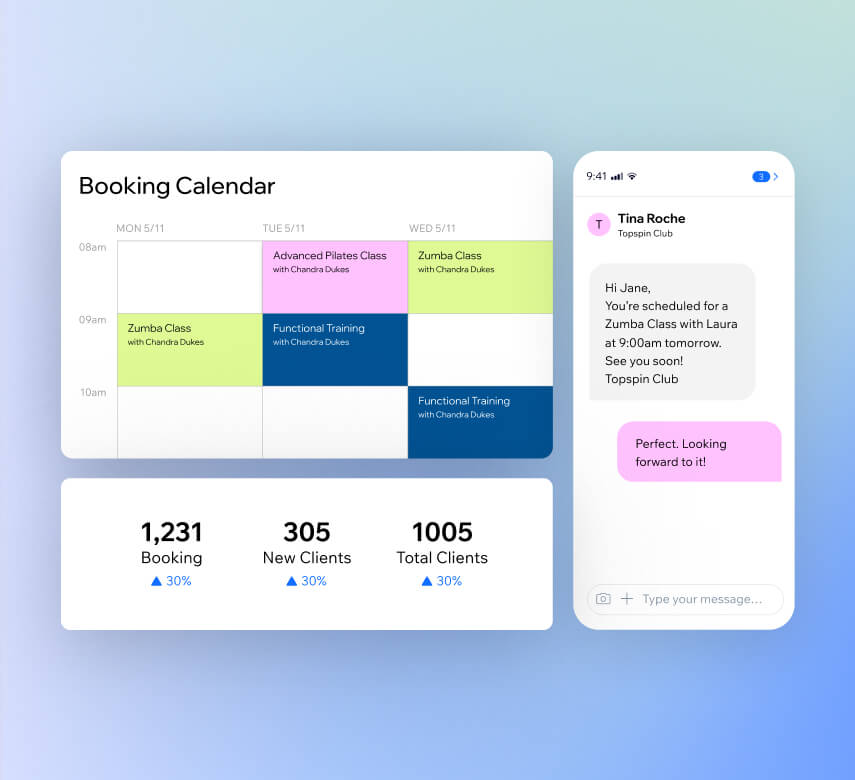
Mark attendance, manage waitlists and handle drop-ins all in one place. Sync staff calendars and set booking rules to keep your fitness scheduling running smoothly.
Automate your bookings
Send confirmations, reminders and payment requests automatically. Reach clients via SMS, email, WhatsApp or push notifications with zero manual work.
Track your performance
Access in-depth reports on bookings, revenue and client engagement. Use AI insights to make smarter decisions for your fitness studio scheduling.
Handle it all from your phone
Use the Wix app to manage your schedule, check in clients, chat with members and accept payments. Handle your full fitness booking workflow on the go.
Get paid your your way
Take payments online
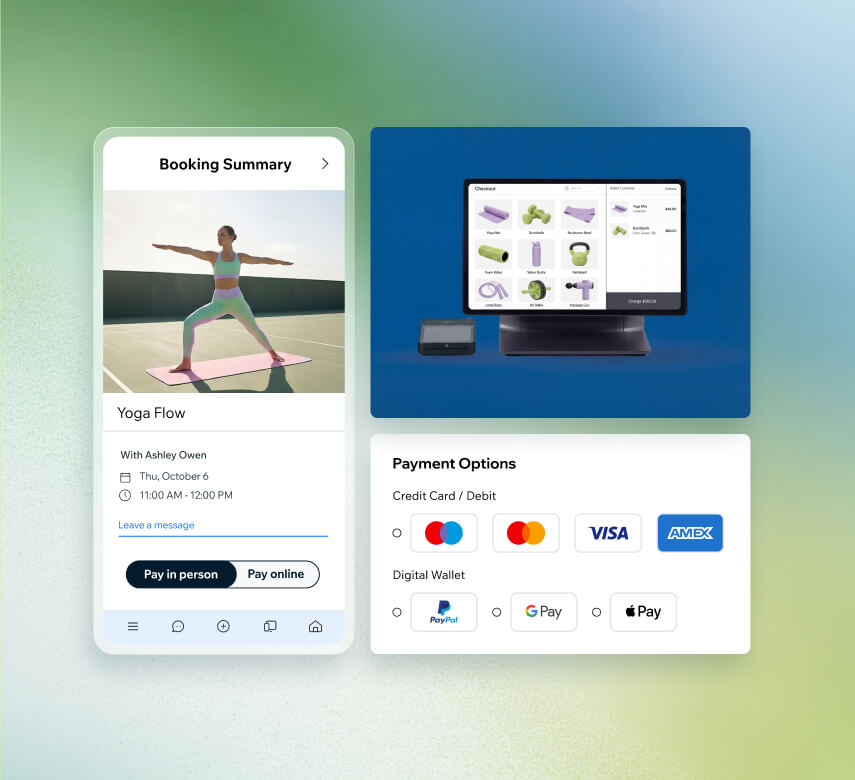
Connect 100+ payment providers like PayPal or Stripe. Accept cards and digital wallets in 40+ currencies through your fitness class scheduling software.
Accept payments in person
Use the Wix POS kit at your studio or go mobile with Tap to Pay on your phone. Accept cards, Apple Pay and Google Pay with no extra hardware.
Send invoices and pay links
Create professional invoices in seconds and share secure payment links via email, SMS or social media. Make it simple for clients to pay fast.
Secure deposits upfront
Require prepayment when members book a class and set cancellation fees. Reduce no-shows and protect your revenue.
Grow your fitness business with Wix
Launch online programs
Build and sell training plans, courses and challenges with structured lessons and video content. Monetize your expertise beyond the studio floor.
Sell merchandise and products
Add an online store to sell fitness gear, supplements or print-on-demand merch. Handle orders, shipping and payments all from one dashboard.
Reward loyal members
Set up a loyalty program where clients earn points for purchases and sign-ups. Let them redeem rewards like discounts to keep them coming back.
Offer coupons and gift cards
Create automatic promotions to drive more bookings and sell personalized gift cards clients can share. Bring in new members while rewarding existing ones.
Get found online
Optimize your site for Google with built-in SEO tools and run targeted ads on Facebook and Instagram directly from your Wix dashboard.
Send email campaigns with AI
Grow your subscriber list and create fully designed email campaigns using AI. Keep members engaged and fill more classes with less effort.
Beyond fitness scheduling software
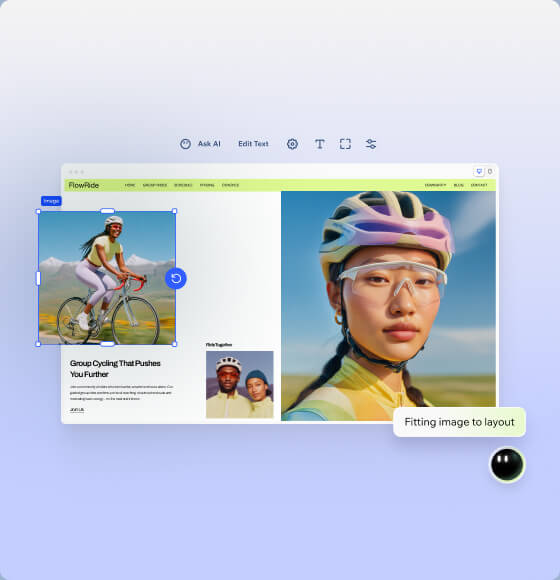
Create your fitness website
Generate a professional fitness site with Wix's AI website builder. Customize any detail and pair it with your fitness class scheduling software.
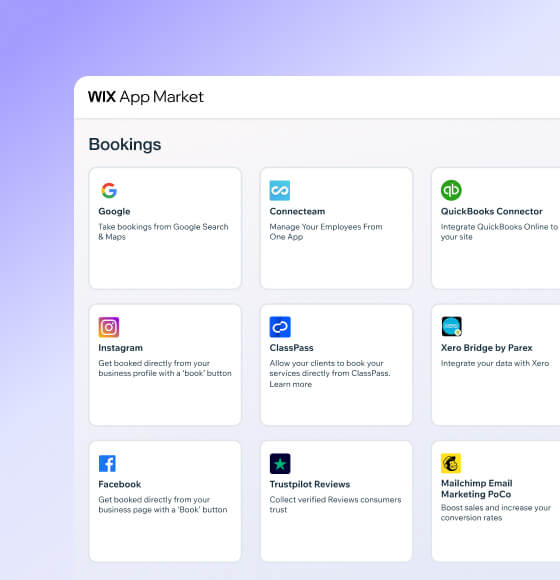
Connect powerful integrations
Expand your fitness studio scheduling with third-party apps for accounting, marketing and business management from the Wix App Market.

How to use fitness scheduling software
Follow these 6 simple steps to use fitness scheduling software:
-
Pick your platform
Sign up for Wix and start creating an online presence that reflects your fitness brand and gets members through the door.
-
Add booking features
Set up Wix Bookings so clients can browse your class schedule, check trainer availability and reserve their spot right from your site.
-
List your classes
Add your studio hours, class types and trainer profiles. Customize booking forms to collect member details and fitness goals upfront.
-
Automate your schedule
Turn on automated confirmations and reminders so members stay on track and your classes stay full without any manual follow-up.
-
Connect payment methods
Give members secure ways to pay for classes and memberships by linking your preferred payment providers to your fitness booking software.
-
Promote your studio
Use built-in marketing tools to share class highlights, reach new members and grow your fitness business across social and search.
Get a custom domain for your fitness business
Claim a free domain name for one year with any annual website plan.



Make the right choice for your business.
190+
Countries
293M+
Users
91K+
Sites created daily
Fitness Class Scheduling Software FAQ
What is a fitness scheduling software?
Fitness scheduling software is a tool that helps gym owners, studio managers and personal trainers organize their class schedules, accept bookings and manage day-to-day operations online. Instead of juggling spreadsheets or phone calls, your clients can book classes and appointments directly from your website or app at any time.
With Wix's fitness class scheduling software, you get a complete system that handles:
• Online class and appointment bookings
• Automated reminders via email, SMS and WhatsApp
• Staff calendar management
• Secure payment processing
• Client profiles and intake forms
It's built to save you time so you can focus on what you do best—helping your clients reach their fitness goals.
Can I use it as a fitness studio management system?
Absolutely. Wix goes well beyond simple fitness scheduling and works as a full studio management system. You can manage staff schedules, track attendance, handle waitlists, accept payments and run marketing campaigns all from one dashboard.
You'll also get access to built-in reporting tools that show you how your classes are performing, which trainers are busiest and where your revenue is growing. Add an online store to sell merchandise, create membership plans and even build online fitness programs—all without switching platforms. It's everything you need to run your fitness studio in one place.
How do I choose the best fitness class booking app?
When picking a fitness class booking app, focus on a few key areas that will make the biggest difference for your business:
• Ease of use – Can your clients book a class in just a few taps? Can you set up your schedule without a tech background?
• Payment options – Does it support online payments, in-person POS and deposits?
• Automations – Will it send reminders and confirmations automatically?
• Multi-channel booking – Can clients book from your website, social media and Google?
• Growth tools – Does it include marketing features, memberships and loyalty programs?
Wix's fitness software checks all of these boxes and bundles them with a professional website builder, so your booking experience and online presence work together seamlessly.
If my calendar is full, can people go on a waiting list?
Yes. Wix's fitness class scheduling software includes a built-in waitlist feature. When a class reaches capacity, clients can add themselves to the waitlist directly from your booking page. If a spot opens up due to a cancellation, the next person on the list gets notified automatically.
This means you keep every class at full capacity without having to manually track who's waiting or send individual messages. It's a simple way to make sure no spot goes unfilled.
Can I charge for no-shows and cancellations?
Yes, you can. Wix lets you set up cancellation fees and no-show policies directly within your fitness booking settings. You can require deposits at the time of booking, which protects your revenue if someone cancels at the last minute or doesn't show up.
You define the rules—like how far in advance someone needs to cancel to avoid a charge—and the system enforces them automatically. This helps you maintain a predictable income and encourages members to commit to their reserved spots.
Can I use this software to manage multiple staff members?
Definitely. Wix's fitness studio scheduling tools make it straightforward to manage a full team of trainers and instructors. You can:
• Assign staff to specific classes and sessions
• Sync everyone's calendars so there are no double bookings
• Set individual roles and permissions
• Let each trainer manage their own schedule, clients and payments
• Track performance with staff-specific reports
Whether you have two instructors or twenty, the system keeps your team organized and your studio running smoothly.
Is it possible to sell online courses?
Yes. With Wix, you can build and sell online fitness programs complete with structured lessons, video content, training plans and challenges. It's a great way to reach clients beyond your physical studio and create an additional revenue stream.
You can offer one-time purchases or bundle programs into membership plans. Clients access everything through your site, so your brand stays front and center throughout their experience.
Can I collect payments via Wix’s fitness software?
Yes, Wix gives you flexible ways to get paid. You can accept credit and debit cards, digital wallets like Apple Pay and Google Pay, and connect over 100 payment providers including PayPal and Stripe through Wix Payments.
For in-person sessions, use the Wix POS system or Tap to Pay on your phone. You can also send invoices and secure pay links via email or SMS. Whether clients pay online when they book a class or at the front desk when they arrive, everything is tracked in one dashboard.
Can clients use this software for personal trainer scheduling?
Yes, they can. Wix works great for personal trainer scheduling. Clients can view a trainer's availability and book one-on-one sessions directly from your website or the Fit by Wix app. Each trainer gets their own calendar, and clients can choose their preferred instructor when booking.
How to collect online waiver (health declaration) prior to a session or class?
Wix lets you create custom booking forms that clients fill out when they reserve a class or session. You can add health declaration fields, liability waivers and any other intake questions you need.
These forms appear automatically during the booking process, so every client completes them before they step into your studio. All responses are stored securely in each client's profile, making it simple to review health information whenever you need it.
You also get built‑in tools designed to help you handle sensitive health details in a way that supports HIPAA requirements, so you can manage client information more securely and professionally.
Can I offer memberships or subscriptions for a fitness class or studio?
Yes. Wix makes it simple to create membership plans and packages for your fitness studio. You can bundle classes at a discounted rate, set up recurring monthly or weekly payments and offer trial sessions to attract new members.
You can also provide members-only perks like exclusive classes, priority booking or access to online content. Memberships give you a more predictable income stream while rewarding your most loyal clients.
Is there an option for special pricing plans?
Yes. Wix gives you several ways to offer flexible pricing for your fitness business:
• Packages – Bundle a set number of classes at a reduced price
• Memberships – Create recurring plans with different tiers and benefits
• Coupons and discounts – Set up automatic price reductions or shareable discount codes
• Gift cards – Sell personalized gift cards that clients can send to friends and family
You can mix and match these options to create pricing that fits your members' needs and keeps them coming back. Everything is managed from your Wix dashboard, so adjusting prices or launching a promotion takes just a few clicks.