Book across all channels
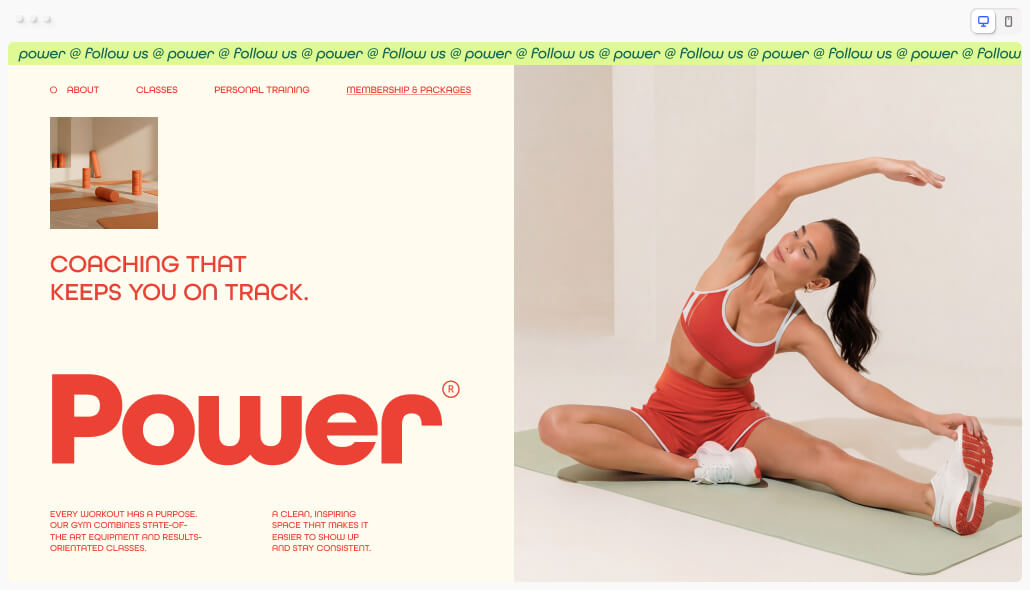
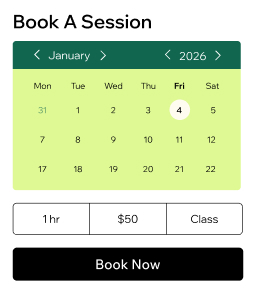
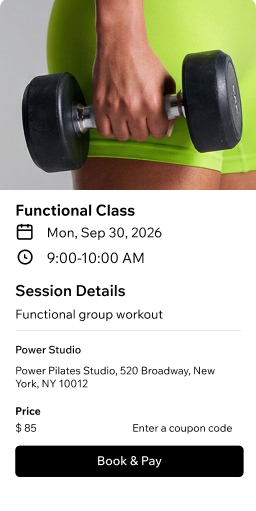
Let members book classes from your site, Fit by Wix app, social media or Google. Wix's gym booking app works anywhere, anytime.
Manage your trainers
Assign sessions, sync team calendars and set permissions. Give each of your trainers control over their schedule and clients.
Accept payments your way
Get paid online or in person with credit cards, digital wallets and POS. Charge deposits or collect full payments upfront.
Grow with memberships
Create membership plans, class bundles and trial sessions. Build recurring revenue and reward loyal members with perks.
Know your gym members
Store profiles, collect health waivers and send reminders via SMS or email. Keep every client relationship organized in your built-in CRM software.
Sell more than classes
Offer packages, gift cards, products and members-only content from one gym membership system. Track all revenue in a single dashboard.
Run your gym more efficiently
Manage your calendar
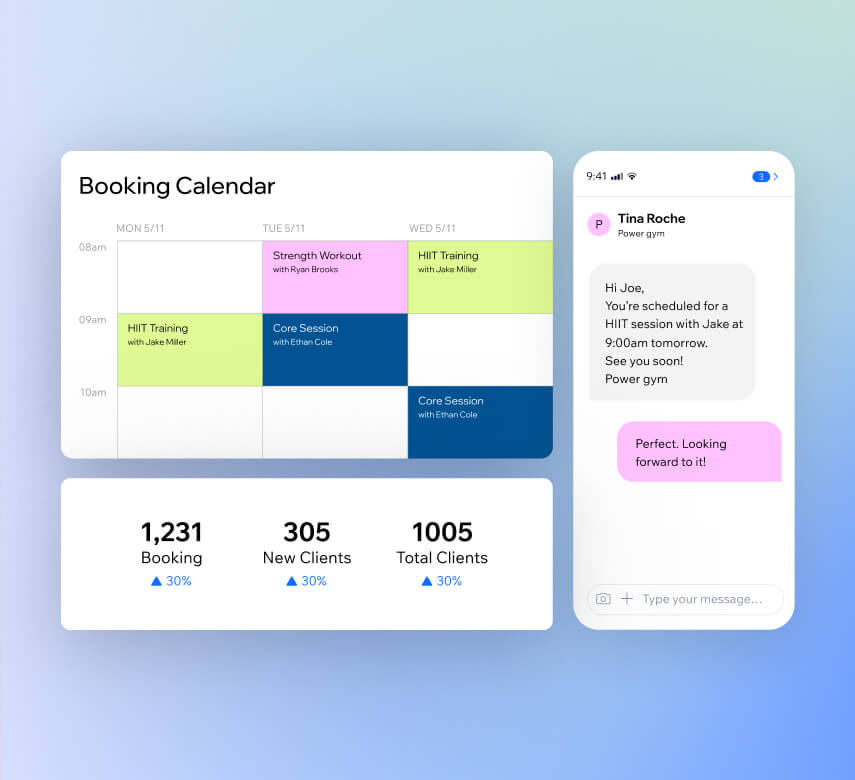
Track attendance, handle waitlists and book drop-ins from one view. Set hours, sync staff calendars and define booking rules with your gym scheduling software.
Automate your bookings
Send confirmations, reminders and payment requests automatically via SMS, email or WhatsApp. Keep members informed without lifting a finger.
Track your performance
Access in-depth reports on bookings, revenue, attendance and client engagement. Use AI insights to make smarter decisions for your gym.
Run your gym on the go
Use the Wix Owner app to edit sessions, check in members, accept payments and chat with clients. Your gym booking app works wherever you are.
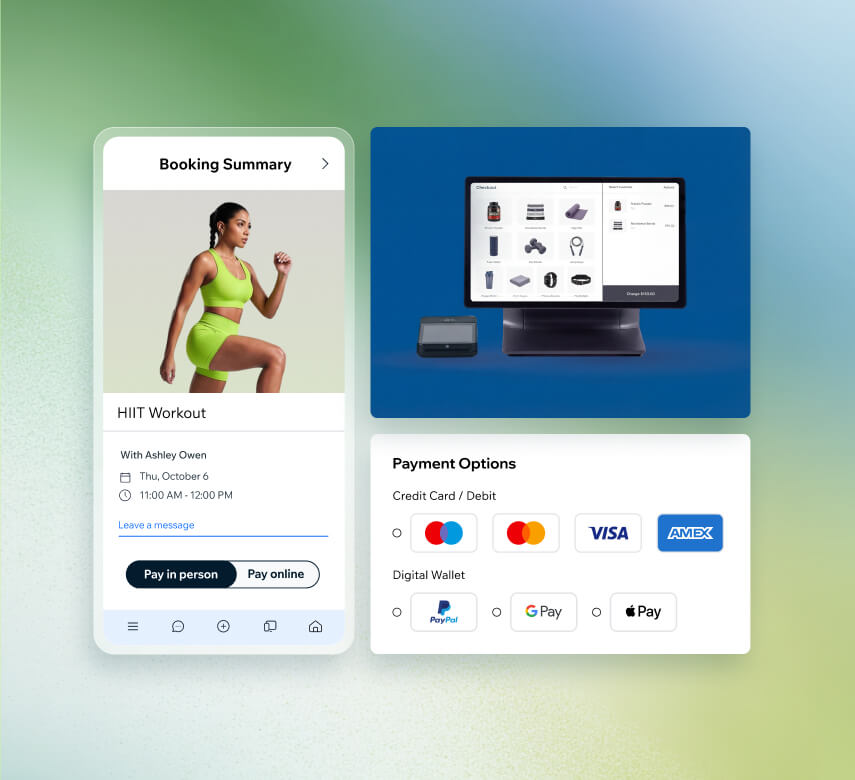
Get paid the way you want
Take payments online
Process online payments via 100+ providers like PayPal, Stripe or Wix Payments. Accept cards and digital wallets in 40+ currencies through your gym scheduling software.
Sell in person with Wix POS
Accept payment at the front desk with Wix Retail POS or use Tap to Pay on your iPhone. Accept cards, Apple Pay and Google Pay with no extra hardware.
Send invoices and pay links
Create professional invoices in seconds and share secure pay links via email, SMS or QR code. Make it simple for members to pay on time.
Charge deposits upfront
Require prepayment when members book and set cancellation fees to protect your revenue. Reduce no-shows and cancellations with your gym booking system.
Grow your gym with built-in marketing tools
Sell merchandise online
Add an online store to your gym site and sell branded gear, supplements or print-on-demand products. Handle orders, shipping and payments all in one place.
Launch online programs
Build and sell training plans, workout challenges and video courses. Monetize your expertise beyond the gym floor with structured digital content.
Reward loyal members
Set up a loyalty program that lets members earn points with every purchase or booking. Offer redeemable rewards to keep them coming back.
Sell gift cards
Offer personalized gift cards that members can send to friends and family. Bring in new faces to your gym and generate extra revenue with minimal effort.
Get found online
Optimize your gym website for Google with built-in SEO tools and check your visibility on AI platforms like ChatGPT. Run paid ads directly from your dashboard.
Send email campaigns with AI
Grow your subscriber list and create professional email campaigns using AI. Share promotions, class updates and offers that keep members engaged.
More than just gym scheduling software
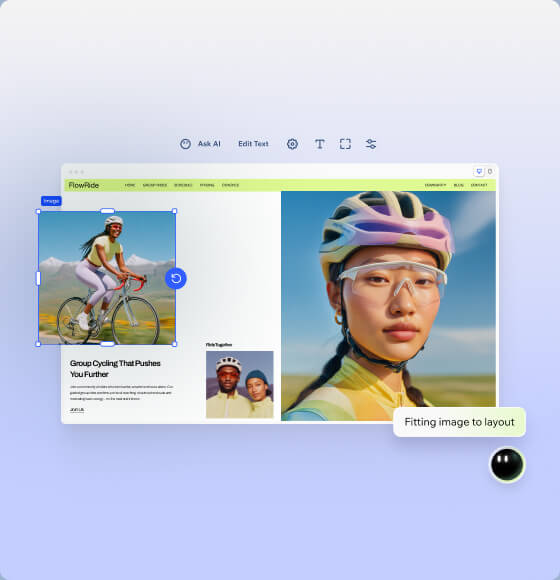
Build your fitness website
Create a professional gym site with Wix's AI website builder. Customize every detail and start taking bookings from your gym booking system.
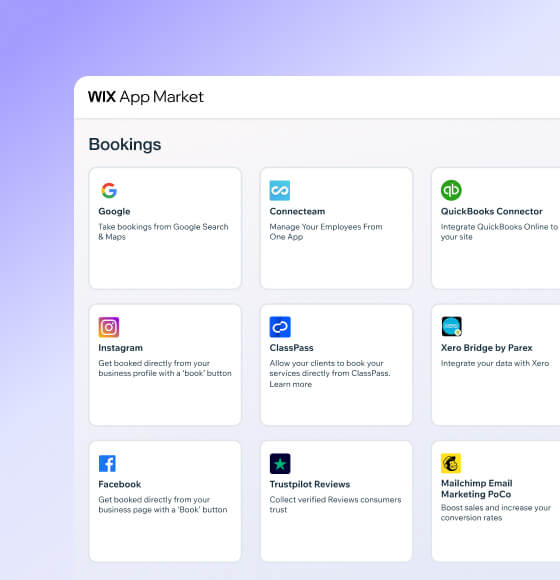
Connect powerful integrations
Expand your gym scheduling software with third-party apps for accounting, marketing and business management from the Wix App Market.

-
Pick your platform
Sign up for Wix and start creating an online presence that reflects your gym's identity, vibe and training philosophy.
-
Add booking features
Set up Wix Bookings so members can browse your schedule and reserve classes or personal training sessions right from your site.
-
List your classes
Add your gym hours, trainer profiles and locations. Customize booking forms to collect member details and fitness goals upfront.
-
Automate your schedule
Turn on automated confirmations and reminders so members stay on track and your classes stay full without extra admin work.
-
Connect payment methods
Give members secure ways to pay for memberships, classes and sessions by linking your preferred payment providers to your site.
-
Promote your gym
Use built-in marketing tools to share class updates, reach new members and grow your gym across social media and search.
Get a custom domain for your gym website
Claim a free domain name for one year with any annual website plan.



Make the right choice for your business.
190+
Countries
293M+
Users
91K+
Sites created daily
Gym Scheduling Software FAQ
What is a gym scheduling software?
Gym scheduling software is a digital tool that helps gym owners organize classes, sessions and appointments in one place. Instead of juggling spreadsheets or phone calls, members can book their spots online at any time. With Wix's gym scheduling software, you get a booking calendar that syncs with your website, automated reminders that reduce no-shows and a dashboard where you can see everything happening across your gym. It's built to save you time on admin so you can focus on your members and growing your business.
Can I use it as a gym management system?
Absolutely. Wix goes well beyond simple scheduling. You can use it as a full gym management system that covers:
• Staff management – assign trainers to classes, sync calendars and set permissions
• Client profiles – store member details, track attendance and collect intake forms
• Payments – accept online and in-person payments, sell memberships and send invoices
• Marketing – run email campaigns, create social content and optimize your site for search engines
• Analytics – monitor bookings, revenue, attendance and staff performance
Everything runs from a single dashboard, so you don't need to patch together separate tools for each part of your business.
How do I choose the best gym booking app?
When picking a gym booking app, focus on a few key areas. First, make sure it lets members book classes and sessions from any device—your website, a mobile app or even social media. Second, look for built-in payment processing so you can collect fees without extra tools. Third, check that it includes automated reminders and confirmations to cut down on missed sessions. Finally, consider whether the platform can grow with you by offering marketing tools, membership plans and analytics. Wix's gym booking app checks all of these boxes and bundles them into one platform, so you won't need to pay for multiple subscriptions.
Can I sell tickets for events on my gym?
Yes, you can. Wix lets you create and sell tickets for both in-person and online events directly from your gym website. Whether you're hosting a fitness workshop, a nutrition seminar or a charity bootcamp, you can set up event pages, manage RSVPs and collect payments all in one spot. Since many people prefer spending on experiences over material goods, offering events at your gym is a smart way to attract new members and create additional revenue streams.
Can I charge for cancellations or no-shows?
Yes, you can. Wix's gym scheduling software lets you set up cancellation fees and require deposits when members book a session. This protects your revenue and discourages last-minute cancellations. You define the rules—like how far in advance someone needs to cancel—and the system handles the rest automatically. It's a simple way to keep your schedule full and your income predictable.
Can I use this software to manage multiple staff members?
Definitely. Wix makes it straightforward to manage your entire team from one place. You can:
• Assign trainers and instructors to specific classes or time slots
• Sync everyone's calendars so there are no scheduling conflicts
• Set roles and permissions so each staff member only accesses what they need
• Let trainers manage their own availability, clients and payments
• Track individual performance with built-in reports and analytics
Whether you have two trainers or twenty, the gym booking system scales with your team.
Is it possible to sell online courses or video classes?
Yes, and it's a great way to reach members beyond your physical location. With Wix, you can build and sell online programs that include structured lessons, workout videos and training plans. Members can follow along at their own pace from anywhere. You can also create challenges or multi-week courses to keep people engaged. It's all managed from the same platform as your in-person bookings, so your gym membership system stays organized in one dashboard.
Can I collect payments via the gym booking system?
Yes, you can. Wix's gym booking system supports over 100 payment providers including PayPal, Stripe and Wix Payments. Members can pay with credit or debit cards, digital wallets like Apple Pay and Google Pay, or through invoices and pay links you send via email or SMS. You can also accept in-person payments using Wix POS. Whether someone is buying a single class or a monthly membership, every transaction is tracked on your dashboard.
Can clients use this software for personal trainer scheduling?
They sure can. Members can browse trainer availability on your website or app and book one-on-one sessions directly. Each trainer gets their own profile and calendar, so clients pick the person and time that works best for them. Automated confirmations and reminders go out after every booking, keeping both the trainer and client on the same page. It's a smooth experience that makes personal training feel professional and organized.
Can I ask newcomers to sign an online health waiver?
Yes. Wix lets you add custom booking forms that new members fill out before their first visit. You can include health waivers, liability forms and intake questionnaires that collect important information like medical conditions or fitness goals. Everything is stored securely in each member's profile, so you and your trainers can review it anytime. No paper forms, no filing cabinets—just clean digital records inside your gym scheduling software.
Since you may be collecting sensitive health information, Wix provides built-in tools that support your site’s path to HIPAA compliance so that data is protected with professional-grade security.
Is there a gym membership system included?
Yes, Wix includes a built-in gym membership system. You can create different membership tiers—like basic, premium or unlimited—each with its own pricing, perks and access levels. Set up recurring payments so members are billed automatically each month. You can also offer trial sessions to help newcomers get started and exclusive content or discounts for paying members. It's all managed alongside your bookings and payments, so you have a clear view of your recurring revenue.
Is there an option for special pricing plans or subscriptions?
Absolutely. Wix gives you flexible options to create pricing that fits your gym's model:
• Class packages – bundle a set number of sessions at a discounted rate
• Memberships – offer monthly or annual subscriptions with automatic billing
• Coupons and discounts – run promotions to attract new members or reward loyal ones
• Trial sessions – let people try a class before committing
You can mix and match these to build pricing plans that work for different member types, from casual drop-ins to committed regulars.