Book across all channels
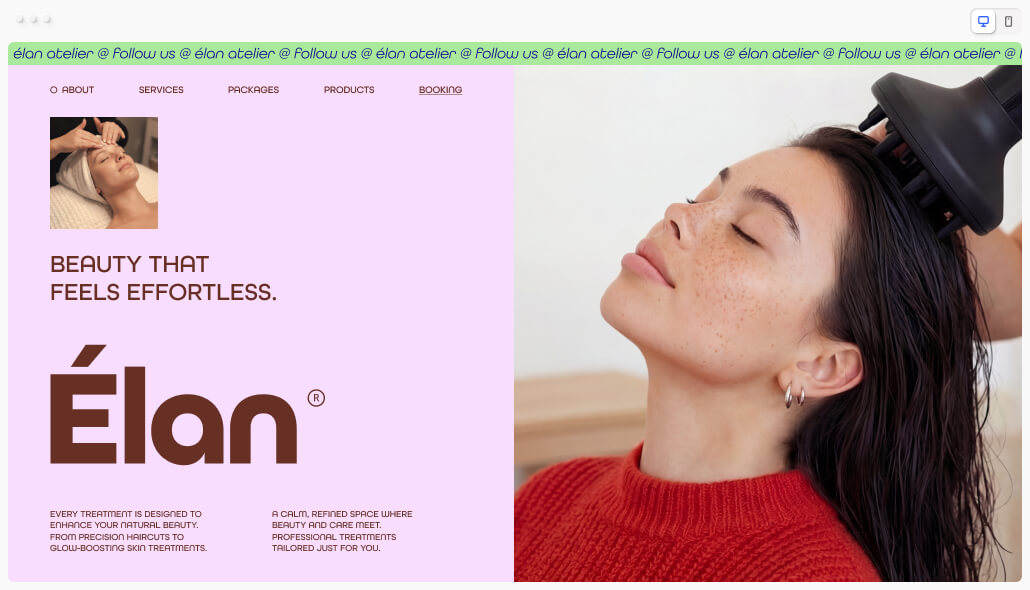
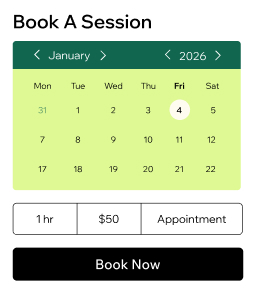
Let clients book from your site, social media, Google or shareable links. Offer salon scheduling that works anytime, anywhere.
Manage your staff
Assign sessions, sync team calendars and set roles. Give each stylist control over their own bookings, clients and payments.
Accept payments
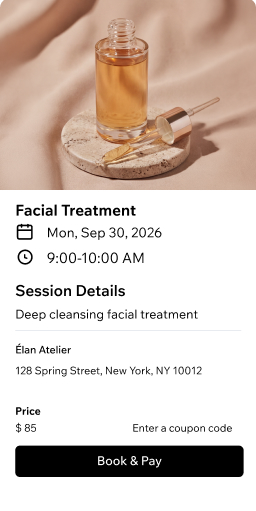
Take payments online or in person with cards, digital wallets and Wix POS. Charge deposits to protect your schedule from no-shows.
Grow with packages
Bundle treatments at a discounted rate or create memberships with recurring payments. Build loyalty and a more predictable income.
Stay in touch with clients
Store profiles, collect intake forms and send reminders via email, SMS or WhatsApp. Keep every detail organized in one CRM.
Sell and manage anything
Book appointments, sell gift cards, retail products and memberships from one salon management software dashboard.
Manage your salon with confidence
Organize your calendar
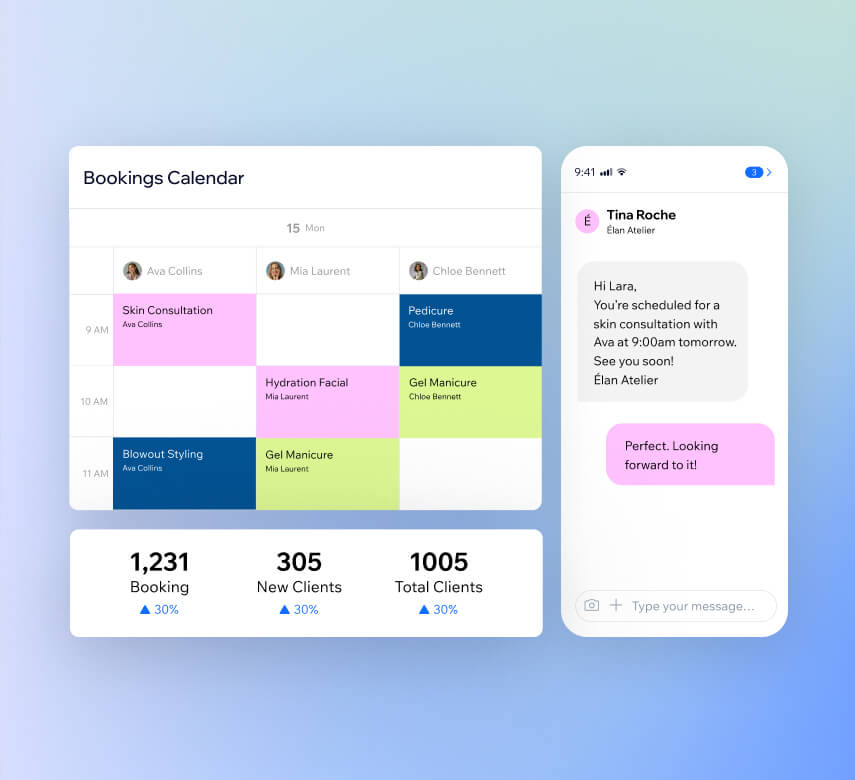
Track attendance, manage waitlists and handle walk-ins from one view. Set business hours, sync staff schedules and create booking policies.
Automate your bookings
Send confirmations, reminders and payment requests automatically. Reach clients through SMS, email, WhatsApp or push notifications.
Track your performance
Get detailed reports with AI insights on bookings, revenue and client engagement. Use salon booking software analytics to make smarter decisions.
Run your salon on the go
Manage your schedule, take payments and chat with clients from the business management app. Your salon scheduling software works wherever you are.
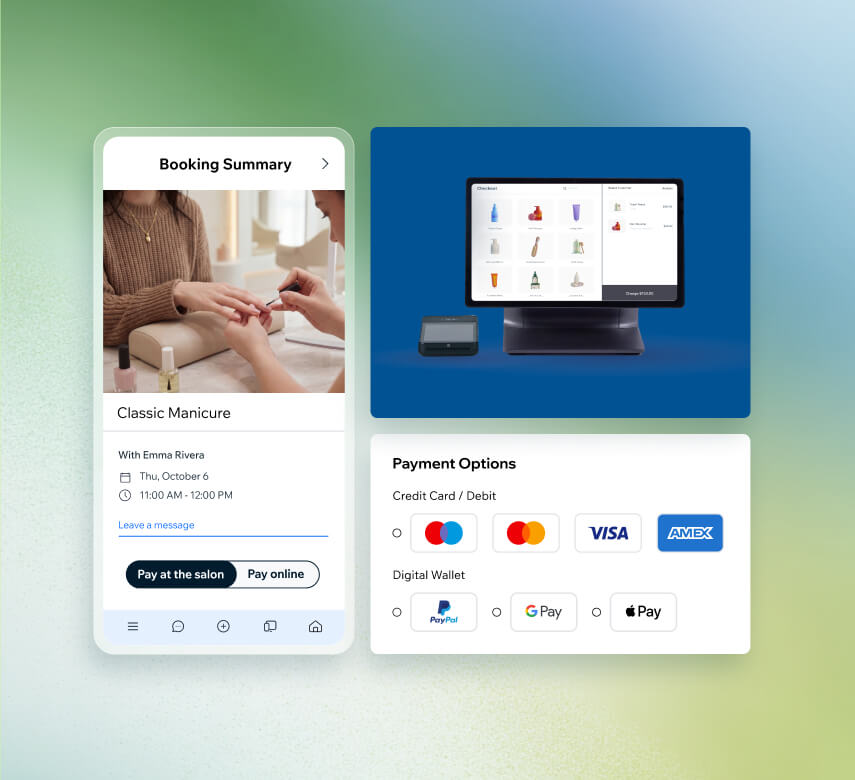
Accept payments your way
Get paid online
Connect 100+ payment providers like PayPal or Stripe. Accept cards, digital wallets and 40+ currencies through your salon booking software.
Take payments in person
Accept contactless payments on your phone with Tap to Pay or use the Wix POS kit for a professional front-desk checkout station.
Send invoices and pay links
Create professional invoices in seconds and share secure pay links via email, SMS or QR code. Get paid faster with less back-and-forth.
Collect deposits upfront
Require prepayment when clients book and set cancellation fees. Protect your salon schedule from no-shows and last-minute cancellations.
Grow your beauty salon business
Upsell services with add-ons
Increase your average booking value with complementary options. Let clients personalize appointments with extras like deep conditioning or scalp treatments.
Sell gift cards
Offer personalized gift cards that your clients can send to their friends and family. It's an easy way to bring new faces through your salon door.
Run a loyalty program
Reward clients with points for every booking or product purchase. They redeem points for discounts, which keeps them coming back to your salon.
Create coupons and discounts
Set up automatic price reductions or shareable coupon codes to fill slow days. Drive more bookings and reward your most loyal clients.
Boost SEO and LLM visibility
Rank higher on Google and see how your salon appears on AI platforms like ChatGPT. Use built-in marketing tools to help new clients find your booking page first.
Send email campaigns with AI
Build subscriber lists and create polished email campaigns using AI. Share promotions, seasonal offers and updates that bring clients back to your salon.
More than just salon scheduling software
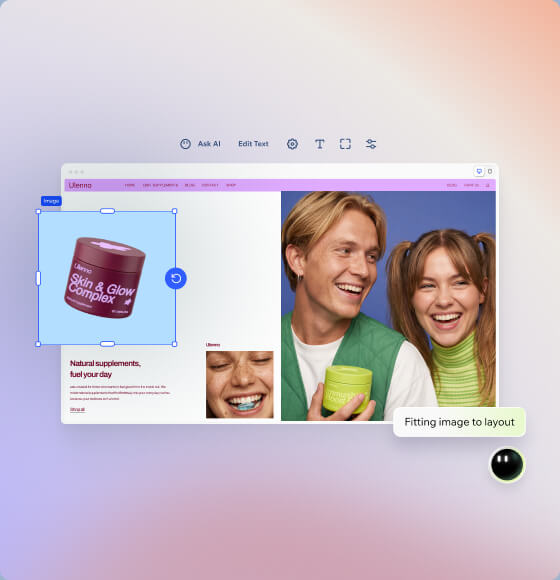
Build your salon website
Create a professional beauty salon site with Wix's AI website builder. Customize every detail to match your brand in minutes.
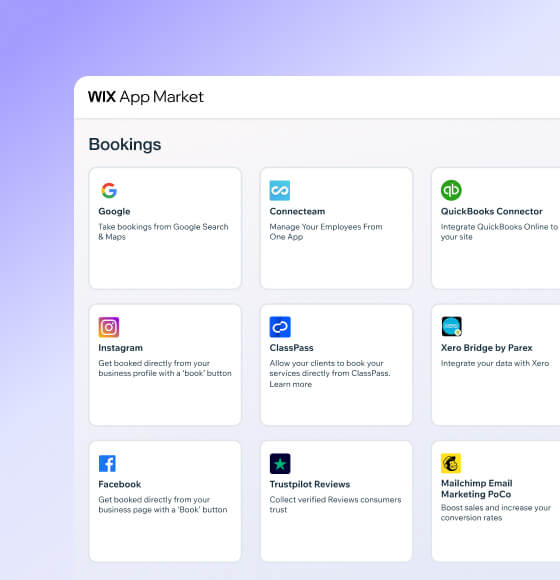
Connect powerful integrations
Expand your salon booking software with third-party apps for accounting, marketing and business management from the Wix App Market.

How to use salon scheduling software
Follow these 6 simple steps to use beauty salon scheduling software:
-
Pick your platform
Sign up for Wix and start creating an online presence that reflects your beauty salon's style and personality.
-
Add booking features
Set up Wix Bookings so clients can browse your availability and book their next appointment directly from your salon website.
-
List your salon services
Add your treatments, set business hours, assign stylists and customize booking forms to collect the details you need from clients.
-
Automate your schedule
Turn on automated confirmations and reminders so clients stay informed and your appointment book stays full without extra effort.
-
Connect payment methods
Give clients secure ways to pay for services by linking your preferred payment providers to your salon booking software.
-
Promote your salon
Use built-in marketing tools to share offers, reach new clients and grow your beauty salon business across social and search.
Get a custom domain for your beauty salon
Claim a free domain name for one year with any annual website plan.


Make the right choice for your business
190+
Countries
293M+
Users
91K+
Sites created daily
Salon booking software FAQ
What is a booking software for beauty salons?
Salon booking software is a digital tool that lets your clients schedule appointments online—anytime, from any device. Instead of fielding phone calls or managing a paper diary, you get an automated system that handles your bookings, sends confirmations and keeps your calendar organized.
With Wix's salon booking software, you can:
• Build a full service menu with prices, durations and descriptions
• Let clients book directly from your website, social media or Google
• Send automatic confirmations and reminders via email or SMS
• Accept payments and deposits at the time of booking
• Manage staff schedules and client profiles from one dashboard
It's designed to save you hours of admin work each week so you can focus on your clients and your craft.
Is this software good as a salon business management software?
Absolutely. Wix goes well beyond simple appointment scheduling—it works as a full salon management software solution. You can handle bookings, payments, staff calendars, client records and marketing all from a single platform.
Here's what you can manage from your Wix dashboard:
• Appointments and services: Set up your full treatment menu, booking rules and cancellation policies
• Staff: Assign sessions, sync calendars and set individual permissions for each team member
• Payments: Accept online and in-person payments, send invoices and collect deposits
• Clients: Store detailed profiles, collect intake forms and track visit history
• Marketing: Run email campaigns, create social content and manage SEO
• Revenue tools: Sell gift cards, memberships, packages and retail products
Whether you're a solo stylist or running a multi-location salon, Wix gives you the tools to manage daily operations and grow your business from one place.
How do I choose the best salon scheduling software?
Choosing the right salon scheduling software comes down to finding a platform that fits your workflow and can grow with your business. Here are a few things to look for:
• Ease of use: Your scheduling software should be simple to set up without technical help, and just as easy for you and your clients to use.
• Multi-channel booking: Clients should be able to book from your website, Instagram, Google Maps and shareable links.
• Payment flexibility: Look for built-in payment processing, deposit collection and POS options so you can get paid online and in person.
• Automations: Automatic reminders and confirmations reduce no-shows and free up your time.
• Client management: A built-in CRM helps you track client preferences, visit history and contact details.
• Room to grow: You'll want tools for marketing, memberships, gift cards and staff management as your salon expands.
Wix's salon scheduling app checks all of these boxes and bundles them into one platform, so you don't need to patch together separate tools.
If my calendar is full, can people go on a waiting list?
Yes. With Wix's beauty salon software, you can enable waitlists for fully booked time slots. When a spot opens up due to a cancellation or reschedule, clients on the waitlist get notified automatically so they can grab the opening.
This is a great way to keep your schedule packed without any extra effort on your part. It also means you never lose a potential booking just because your calendar looked full at the time someone checked.
What if somebody cancels or doesn't show for their beauty appointment?
No-shows and late cancellations can seriously hurt your revenue, but Wix helps you protect your time and income in several ways:
• Cancellation policies: Set clear rules that clients agree to when they book, including cancellation windows and fees
• Deposits: Require upfront payment at the time of booking so clients have skin in the game
• Automated reminders: Send SMS, email or WhatsApp reminders before each appointment to reduce forgetfulness
• Waitlists: When someone does cancel, the next person in line gets notified right away
These features work together to keep your chairs full and your income predictable.
Can I qualify customers before their beauty treatment?
Yes—and it's a smart move for many salon services. With Wix's salon appointment software, you can add custom intake forms to your booking flow. Clients fill them out when they schedule, so you have all the information you need before they walk through the door.
Some salons ask about:
• Allergies or skin sensitivities
• Previous treatments or chemical services
• Desired results or reference photos
• Medical conditions that could affect a treatment
Wix offers built-in tools to help your site become HIPAA compliant, so sensitive client health information is handled with professional-grade security.
This helps you prepare the right products, allocate the correct amount of time and deliver a better experience from the very first appointment.
How do I send reminders to clients?
Wix's salon online booking system handles reminders automatically. Once a client books an appointment, you can set up confirmation messages and pre-appointment reminders that go out on a schedule you choose.
You can reach clients through:
• Email
• SMS
• WhatsApp
• Push notifications via the Wix app
You set it up once and the system takes care of the rest. Clients stay informed, and you spend less time chasing people down. You can also send follow-up messages after appointments to thank clients or encourage rebooking.
Can I accept payments directly from online bookings?
Yes. Wix makes it simple to collect payments the moment a client books. You can connect over 100 payment providers—including Stripe, PayPal and Wix Payments—and accept credit cards, debit cards and digital wallets like Apple Pay and Google Pay.
You also have the option to:
• Charge the full amount at booking
• Collect a deposit upfront and charge the rest at checkout
• Save a card on file for returning clients
• Send pay links or invoices for custom services
All transactions are tracked in your Wix dashboard, so you always know where your revenue stands.
Is it possible to collect health waivers via the booking system?
Yes. Wix lets you attach custom forms—including health waivers and liability agreements—directly to your booking flow. Clients complete and sign them digitally before their appointment, so everything is handled before they arrive.
This is especially useful for services like chemical peels, keratin treatments, lash extensions or any procedure where you need documented consent. All submitted forms are stored securely in each client's profile, making it easy to reference them later. Learn more about collecting waivers and intake forms.
Can prospects schedule a beauty treatment with a specific staff member?
Yes. With Wix's salon scheduling software, clients can choose their preferred stylist or technician when they book online. Each staff member gets their own profile with a synced calendar, so clients only see available time slots for the person they want.
As the salon owner, you control which services each team member offers and set individual schedules and permissions. This keeps your booking flow organized and gives clients the personalized experience they expect when choosing a specific professional.