
Tailor your booking flow
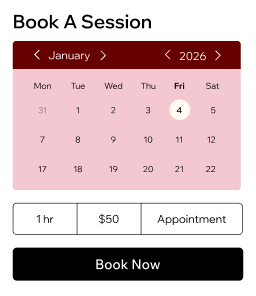
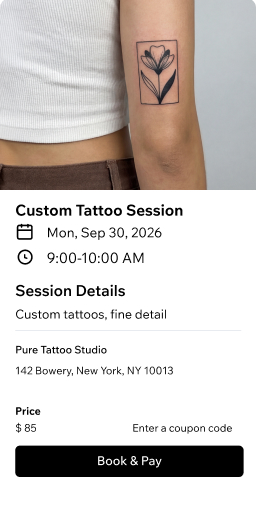
Create a service catalog for tattoo sessions and consultations. Set booking rules, deposit requirements and policies that fit your shop.
Book across channels
Accept appointments from your website, social media, Google search and shareable links. Clients can book anytime with your tattoo scheduling app.
Run your team smoothly
Assign sessions to each artist, sync calendars and set permissions. Let staff manage their own time, clients and payments.
Get paid your way
Collect deposits, full payments and invoices online or in person. Choose from 100+ providers, digital wallets and Wix's mobile POS.
Know your clients
Store profiles, collect intake forms and waivers in one secure CRM. Send reminders via email, SMS or WhatsApp to cut no-shows.
Sell more than sessions
Offer gift cards, merch and memberships alongside your tattoo bookings. Track every revenue stream from a single dashboard.
Manage your tattoo studio with ease
Organize your calendar
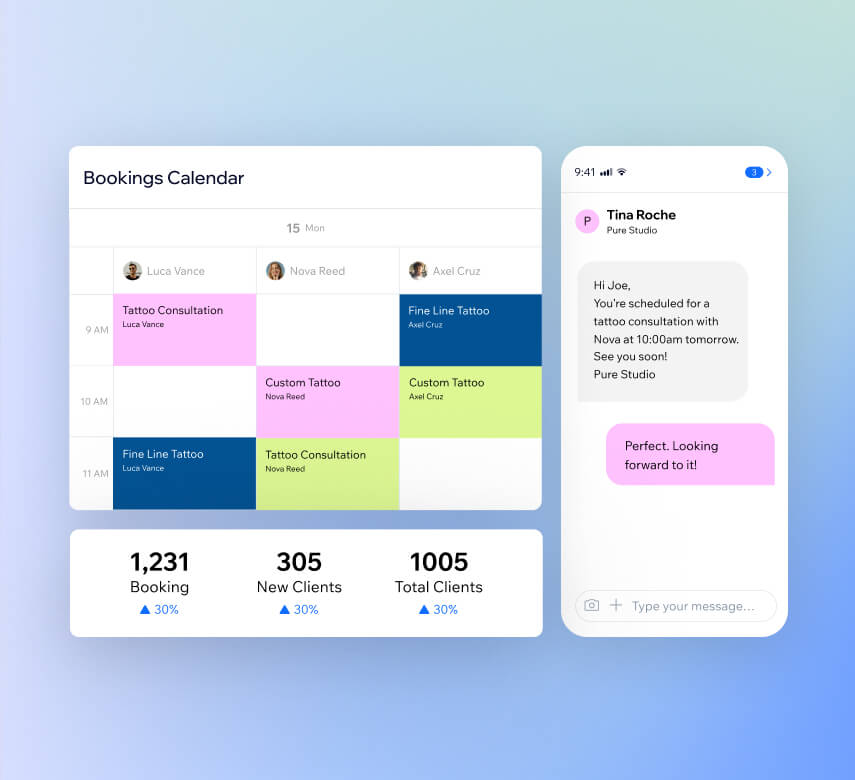
Set business hours, sync artist schedules and create booking rules from one view. Mark attendance, manage waitlists and check out clients with your tattoo shop scheduling software.
Automate your reminders
Send booking confirmations, session reminders and payment requests automatically. Reach clients by SMS, email, WhatsApp or push notifications without lifting a finger.
Track your performance
Access detailed reports on bookings, revenue, client engagement and staff stats. Use AI-driven insights from your tattoo management software to make smarter business decisions.
Run your shop on the go
Use the Wix app to manage your schedule, take bookings, accept payments and chat with clients from anywhere. Edit sessions and assign artists right from your phone.
Own how you get paid
Collect payments online
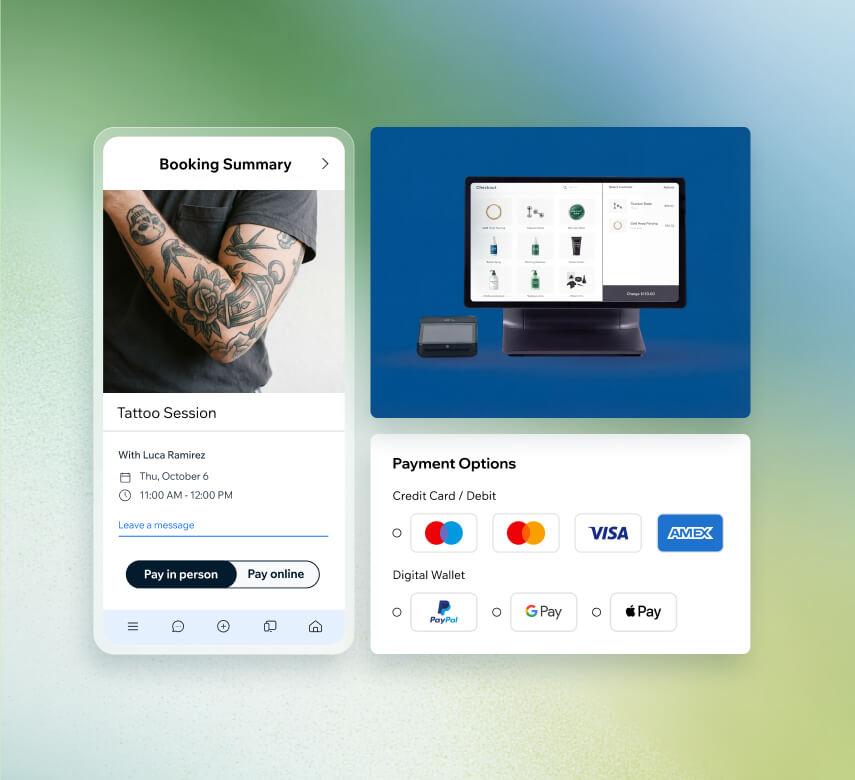
Connect PayPal, Stripe, Wix Payments or 100+ other providers. Accept cards and digital wallets in 40+ currencies through your tattoo shop scheduling software.
Take payments anywhere
Use the compact Mobile Card Reader at events or conventions. Accept contactless payments with Tap to Pay on your phone—no extra hardware needed.
Send invoices and pay links
Create professional invoices in seconds and send them by email or text. Share secure pay links via SMS, social media or QR code to get paid faster.
Secure deposits upfront
Require prepayment when clients book a session and set cancellation fees. Protect your artists' time and cut down on no-shows and last-minute cancellations.
Grow your tattoo shop and boost revenue
Sell merch and products online
Add an online store to sell flash art, aftercare products or print-on-demand merchandise. Handle orders, shipping and payments from one dashboard.
Offer gift cards
Sell personalized gift cards that clients can send to friends and family. Bring new faces into your shop and boost revenue between appointments.
Reward loyal clients
Let clients earn points with every booking or purchase they make. Once they hit a threshold, they can redeem rewards like discount coupons on future sessions.
Run targeted ads
Set up Google, Facebook and Instagram ads directly from your Wix dashboard. Reach the right audience in your area and turn clicks into bookings.
Get found on Google
Use built-in SEO tools to help your tattoo shop rank higher in search results. Check how your site appears on AI platforms like ChatGPT.
Send email campaigns with AI
Build subscriber lists and create fully designed email campaigns using AI. Share new flash sheets, openings and promotions to keep clients coming back.
Beyond tattoo shop scheduling
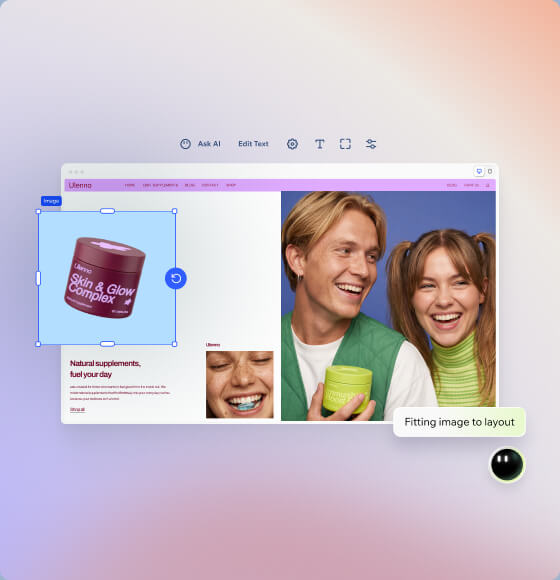
Build your tattoo website
Create a professional tattoo shop site with Wix's AI website builder. Customize every detail to showcase your artists' portfolios and style.
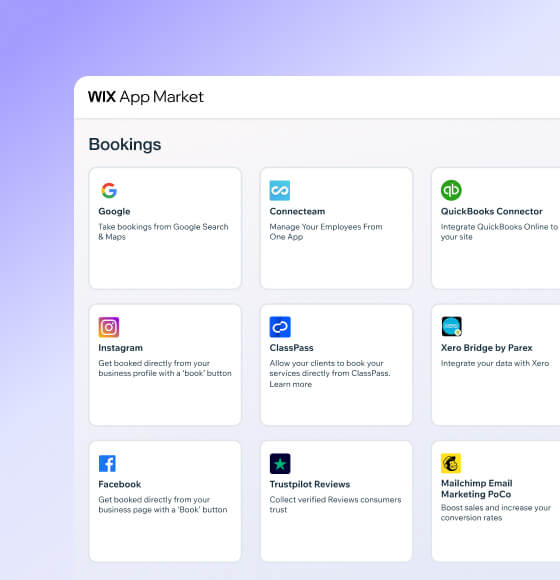
Connect powerful integrations
Expand your tattoo business software with third-party apps for accounting, marketing and client engagement from the Wix App Market.
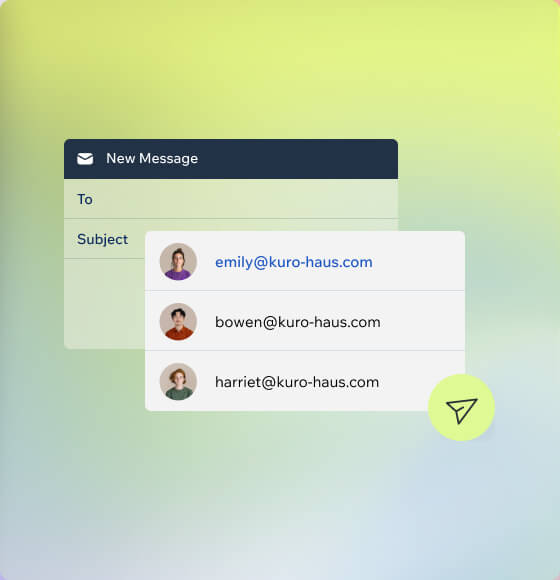
How to use tattoo shop booking software
Follow these 6 simple steps to use tattoo shop scheduling software:
-
Pick your platform
Sign up for Wix and start creating an online presence that shows off your tattoo shop's vibe and artistry.
-
Set up online booking
Add Wix Bookings to your site so clients can check artist availability and book their sessions without calling or messaging.
-
List your services
Add your shop hours, artist profiles and session types. Customize booking forms to gather design references and placement details upfront.
-
Turn on automations
Send automatic confirmations and reminders so clients remember their appointments. Keep your chairs filled and cut down on no-shows.
-
Connect your payments
Link your preferred payment providers so clients can pay deposits or full session fees securely online or in person at your shop.
-
Promote your studio
Share your portfolio, run targeted ads and send email campaigns with built-in marketing tools to attract new clients to your shop.
Get a custom domain for your tattoo shop
Claim a free domain name for one year with any annual website plan.



Make the right choice for your business.
190+
Countries
293M+
Users
91K+
Sites created daily
Tattoo shop scheduling software FAQ
What is tattoo shop scheduling software?
Tattoo shop scheduling software is an online tool that lets clients book appointments directly from your website, social media or other channels—without needing to call or DM you. It handles the back-and-forth of scheduling so you can focus on creating great tattoos.
With Wix's tattoo booking software, you can:
- Let clients pick a service, choose an artist and select an available time slot
- Collect deposits and payments online or in person
- Send automatic confirmations and reminders via email, SMS or WhatsApp
- Gather intake forms and health waivers before the session
- Manage multiple artist calendars from one dashboard
It's more than just a calendar—it's a complete system for running your tattoo shop.
Is this app good as a tattoo studio management software?
Absolutely. Wix goes well beyond simple appointment booking and works as a full tattoo management software solution. You can manage artist schedules, track payments, store client profiles, send automated messages and even sell merch or gift cards—all from one platform.
You also get built-in marketing tools like email campaigns, SEO features and social media ad management to help bring new clients through the door. Plus, detailed reports on bookings, revenue and staff performance give you a clear picture of how your studio is doing. Whether you run a solo chair or a multi-artist shop, Wix gives you the tools to handle daily operations without juggling separate apps.
How do I choose the best scheduling app for tattoo artists?
When looking for the best scheduling app for tattoo artists, focus on features that match how your shop actually runs day to day. Here are a few things to look for:
- Client-facing booking: Can clients pick a specific artist, service and time slot on their own?
- Deposit collection: Does it let you require prepayment to protect your time?
- Automated reminders: Will it send confirmations and reminders so you get fewer no-shows?
- Intake forms: Can you collect design references, health waivers and contact info before the session?
- Multi-artist support: Does it handle separate calendars and permissions for each artist?
- Payments: Can you accept cards, digital wallets and in-person payments?
Wix's tattoo scheduling app checks all of these boxes and bundles them with a website builder, marketing tools and a CRM—so you don't need to pay for multiple subscriptions.
If my calendar is full, can people go on a waiting list?
Yes. With Wix's booking system, you can enable waitlists for your services. When a time slot is fully booked, clients can add themselves to the waiting list. If a spot opens up due to a cancellation or reschedule, the next person on the list gets notified automatically.
This is especially useful for in-demand artists whose chairs fill up fast. Instead of losing potential clients, you keep them engaged and ready to book the moment availability changes. It's a simple way to make sure every open slot gets filled.
Can I charge for tattoo session cancellations or no-shows?
Yes, and it's a smart move. No shows can seriously eat into your income as a tattoo artist.
With Wix's tattoo shop scheduling software, you can:
- Require deposits at the time of booking to secure the appointment
- Set cancellation fees that apply when clients cancel within a certain window
- Define clear booking policies that clients agree to before confirming
These tools help protect your artists' time and keep your revenue predictable. Clients see the terms upfront, so there are no surprises on either side.
Can I use this software for booking multiple tattooists?
Definitely. Wix's tattoo shop software is built to handle multi-artist studios. Each tattooist gets their own calendar, and you can assign specific services or session types to individual artists.
You can also:
- Set roles and permissions so artists manage their own bookings and clients
- Sync all calendars in one view to see shop-wide availability at a glance
- Track each artist's performance with built-in reports on bookings and revenue
Whether you have two artists or ten, the system scales with your shop and keeps everyone's schedule organized without overlap.
How do I send reminders to clients?
Wix handles reminders automatically so you don't have to chase clients manually. Once a client books a session, the system can send:
- Booking confirmations right after they schedule
- Upcoming session reminders at intervals you choose (e.g., 24 hours or 48 hours before)
- Payment requests if a balance is still due
These messages go out via email, SMS, WhatsApp or push notifications—whichever channels work best for your clients. You set it up once in your automations dashboard, and it runs on its own from there. Fewer missed appointments means more time doing what you love.
Can I collect payments via the tattoo scheduling app?
Yes. Wix's tattoo scheduling app lets you accept payments in several ways:
- Online payments through 100+ providers including PayPal, Stripe and Wix Payments
- In-person payments using the Wix Mobile Card Reader or Tap to Pay on your phone
- Invoices and pay links you can send by email, text or QR code
- Deposits collected at the time of booking to secure the session
You can accept debit cards, credit cards, Apple Pay, Google Pay and other digital wallets in 40+ currencies. Every transaction is tracked on your Wix dashboard, so you always know where your money stands.
Can clients book a specific tattoo artist?
Yes. When you set up your tattoo booking software on Wix, you can add individual artist profiles with their own availability, specialties and portfolios. During the booking process, clients pick the artist they want before choosing a time slot.
This is great for studios where each artist has a distinct style—clients get exactly who they're looking for, and artists only see bookings meant for them. It also helps new clients browse your team and find the right fit for their piece.
Can I collect health declarations (waivers) prior to a tattoo session?
Yes, and it's simple to set up. With Wix's tattoo business software, you can create custom intake forms that clients fill out when they book or before their session. You can include:
- Health declarations and allergy disclosures
- Consent waivers for the tattooing process
- Design preference questionnaires and reference image uploads
- Emergency contact details
All responses are saved to each client's profile in your CRM, so you have everything on file before they sit in the chair. No more printing paper forms or scrambling at check-in—your shop stays organized and professional.
Because your clients' health data deserves the highest protection, Wix offers built-in HIPAA compliance tools to help you handle sensitive information with professional-grade security.