Tailor your booking flow
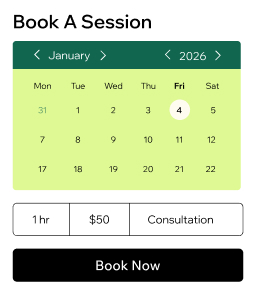
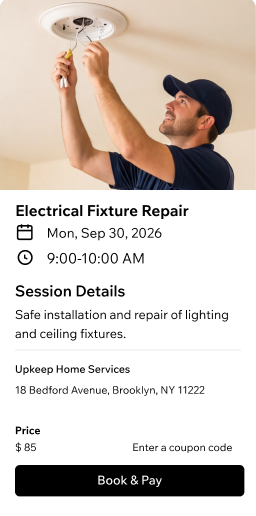
Build a service catalog for appointments or courses. Set booking rules and policies that match how your service company operates.
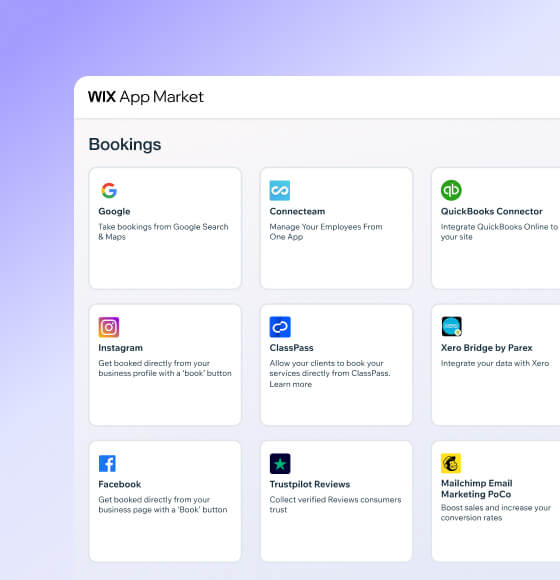
Get booked anywhere
Accept bookings from your site, social media, Google Maps or shareable links. Your service scheduler works around the clock.
Manage your team
Assign staff to sessions, sync calendars and set permissions. Let each team member track their own clients and payments.
Accept payments your way
Get paid online or in person with 100+ providers, digital wallets, invoices and POS. Charge deposits to secure bookings.
Track every client
Store detailed profiles, collect intake forms and send reminders via email or SMS. Keep relationships strong with built-in automations.
Keep clients coming back
Store client details, collect intake forms and send reminders via email, SMS or WhatsApp. Reduce no-shows automatically.
Streamline your service business
Organize your calendar
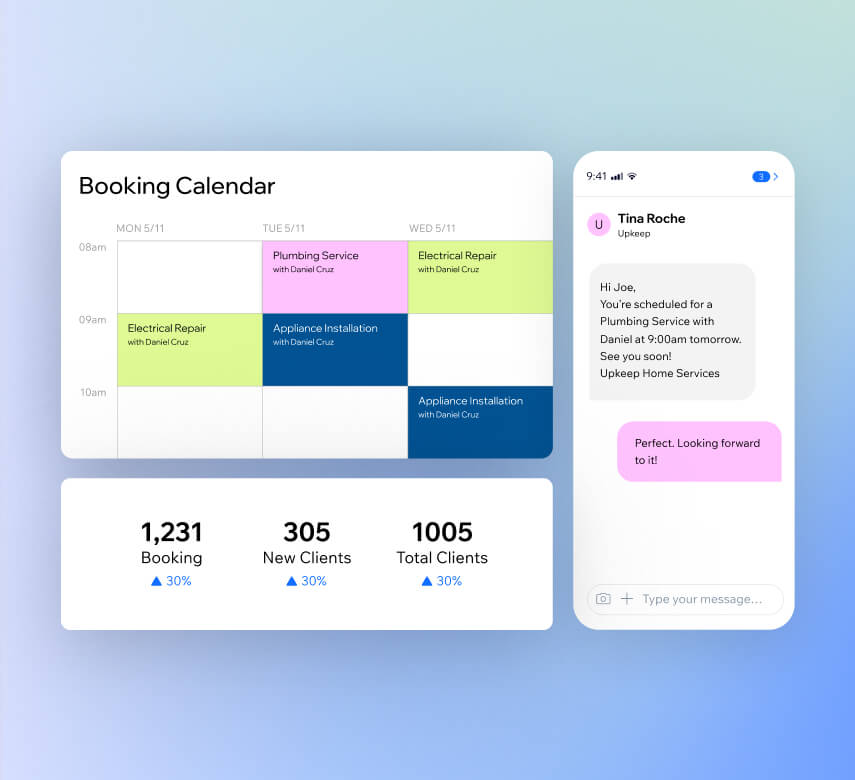
Handle attendance, waitlists, drop-ins and staff schedules from one place. Set business hours, sync calendars and create booking rules that work for you.
Automate your bookings
Send confirmations, reminders and payment requests automatically via SMS, email, WhatsApp or push notifications. Keep clients informed without extra effort.
Track your performance
Get AI-powered reports on bookings, revenue, client engagement and staff performance. Make data-driven decisions to grow your service company.
Run your business on mobile
Use the Wix app as your service scheduler on the go. Edit sessions, assign staff, chat with clients, accept payments and check analytics from your phone.
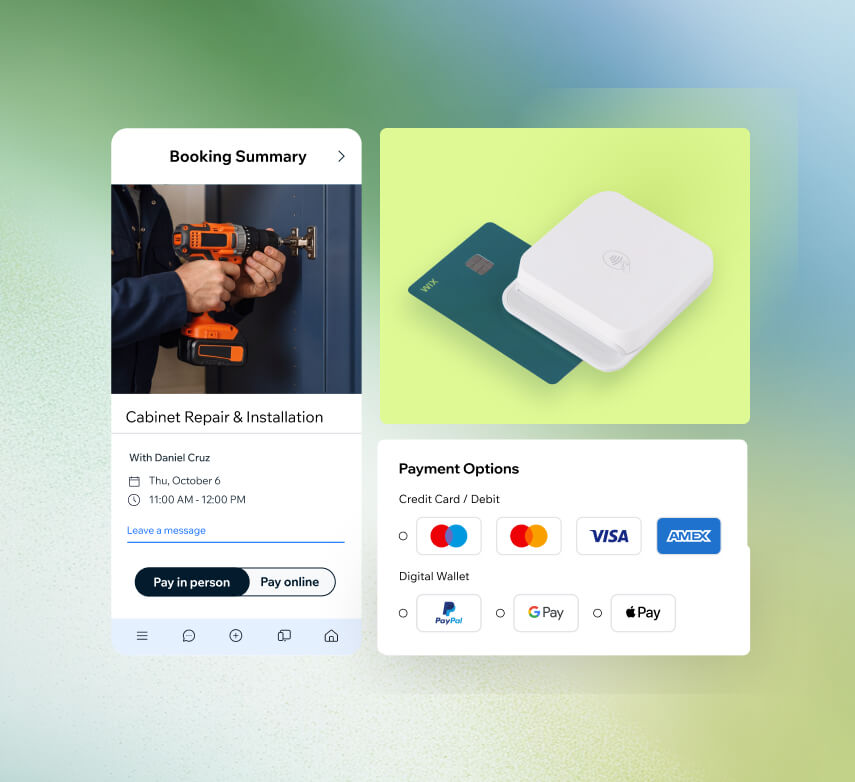
Collect payments your way
Get paid online
Connect 100+ payment providers like PayPal or Stripe. Accept cards, digital wallets and 40+ currencies through your service scheduling software.
Take payments anywhere
Use the compact Mobile Card Reader at client locations or events. Accept contactless payments right from your phone with Tap to Pay.
Send invoices and pay links
Create professional invoices in seconds and share secure pay links via email, SMS or QR code. Make it simple for clients to pay fast.
Secure deposits upfront
Require prepayment or set cancellation fees to protect your time. Reduce no-shows and last-minute cancellations for your service company.
Grow your service business faster
Offer coupons and gift cards
Create automatic discounts to increase bookings and sell personalized gift cards clients can send to friends. Bring in new customers while rewarding loyal ones.
Sell products online
Add an online store to sell physical goods, digital products or print-on-demand merchandise. Handle orders, shipping and payments from one dashboard.
Launch a loyalty program
Let clients earn points through purchases and bookings they can redeem for rewards. Build repeat business and keep your best customers coming back.
Show up in search results
Optimize your site for Google with built-in SEO tools and see how it appears on AI platforms like ChatGPT. Get found by more potential clients.
Run paid ads
Set up Google, Facebook and Instagram ads directly from your Wix dashboard. Target the right audience and turn clicks into booked appointments.
Send AI email campaigns
Build a subscriber list and create fully designed email campaigns using AI. Share promotions, updates and seasonal offers that drive repeat bookings.
Beyond service scheduling software
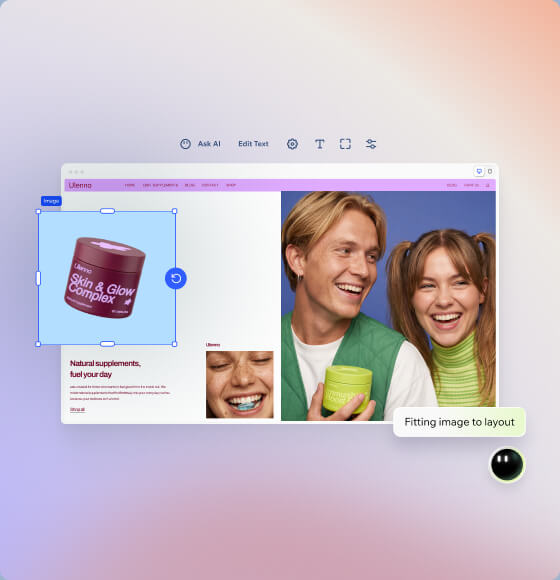
Build your business website
Create a professional site for your company using services and maintenance website templates. Customize any detail to match your brand.
Get a branded email
Build trust with a professional email address that matches your domain. Strengthen your brand identity with every message you send.
How to use service scheduling software
Follow these 6 simple steps to use service scheduling software:
-
Pick your platform
Sign up for Wix and start creating an online presence that reflects your service business and what makes it stand out.
-
Add booking features
Set up Wix Bookings so clients can check your availability and book appointments or consultations directly from your site.
-
List your services
Add your service offerings, set business hours, assign staff members and customize booking forms to collect the details you need.
-
Automate your schedule
Turn on automated confirmations, reminders and follow-ups so clients stay informed and your calendar stays organized.
-
Connect payment methods
Give clients secure ways to pay online or in person by linking your preferred payment providers to your service scheduling software.
-
Promote your business
Use built-in marketing tools to run email campaigns, boost your search visibility and reach new clients across social platforms.
Get a custom domain for your service business
Claim a free domain name for one year with any annual website plan.



Make the right choice for your business.
190+
Countries
293M+
Users
91K+
Sites created daily
Service scheduling software FAQ
What is service scheduling software?
Service scheduling software is a tool that helps businesses organize appointments, manage calendars and let clients book services online. Instead of handling phone calls, texts and emails to coordinate schedules, a service scheduler puts everything in one place—your availability, staff assignments, client details and booking confirmations.
With Wix's service scheduling software, you can:
• Create a full service catalog with descriptions, pricing and durations
• Let clients self-book 24/7 from your website, social media or Google
• Sync staff calendars and assign team members to specific services
• Send automated confirmations and reminders
• Accept payments and deposits at the time of booking
It's designed to save you time on admin work so you can focus on delivering great service to your clients.
Can this app work as scheduling software for a service business?
Absolutely. Wix Bookings was built specifically as scheduling software for service businesses of all types—from home repair and consulting to cleaning, tutoring and personal training. It goes well beyond a basic calendar by combining booking, payments, client management and marketing into one platform.
You get features like automated reminders, intake forms, staff management and the ability to accept bookings across multiple channels including your website, Instagram and Google Search. You can also track performance with built-in analytics and AI-powered insights to see which services drive the most revenue.
Whether you're a solo operator or running a growing team, Wix's scheduling tools adapt to how your business works.
How do I choose the best service scheduling software?
Choosing the best service scheduling software comes down to matching the tool to how your business actually runs day to day. Here are a few things to look for:
• Booking flexibility – Can clients book by service type, staff member or location? Can they book multiple services in one visit?
• Payment options – Does it support online payments, deposits and in-person transactions?
• Automation – Can you send reminders, confirmations and follow-ups without doing it manually?
• Client management – Is there a built-in CRM to store client details, intake forms and booking history?
• Marketing tools – Can you promote your services with email campaigns, SEO and social media from the same platform?
• Scalability – Will it grow with you as you add staff, locations or new services?
Wix's service scheduling app checks all these boxes and bundles them into a single platform, so you don't need to patch together separate tools for your website, bookings, payments and marketing.
How do I send reminders to clients?
With Wix's service scheduling software, you can set up automated reminders that go out before each appointment—no manual effort required. Once a client books, the system can send confirmations right away and follow up with reminders via email, SMS, WhatsApp or push notifications.
You choose when reminders are sent (for example, 24 hours or 1 hour before the appointment) and customize the message content. This helps reduce no-shows and keeps your schedule running smoothly. You can also send follow-up messages after appointments to thank clients or encourage them to rebook.
Can I collect payments via the service scheduling app?
Yes. Wix's service scheduling app makes it simple to collect payments at the time of booking or after a service is complete. You can connect over 100 payment providers including PayPal, Stripe and Wix Payments, and accept credit cards, debit cards and digital wallets in 40+ currencies.
You can also:
• Require full payment or a deposit upfront to secure bookings
• Set cancellation fees to protect against last-minute changes
• Send professional invoices and shareable pay links via email, SMS or QR code
• Save client card details on file for faster future payments
All transactions are tracked from one dashboard, so you always know where your revenue stands.
How can I use this app to offer home services scheduling?
Wix makes home services scheduling straightforward. You can set up your service catalog with details like service area, duration and pricing, then let clients book directly from your website or social channels.
To tailor it for home visits, you can:
• Add custom booking forms that collect the client's address and any special instructions
• Set travel time buffers between appointments so your schedule stays realistic
• Assign specific staff members to jobs based on location or skill set
• Send automated confirmations with appointment details so clients know exactly when to expect you
Whether you run a cleaning service, plumbing business or mobile pet grooming operation, Wix's scheduling tools help you stay organized while you're on the road.
Can clients schedule a home visit with their preferred staff member?
Yes, they can. When you set up your service scheduler on Wix, you can assign multiple staff members to the same service. During the booking process, clients see which team members are available and can pick the person they prefer.
Each staff member has their own calendar, availability settings and profile—so clients always know who's coming and when. This is especially helpful for home services scheduling where clients build trust with a specific technician, cleaner or therapist and want to stick with them for future visits.
Is it possible to collect payments in-person?
Definitely. Wix gives you several ways to accept in-person payments for your service company. You can use Tap to Pay on your phone to accept contactless payments from credit cards, debit cards, Apple Pay, Google Pay and other digital wallets—no extra hardware needed.
For a more traditional setup, Wix also offers a compact Mobile Card Reader you can bring to client locations, events or pop-ups. Every in-person transaction syncs automatically with your online dashboard, so your records stay up to date whether you're paid on-site or online.
Can I send periodic reminders for my service business clients?
Yes. Wix's booking automations let you send periodic reminders to keep your service business clients engaged and on schedule. Beyond standard appointment reminders, you can create automated flows that reach out to clients who haven't booked in a while or notify them about recurring services they might need.
You can send messages through email, SMS, WhatsApp or push notifications and customize the timing and content of each one. Pair this with AI-powered email campaigns to share seasonal promotions or service updates that encourage repeat bookings. It's a hands-off way to stay top of mind without chasing clients down.