Updated: Aug 20
The perfect domain is just a click away: find your domain name →
When you visit a website, there’s a quiet layer working in the background that keeps your connection safe. That layer is HTTPS. It protects the data moving between your browser and a website.
Without HTTPS, information like passwords, payment details or form entries can be exposed while they travel across the internet. With it, that data is encrypted so only you and the site you’re using can read it. Today, HTTPS is standard across most websites and plays a big role in building trust online.
Secure your perfect domain in just a few clicks with Wix. Get everything you need in one place: business email, reliable hosting, SSL protection and full privacy. With 24/7 support and no hidden fees, getting your site live is simple and worry-free.
What does HTTPS mean?
HTTPS stands for Hypertext Transfer Protocol Secure. It's an internet communication protocol that protects the confidentiality and integrity of the data being sent between a user's browser and the website they're visiting.
Put simply, HTTPS is a more secure form of HTTP. Whereas HTTP sends the data in plain text, HTTPS encrypts it using a Transport Layer Security (TLS) protocol. This makes the data harder to intercept as it's transmitted from a user's browser to the web server hosting the website.
HTTPS is considered a standard security practice, and can help you build trust with site visitors. Here are a few key reasons why HTTPS is important for websites:
Security: HTTPS prevents attackers from intercepting or manipulating the data being transferred between the user and website.
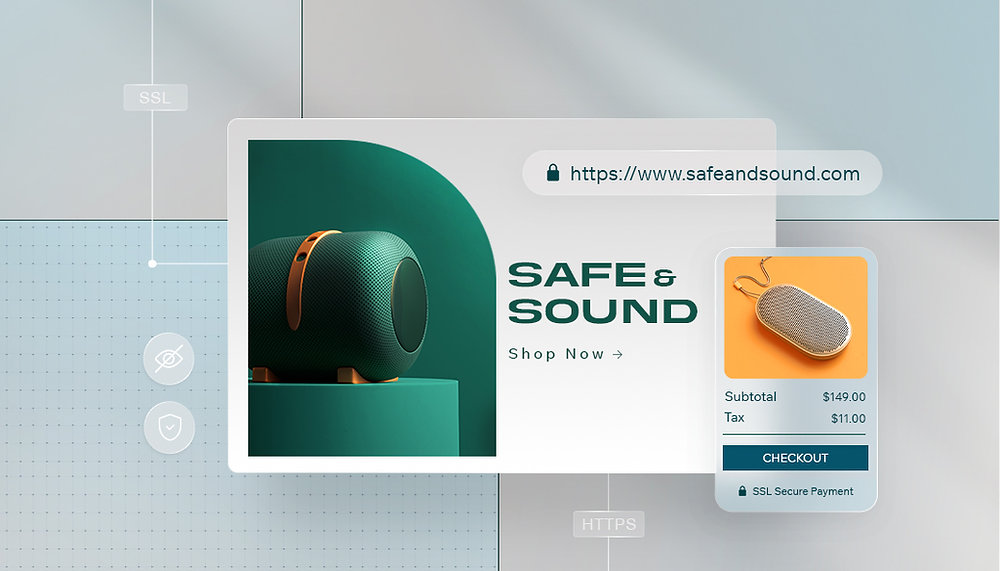
Trust and credibility: Most modern browsers label HTTP sites as "not secure," which can make it harder to build trust with potential customers. HTTPS, on the other hand, shows as a padlock icon next to the URL, indicating to users that the site is secure.
SEO benefits: Google takes HTTPS into account as a ranking factor, meaning that sites that use it may have an edge when it comes to search engine optimization (SEO).
How does HTTPS work?
HTTPS uses an SSL (Secure Sockets Layer) or TLS (Transport Layer Security) certificate to encrypt the connection between a browser and a web server. The certificate ensures that the data transferred is encrypted and secure. When you visit an HTTPS site, your browser and the web server undergo a "handshake" to confirm that the certificate is valid, after which an encrypted connection is established.
SSL/TLS certificates can be obtained from a certificate authority (CA), which is a trusted organization that issues the certificates. When a browser visits an HTTPS website, it verifies the certificate to make sure it's valid and issued by a trusted CA.
What is the difference between HTTP and HTTPS?
The main difference between HTTP and HTTPS is security. HTTP is a protocol that transfers data in plain text, which makes it vulnerable to eavesdropping and attacks. In contrast, HTTPS encrypts the data with an SSL/TLS certificate, so even if attackers intercept the data, they can't read it.
Here's a quick breakdown of the differences between HTTP vs HTTPS:
HTTP:
Doesn't use encryption
Doesn't protect confidentiality of data
Labeled as "Not Secure" in Google Chrome
Sends data as plain text
HTTPS:
Uses SSL/TLS encryption
Protects confidentiality of data
Shows a padlock icon in the URL bar
Encrypts data before sending it

How to get HTTPS for your website
The easiest way to enable HTTPS for your website is by using a web hosting service that provides an SSL/TLS certificate for you. Wix, for example, provides a free SSL certificate for all sites hosted with Wix. You simply need to enable HTTPS in your site's settings.
If you are using a web hosting service that doesn't provide SSL/TLS certificates, you can obtain one from a CA such as Let's Encrypt, which offers free SSL/TLS certificates. Once you have obtained your certificate, you'll need to install it on your web server. A few namespaces take the decision out of your hands: a .new domain sits on the HSTS preload list, so it will not load over plain HTTP at all.
Did you know: a .zip domain sits on the HSTS preload list, so a .zip site cannot load over plain HTTP at all, even on a first visit.

HTTPS FAQ
Does HTTPS make my entire website completely secure?
No. HTTPS encrypts the connection between a visitor and your site, which stops data from being intercepted in transit. It does not protect against weak passwords, malware or flaws in your site itself, so it is one important layer of security rather than the whole solution.
Does HTTPS affect my Google ranking?
Yes, in a small but real way. Google has confirmed HTTPS is a lightweight ranking signal, and secure sites are favored over identical non-secure ones. Just as importantly, browsers label non-HTTPS pages as Not Secure, which can drive visitors away and hurt performance indirectly.
Is HTTPS the same as SSL or TLS?
They are closely related but not identical. SSL and its modern successor TLS are the protocols that do the encryption, while HTTPS is simply HTTP running over that secure connection. When people say a site has SSL, they usually mean it serves pages over HTTPS.
Why does my site still show Not Secure after I set up HTTPS?
This usually points to a certificate or mixed-content issue. The certificate may still be provisioning or expired, or some images and scripts may still load over plain HTTP. Checking your certificate status and updating any HTTP links normally clears the warning.
Does switching to HTTPS slow down my website?
Not in any way visitors will notice. Modern encryption is very efficient and HTTPS actually unlocks faster protocols like HTTP/2. Any tiny overhead is far outweighed by the security, trust and performance benefits.


