Updated: 17 hours ago
Build your website, your way with Wix Harmony →

I’ve got this very creative friend. She builds beautiful presentations in minutes. Designs social posts effortlessly. And has strong taste and clear opinions about how things should look and feel.
But when it comes to her own business website, something changes.
She’ll text me:
“Can you just move this button for me?”
“I’m scared I’ll break something.”
“I don’t know if this looks professional.”
It’s easy to assume it’s a skills issue. And part of it is. Understanding how to build a website does require making decisions—about layout, hierarchy, tone and structure. But as a UX professional, I know that’s not the whole story.
Some years ago, website builders like Wix removed the technical barrier between design and code. You no longer needed to know how to program to create something professional.
It was a massive breakthrough that made building a website accessible to everyone. But even after the technical barrier was lowered, another barrier remained: the psychological one.
The fear of getting it wrong. The hesitation before clicking “publish.” The quiet doubt that creeps in: “Who am I to design this?”
What’s different in web creation now
Today, AI has completely transformed the way you build a site: you can now make a website with AI in minutes.
Take Aria, Wix Harmony’s built-in AI agent, for example. With her, you don’t have to arrive confident. You can show up unsure. You can say:
“I don’t know where to start.”
“I’m afraid this will look unprofessional.”
“I’m not good at design.”
“Can you just fix this?”
Aria doesn’t judge. Instead, she translates. She can generate structure and suggest a layout. She can reorganize what feels messy and polish what feels off.
If something feels intimidating—she can take the first step for you. That’s the real shift. AI gives you the courage to create.
So, if you’ve been stuck at that fear barrier and need a way to break through it, here are six ways to collaborate with AI and build your confidence along the way.
01. Share context and your intentions
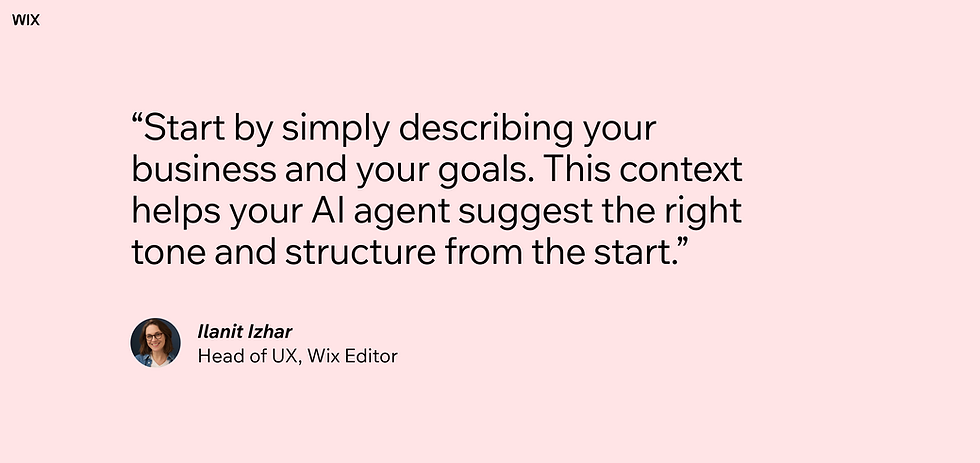
AI is incredibly capable, but it works best when it understands the “why” behind your site. Start by simply describing your business and your goals. This context helps your AI agent suggest the right tone and structure from the start.
When you're ready to add sections, try articulating your goals rather than giving strict commands. For example, instead of saying “Add a gallery,” you might say: “I need a gallery midway down the homepage to showcase four of my main projects.” Giving AI more context helps it generate solutions that actually fit your specific needs.
02. Treat AI like a consultant
Most people jump straight into picking fonts and colors when they start building their site, which can quickly become overwhelming. Before you design anything, try having a conversation with AI. Let it do the initial research for you.
Instead of feeling pressured to know exactly what you need, ask for guidance:
“What are the must-have sections for a photography portfolio?”
“What kind of color palette conveys 'trust' for a financial consultant?”
This gives you a solid starting point so you aren't just guessing what looks professional.
03. Explore different options
In the past, trying out three different layouts would take all afternoon. With AI, it takes seconds. So, don’t settle for the first thing it generates.
For example, ask your agent to create three different versions of a section—maybe one minimalist, one bold and one image-heavy.
It’s so much easier to look at three options and say, "I like the middle one," than it is to build that middle one from scratch. It lets you explore different vibes without wasting your time.
04. Set boundaries
Sometimes, AI gets a little ahead of itself. It might throw in a weird gradient or an icon that just doesn't feel like you.
This is where it helps to set boundaries and tell AI what to do—and what not to do.
“Redesign this header, but keep it simple—without any images.”
“Create a services list, but use text only. No icons, please.”
“Write my About section based on the info I provide, but do it without fluff.”
By narrowing down what you don't want, you help the AI understand your taste much faster.
05. Don’t be afraid to mess things up
There's freedom in knowing you have a safety net. If you want to add and customize a template or create a new section from scratch, my advice is to go for it. Even if you end up with misaligned text or a layout that looks chaotic, there’s nothing lost.
Simply say to AI, “Fix the design” or “Align these elements.” Think of it like having a pro step in to tidy up your rough draft, smoothing out the edges so everything looks intentional.
06. Add your own personal touch
Here’s the beautiful thing about a hybrid website editor like Wix Harmony: the manual, drag-and-drop controls are still there. You never lose control.
AI is fantastic for building the foundation, generating structure and making sure your site functions well on mobile. But the soul of the website comes from you.
Once AI helps you past the blank page, you might find you have the confidence to step in. Swap a suggested photo for something authentic and personal. Tweak the wording of a headline. Move a button until it feels just right.
The bottom line: find your sweet spot
Website building used to demand confidence upfront. Now, confidence can be built along the way.
What’s important to remember is that there’s no single “right” way to use AI in web creation. Some people will let Aria generate almost everything and then lightly tweak the design. Others will manually build most of the structure and ask AI to refine details.
The sweet spot is personal. It’s the place where:
You feel supported, not replaced.
You feel guided, not overwhelmed.
You feel in control, not intimidated.
An incredible website is within your reach. You just have to begin.
Discover more about Wix Harmony:


