

online store
bookings
events
popup

Appointment Waitlist
By
Never miss a chance to get booked
1.7
Free to install

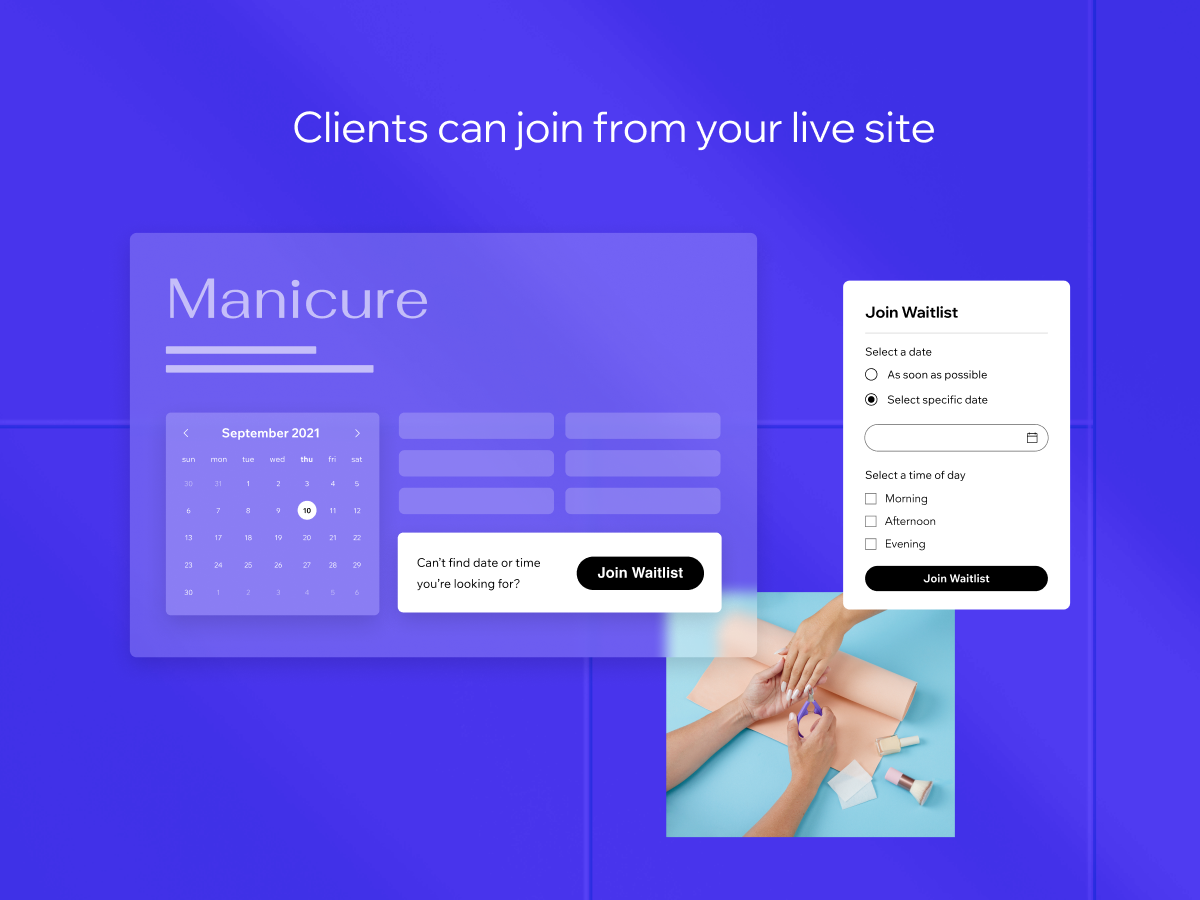
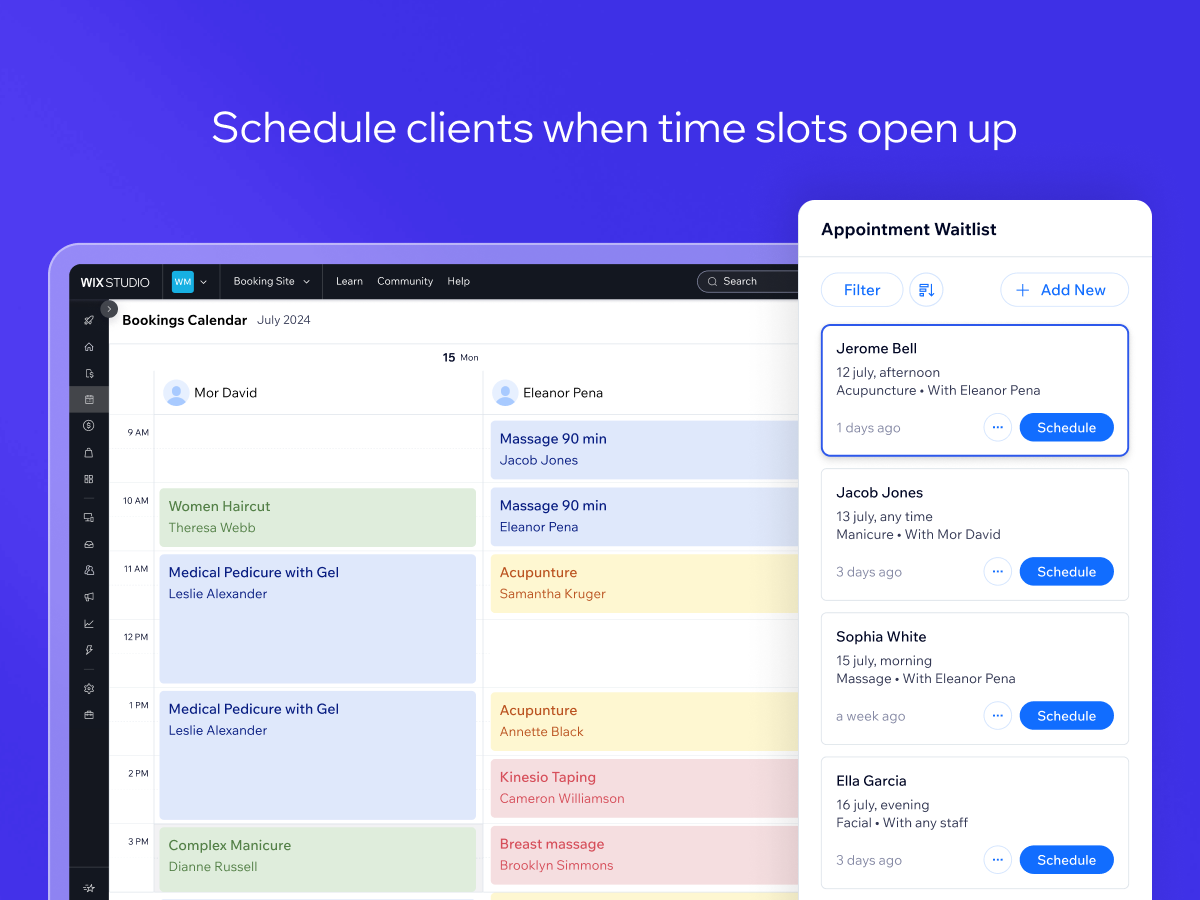
Appointment Waitlist overview
- Let clients add themselves to a waitlist if they can’t find a time that works for them
- Let admins add clients to the waitlist through the Booking Calendar
- Easily turn spots on the waitlist into scheduled bookings
Availability:
This app is available worldwide.App languages:
English
Site Requirements:
-
Featured in
Hipaa Supported Apps
1.7 Average Rating
18 reviews
5
2
4
0
3
1
2
2
1
13
Sort by:
AM
Amymvillalba/ Aug 17, 2026
TERRIBLE.Person adds name to waitlist., YOU ARE NOT NOTIFIED AND THE CONTACT IS NOT ADDED TO DATABASE. No way to get the info, no way to respond. AND, the waitlist is not visible...
(1)
Thank you for your feedback
TA
Taralagos37/ Aug 3, 2026
Poor AppIn the beginning I had a couple clients who were able to go onto the waitlist. After a couple of weeks in business this changed and clients are not able to add themselves...
(1)
Thank you for your feedback
SH
Sheerlashandbeauty/ Jun 18, 2026
No Notifications for Waitlist RequestsI have had multiple occasions where a potential client filled out the Waitlist information and I was never notified of the submission. There were no pop ups, notifications, emails, or other alerts to...
(3)
Thank you for your feedback
BR
Brandonlong3/ Jun 11, 2026
No Appointment Waitlist NotificationsThere's no way to receive a notification when a customer is added to the waitlist making this pretty useless
(0)
Thank you for your feedback
HA
Haley4fox/ Jun 8, 2026
Not useful This needs 1. an email or sms notification feature for the customer to notify them that a new appointment time has opened up and 2. a notification feature for me to let me...
(0)
Thank you for your feedback