
Creating a shutter scroll reveal
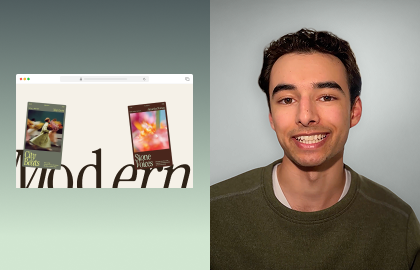
Learn how to build a shutter-on-scroll reveal in Wix Studio using sticky sections, advanced grids and Scroll animations. Start by designing a bold hero, refine the navigation bar and add Shutters effects and text animations to reveal content with editorial-style motion as visitors scroll.
In this Studio Byte tutorial, learn how to build a shutter-on-scroll reveal that uncovers new content as visitors move down the page. We’ll start by structuring a tall hero section with advanced section grids, refining the sticky header, and layering text and branding elements. Then, add shutter containers and apply Scroll animations to create a smooth, cinematic reveal. This layout turns any hero section into an immersive experience that gives sites an advanced feel.
EXPLORE MORE CONTENT

TUTORIAL
Designing a glass-effect slideshow section

TUTORIAL
Design a Sticky vertical sidebar on desktop (Part 1)
TUTORIAL
Build a horizontal Scroll section
More creation-fueling resources