
Designing a glass-effect slideshow section
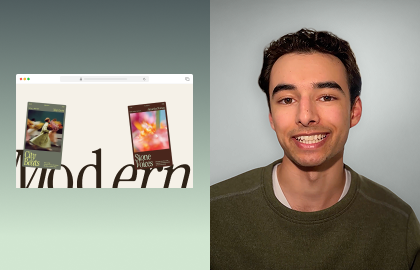
In this tutorial, learn how to build a responsive slideshow hero section with a glass effect. We’ll combine grids, media backgrounds, and Glass effect to create a layered layout that feels polished on desktop, tablet, and mobile.
Create a modern hero section that looks like pure glass using Wix Studio's Glass effect. In this tutorial, you’ll learn how to design a responsive slideshow hero that layers images, text, and UI elements over a glass-effect panel for an editorial feel.
We’ll walk through setting up the slideshow, designing the glass card, and aligning content using responsive layout tools so everything scales smoothly across breakpoints.
EXPLORE MORE CONTENT

TUTORIAL
Adding slideshow repeaters

TUTORIAL
Bring text to life with Hover animations
TUTORIAL
Build a horizontal Scroll section
More creation-fueling resources