top of page

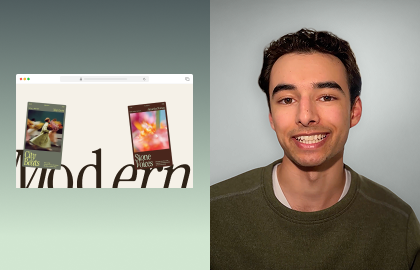
Bring text to life with Hover animations
Learn how to add Hover animations to text in Wix Studio to give headlines an interactive feel.
Hover animations on text are a simple way to make a hero section feel interactive and alive. In this tutorial, learn how to set up text that reacts when visitors hover over it, adding fun movement and eye-grabbing visuals that draw attention without distracting from the message.
EXPLORE MORE CONTENT
TUTORIAL
Build a horizontal Scroll section

TUTORIAL
Adding Hover animations

TUTORIAL
Building Zoom Scroll Effects
More creation-fueling resources
bottom of page