

online store
bookings
events
popup

Ask in Aria
Tiered Discounts: Progress Bar
By
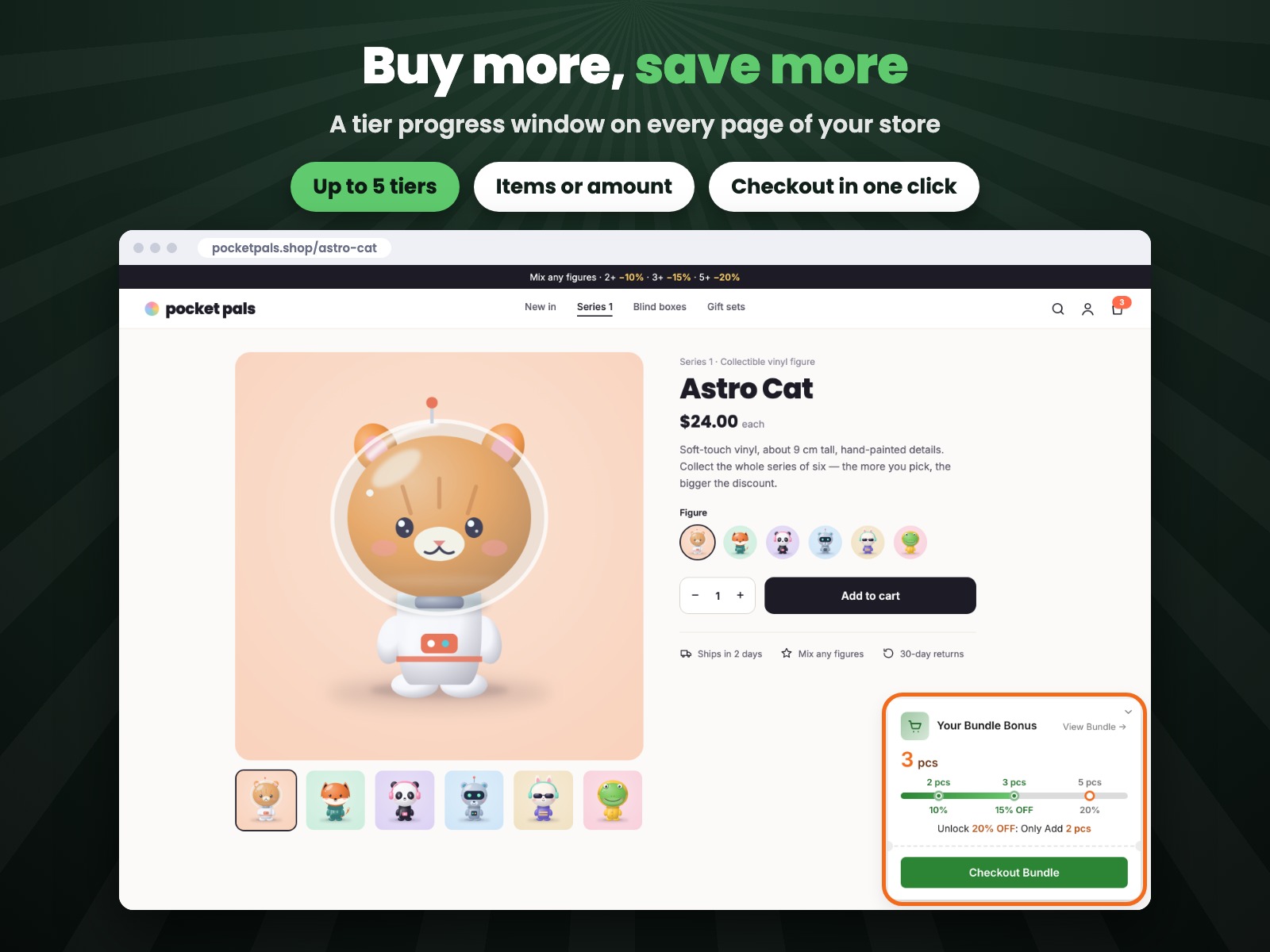
Buy more, save more with a tier progress bar
No Reviews Yet
7 day free trial

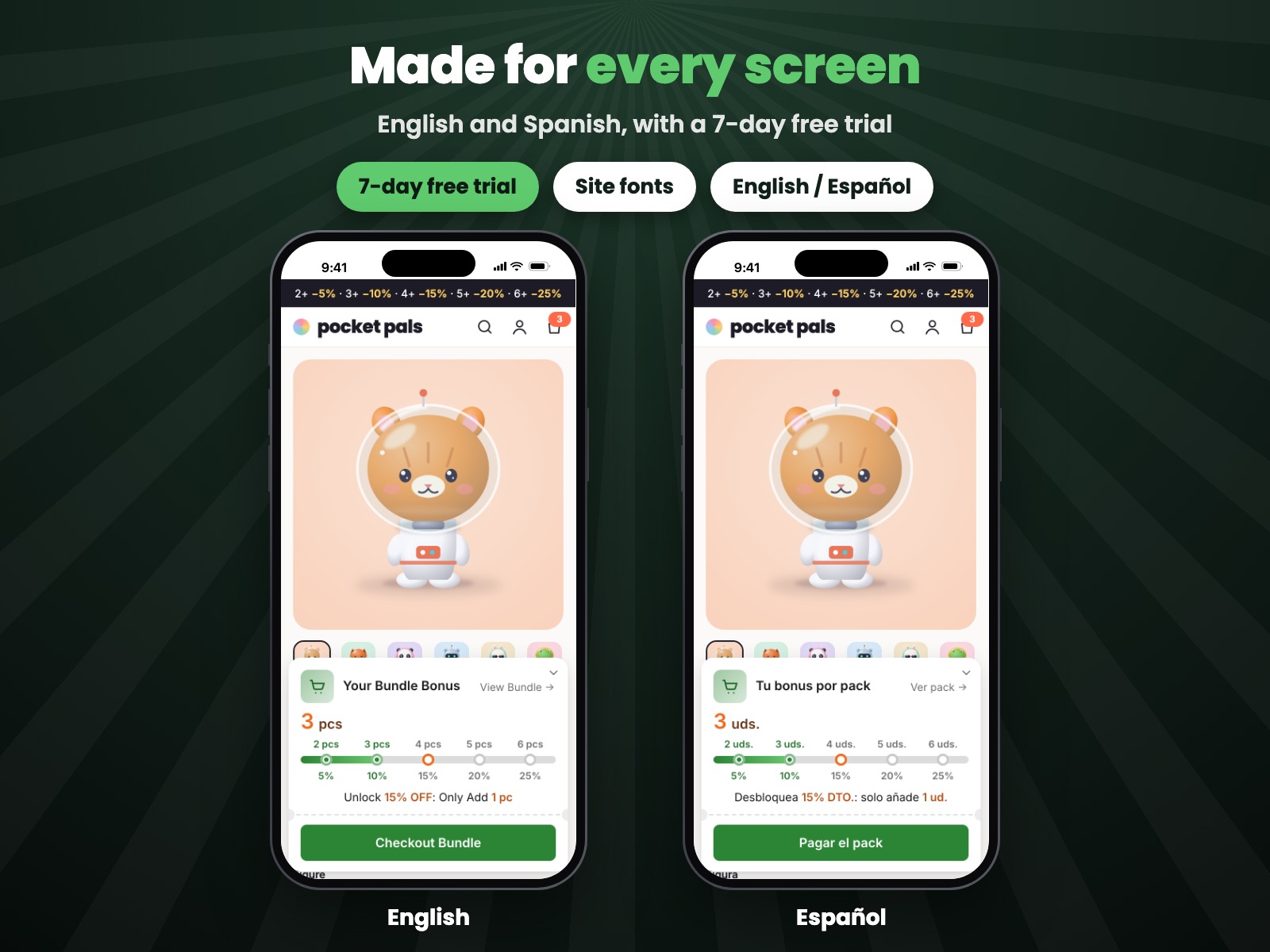
Tiered Discounts: Progress Bar overview
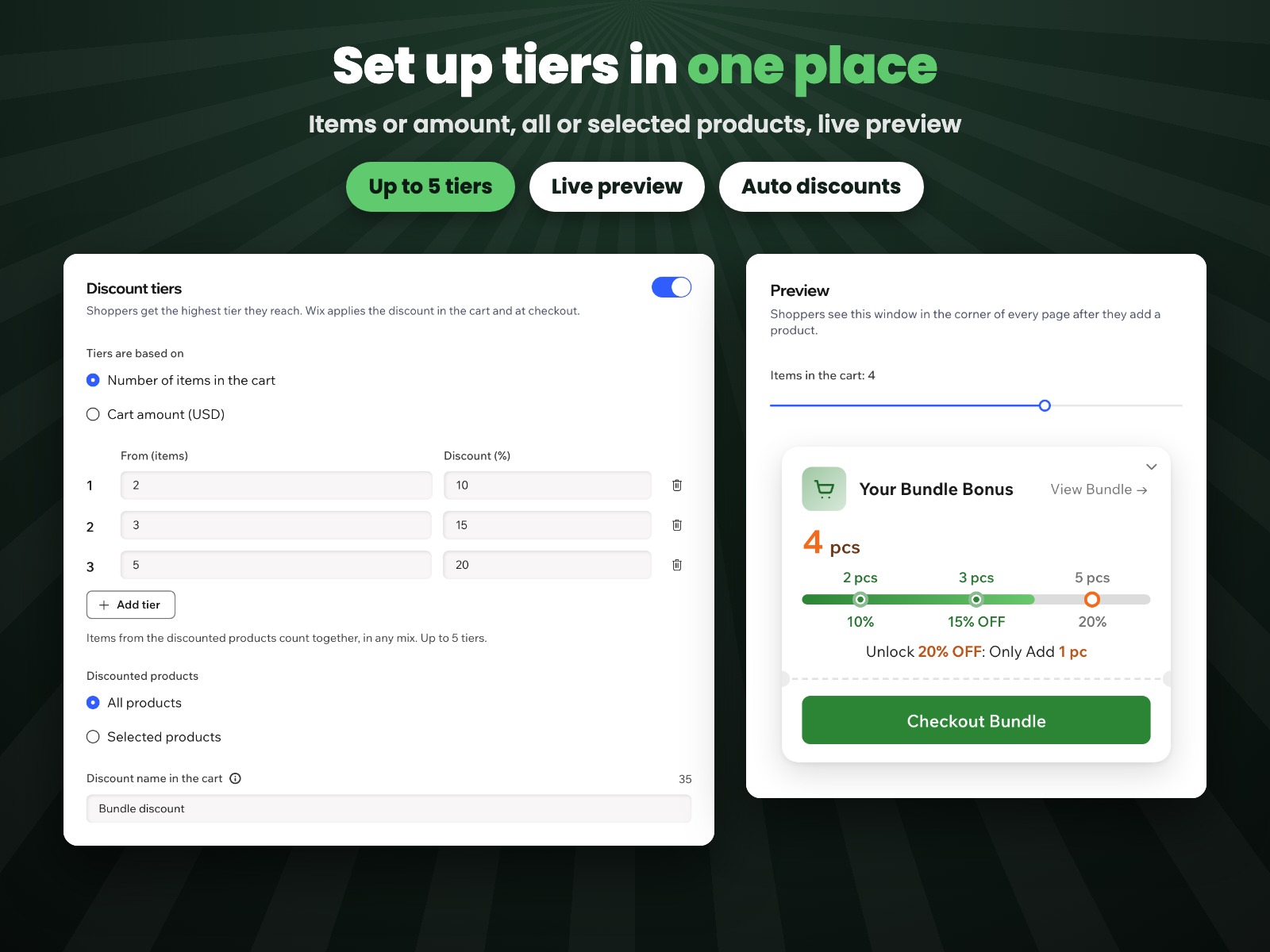
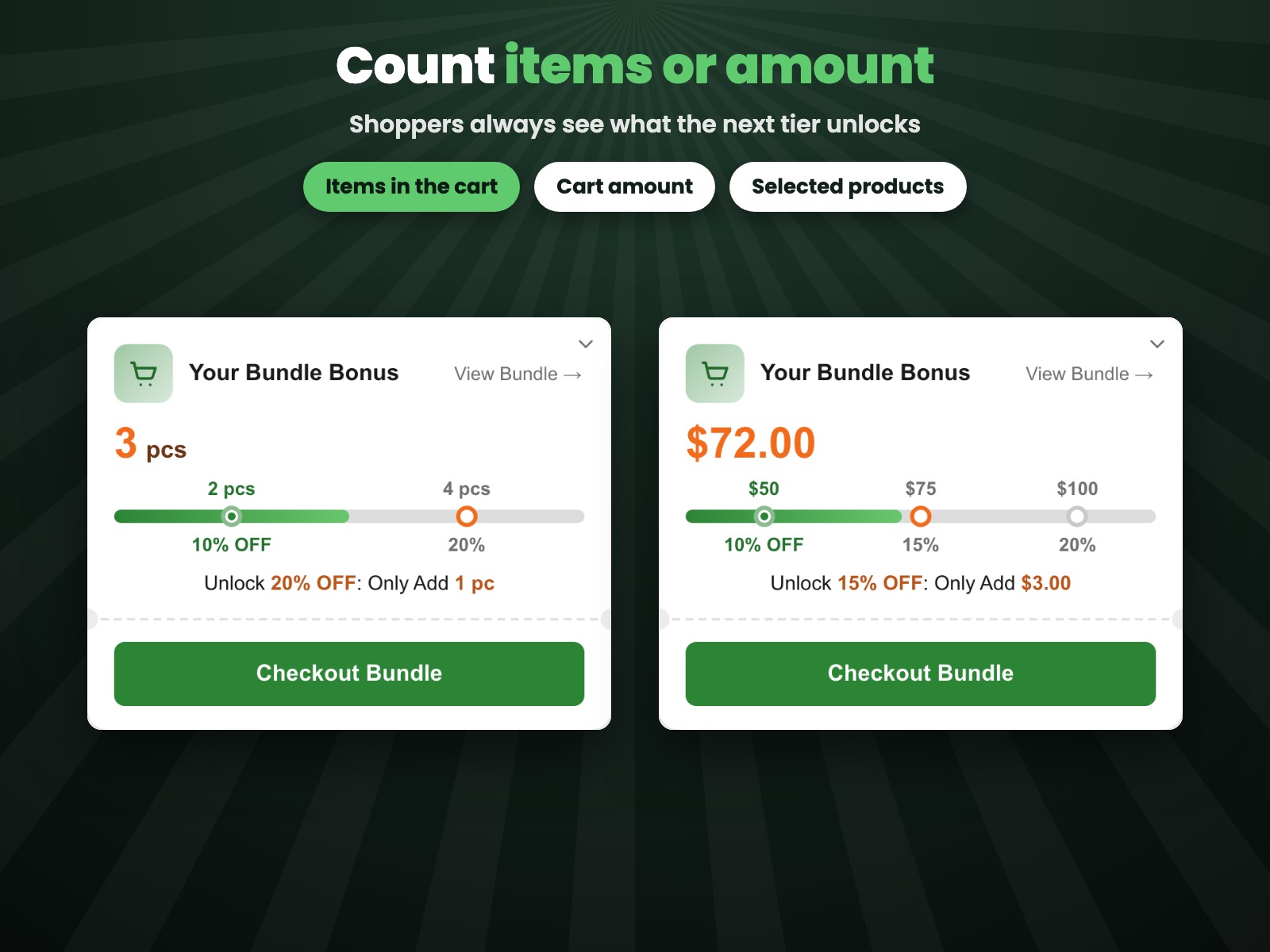
- Up to 5 discount tiers by items in the cart or by cart amount
- A progress window on every page shows what the next tier unlocks
- Checkout button takes shoppers to checkout with the discount applied
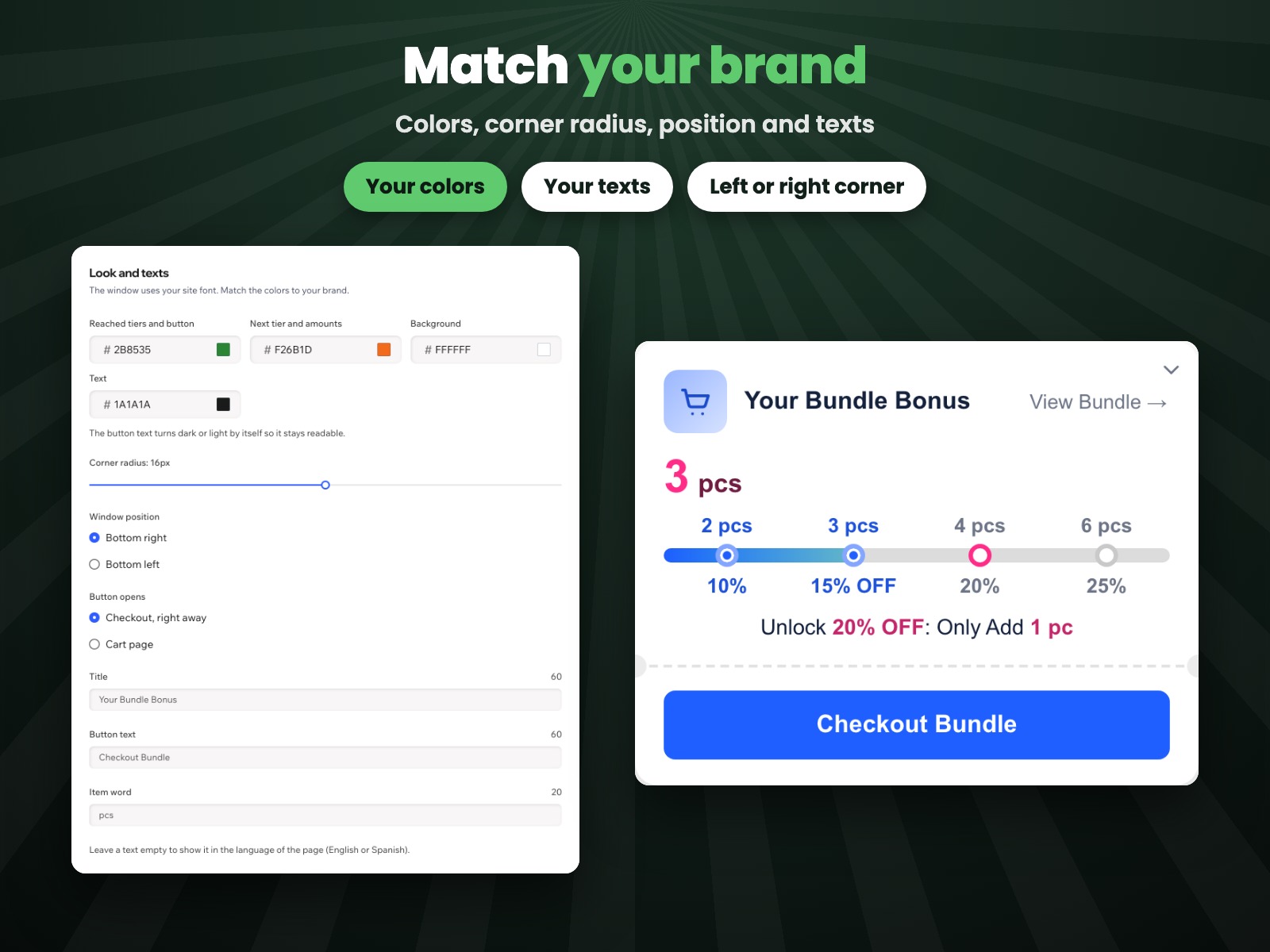
- Your colors and texts, a cart page block, English and Spanish
Rating & Reviews
This app hasn’t received any reviews yet, be the first to rate it.Pricing & plans
This app offers a 7-day free trialPro plan
$
2
79
/month
$399
Up to 5 discount tiers
Progress window on every page
Block for the cart page
Custom colors and texts
* Price is in USD.