

online store
bookings
events
popup

OWN IT
By
Design and preview tee artwork
No Reviews Yet
7 day free trial

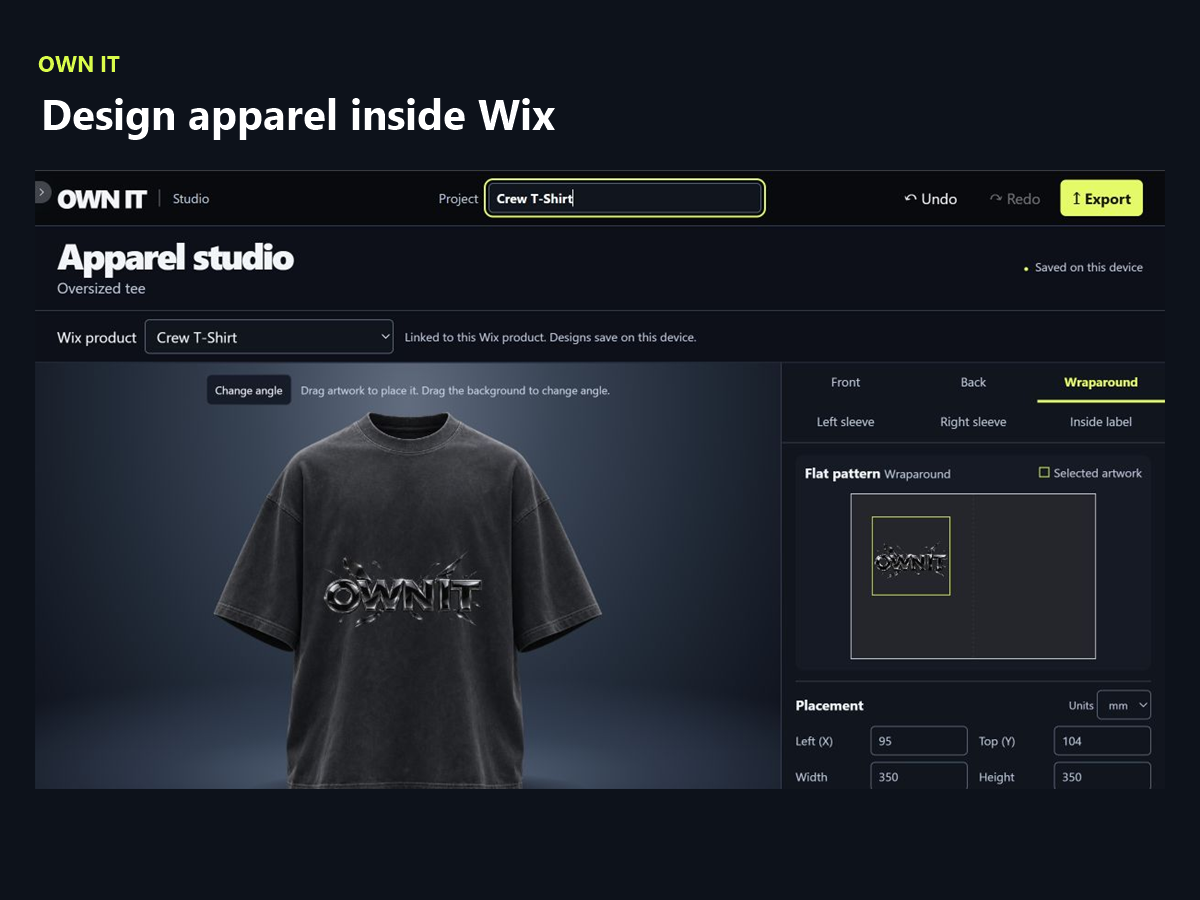
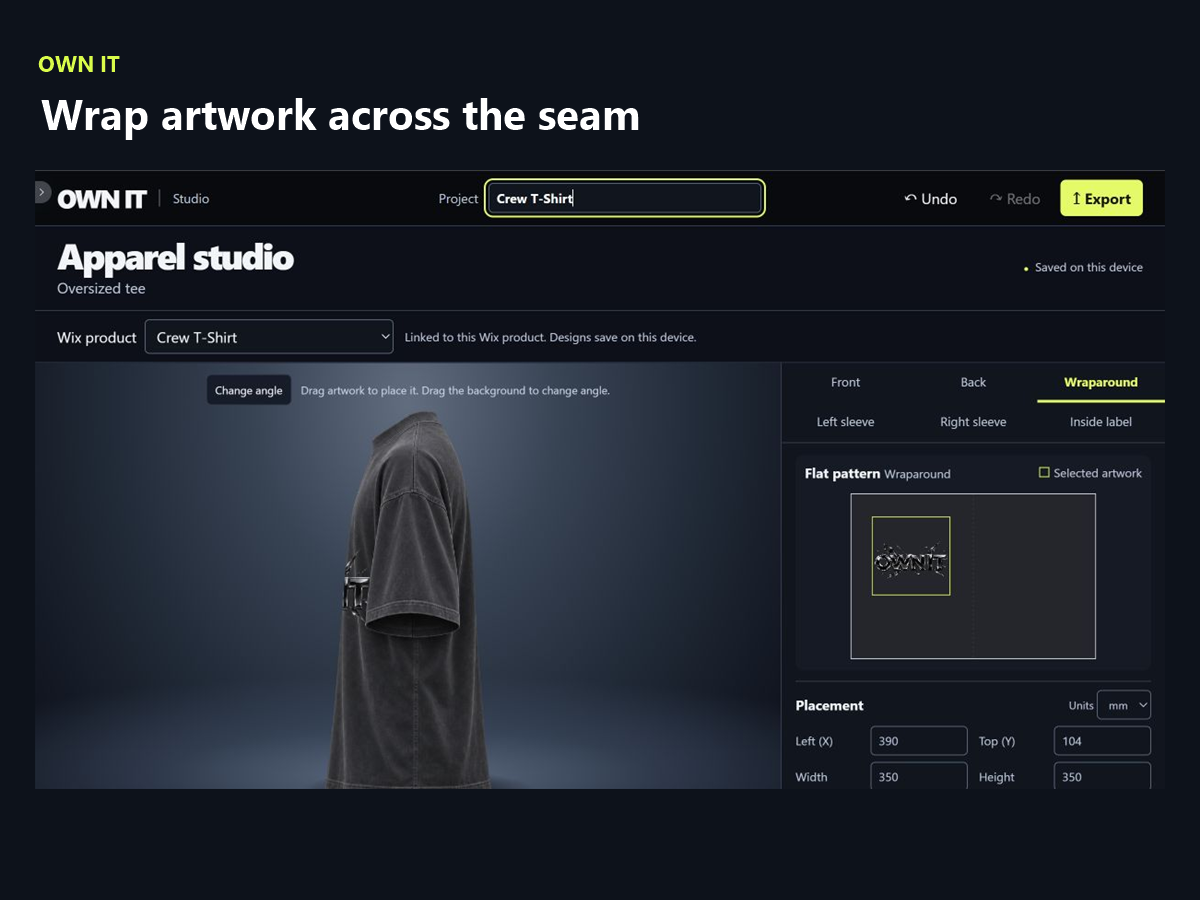
OWN IT overview
- Place artwork and text using real measurements
- Preview fabric folds from the front, side and back
- Wrap designs around the tee across side seams
- Export studio images, print artwork and specs
Rating & Reviews
This app hasn’t received any reviews yet, be the first to rate it.Pricing & plans
This app offers a 7-day free trialStudio plan
$
10
75
/month
Oversized tee mockup studio
Contour-following wraparound artwork
Print artwork and studio image export
Link designs to store products
* Price is in USD.