

online store
bookings
events
popup

Okaypath Form Approvals
By
Route form submissions to approvers by email
No Reviews Yet
14 day free trial

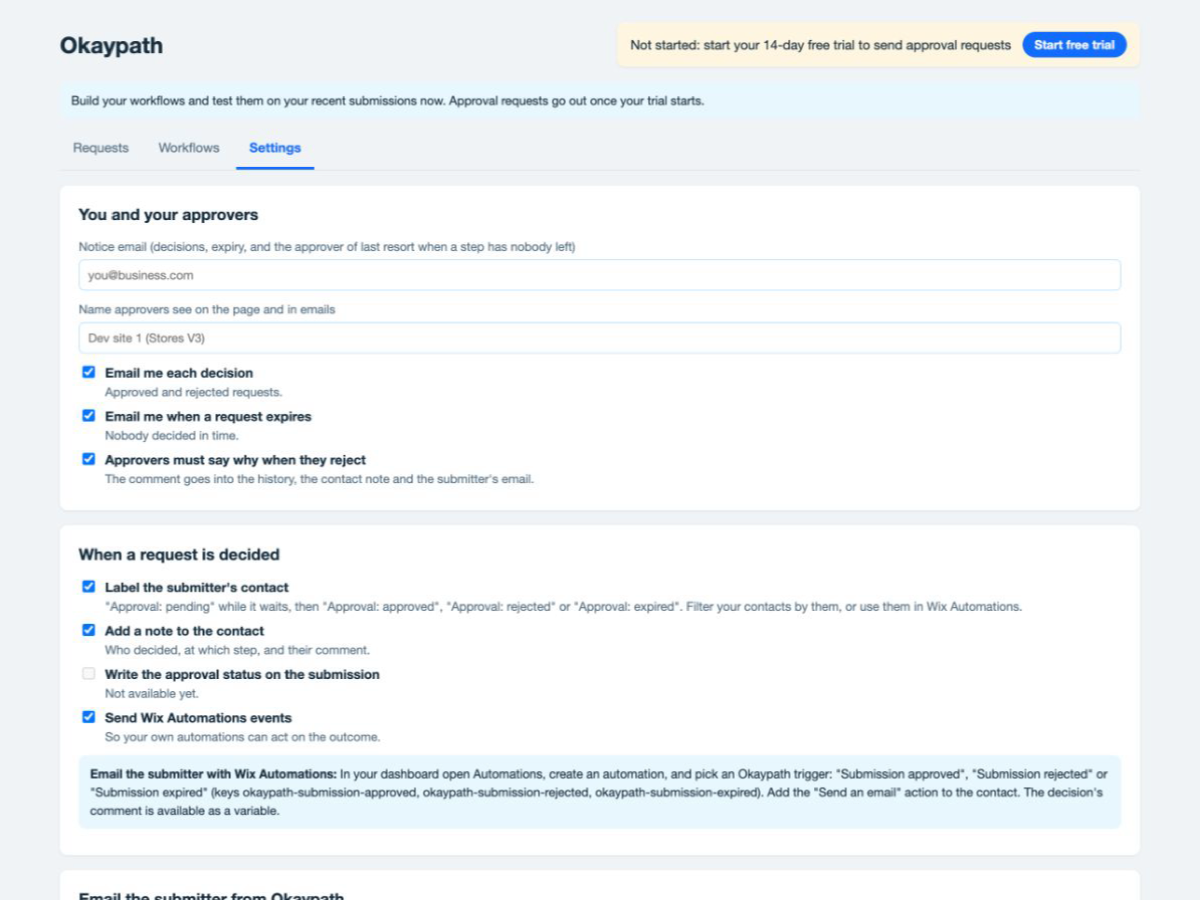
Okaypath Form Approvals overview
- Send each submission to the right approvers based on its answers
- Approvers decide from a link with a comment, no account or seat needed
- Steps in order, with any one, everyone, or 2 of 5 approving
- Outcomes label the contact, add a note and start your automations
Rating & Reviews
This app hasn’t received any reviews yet, be the first to rate it.Pricing & plans
This app offers a 14-day free trialStandard plan
$
24
00
/month
300 approval requests a month
3 workflows, 2 steps, 5 approvers
Reminders, expiry, labels and notes
12-month audit trail with CSV export
Pro plan
$
49
00
/month
3,000 approval requests a month
25 workflows, 5 steps, 15 approvers
"Any 2 of 5 approve" steps
36-month audit trail with CSV export
* Price is in USD.