

online store
bookings
events
popup

Ask in Aria
Photo Gallery
By
Responsive photo gallery: masonry and lightbox
No Reviews Yet
Free plan available

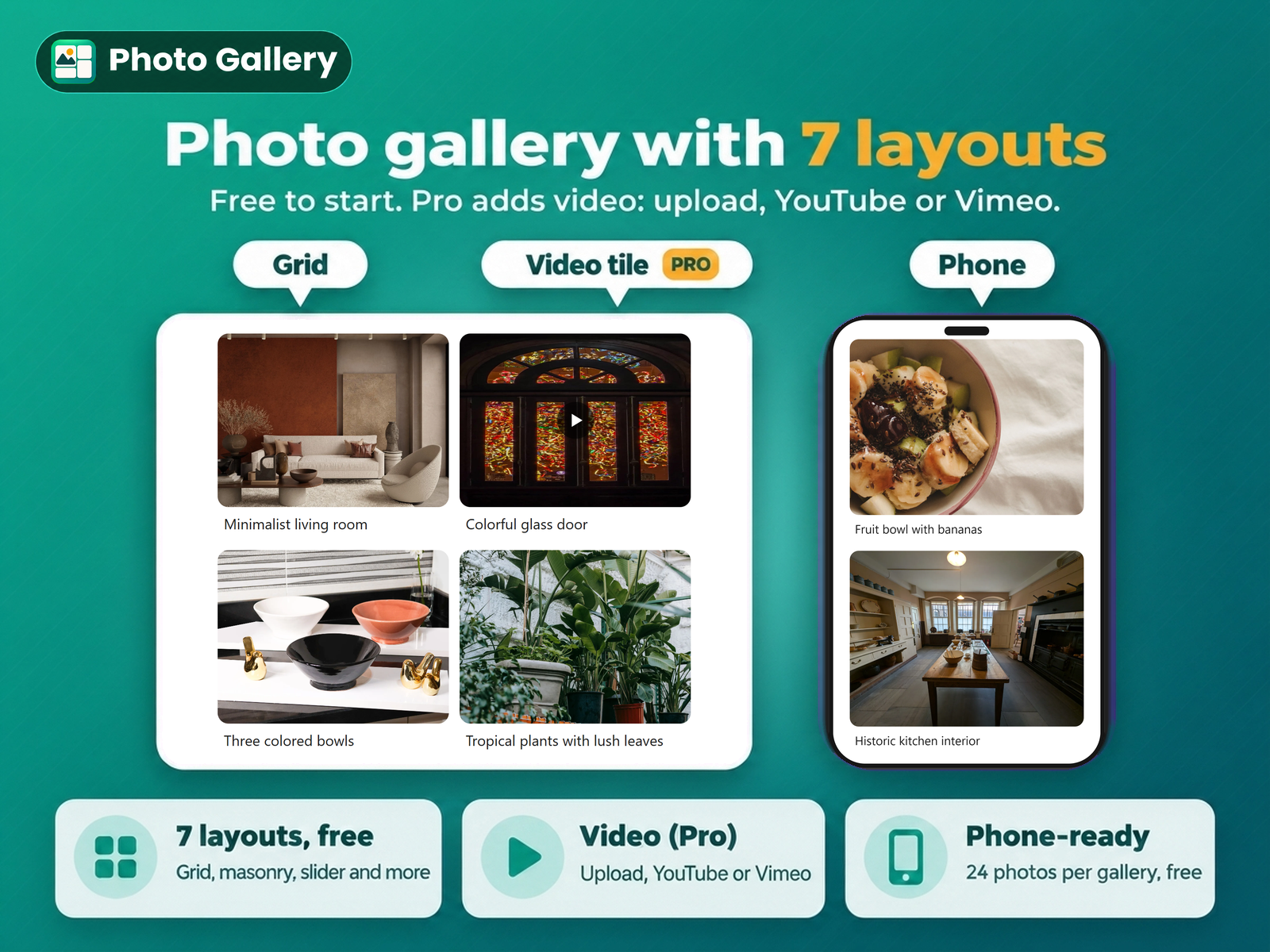
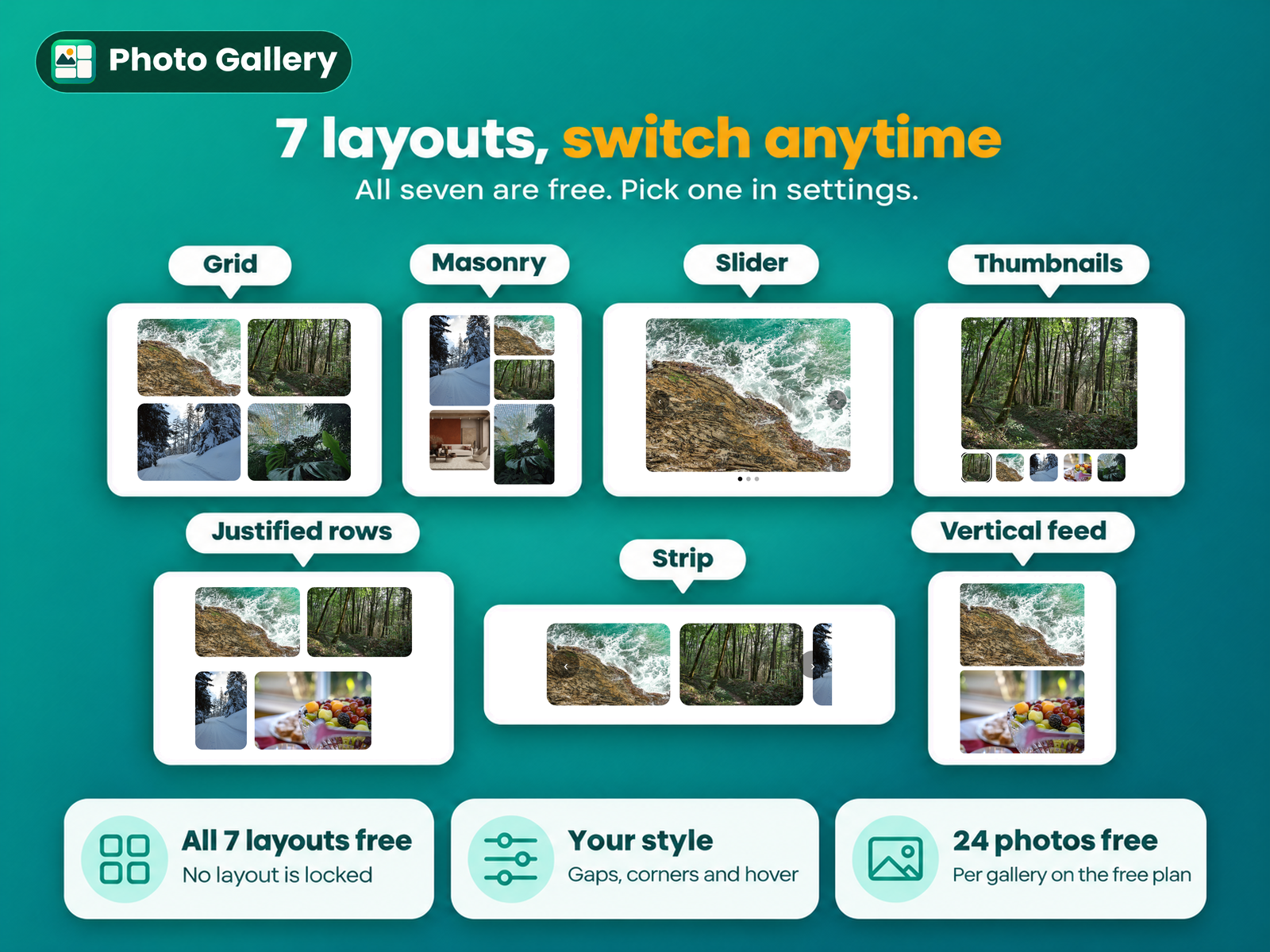
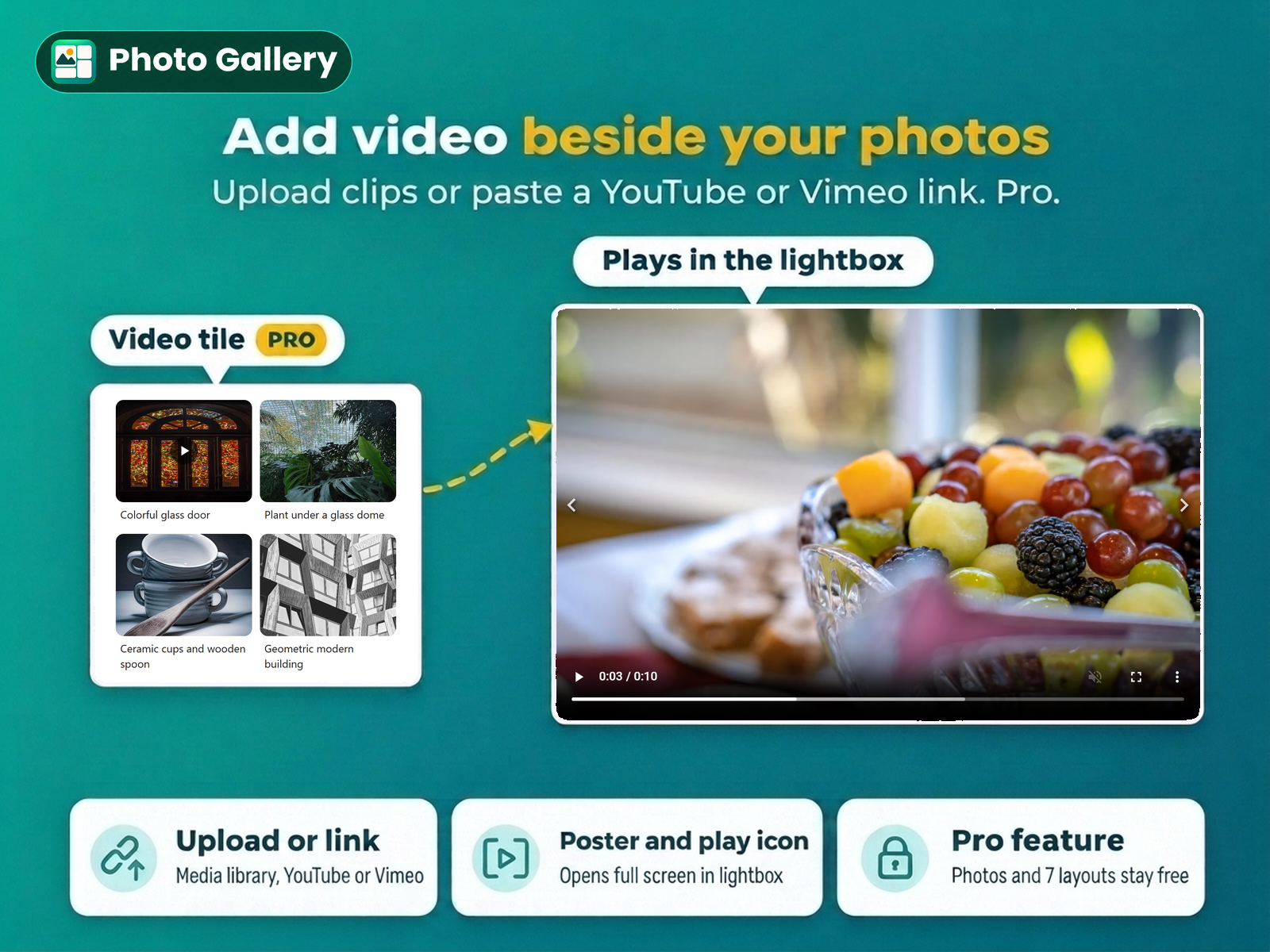
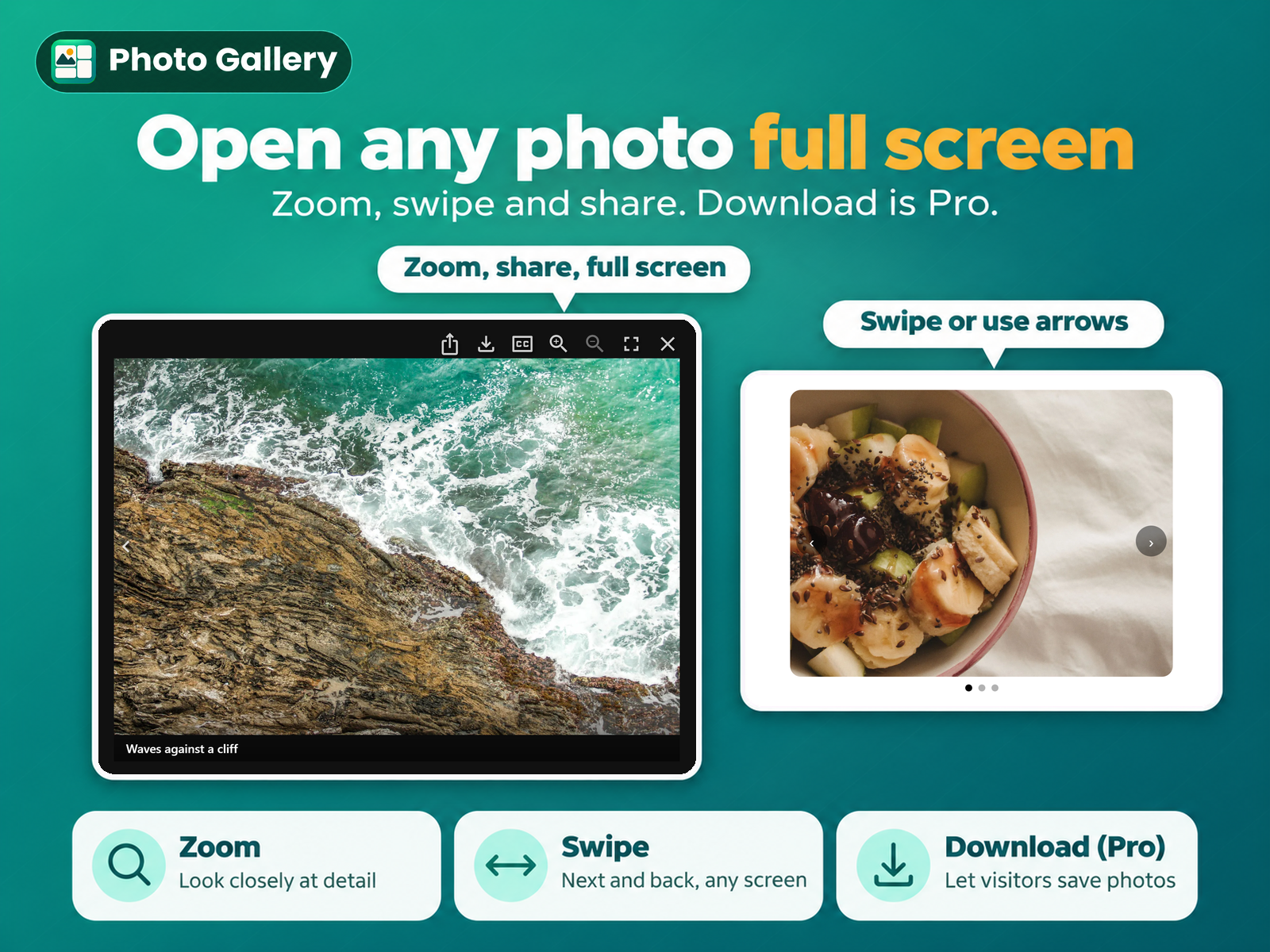
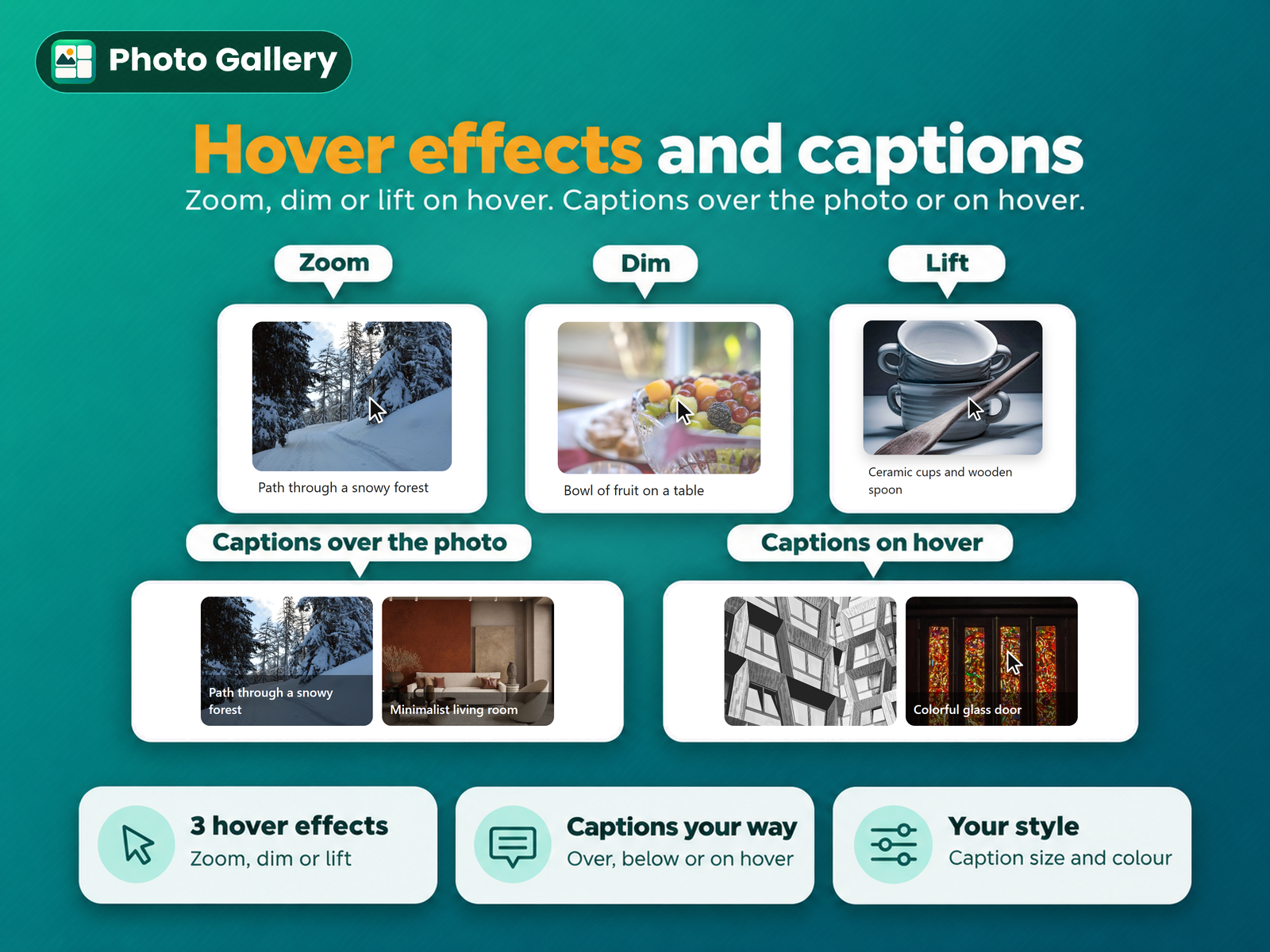
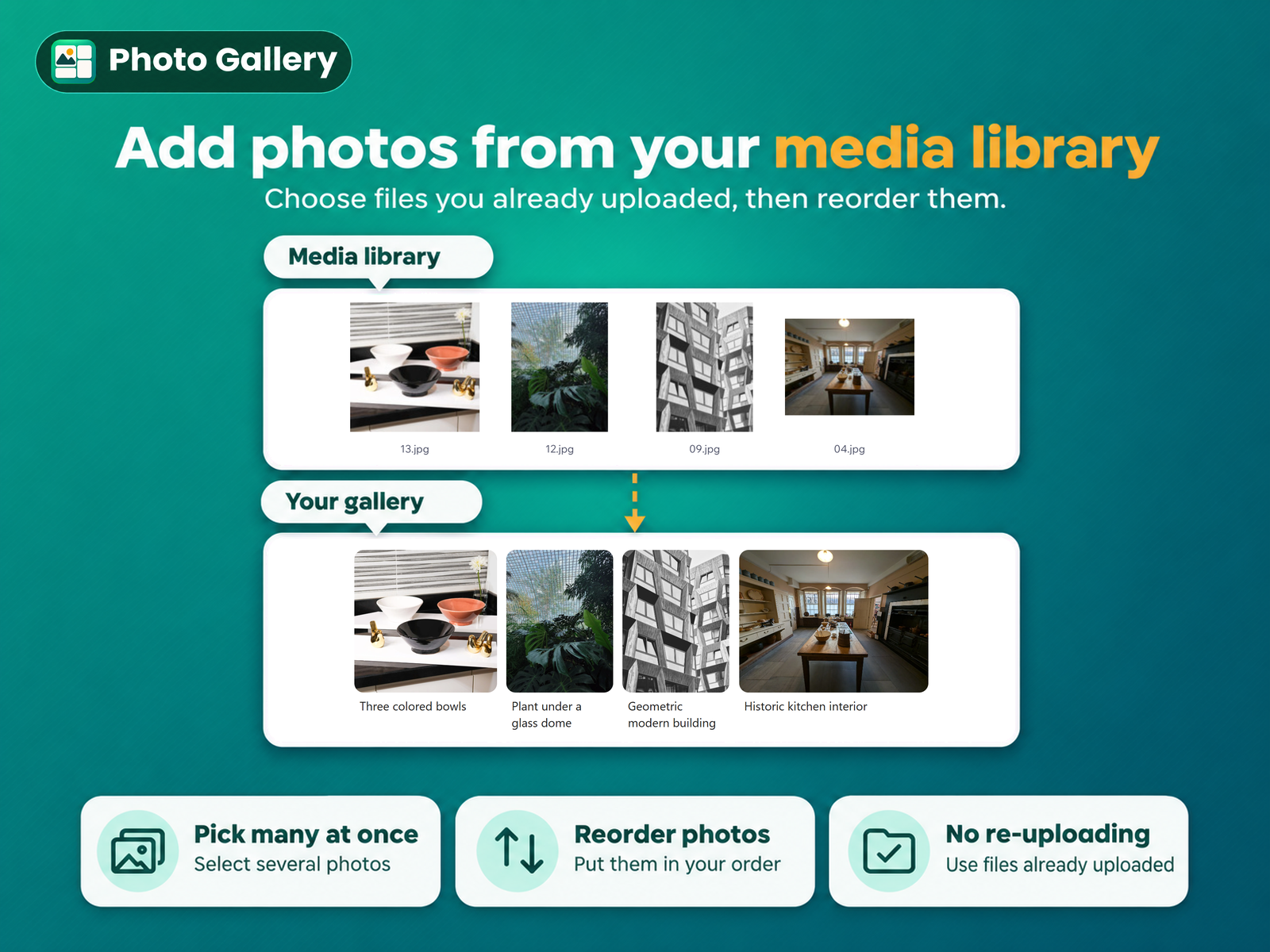
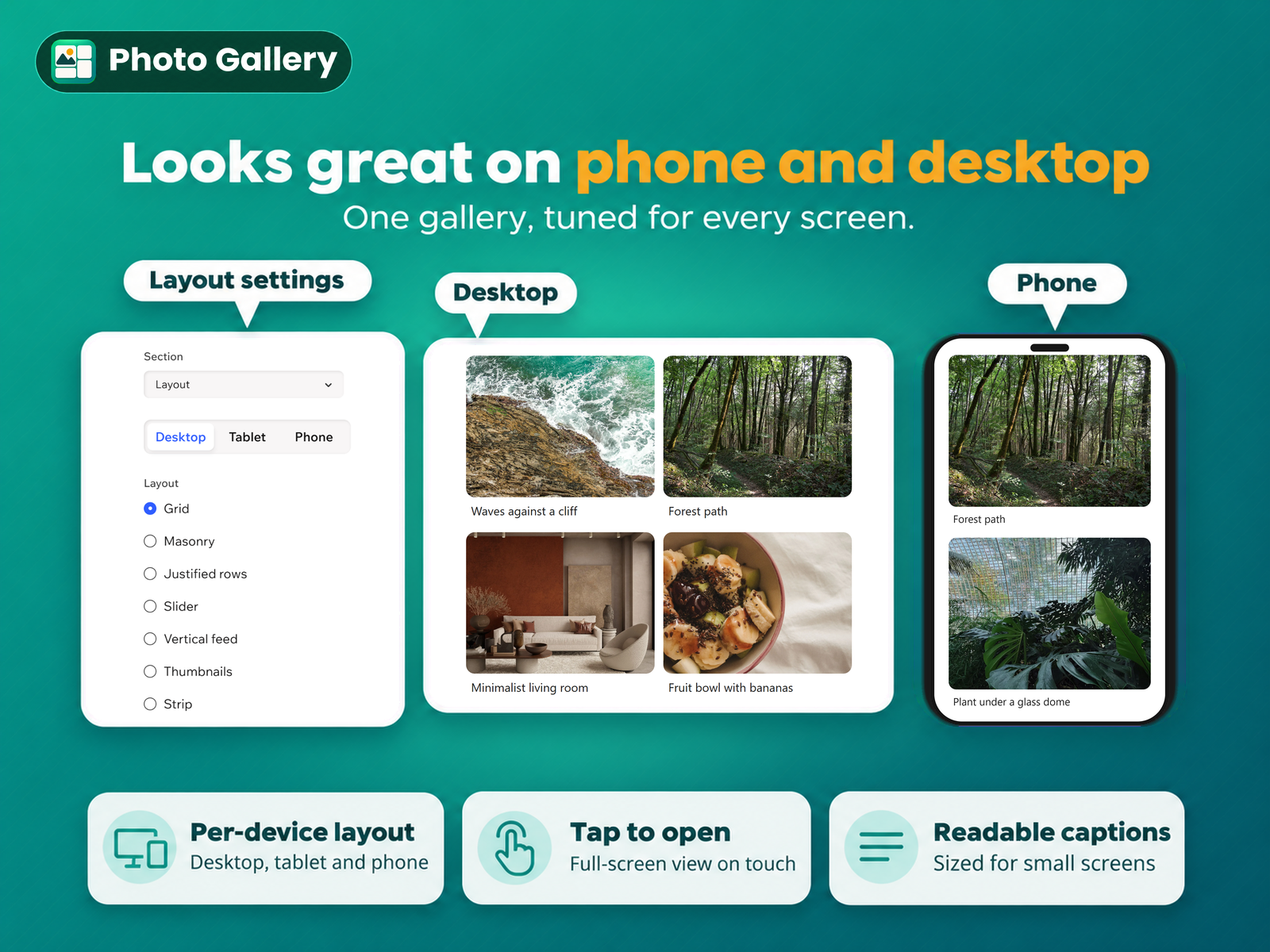
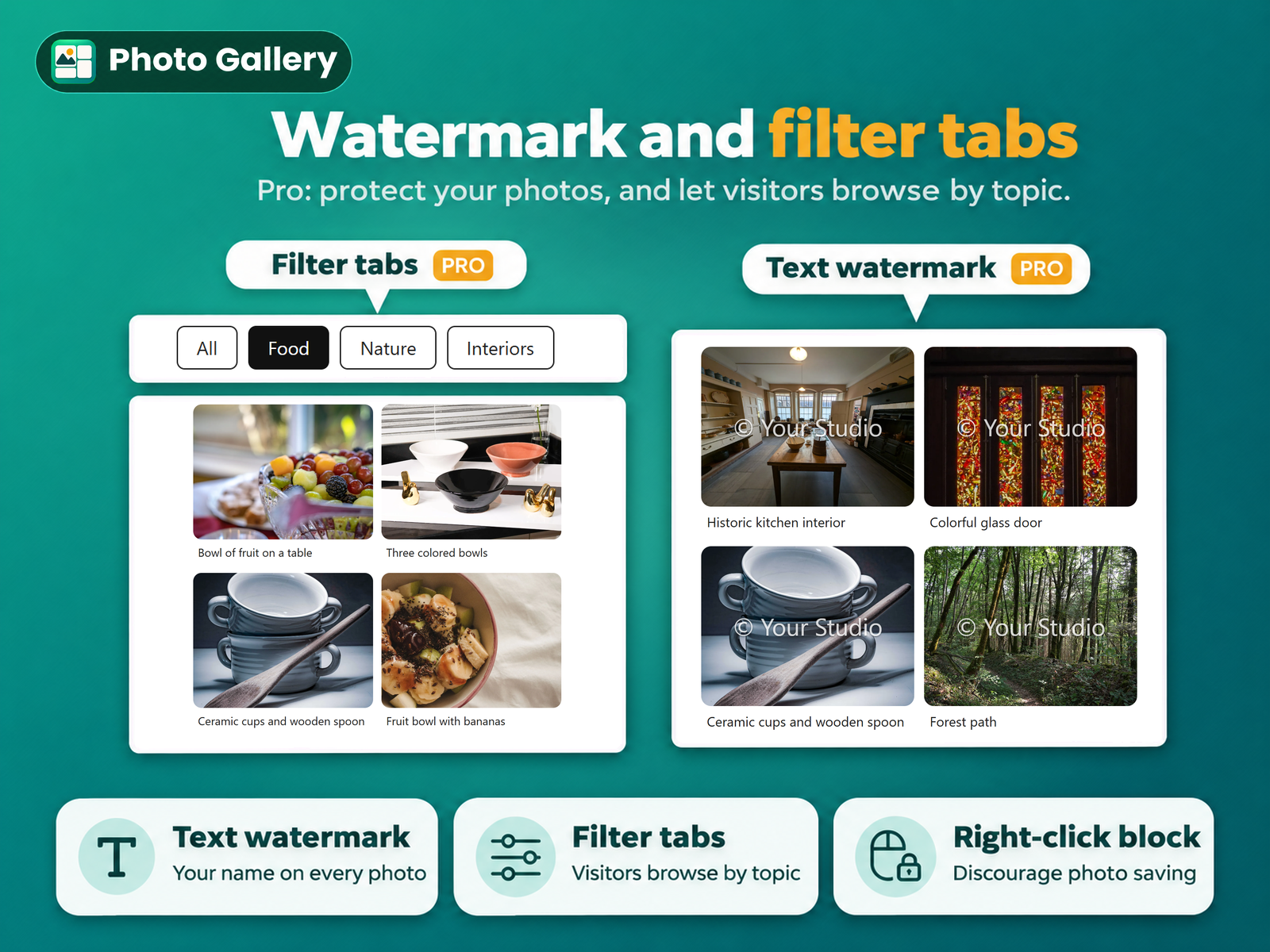
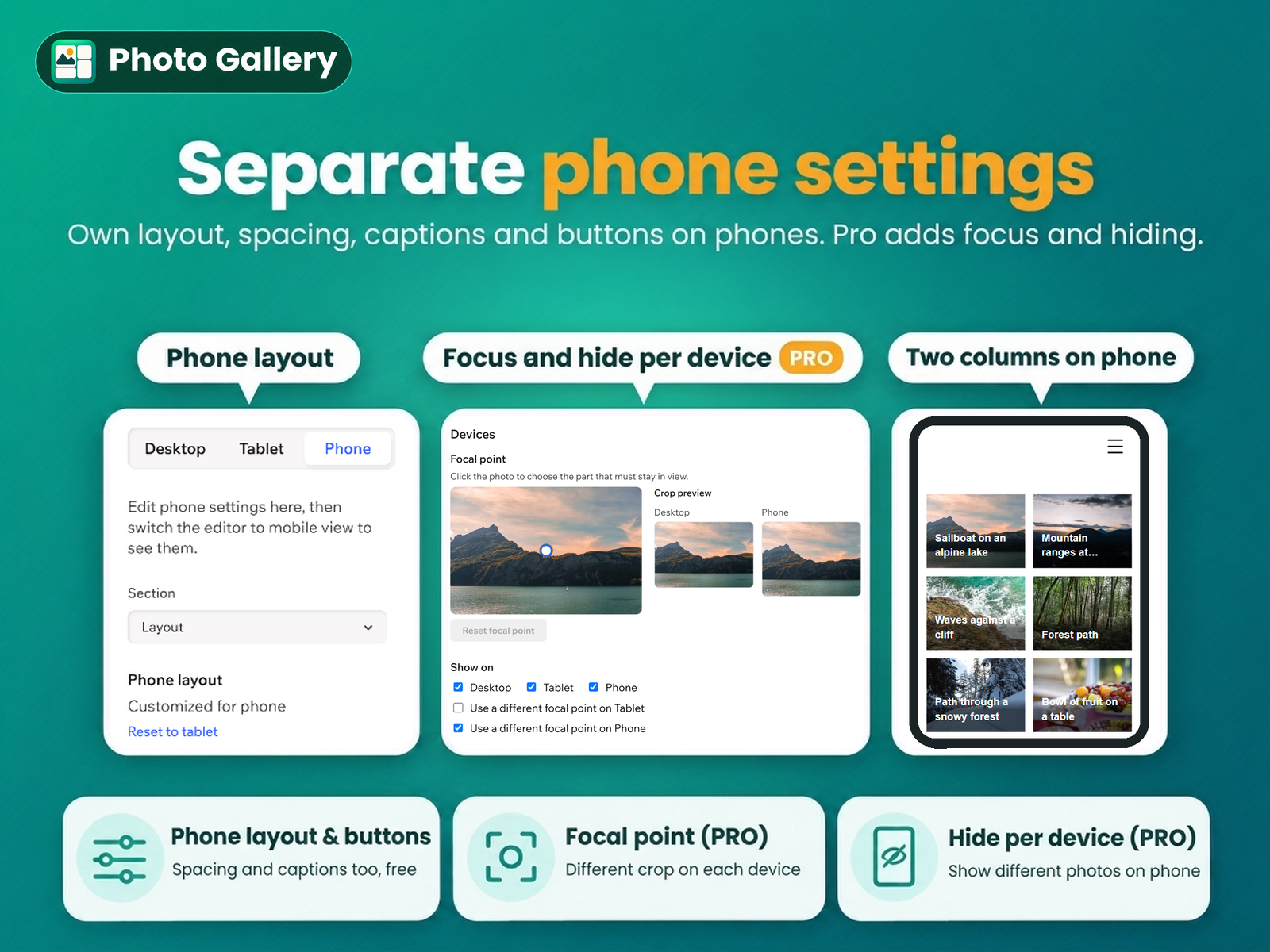
Photo Gallery overview
- Seven layouts including grid, masonry and slider
- Pick photos from your Media Manager, no re-upload
- Caption font, size, colour and background per gallery
- Separate phone layout, spacing, captions and buttons
Availability:
This app is available worldwide.App languages:
English,
Chinese,
Czech,
Danish,
Dutch,
French,
German,
Indonesian,
Italian,
Japanese,
Korean,
Norwegian,
Polish,
Portuguese,
Russian,
Spanish,
Swedish,
Thai,
Turkish,
Ukrainian,
Vietnamese
Rating & Reviews
This app hasn’t received any reviews yet, be the first to rate it.Pricing & plans
Free plan
Free
Up to 2 galleries
Up to 15 images per gallery
7 layouts and full styling
Lightbox with zoom and share
Pro plan
$
3
59
/month
$449
Everything in Free
Unlimited galleries and images
Video, filter tabs, watermark
Download and image protection
* Price is in USD.