

online store
bookings
events
popup

Content Protection
By
Block right-click, dragging & phone long press
No Reviews Yet
Free plan available

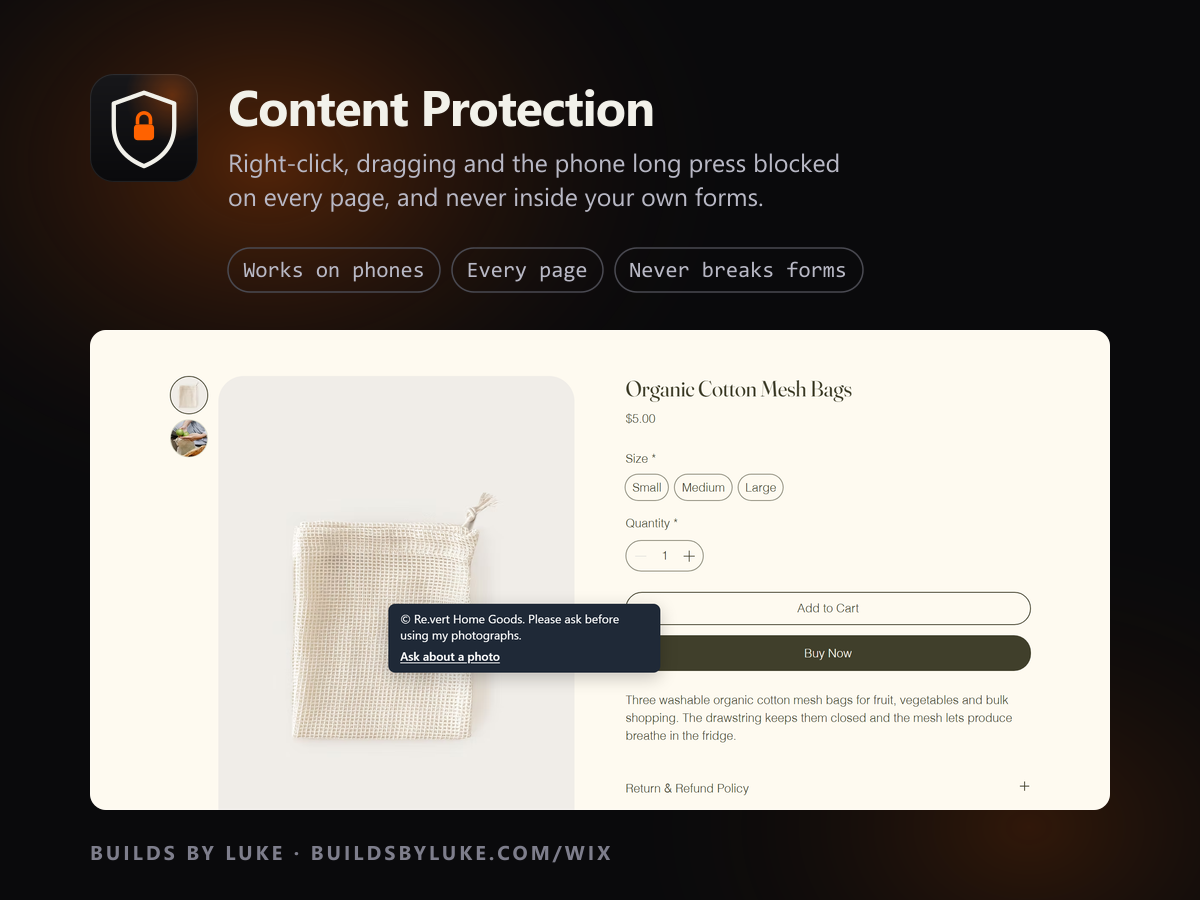
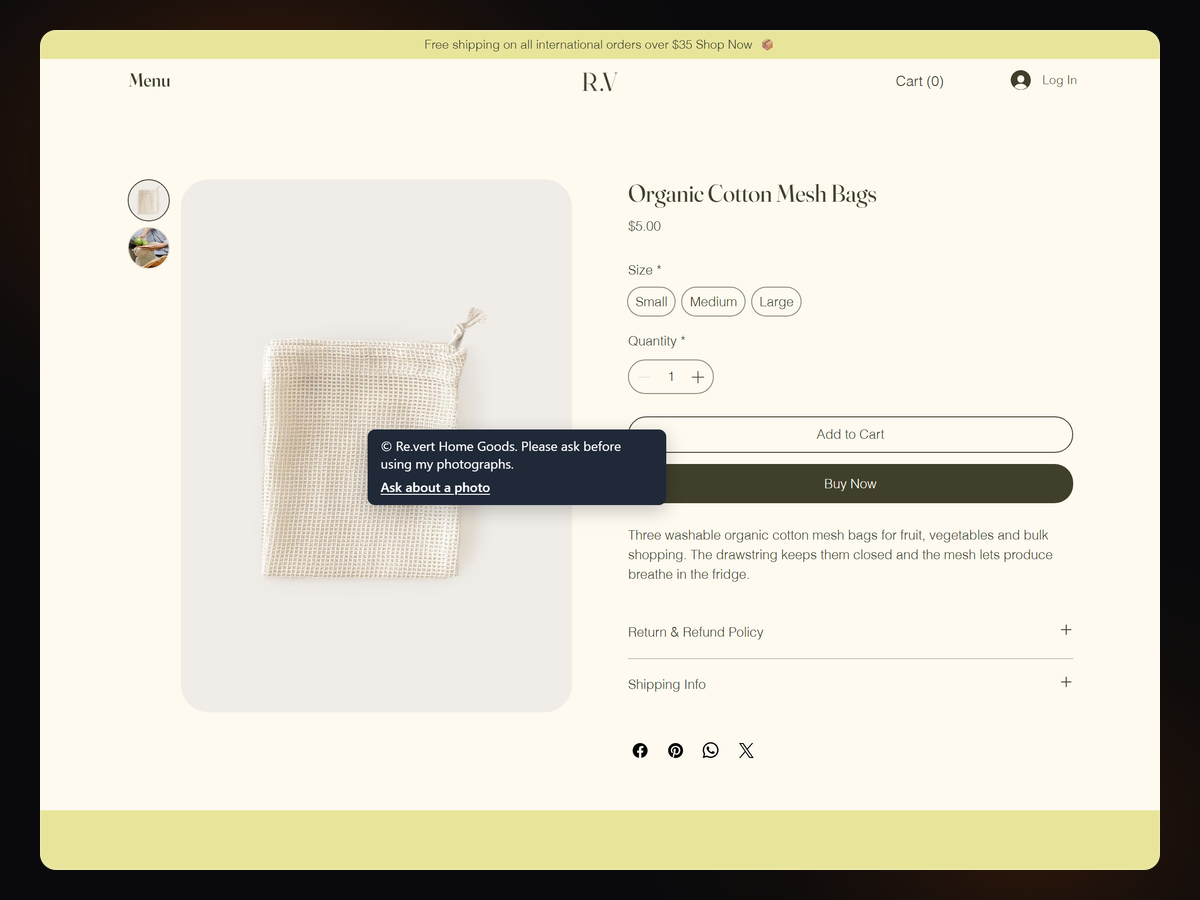
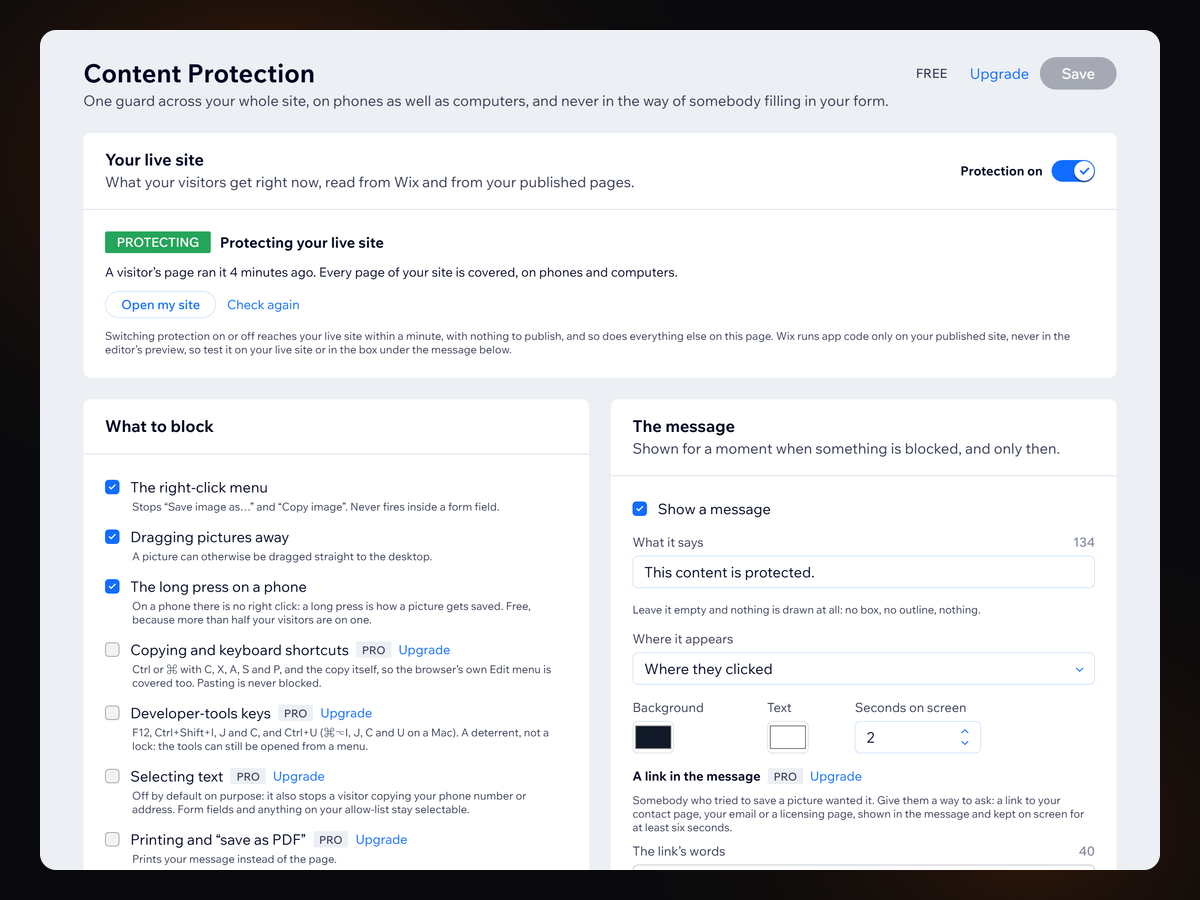
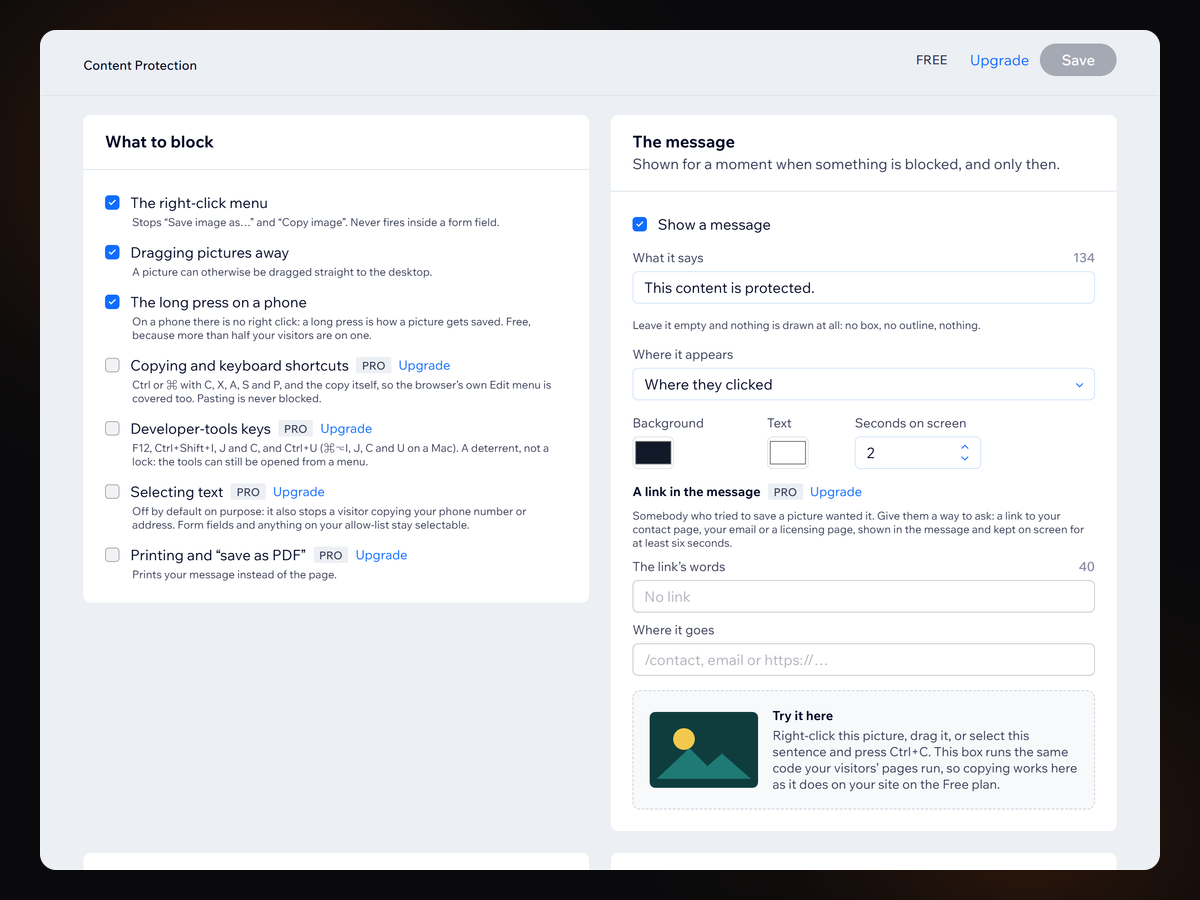
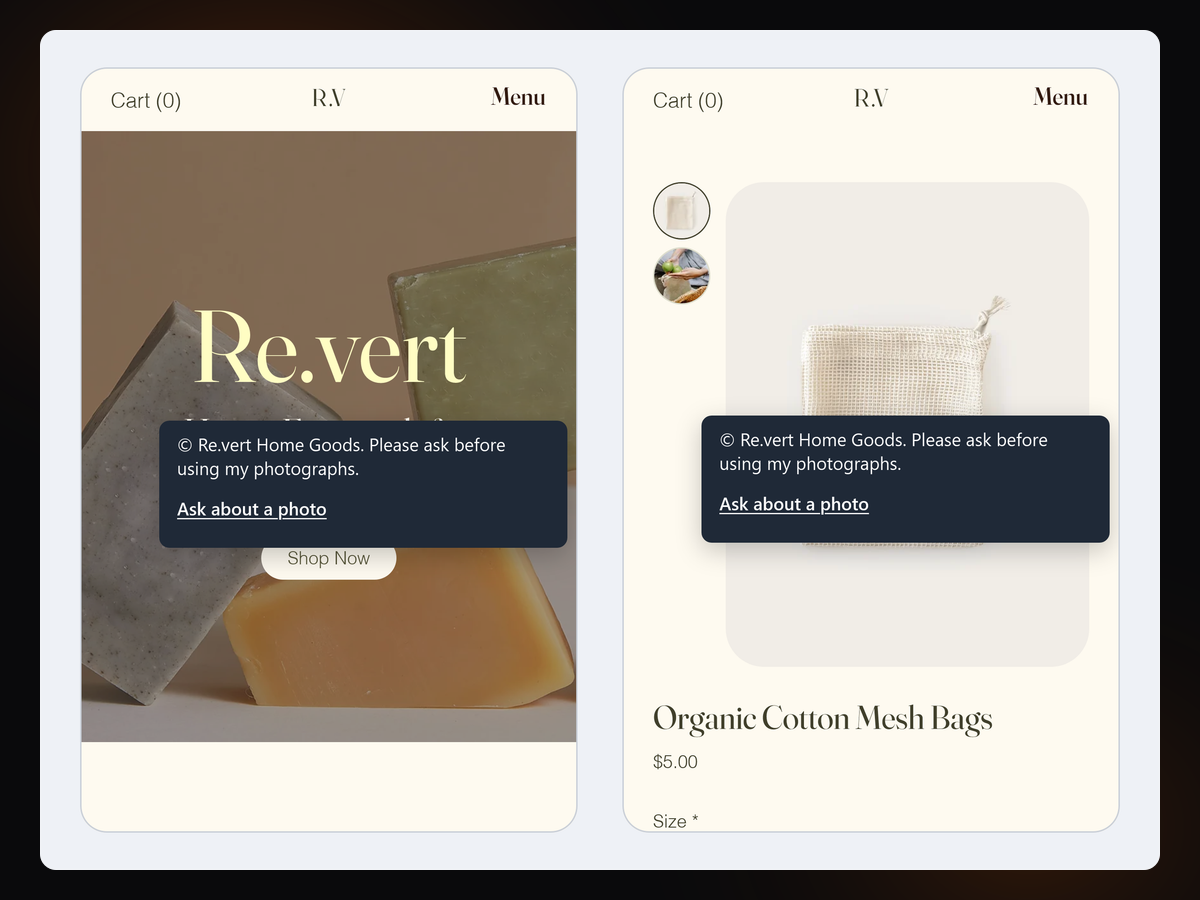
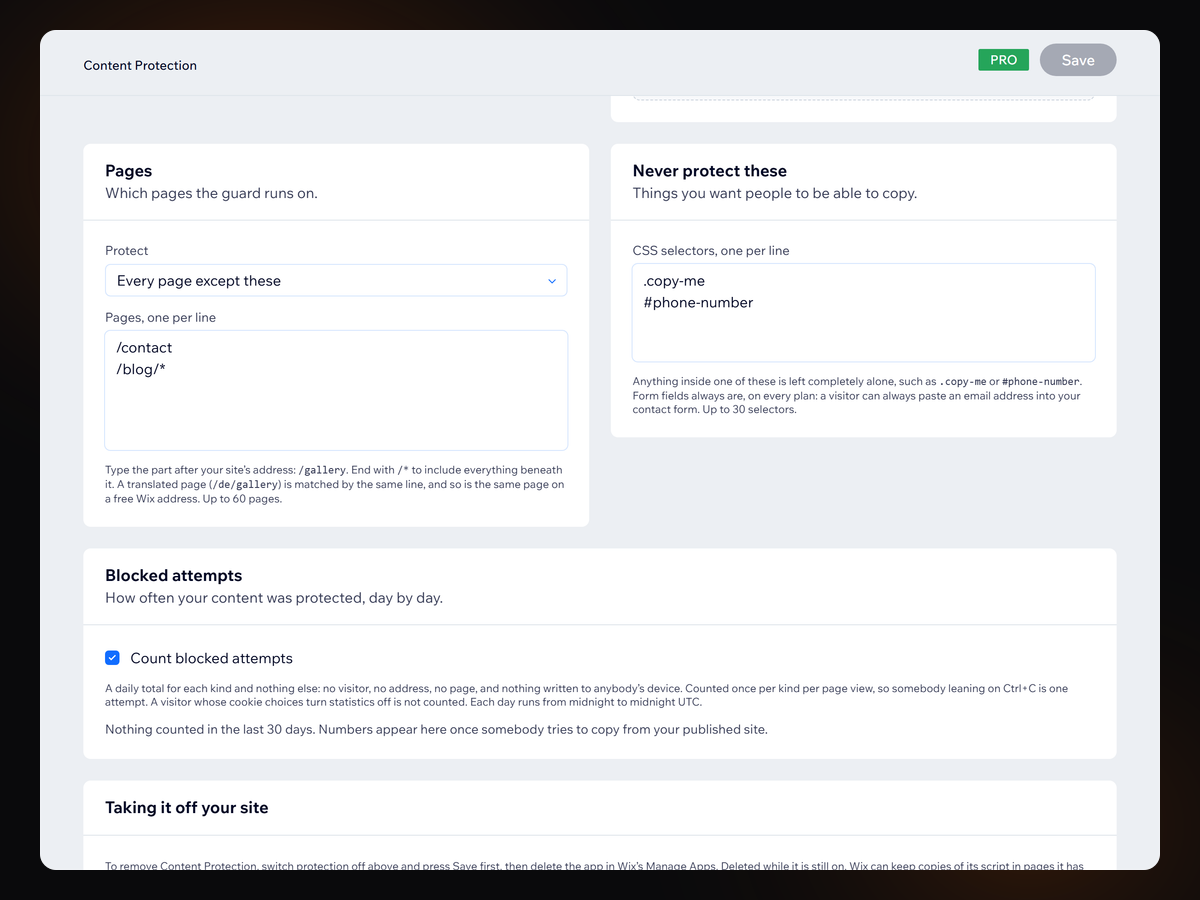
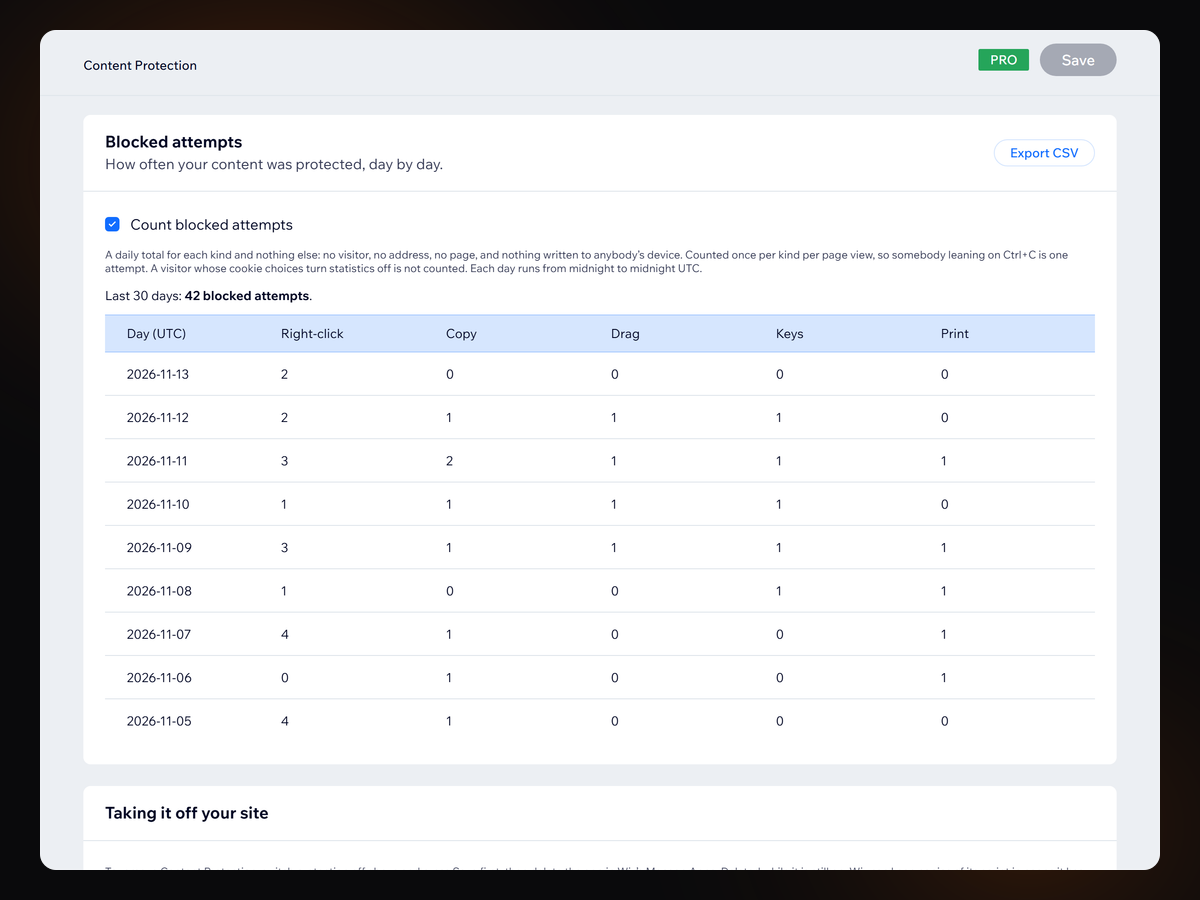
Content Protection overview
- Right-click, image dragging and the phone long press
- Every page of your site, translated pages included
- Never blocks typing or pasting into your own forms
- Your own message in your own colours, or none at all
Rating & Reviews
This app hasn’t received any reviews yet, be the first to rate it.Pricing & plans
Basic plan
Free
Blocks the right-click menu
Blocks dragging pictures away
Blocks the long press on a phone
Your own message, on every page
Pro plan
$
7
99
/month
Blocks copying and keyboard shortcuts
Blocks the developer-tools keys
Locks text selection and printing
Page rules, allow-list, blocked counts
* Price is in USD.