

online store
bookings
events
popup
Barcode & Label Printing
By
Barcode labels and price tags for your products
No Reviews Yet
Free plan available

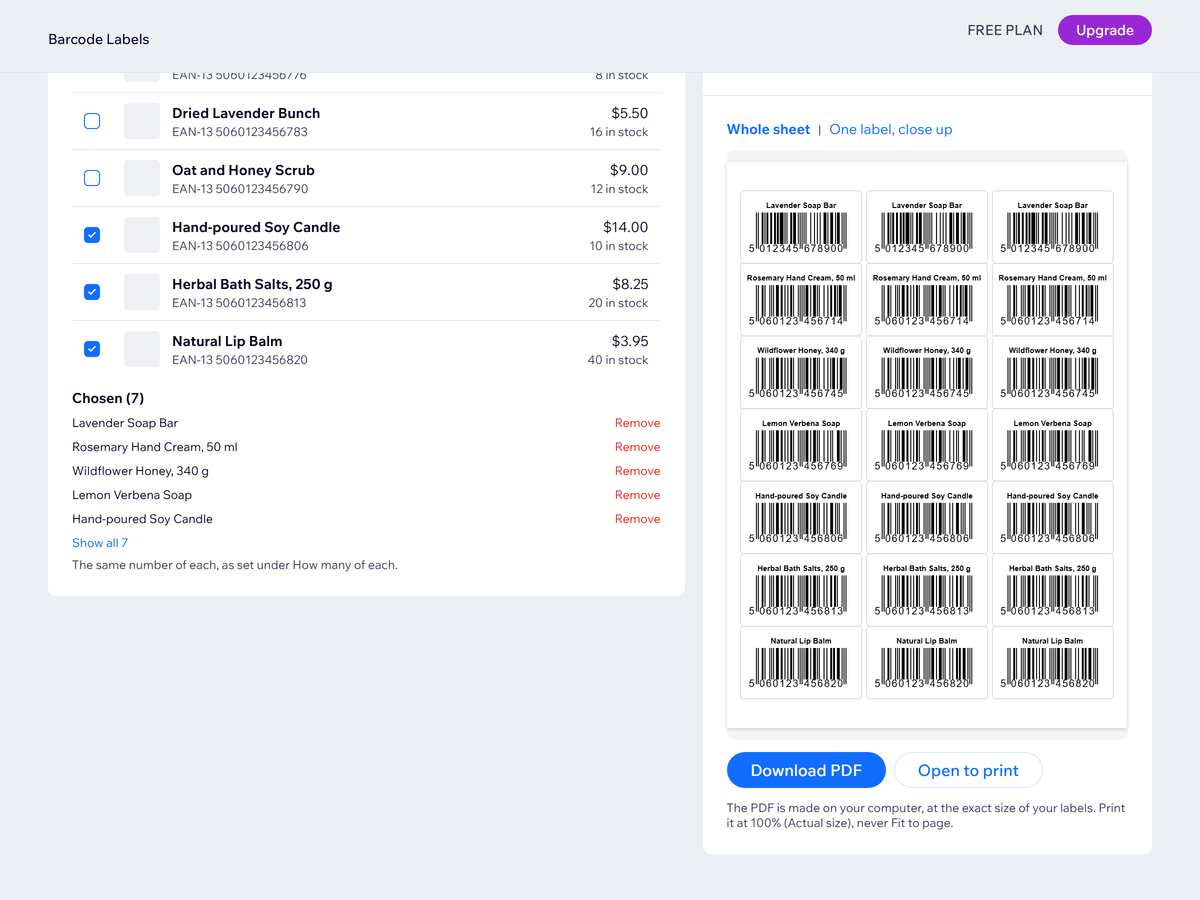
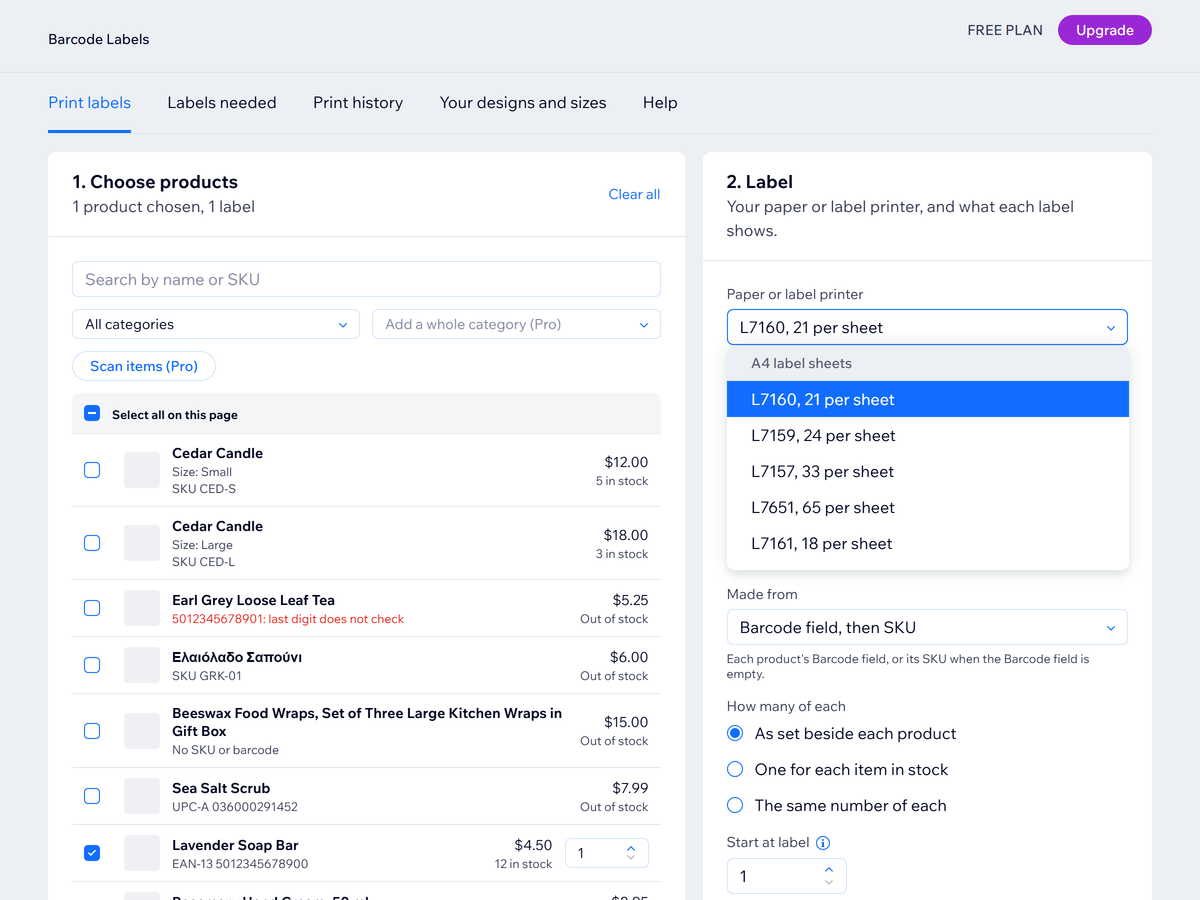
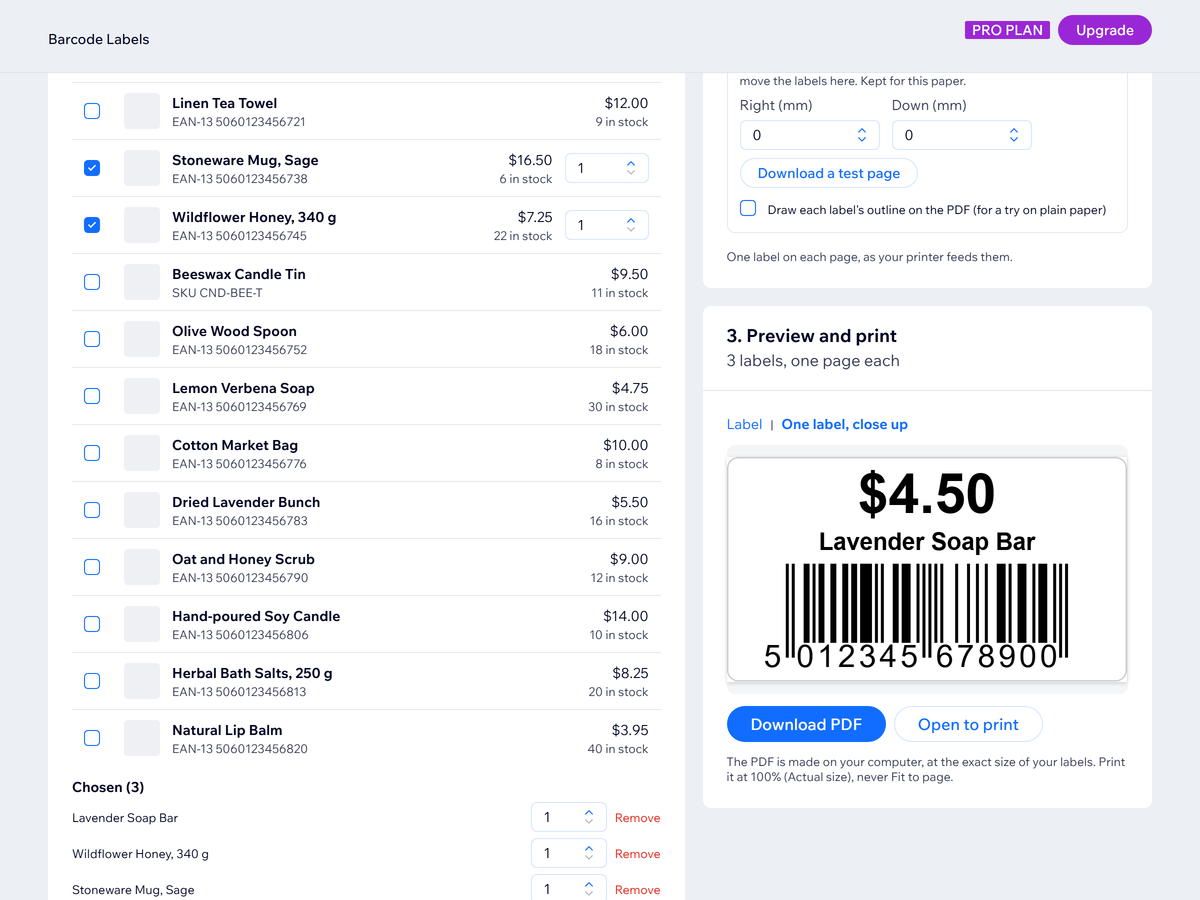
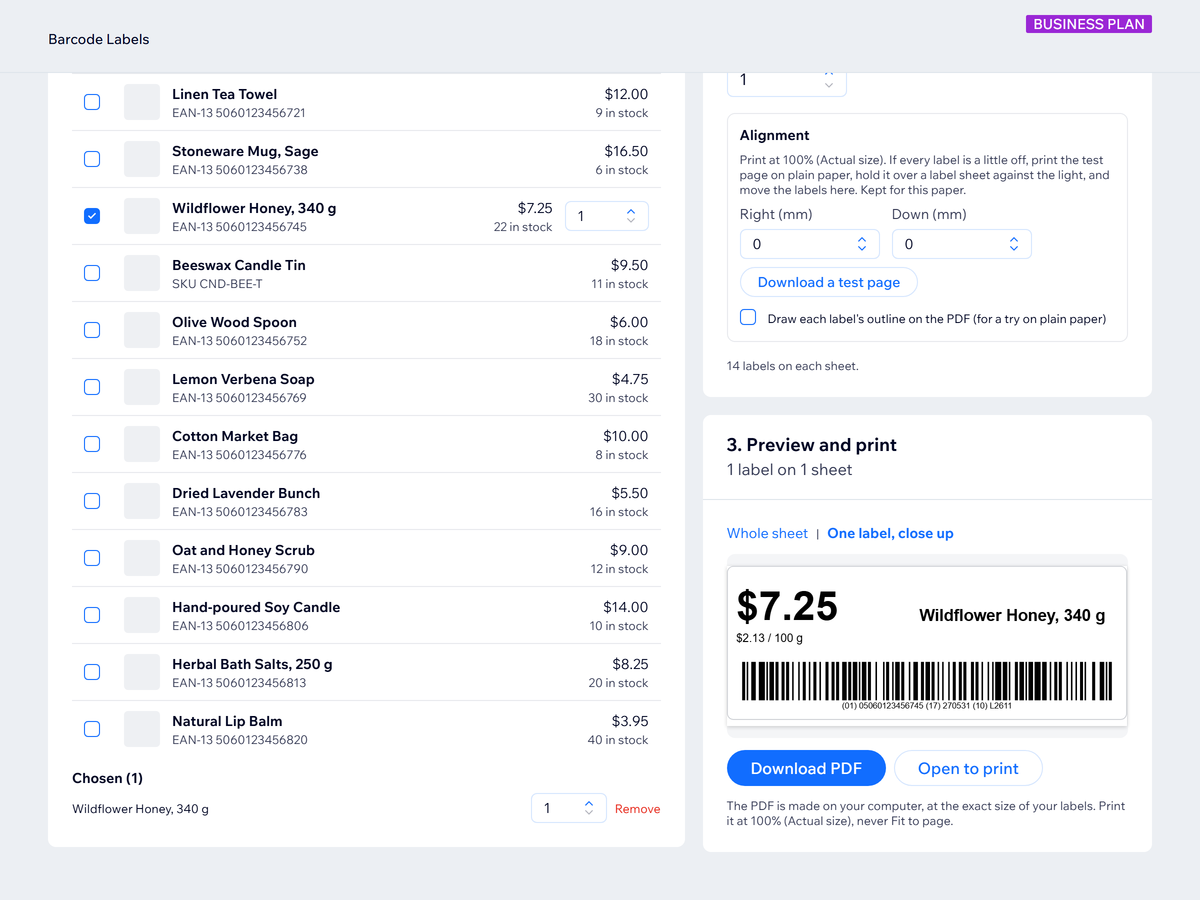
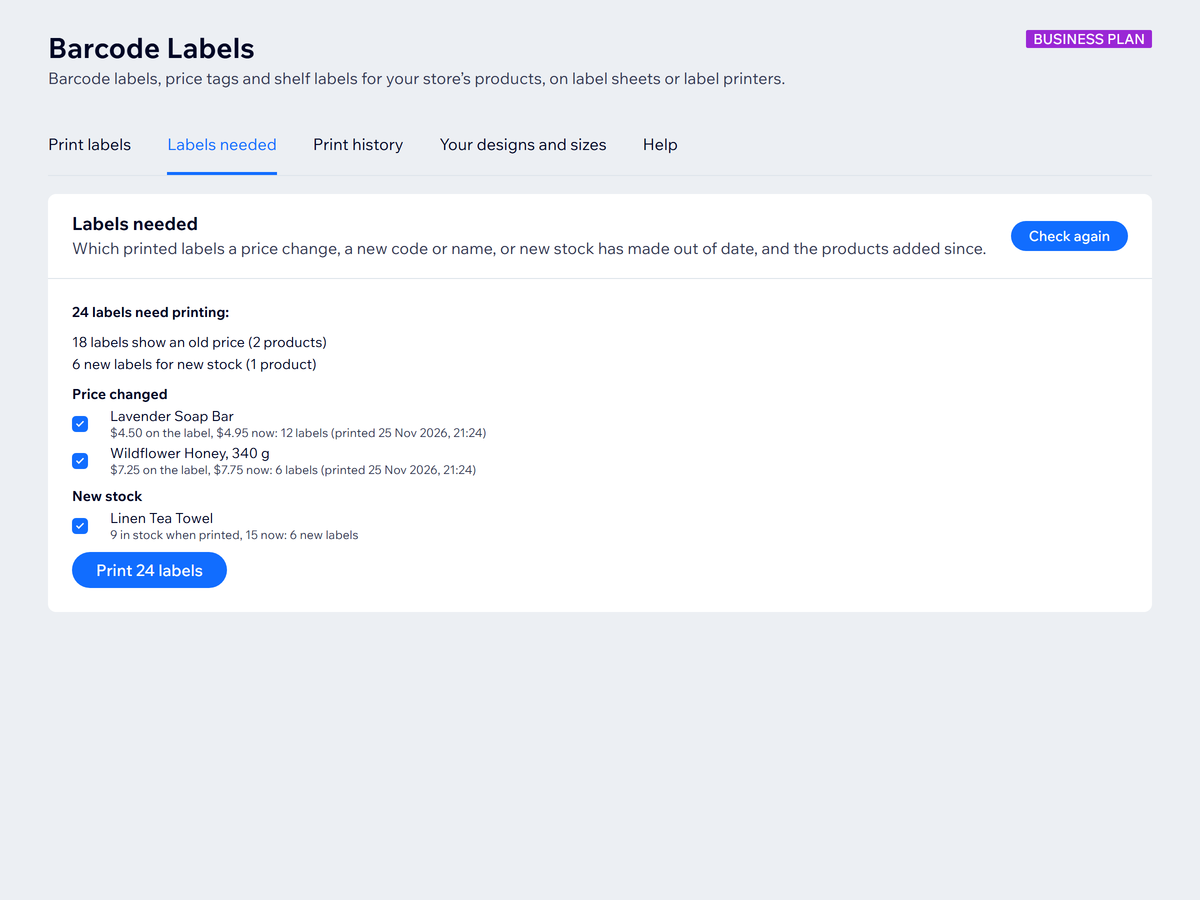
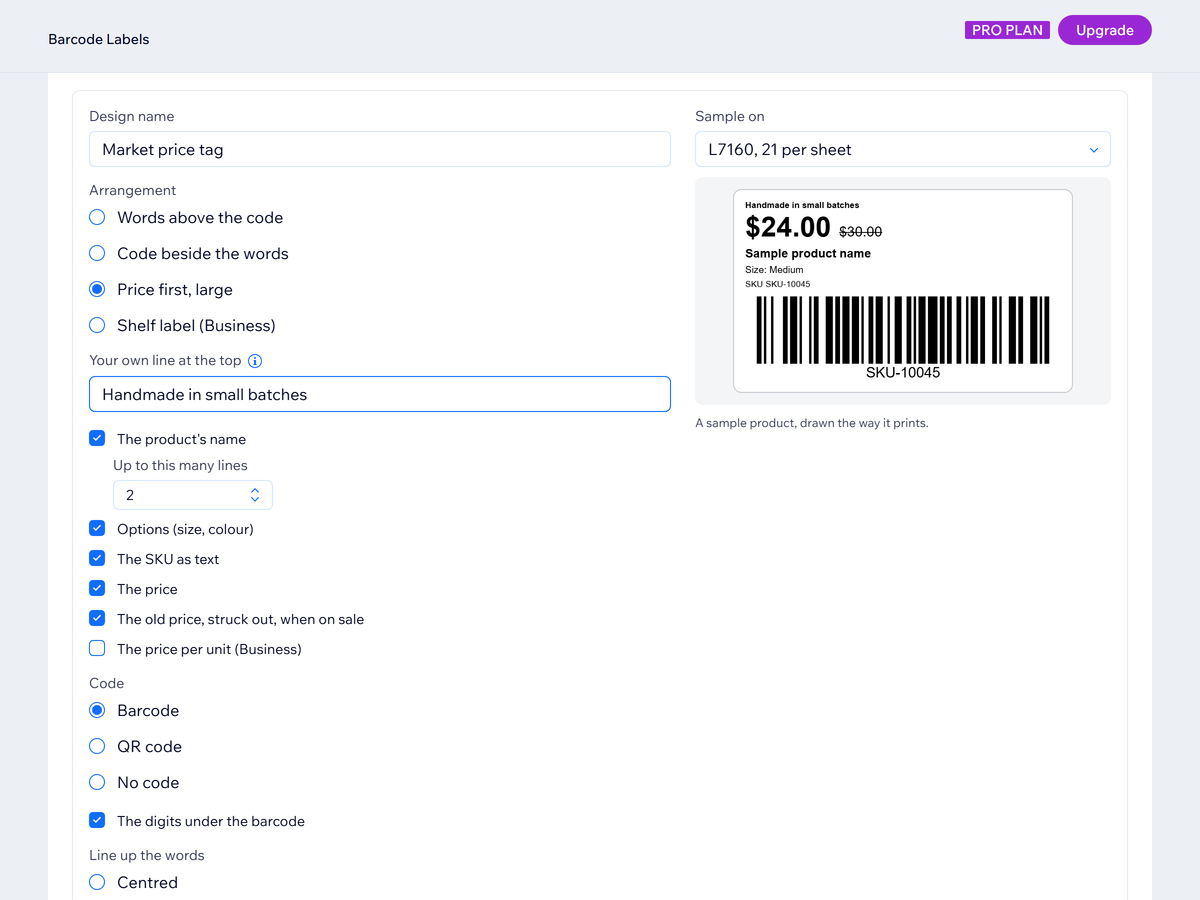
Barcode & Label Printing overview
- No monthly label limit, no watermark
- Code 128, EAN-13, UPC-A and QR codes
- Label sheets and label printer sizes
- Labels needed after a price change
Rating & Reviews
This app hasn’t received any reviews yet, be the first to rate it.Pricing & plans
Basic plan
Free
Unlimited labels, no watermark
Code 128, EAN-13, UPC-A and QR codes
17 A4 and Letter label sheets
Quantities from your stock
Pro plan
$
3
99
/month
$799
Dymo, Brother and Zebra label sizes
Prices and sale prices on labels
Your own designs and label sizes
Whole categories, barcode scanner
Business plan
$
7
99
/month
$1599
Shelf labels with price per unit
GS1-128 with batch and dates
Print history and reprints
Labels needed after price changes
* Price is in USD.