

online store
bookings
events
popup

Verified by Wix
Ask in Aria
Back to Top Button
By
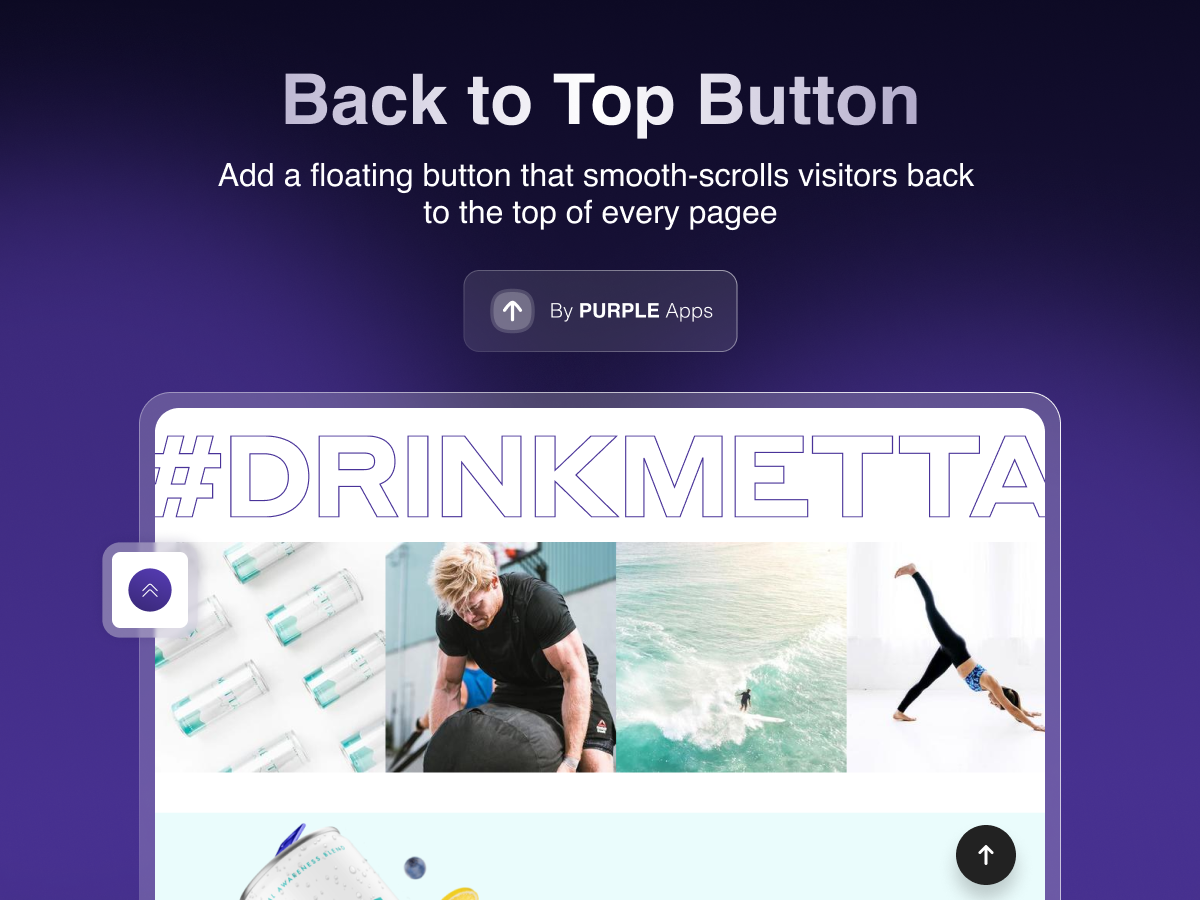
Sticky scroll-to-top button for any page
4.9
Free

Back to Top Button overview
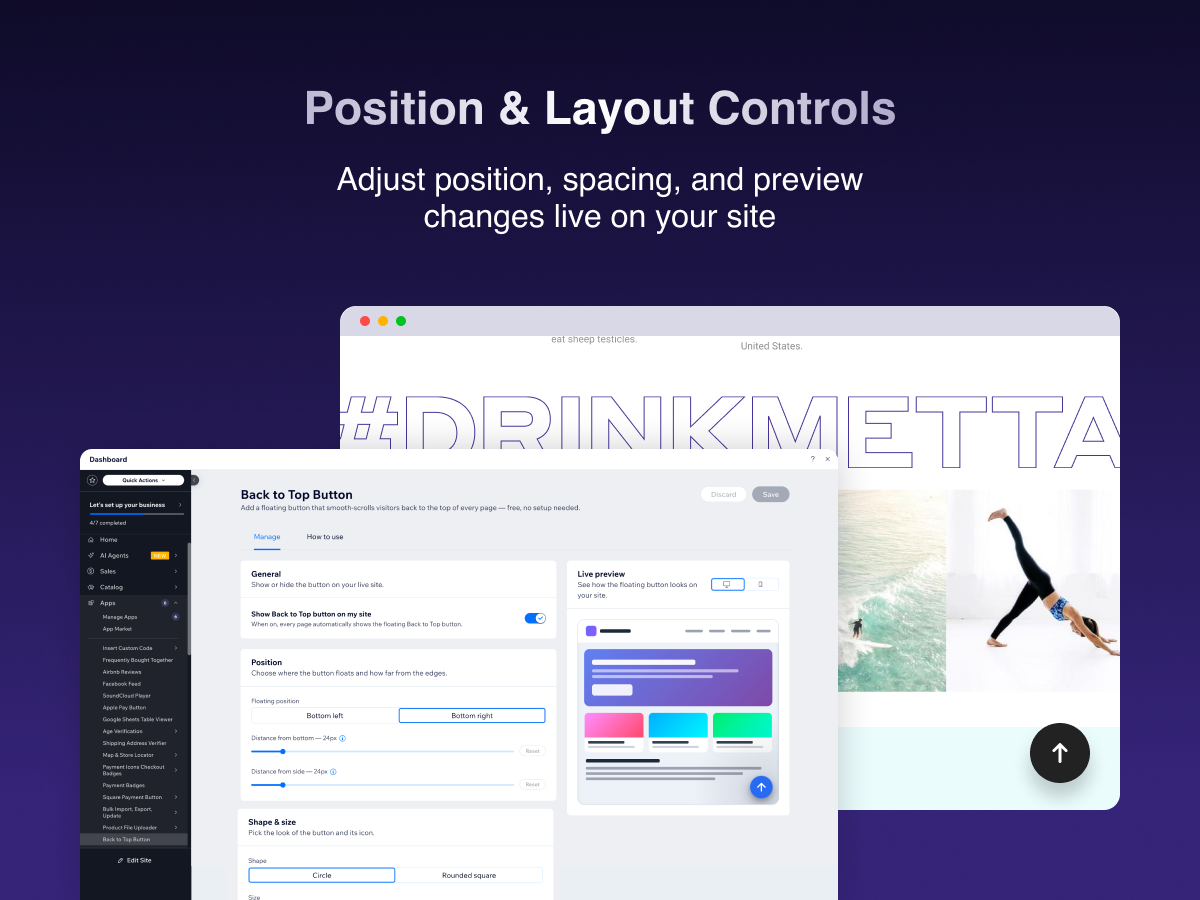
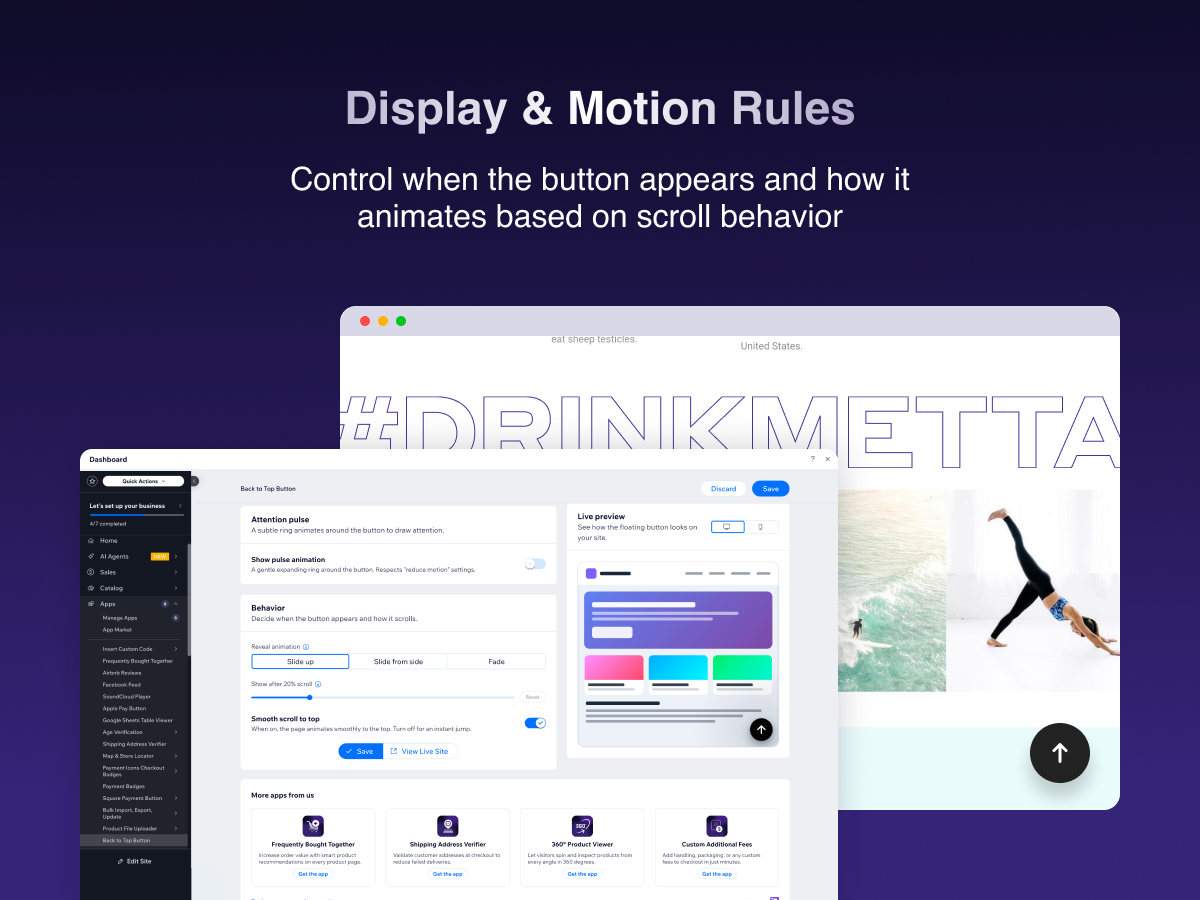
- Sticky button that scrolls to top on click
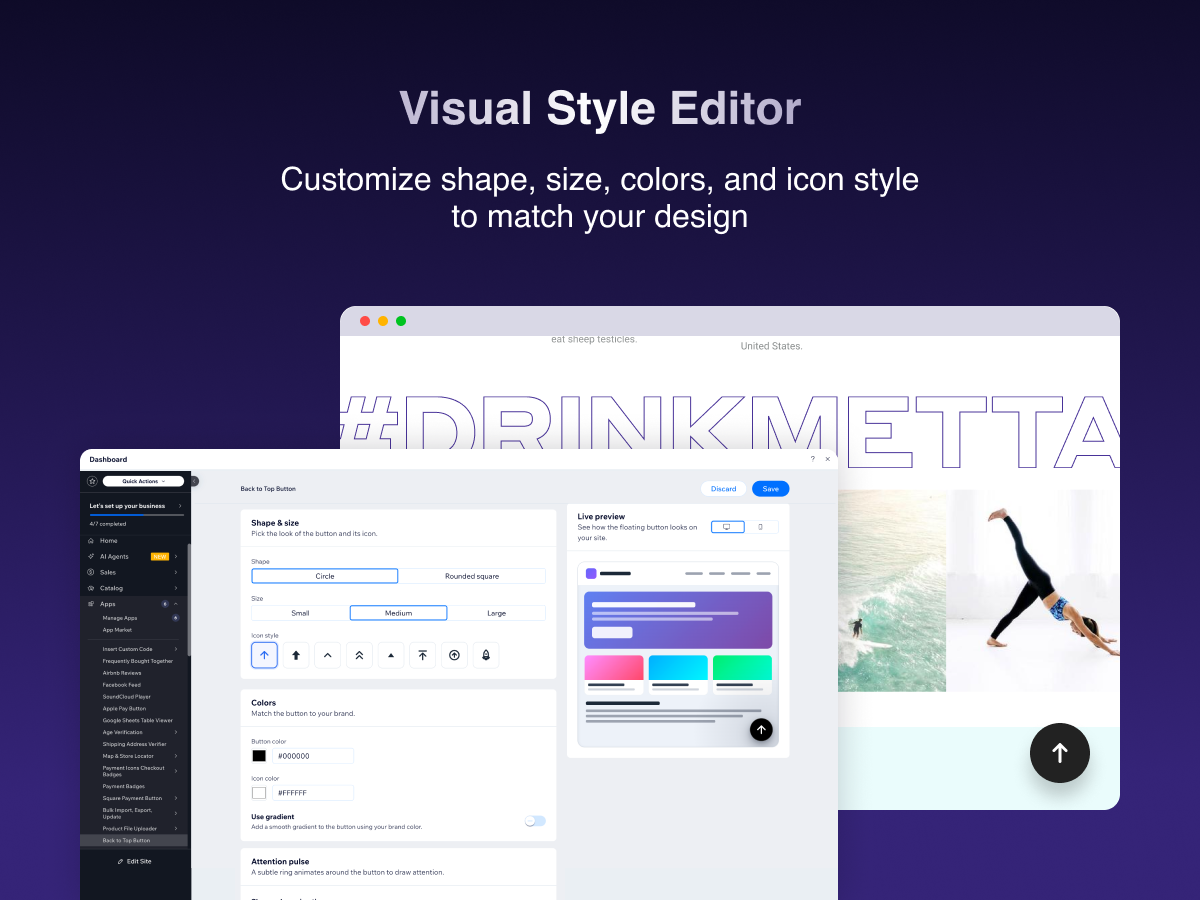
- Fully customizable label, color, and size
- Simple setup — no code or integrations
- Works across all desktop pages (hide on mobile)
4.9 Average Rating
14 reviews
5
13
4
0
3
1
2
0
1
0
Sort by:
KI
Kiatembrevilla8/ Nov 22, 2026
GoodThe button disappeared for no reason.
EDIT: They addressed the issue quickly, which I appreciate most.
(0)
Thank you for your feedback
WO
Wongxueqi110/ Oct 31, 2026
it is very good
(0)
Thank you for your feedback
AL
Alexandreemidio17/ Oct 18, 2026
Quick and easy to set
(0)
Thank you for your feedback
PA
Pauledesign/ Sep 22, 2026
Super quick & easy to set up. Thank you!
PU
team PURPLE
Hi there,
Thank you for the 5-star review! We’re glad to hear that the Back to Top Button was quick and easy for you to set up.
It’s great to know the setup was straightforward,...(0)
Thank you for your feedback
SA
Sasicha6123/ Sep 6, 2026
good
PU
team PURPLE
Hi there,
Thank you for the 5 star review! We’re glad to hear you’re enjoying the Back to Top Button app.
We truly appreciate your support and hope you continue having a great experience with...(0)
Thank you for your feedback