

online store
bookings
events
popup

Reveal Before and After Slider
By
Image Comparison - before and after photos
No Reviews Yet
Free plan available

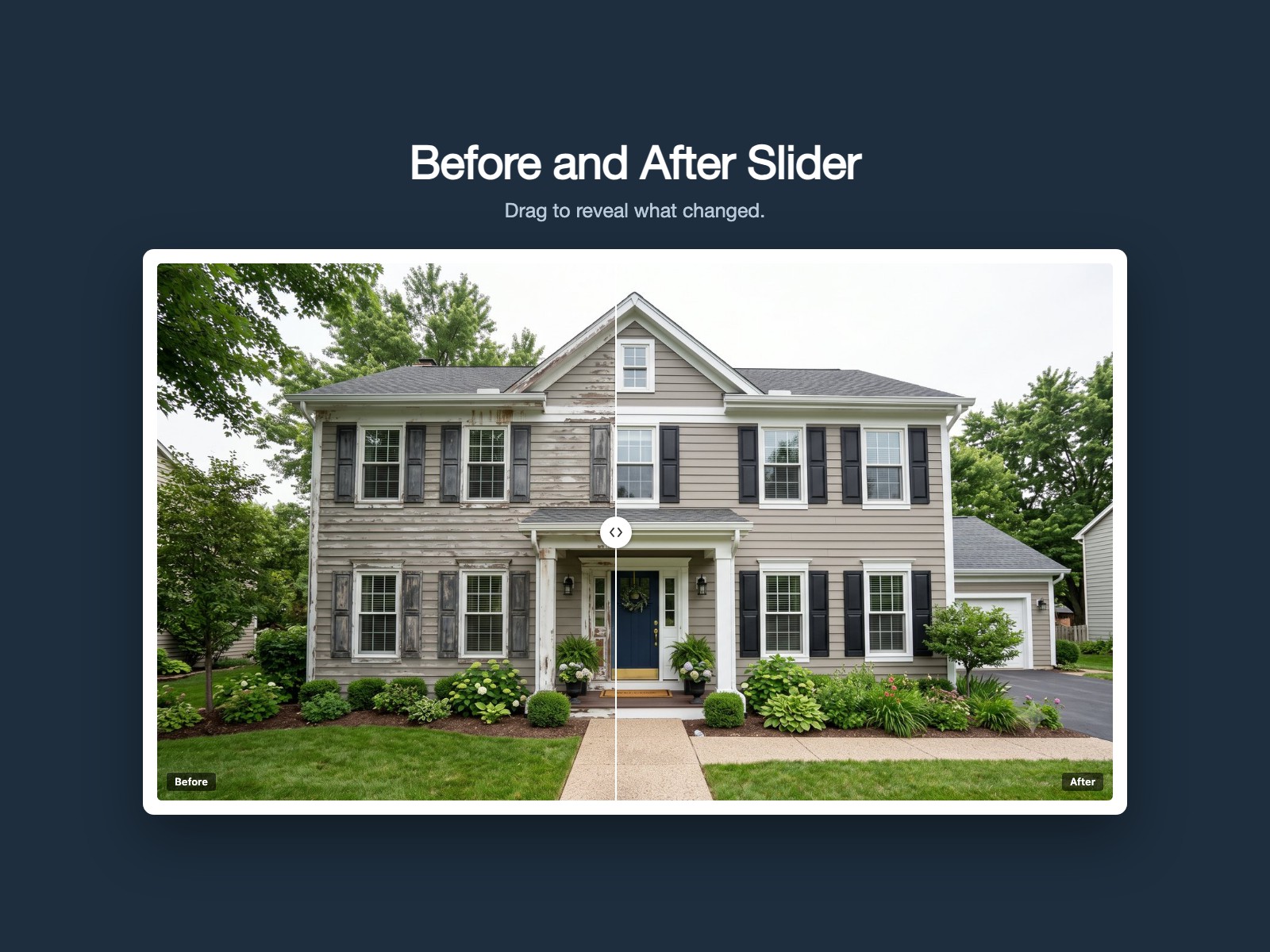
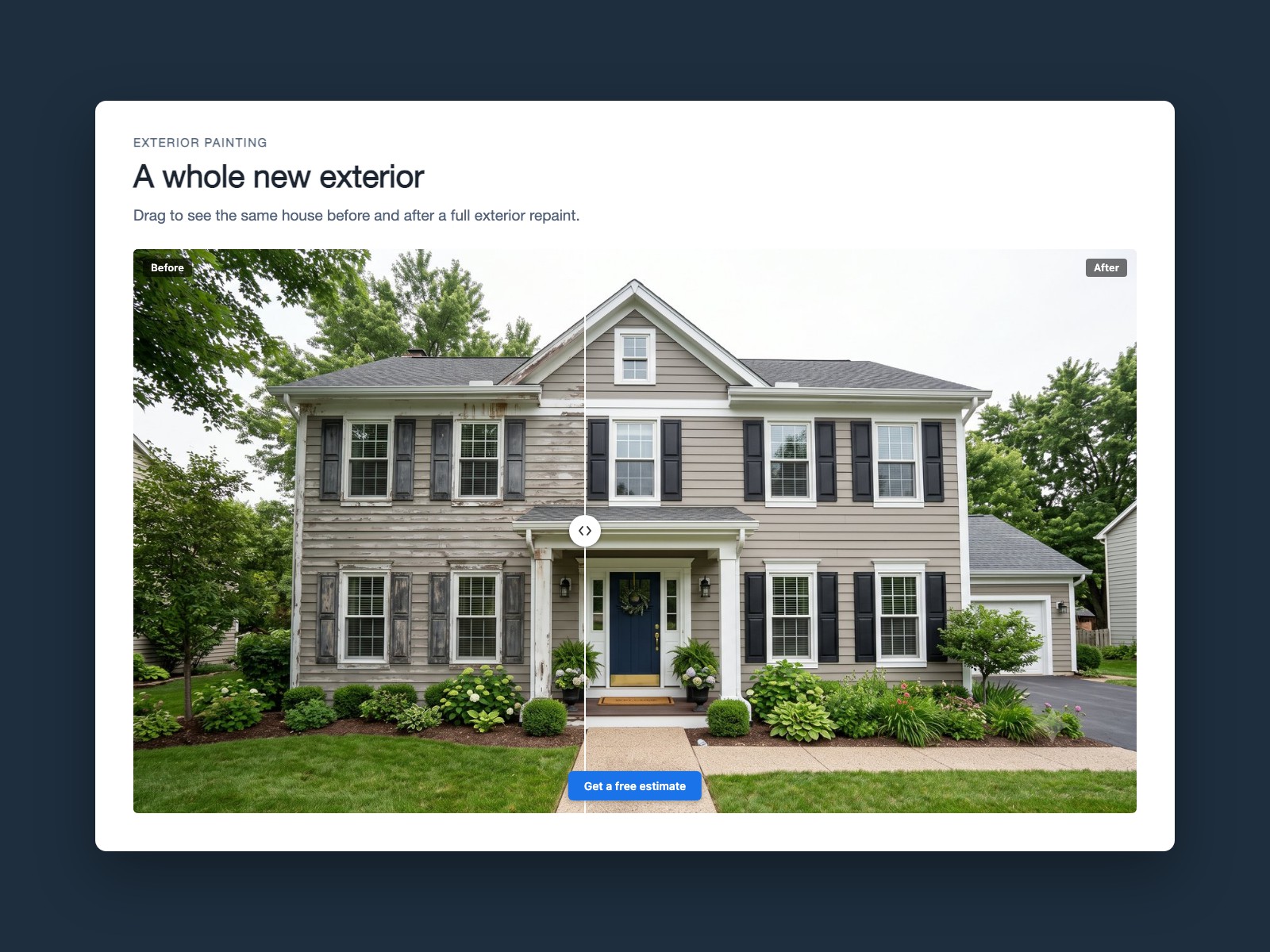
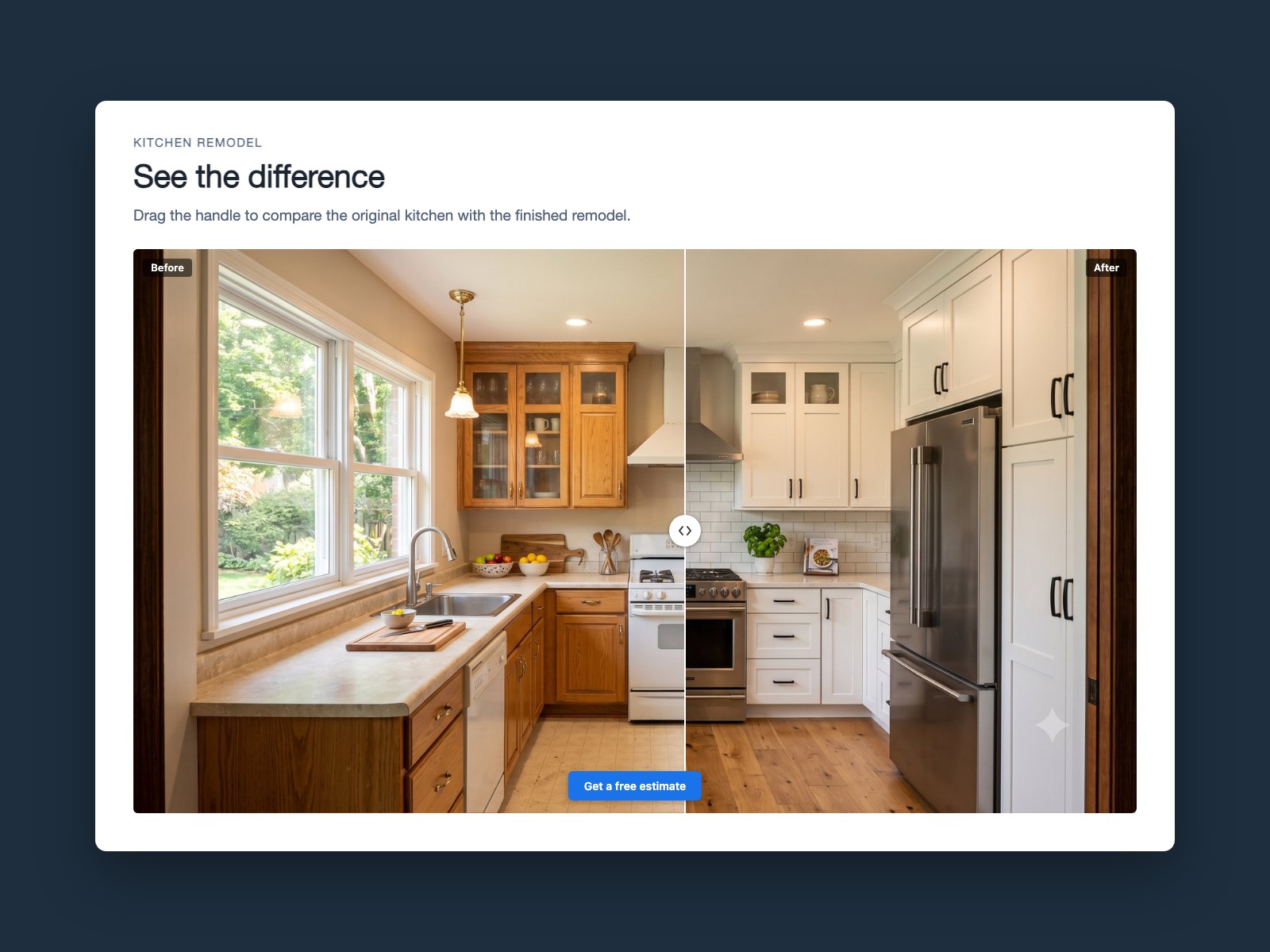
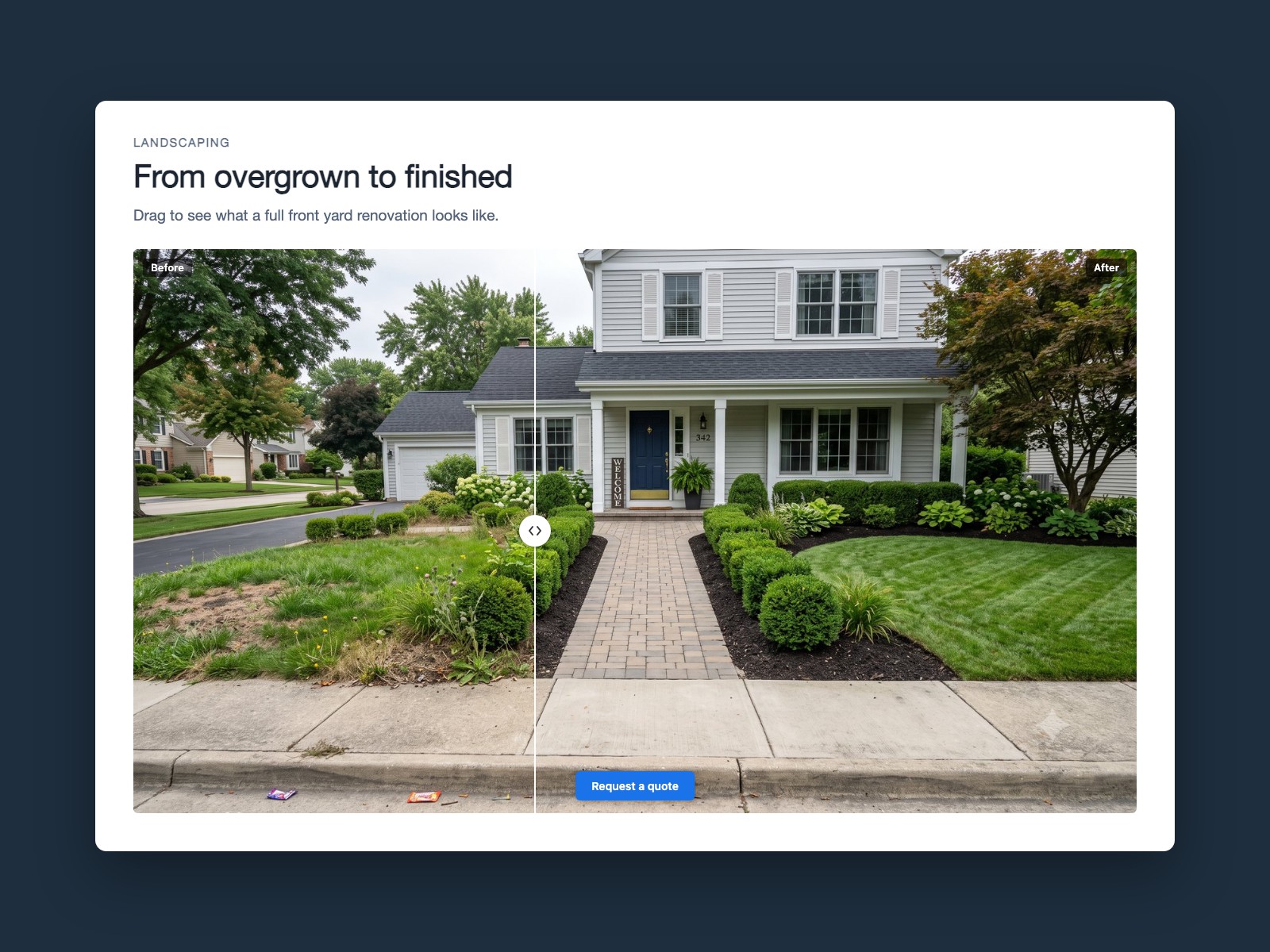
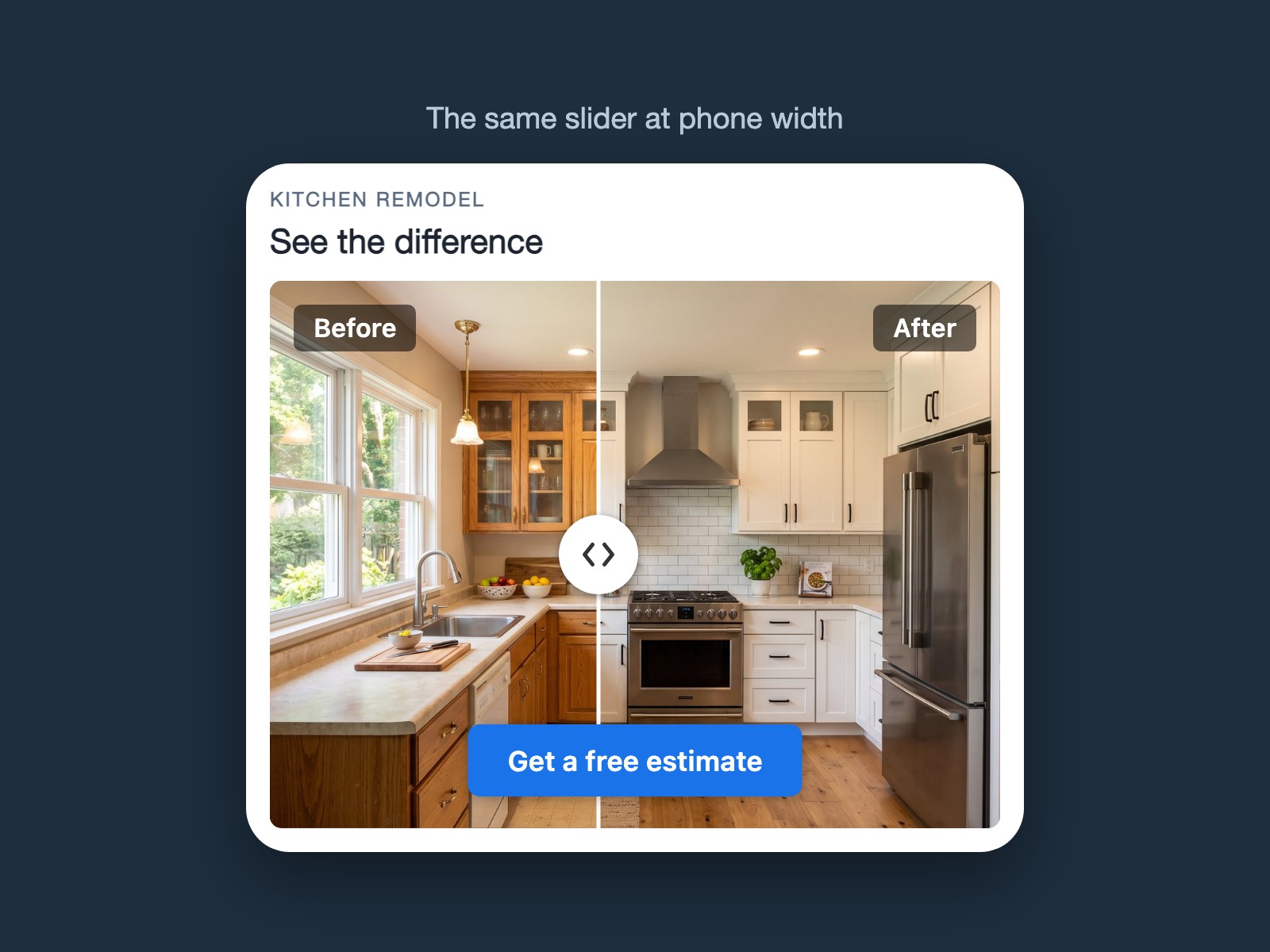
Reveal Before and After Slider overview
- Visitors drag the divider with a mouse, a finger, or the arrow keys. It fills whatever space you give it, so a phone gets the same clean layout as a wide desktop hero
- No watermark on your images and no monthly limit on how many people can view it. The slider works the same in your busiest month as your quietest
- Add an optional button under the slider to send people to a quote or booking page. It runs inside your page with no outside service to load your images, so it keeps working as long as your site does
- Drop in your two photos and pick from five aspect ratios and a starting divider position, so the slider frames your work the way you want it
Rating & Reviews
This app hasn’t received any reviews yet, be the first to rate it.Pricing & plans
Basic plan
Free
Drag to compare, mouse or touch
No watermark and no view limits
Optional call to action button
Pro plan
$
3
90
/month
Vertical orientation
Autoplay reveal animation
Custom divider, labels and corners
Priority support
* Price is in USD.