Wix App Market Logo

wix logo


Trending Topics
online store
bookings
events
popup

Image Hover Effects logo

Image Hover Effects

By
Hover zoom, captions and tilt for your images
No Reviews Yet
Free

Image Hover Effects overview

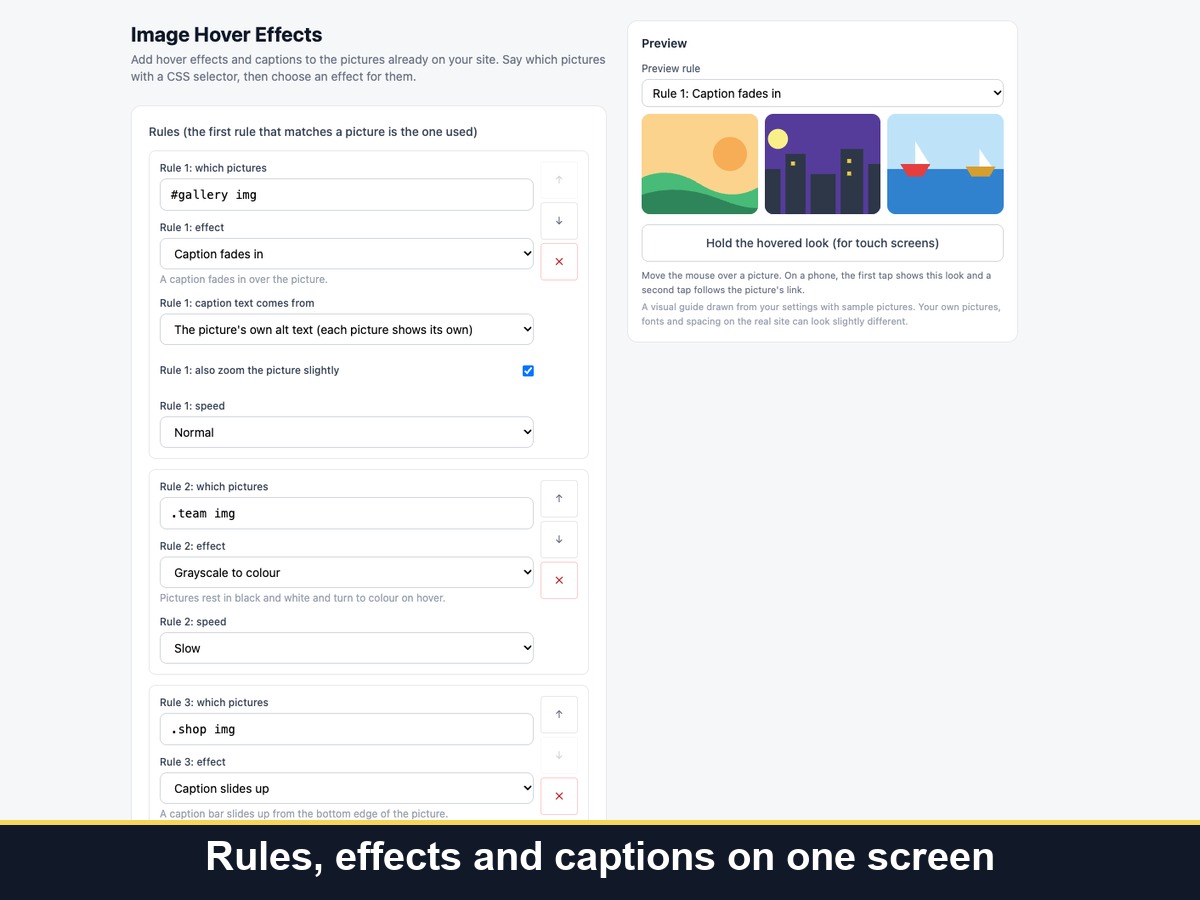
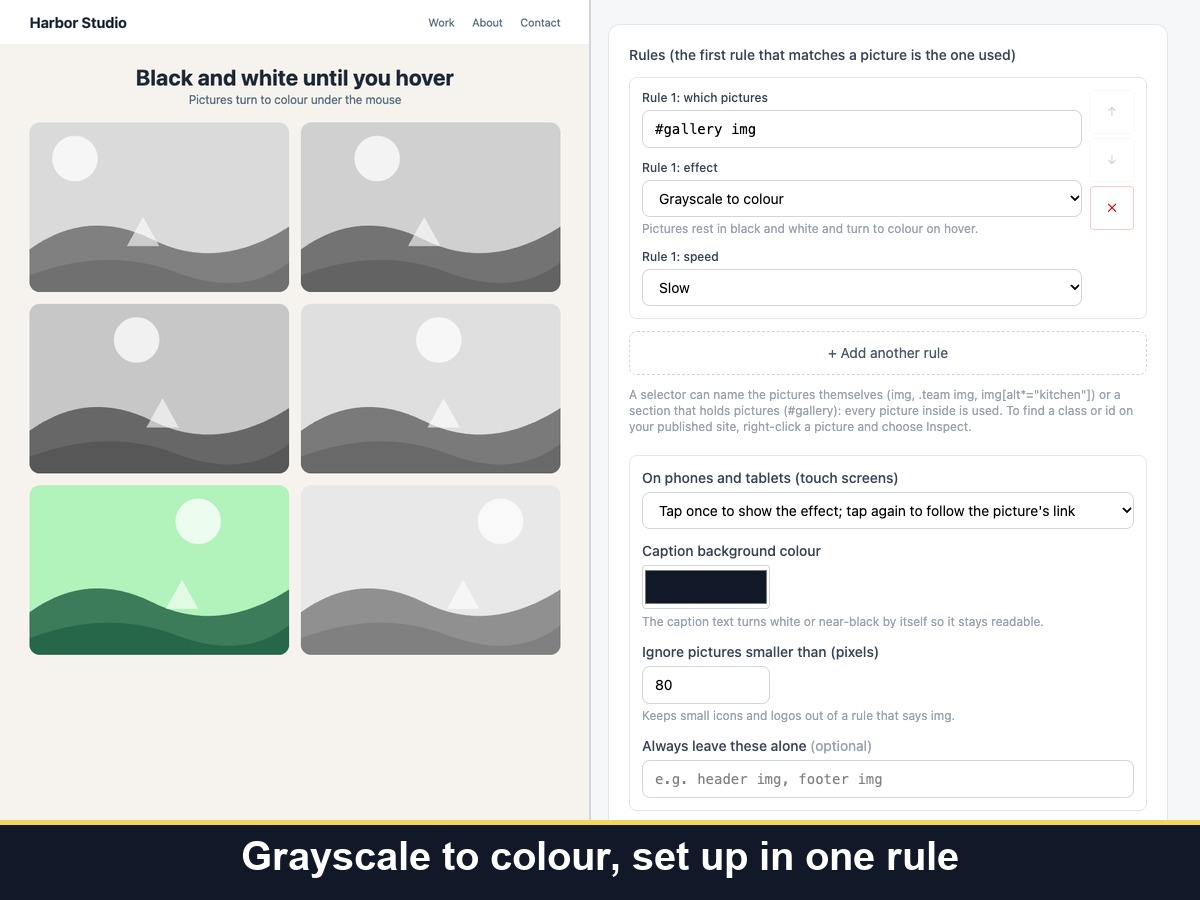
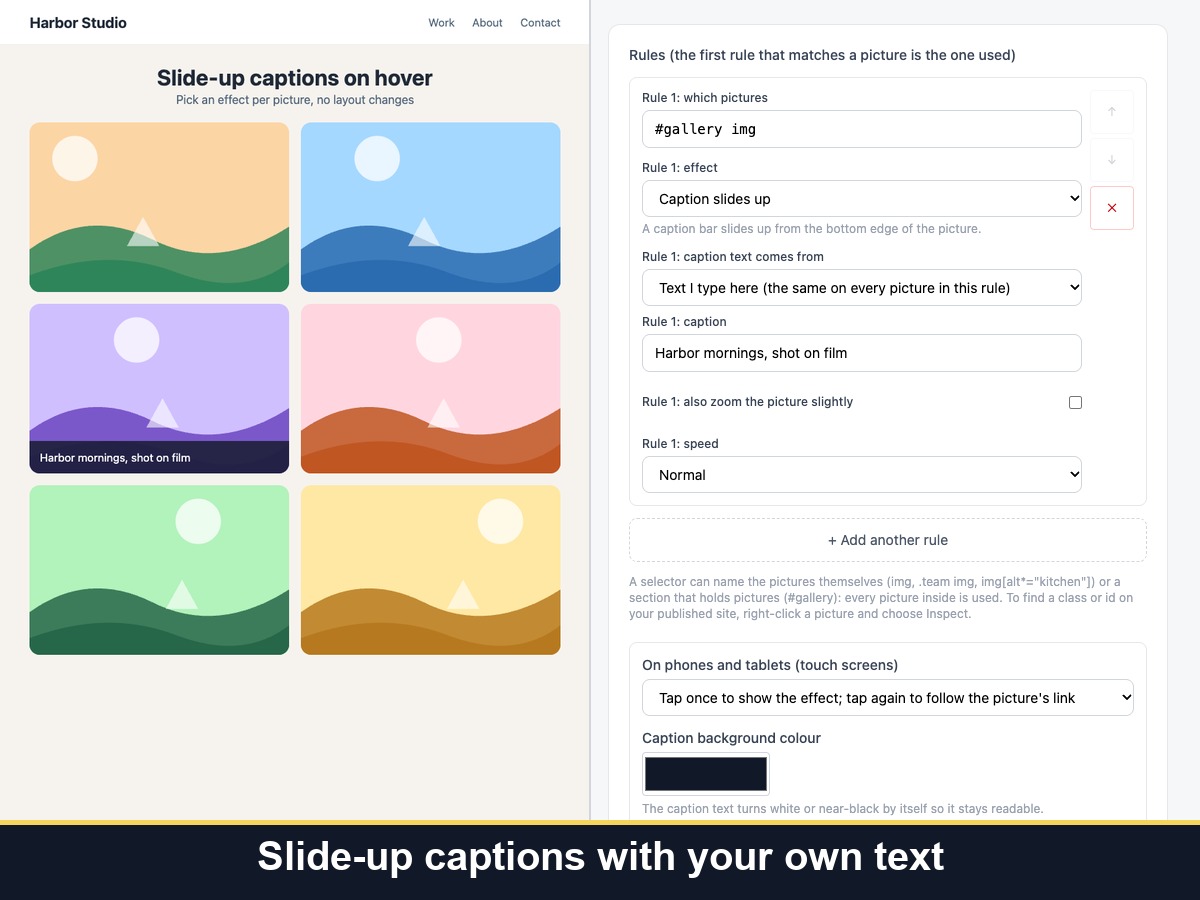
  • Zoom, caption fade, caption slide, grayscale, tilt
  • Pick pictures by CSS selector for each rule
  • Phone tap-to-reveal and reduced motion
  • Choose pages and keep your links and layout
Image Hover Effects adds hover effects to the pictures already on your pages. You say which pictures with a CSS selector, such as every image, a gallery or one section, and choose an effect for each rule: zoom in, a caption that fades in, a caption that slides up, grayscale that turns to colour, or a 3D tilt that follows the mouse. Captions can come from each picture's own alt text or from text you type. You can set the speed, the zoom or tilt strength, the caption colour, and the pages where it runs or never runs. The effects are designed to leave pictures in their place, with their size, link and alt text unchanged. On phones, the first tap shows the effect and a second tap follows the link, or you can switch effects off on touch screens. Visitors who prefer reduced motion get no zoom, tilt or sliding, and keyboard focus shows the same effect as hover. It works on picture elements only, so section or strip backgrounds and videos are not changed. Your settings are part of every page's source, so keep private notes out of them.
Availability:
This app is available worldwide.
App languages:
English
You can translate all app content displayed on your site into any language.
Featured in

Rating & Reviews

This app hasn’t received any reviews yet, be the first to rate it.

Build and launch your next app for 230m+ Wix users