Wix App Market Logo

wix logo


Trending Topics
online store
bookings
events
popup

Data Tables from CSV logo

Data Tables from CSV

By
Sortable, searchable tables from a spreadsheet
No Reviews Yet
Free

Data Tables from CSV overview

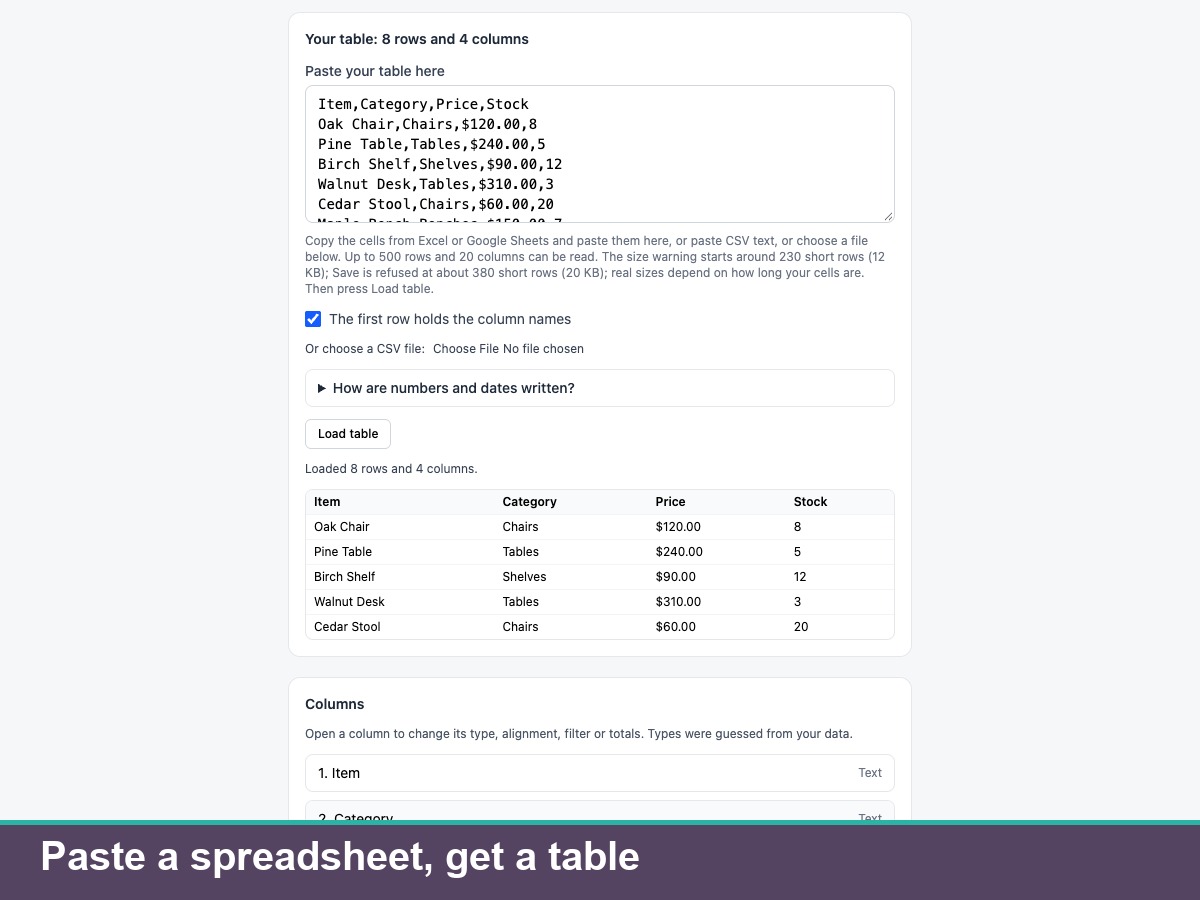
  • Table from pasted cells or a CSV file
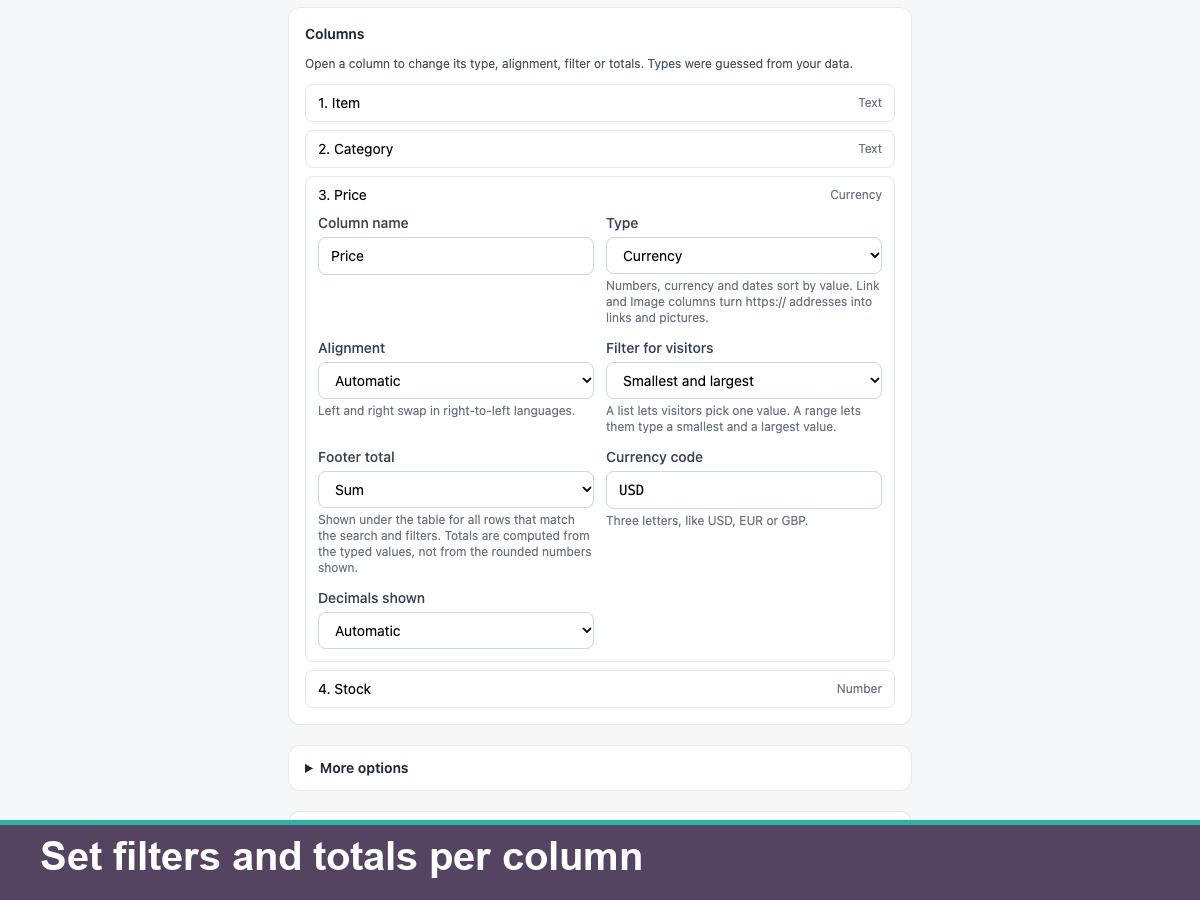
  • Sort, search, filters, pages and totals
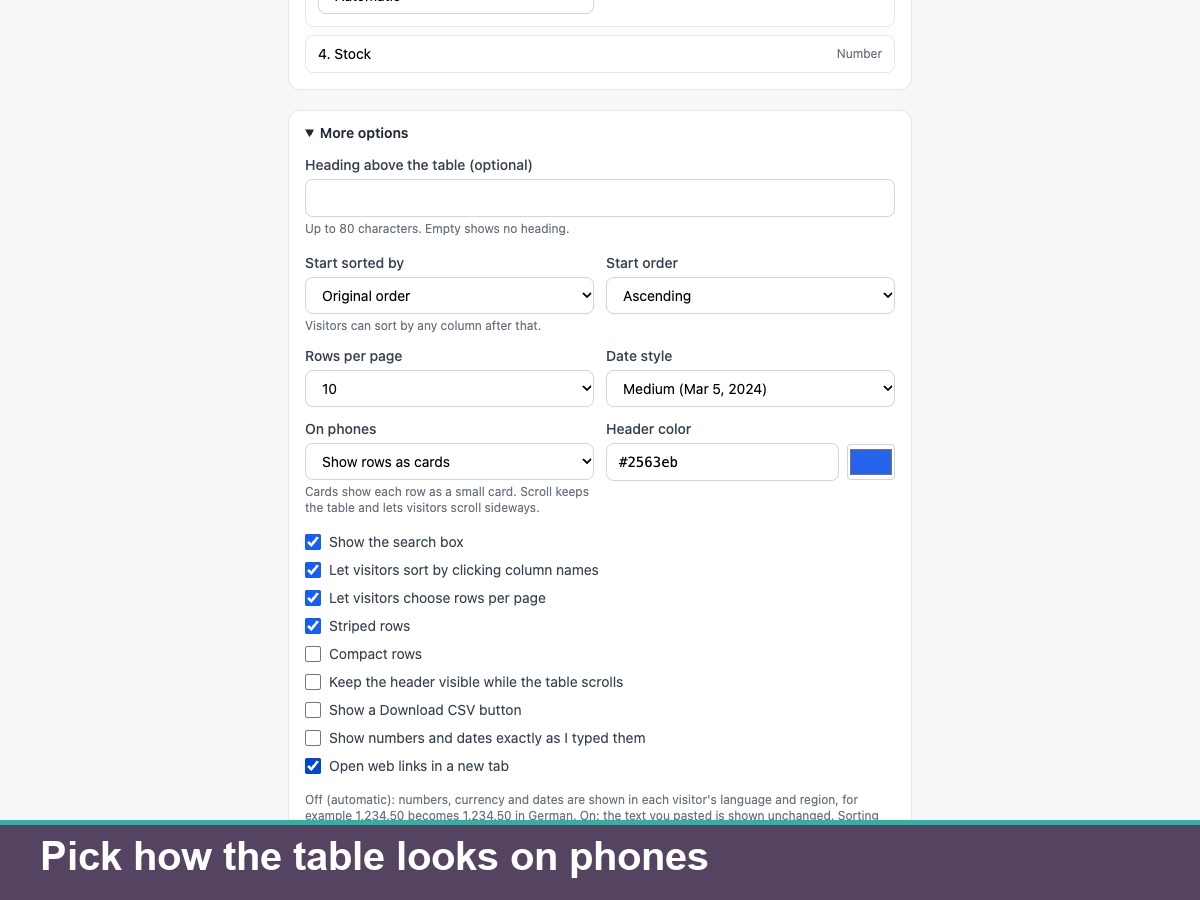
  • Cards on phones, optional CSV download
  • 23 languages, keyboard use, right-to-left
Data Tables from CSV turns a spreadsheet into a table on your site. Paste cells from Excel or Google Sheets, paste CSV text or choose a CSV file. The app guesses each column's type (text, number, currency, date, link or image) and you can change it. Visitors sort by any column, search, filter by values or a range, page through rows and see totals and averages. Numbers and dates follow the language and region of the page unless you choose to show them as typed, rows become cards on small screens, and a CSV download is optional. It works with a keyboard and screen readers, on phones and on right-to-left pages, in 23 languages. Up to 500 rows and 20 columns can be pasted, but everything travels in the settings that load on every page, so the size warning starts around 230 short rows and Save is refused at about 380; real sizes depend on cell length. The app does not connect to Google Sheets, does not edit data on the site and keeps no visitor data. The app sends only one install or uninstall event (your site's app instance ID and app ID) to our install counter. The translations are machine-translated and have not been checked by native speakers.
Availability:
This app is available worldwide.
App languages:
English
You can translate all app content displayed on your site into any language.
Featured in

Rating & Reviews

This app hasn’t received any reviews yet, be the first to rate it.

Build and launch your next app for 230m+ Wix users