Wix App Market Logo

wix logo


Trending Topics
online store
bookings
events
popup

Search Box logo

Search Box

By
Find any word on your page, and jump to it
No Reviews Yet
Free

Search Box overview

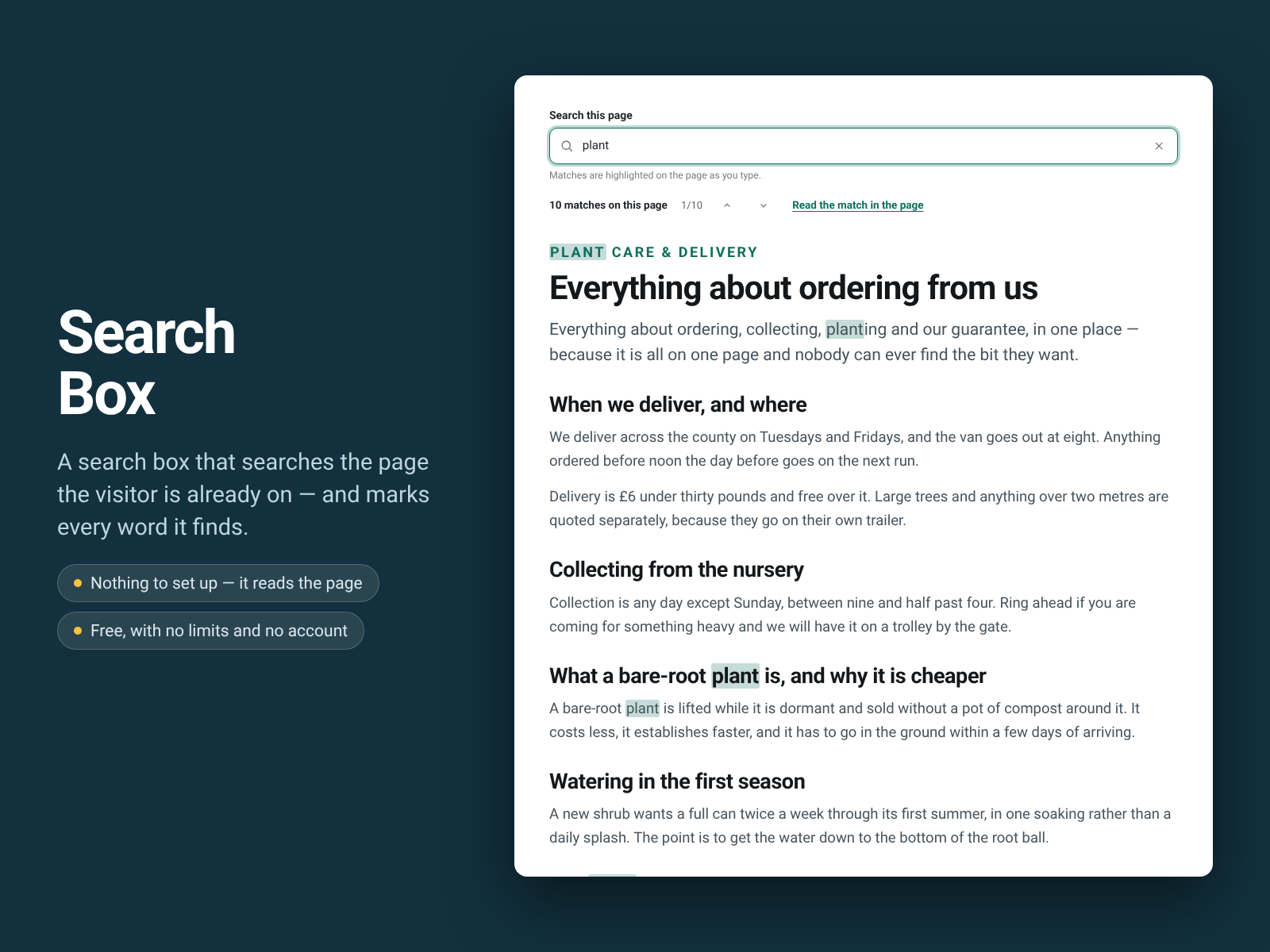
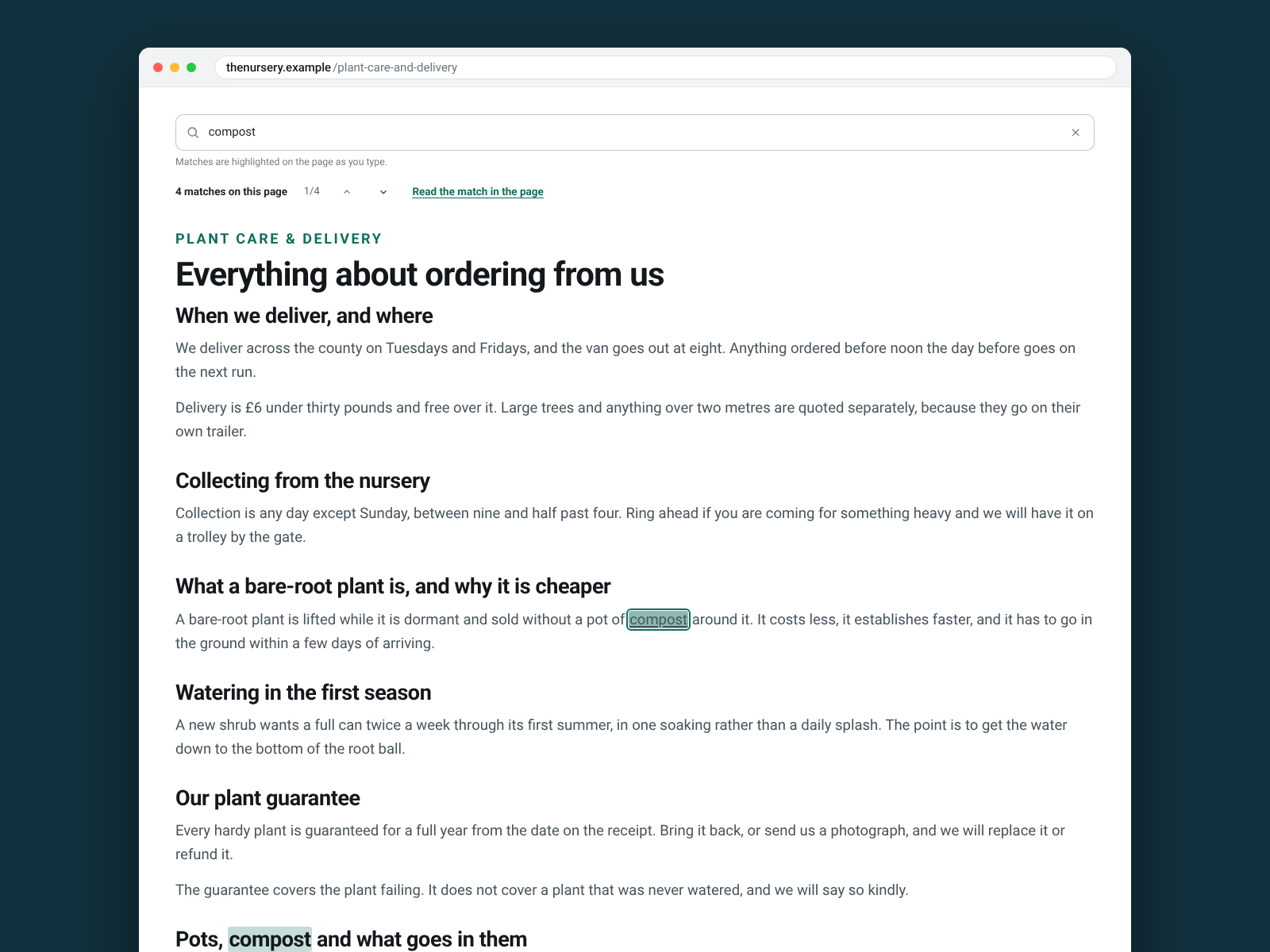
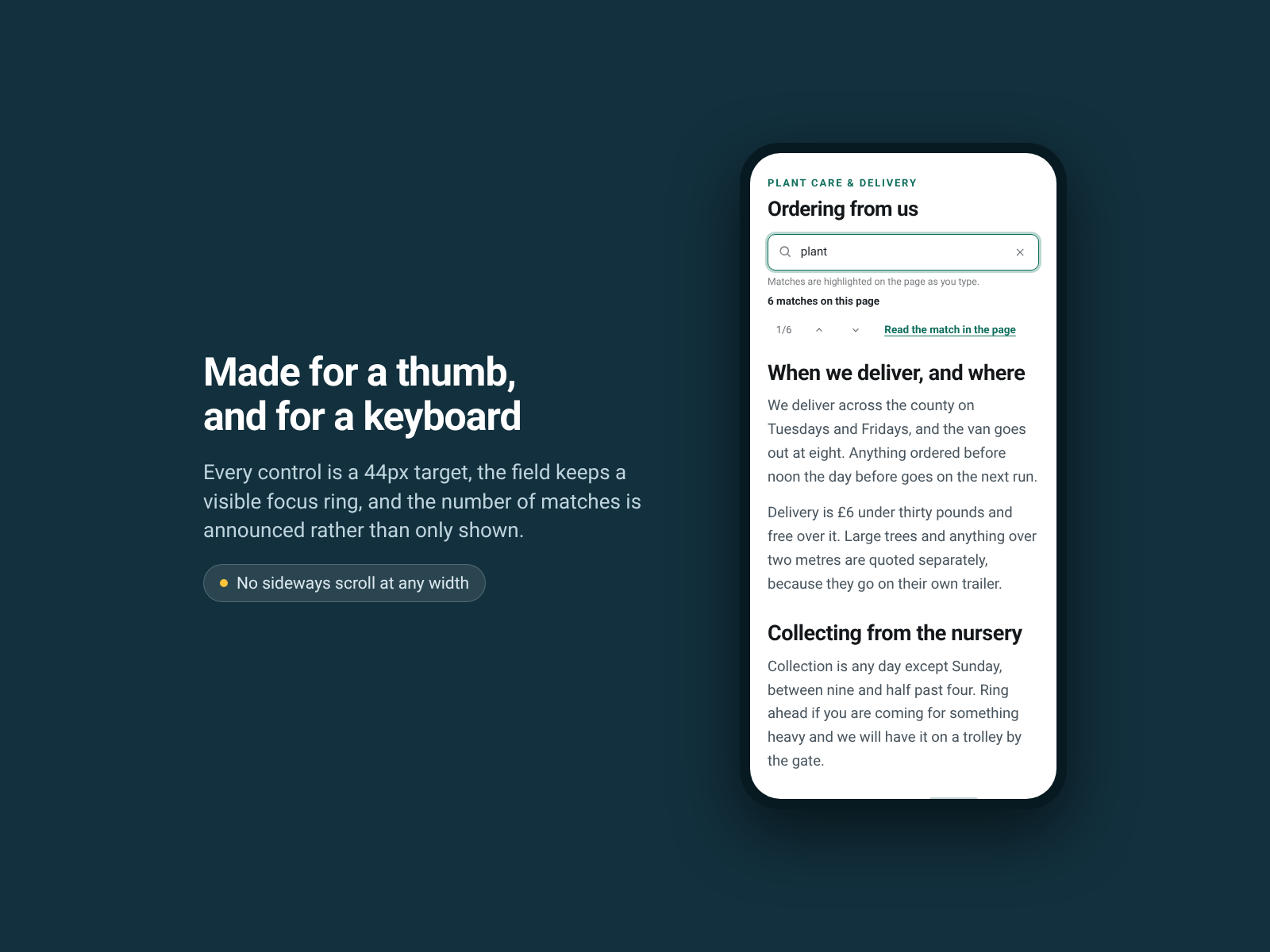
  • Searches the page a visitor is on and highlights every match where it sits
  • Counts the matches and steps through them with Enter or the arrow buttons
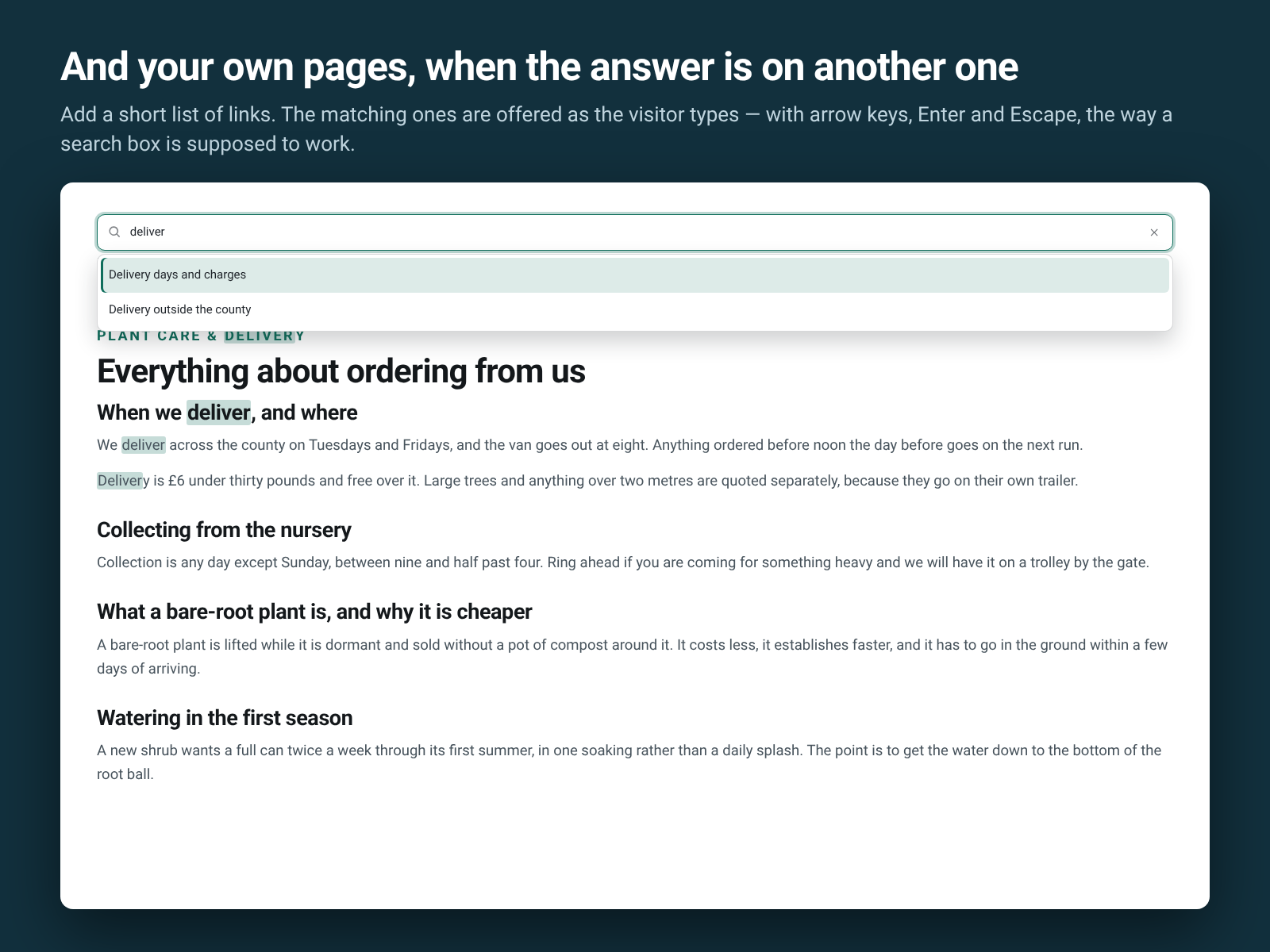
  • Offers your own links as suggestions, with arrow keys, Enter and Escape
  • What a visitor types never leaves their browser — no request, no cookie
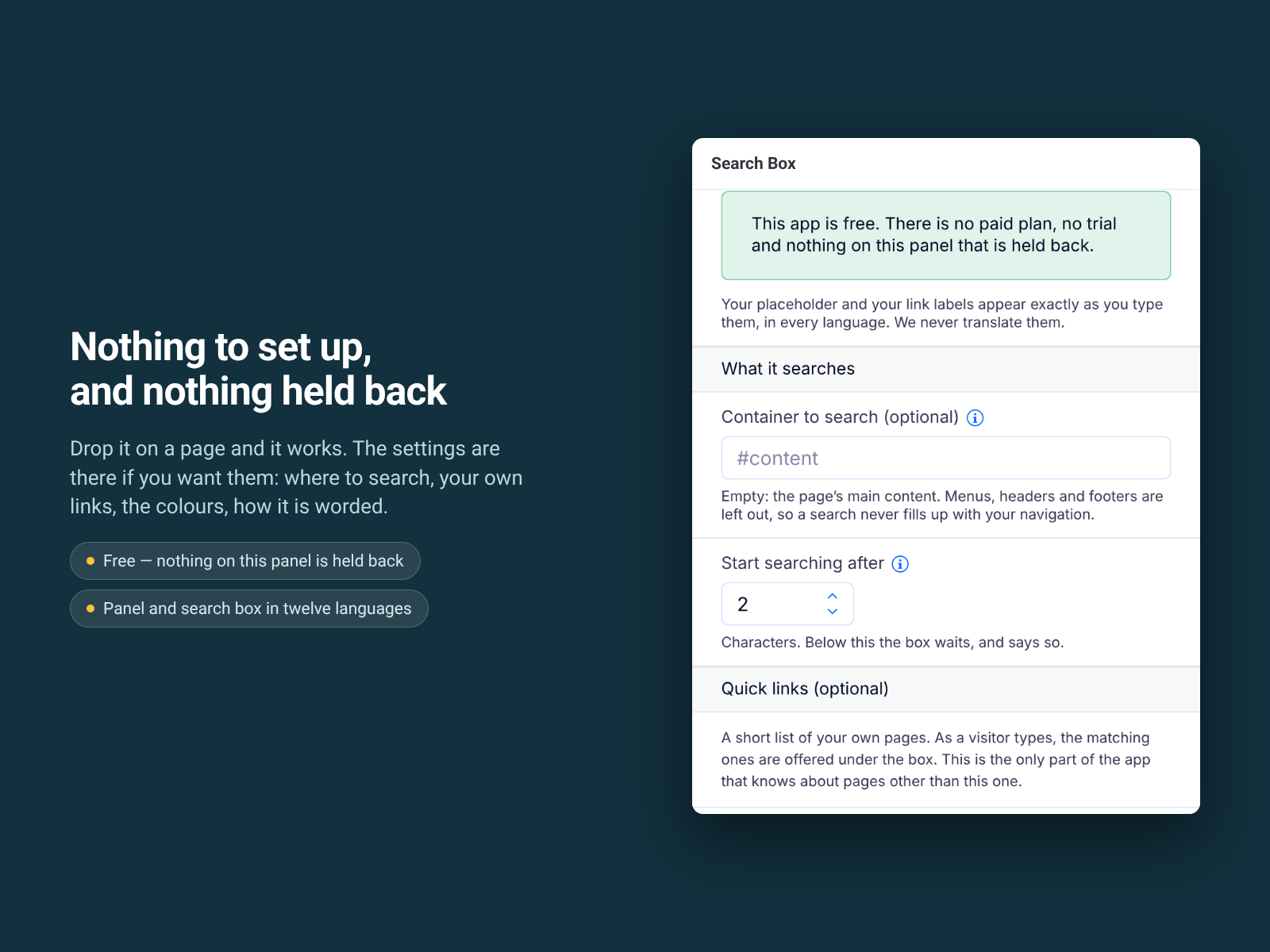
A long page is where things go to hide. A visitor who cannot find the delivery date, the price or the opening times does not scroll — they leave. Search Box puts a search field on the page and searches that page. As the visitor types, every match is highlighted where it sits, counted, and stepped through with Enter or the arrow buttons. It reads your own words, so there is nothing to type twice and nothing to keep in step when you edit. You can add a short list of your own links, offered as suggestions while they type. It is built for a keyboard and for a screen reader: a real combobox, arrow keys, Escape, 44px controls, and the number of matches announced rather than only shown. What it does not do: search your other pages. It searches the page it is on, plus the links you add by hand. It does not read images, PDFs or anything inside another app's frame, and a phrase split across two paragraphs is two phrases. Nothing is sent anywhere. What a visitor types stays in their browser: no network request, no cookie, no saved search history. The widget and its settings are in twelve languages; your own wording is never translated. Free, with no limits and no account.
Availability:
This app is available worldwide.
App languages:
English
You can translate all app content displayed on your site into any language.
Featured in

Rating & Reviews

This app hasn’t received any reviews yet, be the first to rate it.

Build and launch your next app for 230m+ Wix users