

online store
bookings
events
popup
Verified by Wix
Google Docs
By
Embed Google Docs on your site, no downloads
5.0
Free

Google Docs overview
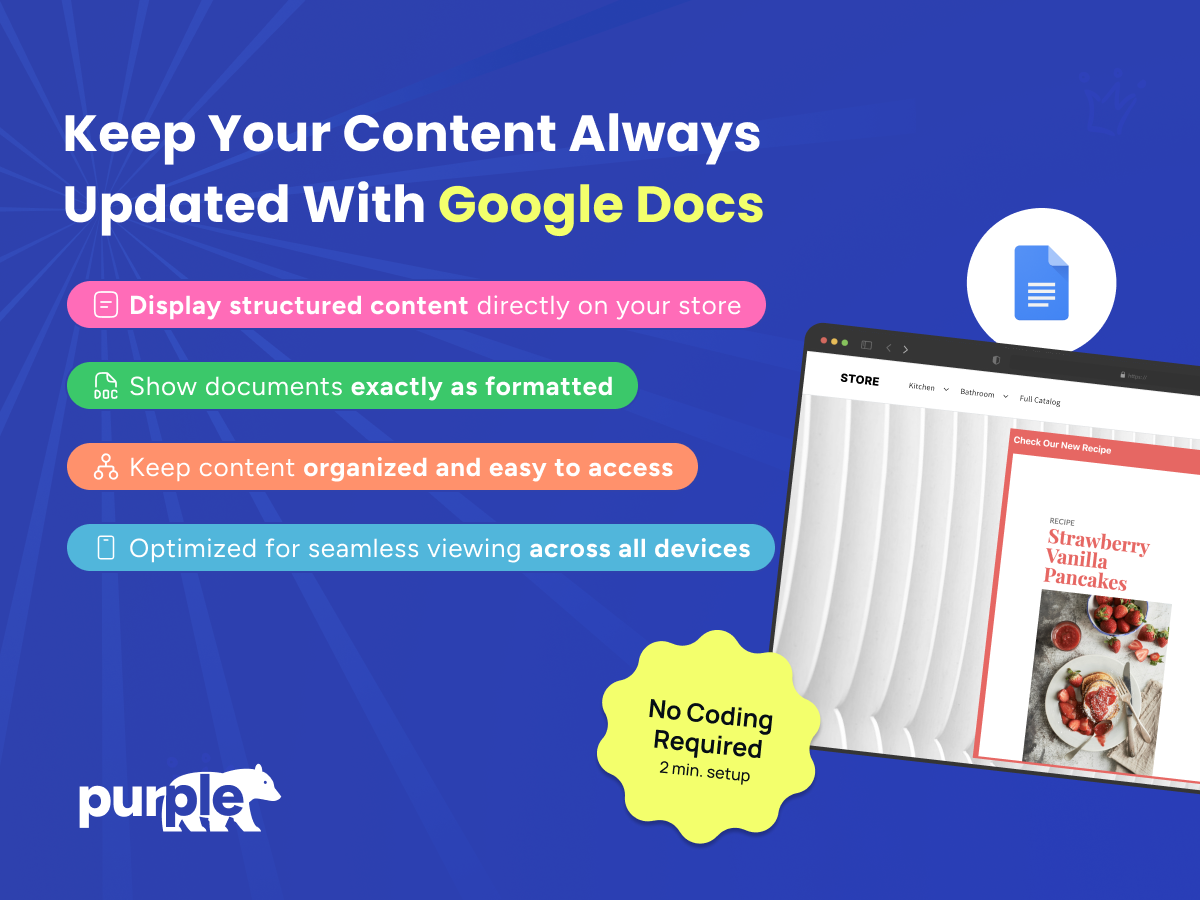
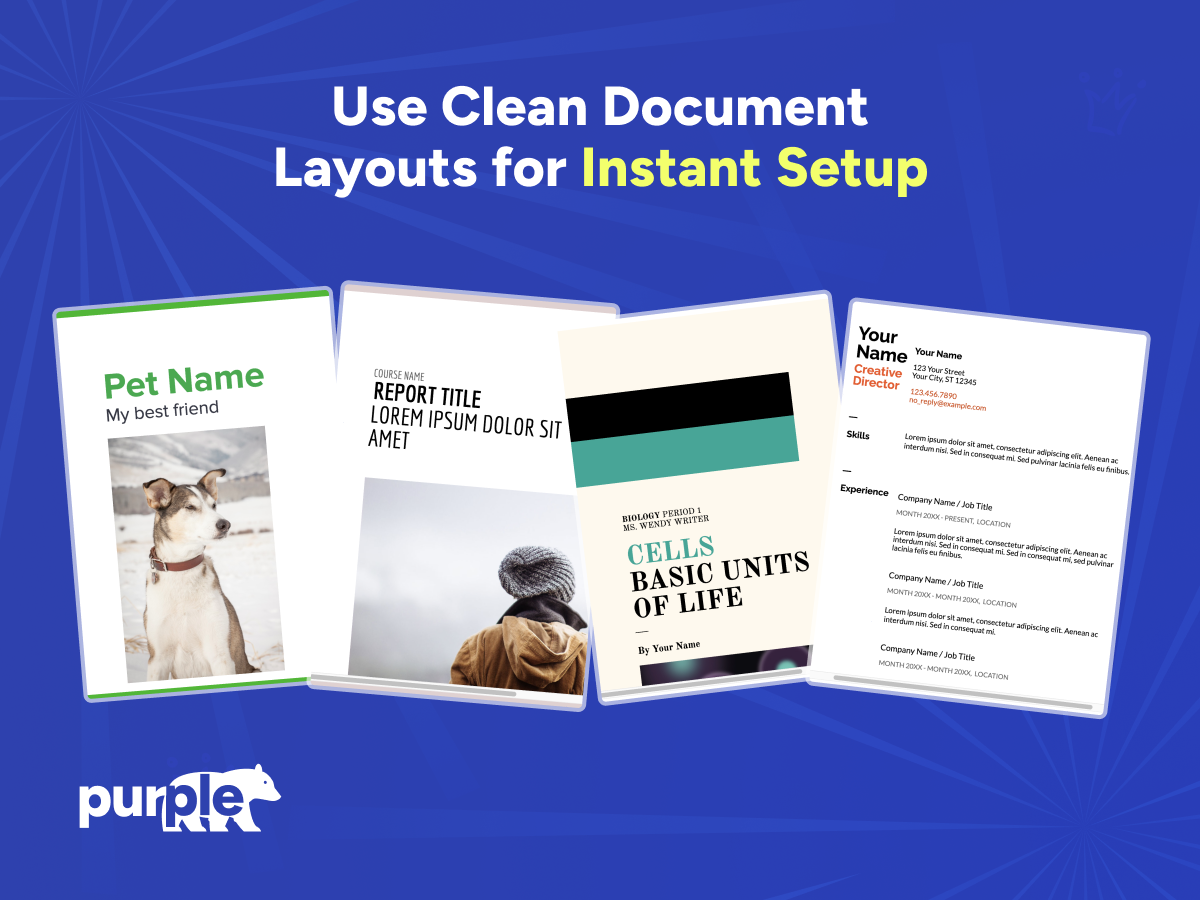
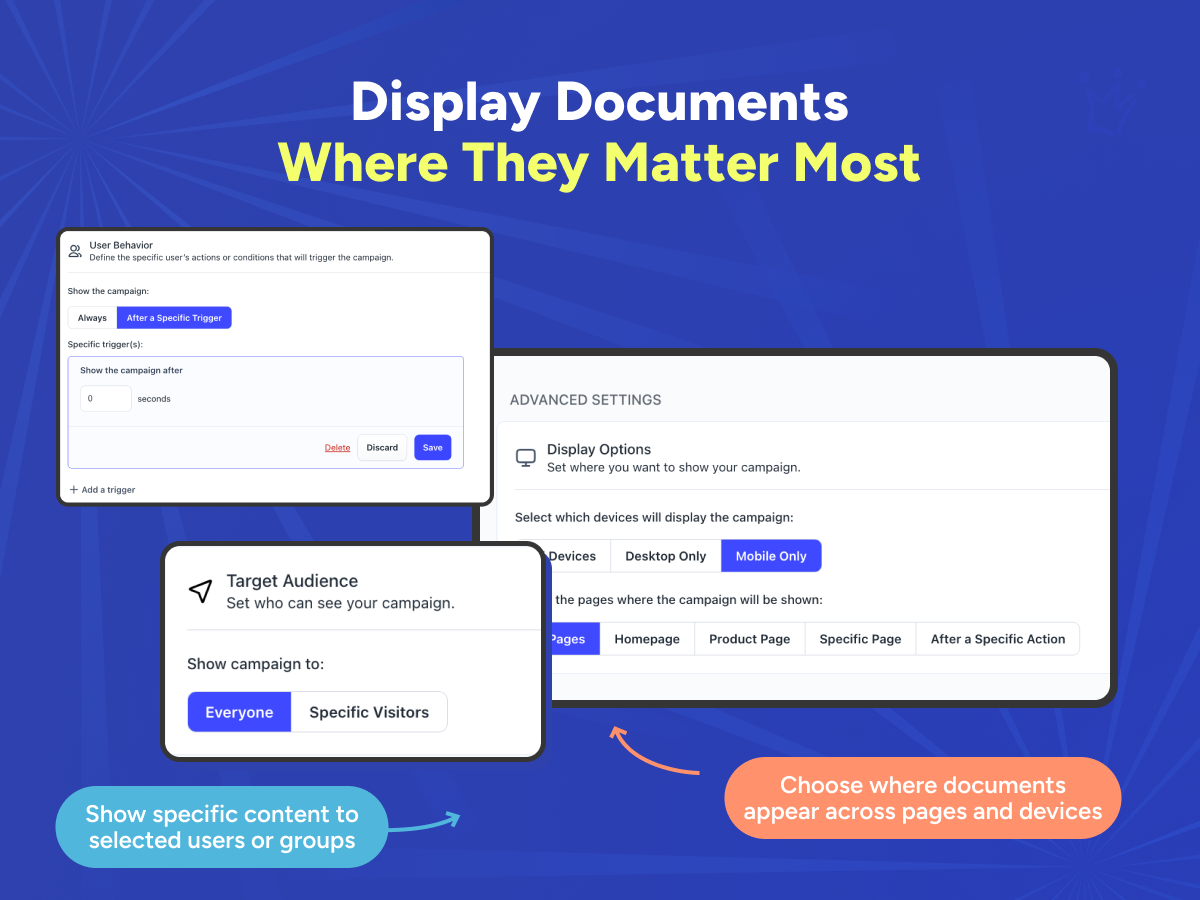
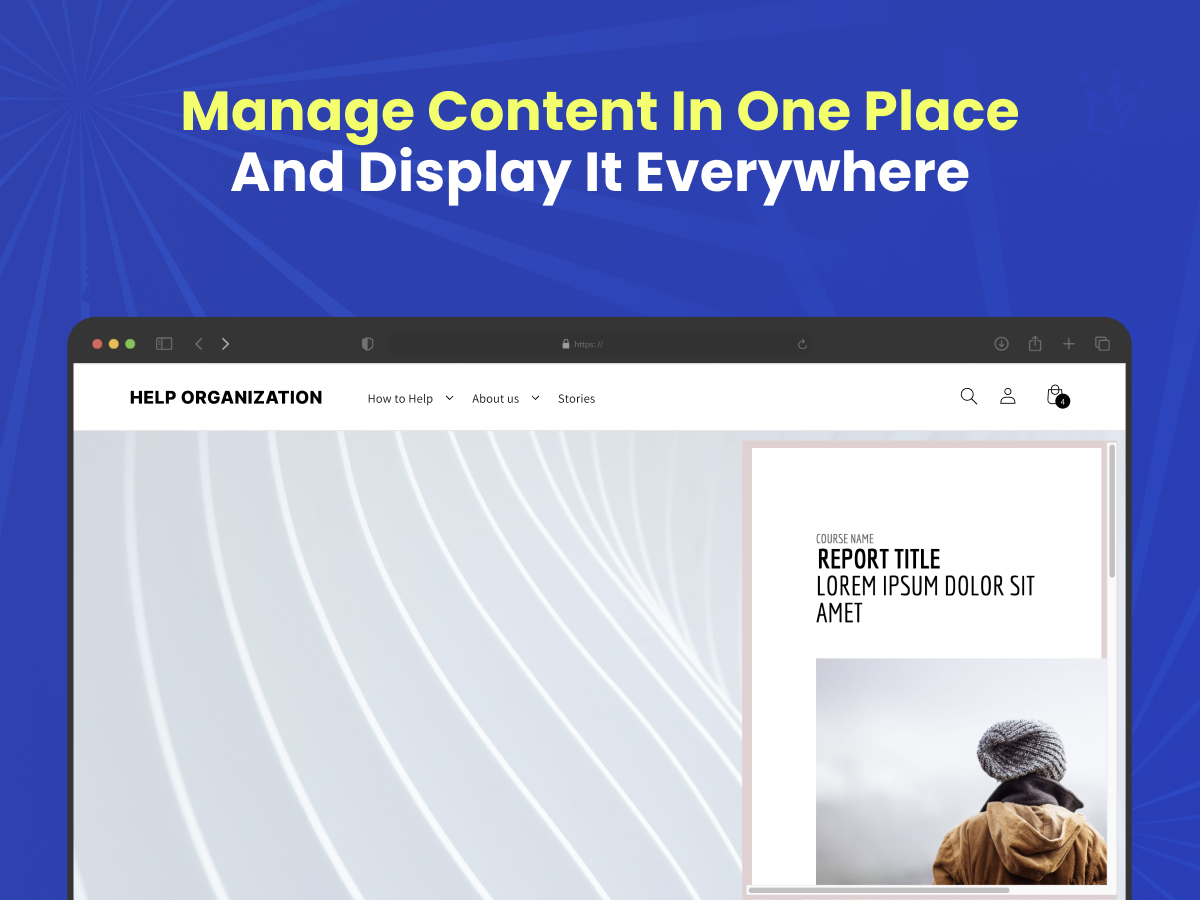
- One-Click Google Docs Embed — Paste a Google Docs link and display the full document directly on your page. No coding, no downloads, no redirects
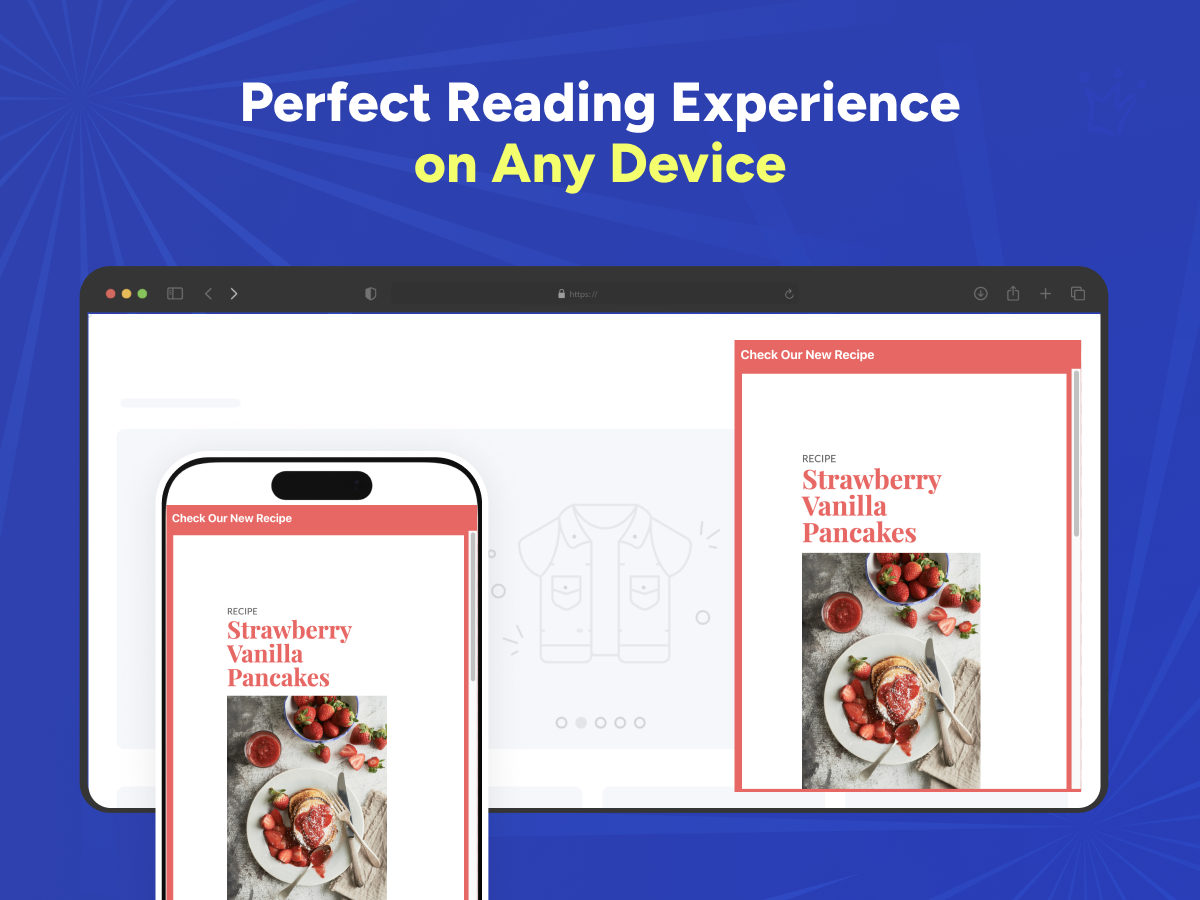
- Mobile-Friendly Responsive Viewer — Documents render cleanly on desktop, tablet, and mobile, with fullscreen mode for distraction-free reading
- Always Up to Date — Edit your document in Google Docs and changes appear automatically on your site. Perfect for policies, manuals, menus, and price lists
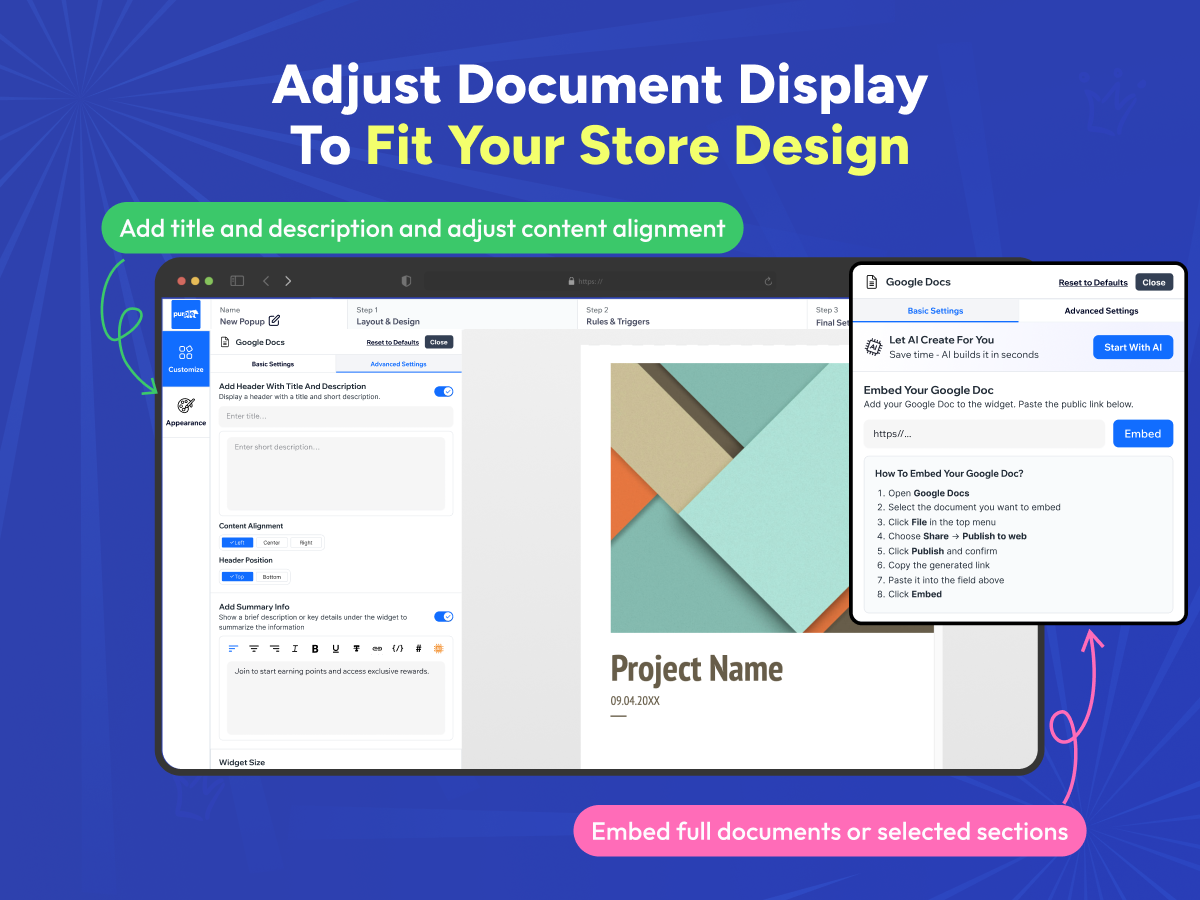
- Customizable, Secure Display — Adjust height, borders, spacing, and titles to match your design, and use read-only mode to keep your content protected
Categories
Availability:
This app is available worldwide.App languages:
English,
French,
Italian,
Japanese,
Polish,
Portuguese,
Spanish,
Ukrainian
5.0 Average Rating
3 reviews
5
3
4
0
3
0
2
0
1
0
Sort by:
EU
Eulaliaaquino57/ Sep 26, 2026
its great service
PU
team PurpleBear
Thank you so much for the great review! We're thrilled the app is working well for you.(0)
Thank you for your feedback
TL
Tlccompetitions/ Sep 22, 2026
dont know yet
PU
team PurpleBear
Thank you! Reviews like yours help us keep improving. We're glad you're satisfied.(0)
Thank you for your feedback
RO
Rosiesdatenutcake/ Aug 12, 2026
cool
PU
team PurpleBear
Thank you(0)
Thank you for your feedback