

online store
bookings
events
popup

Google Slides
By
Embed Google Slides that update themselves
5.0
Free plan available


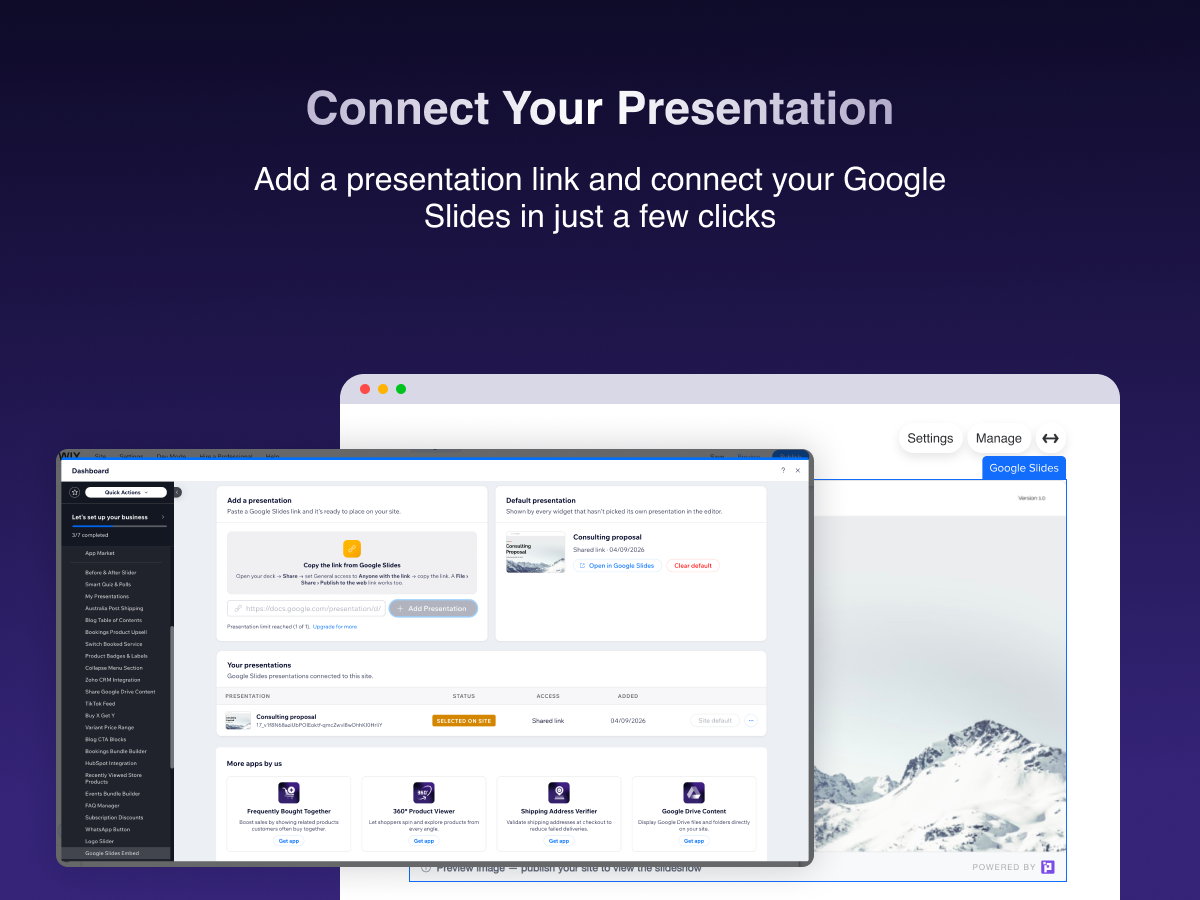
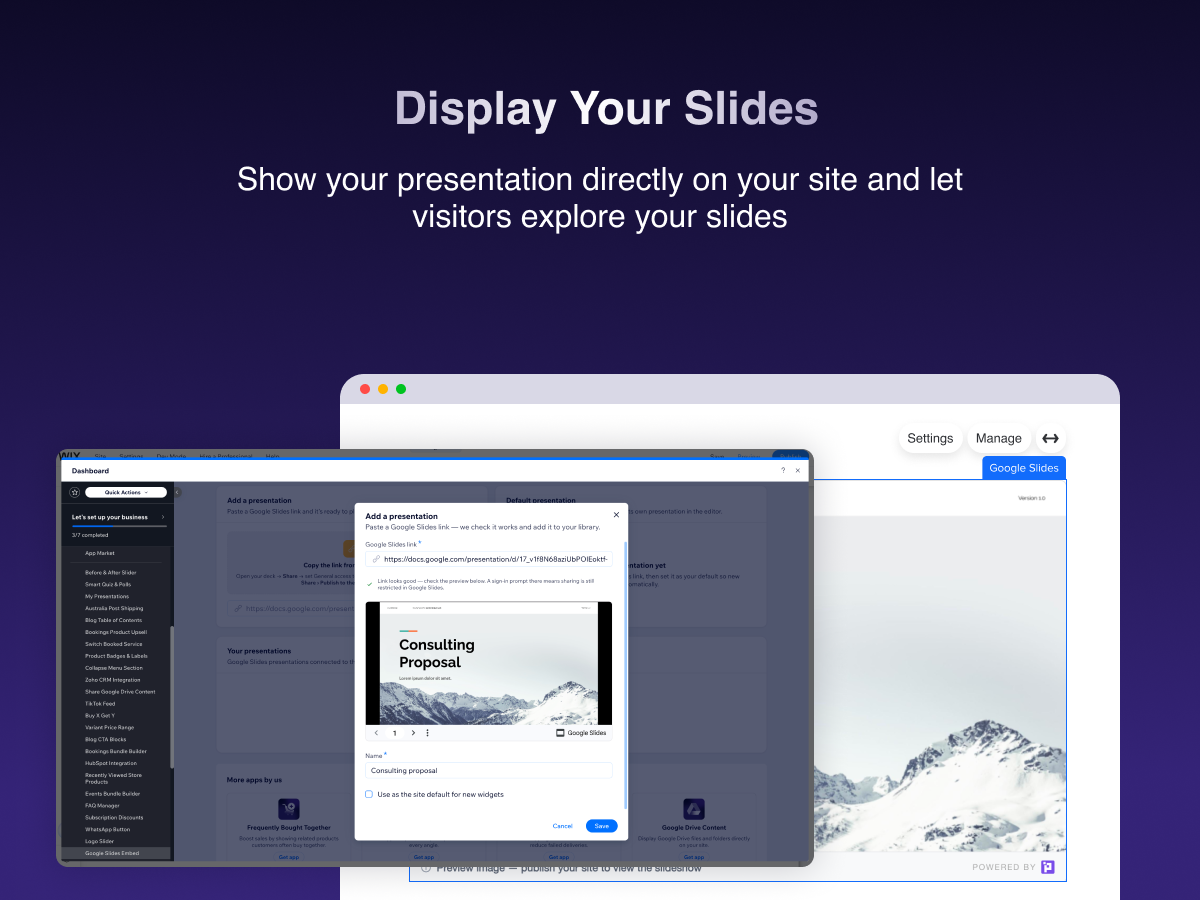
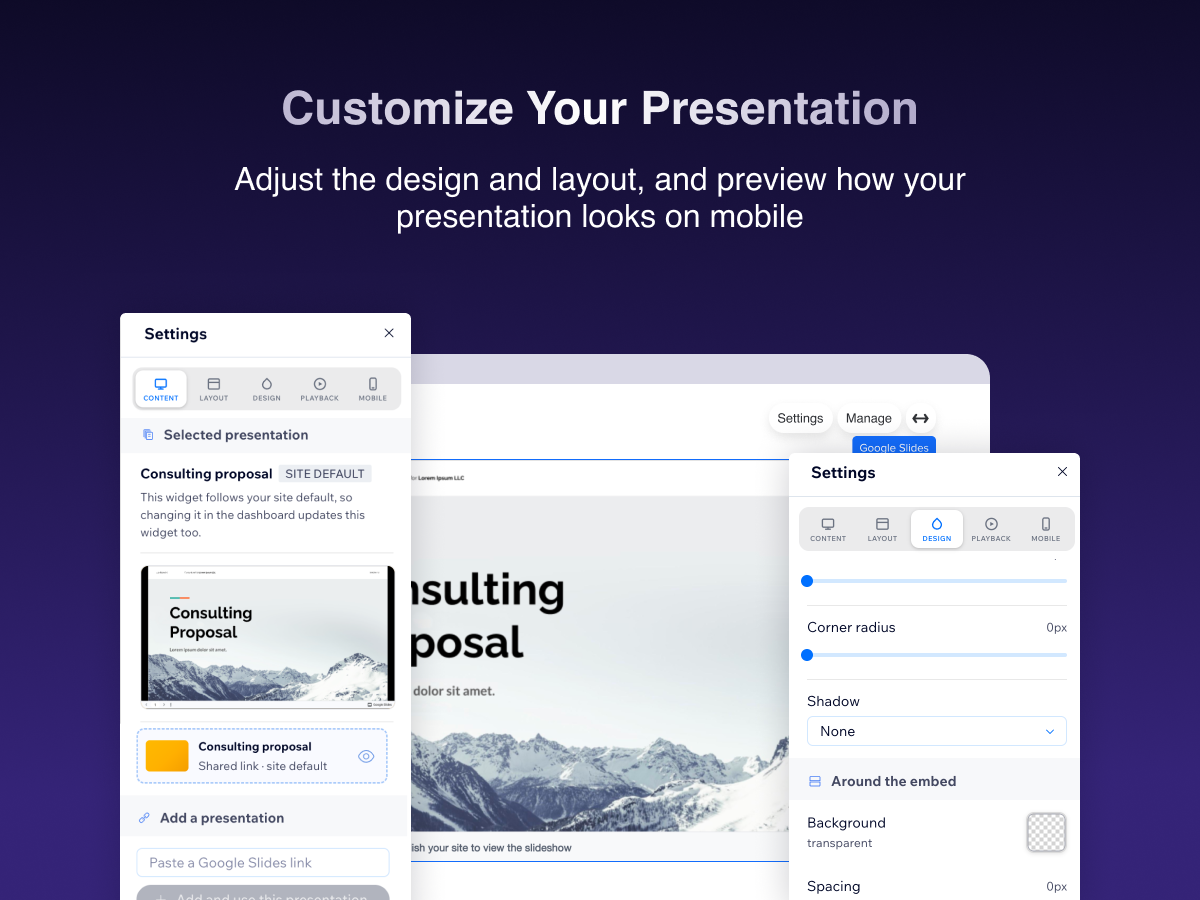
Google Slides overview
- Paste a share link — no Google account or embed code
- Edits in Google Slides appear on your site automatically
- Match your page: size, ratio, border, shadow and mobile layout
- Autoplay, auto-advance, loop and start on any slide
5.0 Average Rating
1 review
5
1
4
0
3
0
2
0
1
0
AN
Andyrobot/ Oct 13, 2026
So far so goodIt appears that you can click video links, so that's good.
PU
team PURPLE
Hi there,
Thank you for sharing your feedback! We're happy to hear that Google Slides is working well for you and that you can click video links successfully. We appreciate your support and are...(0)
Thank you for your feedback
Pricing & plans
Basic plan
Free
Interactive slide viewer
Responsive desktop & mobile
Automatic updates from Google
Light plan
$
2
99
/month
Up to 3 presentations
Basic customization
24 hours sync
Remove PURPLE branding
Core plan
$
5
24
/month
Unlimited presentations
All viewer options
Advanced customization
24/7 suport
Pro plan
$
5
99
/month
Unlimited presentations
All viewer options
Advanced customization
Priority support
* Price is in USD.