

online store
bookings
events
popup

Verified by Wix
By
PDF viewer & 3D flipbook to embed on your site
4.1
Free

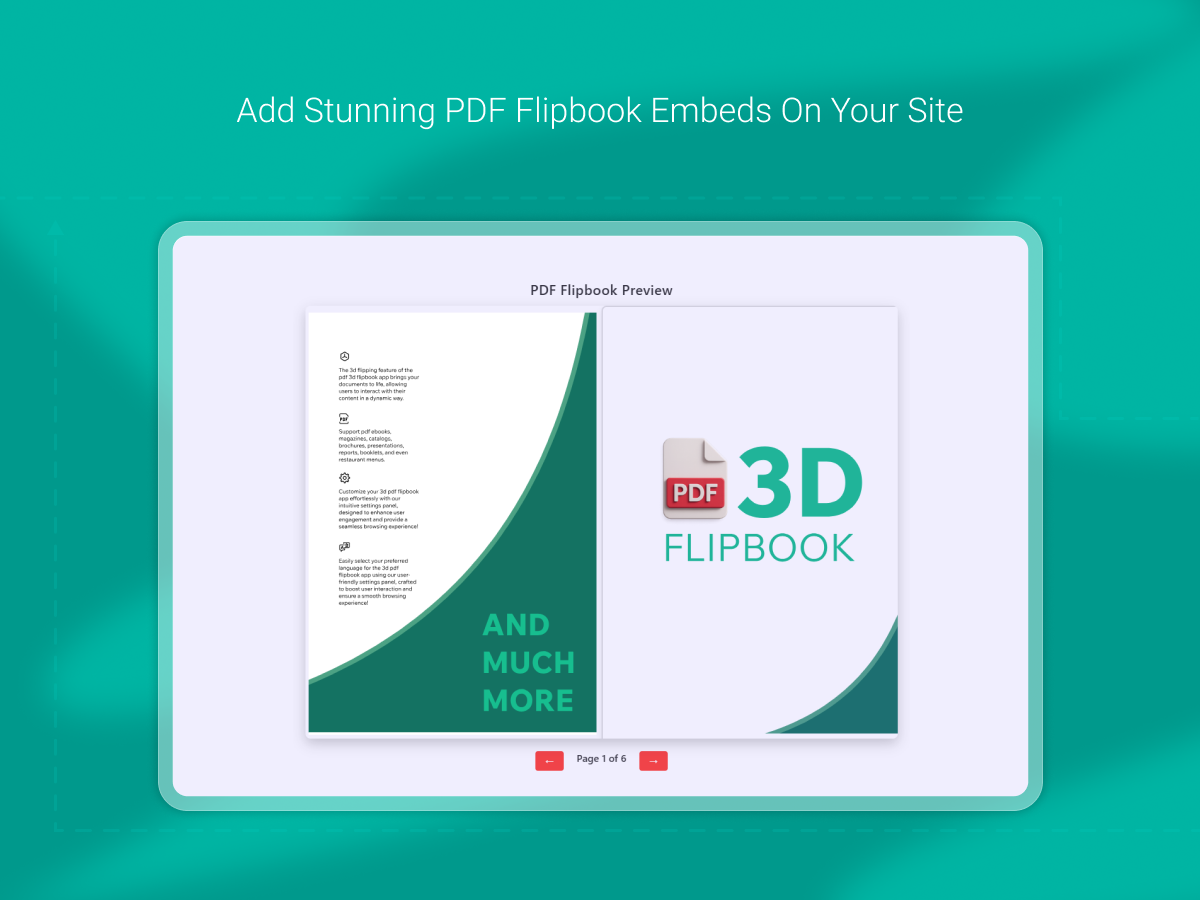
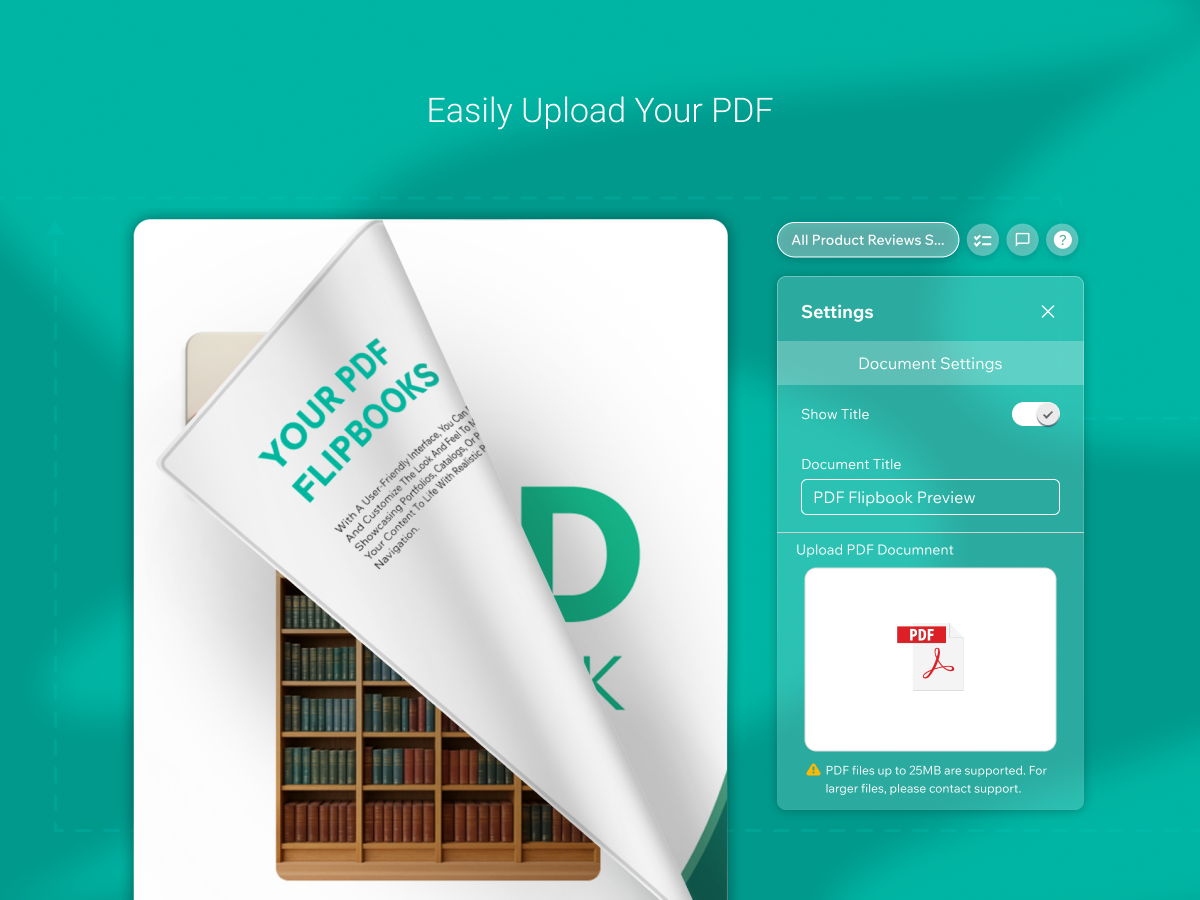
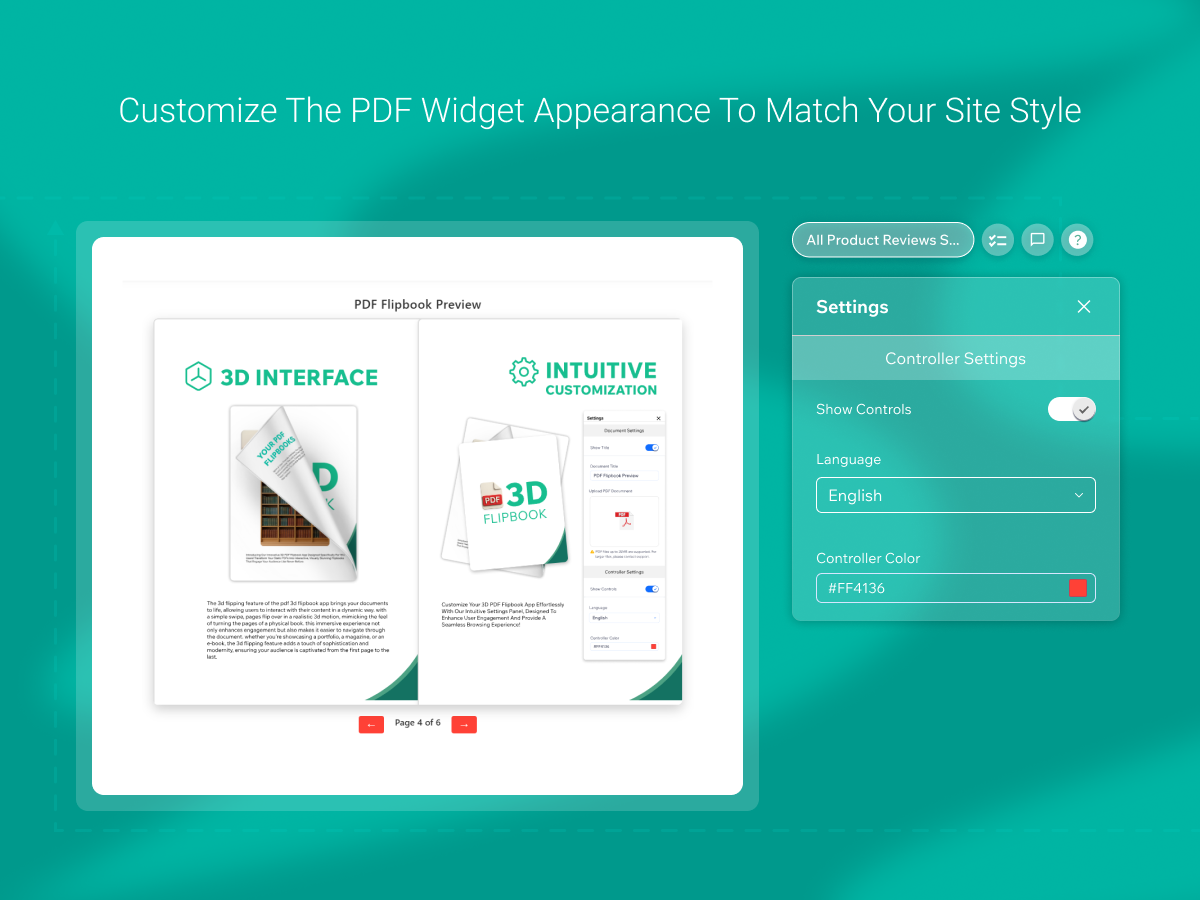
PDF overview
- Realistic 3D page flip animation for an engaging reading experience
- Fully responsive design that works on all devices and screen sizes
- Show your PDF as a 3D flipbook or a simple PDF viewer, with the size and controls you choose
- High quality PDF rendering with smooth navigation and touch support
Categories
Availability:
This app is available worldwide.App languages:
English
M
App developed byMarketPushApps
Visit our WebsiteContact us for supportPrivacy Policy
Market Push Apps SRL ensures that it complies with EU trade laws.
4.1 Average Rating
191 reviews
5
132
4
14
3
9
2
5
1
31
Sort by:
MA
Marketingeastship/ Oct 13, 2026
works great
MA
team MarketPushApps
Hello,
Wonderful to hear our PDF app is working great for you. Thanks for sharing your experience!(0)
Thank you for your feedback
FA
Faithelizabeth5907/ Oct 10, 2026
Gets the job done
MA
team MarketPushApps
Hello,
Thank you for the 4-star review! Glad our PDF app gets the job done for you.
If there's anything that would make it a 5-star experience, we'd love to hear it at support@marketpushapps.com.(0)
Thank you for your feedback
SA
Sa77210040/ Oct 8, 2026
Excellent
MA
team MarketPushApps
Hello,
Thanks for the 5 stars. We really appreciate it.
Glad you're enjoying our PDF app.(0)
Thank you for your feedback
SI
Simone9003/ Oct 6, 2026
It's useful but needs to some work.It works well on desktop but was very glitchy on the phone view so I had to hide it and add a 'click here...' text with link to the PDF documents as a...
MA
team MarketPushApps
Hello,
Thank you for taking the time to share your feedback. We're glad to hear that the app is working well for you on desktop and that you find the settings straightforward.
We're sorry to...(0)
Thank you for your feedback
MY
Myrtokoukodimou/ Oct 5, 2026
good!!
MA
team MarketPushApps
Hello,
Thanks a lot for the great feedback!
We're glad to have you using our PDF app.(0)
Thank you for your feedback