Wix App Market Logo

wix logo


Trending Topics
online store
bookings
events
popup

Classic Editor logo

Classic Editor

By
Write posts in a classic Visual & HTML editor
No Reviews Yet
7 day free trial

Classic Editor overview

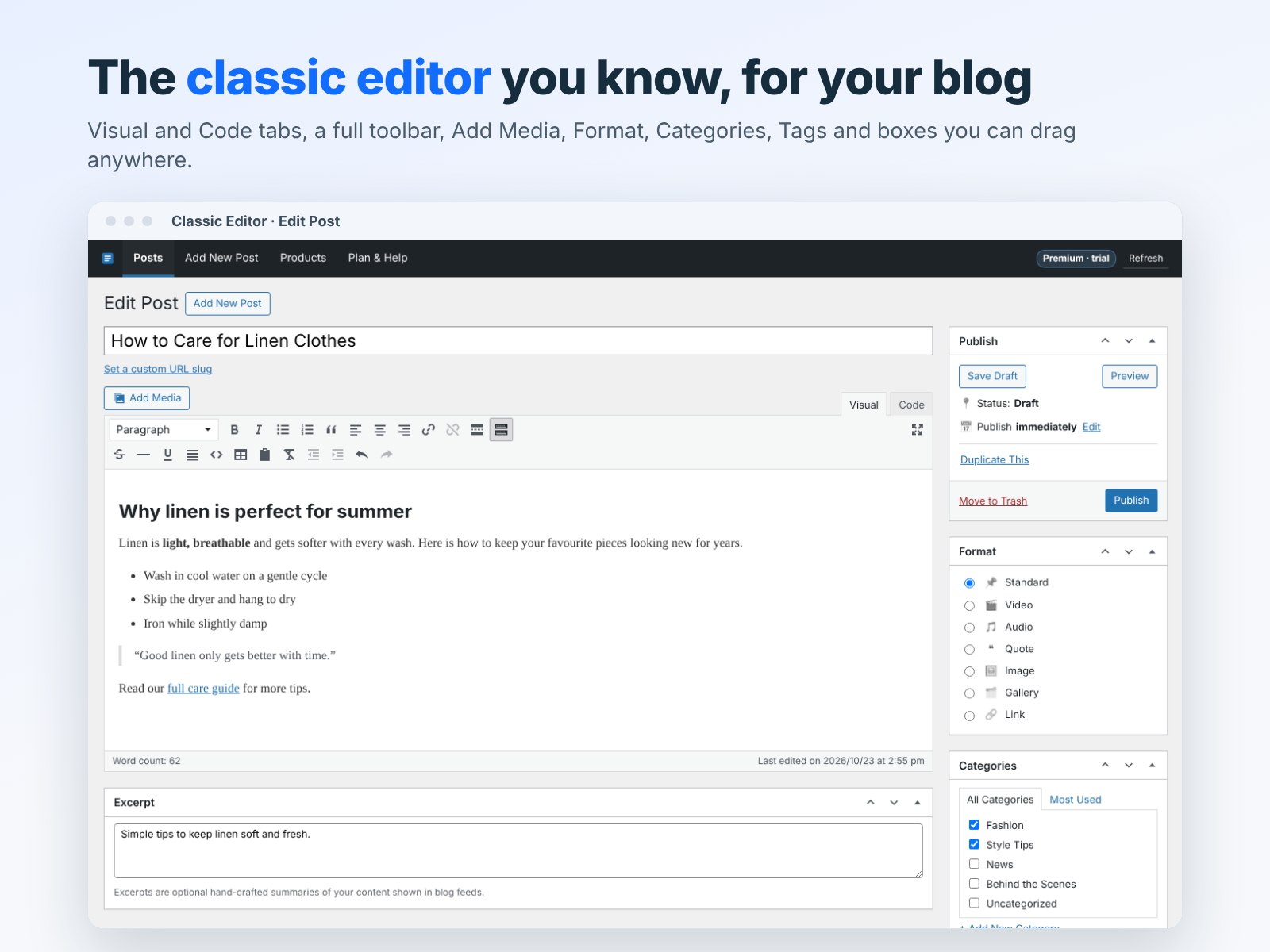
  • Familiar classic toolbar with Add Media button
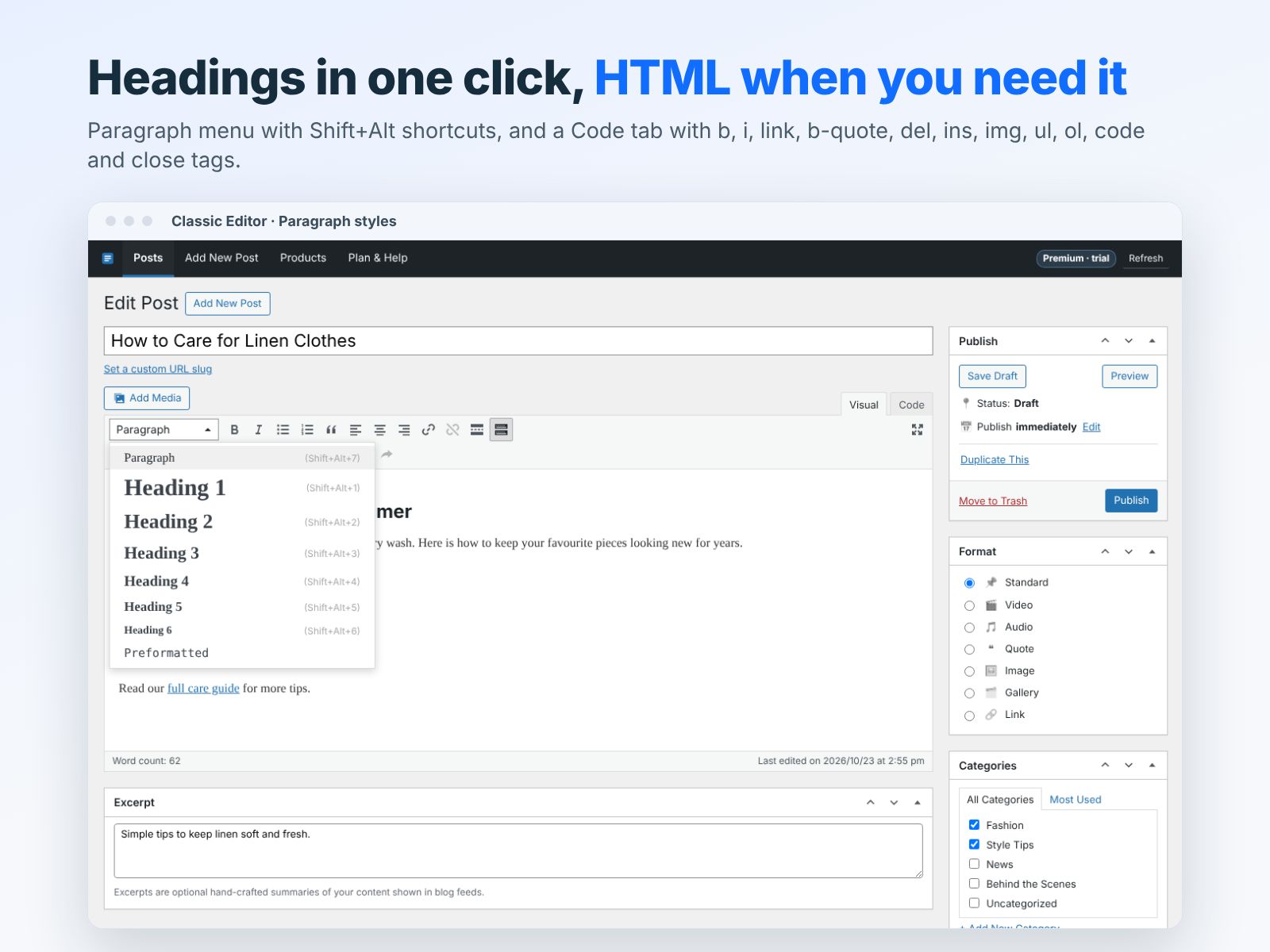
  • Switch between Visual and Text (HTML) modes
  • Draft, schedule and publish blog posts
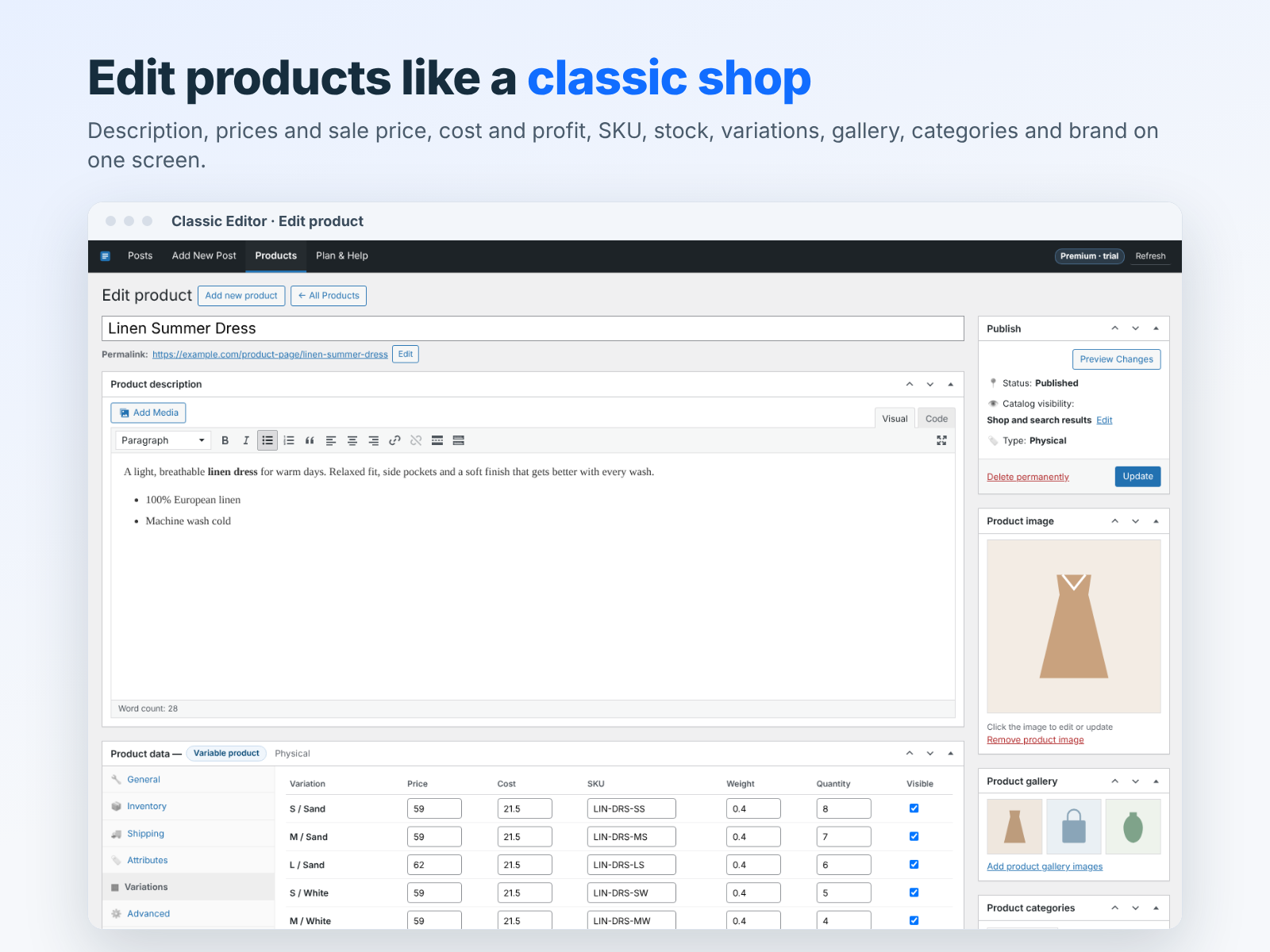
  • Edit store product descriptions the same way
Classic Editor brings the simple, familiar post editor many writers love right into your site dashboard. No drag and drop, no blocks, just a clean writing area with a classic toolbar. Write in the Visual tab with Paragraph and heading styles, bold, italic, underline, strikethrough, bulleted and numbered lists, quotes, alignment, links, tables, horizontal lines, Read More and fullscreen mode. Open the second toolbar row for more tools, or switch to the Text tab to edit clean HTML directly with quick tag buttons. Use Add Media to insert images from your Media Manager. Set the title, custom URL slug, excerpt, categories, tags, featured image and author, turn comments on or off, and save a draft, publish now or schedule a date and time. The All Posts screen lets you search and filter posts by status and open any post in one click. You can also write and edit store product descriptions with the same editor. Your unsaved changes are kept as a local backup in your browser, so you can restore them if something goes wrong. One Premium plan with unlimited use and a 7-day free trial.
Availability:
This app is available worldwide.
App languages:
English
Featured in

Rating & Reviews

This app hasn’t received any reviews yet, be the first to rate it.

Pricing & plans

This app offers a 7-day free trial
Premium plan
$

3

99
/month
Unlimited posts and product texts
Visual and HTML (Text) editing
Schedule, categories, tags, images
Auto backup while you write
* Price is in USD.

Build and launch your next app for 230m+ Wix users