Wix App Market Logo

wix logo


Trending Topics
online store
bookings
events
popup

Code Canvas logo

Code Canvas

By
Turn HTML and CSS into editable sections
No Reviews Yet
Free plan available

Code Canvas overview

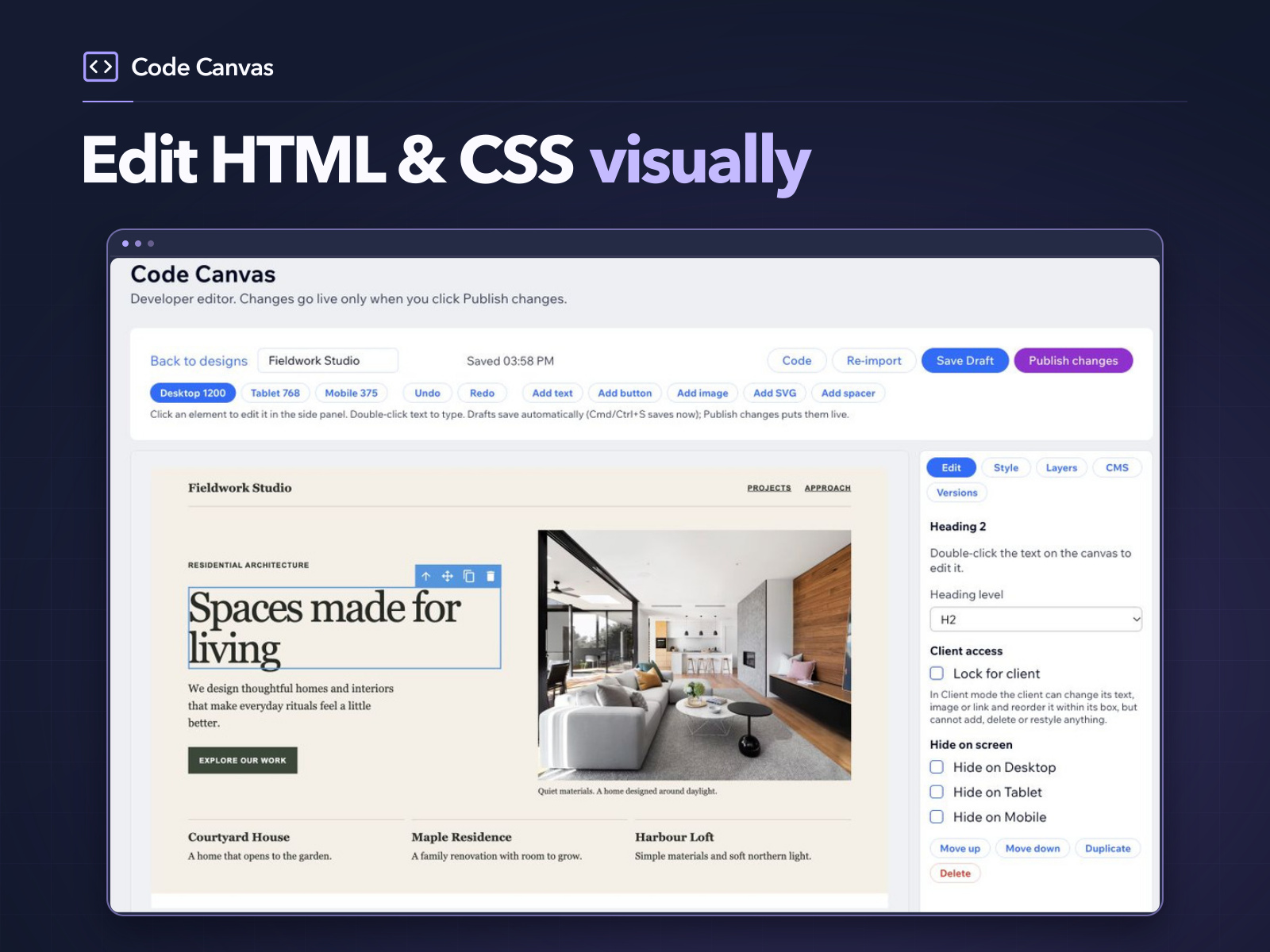
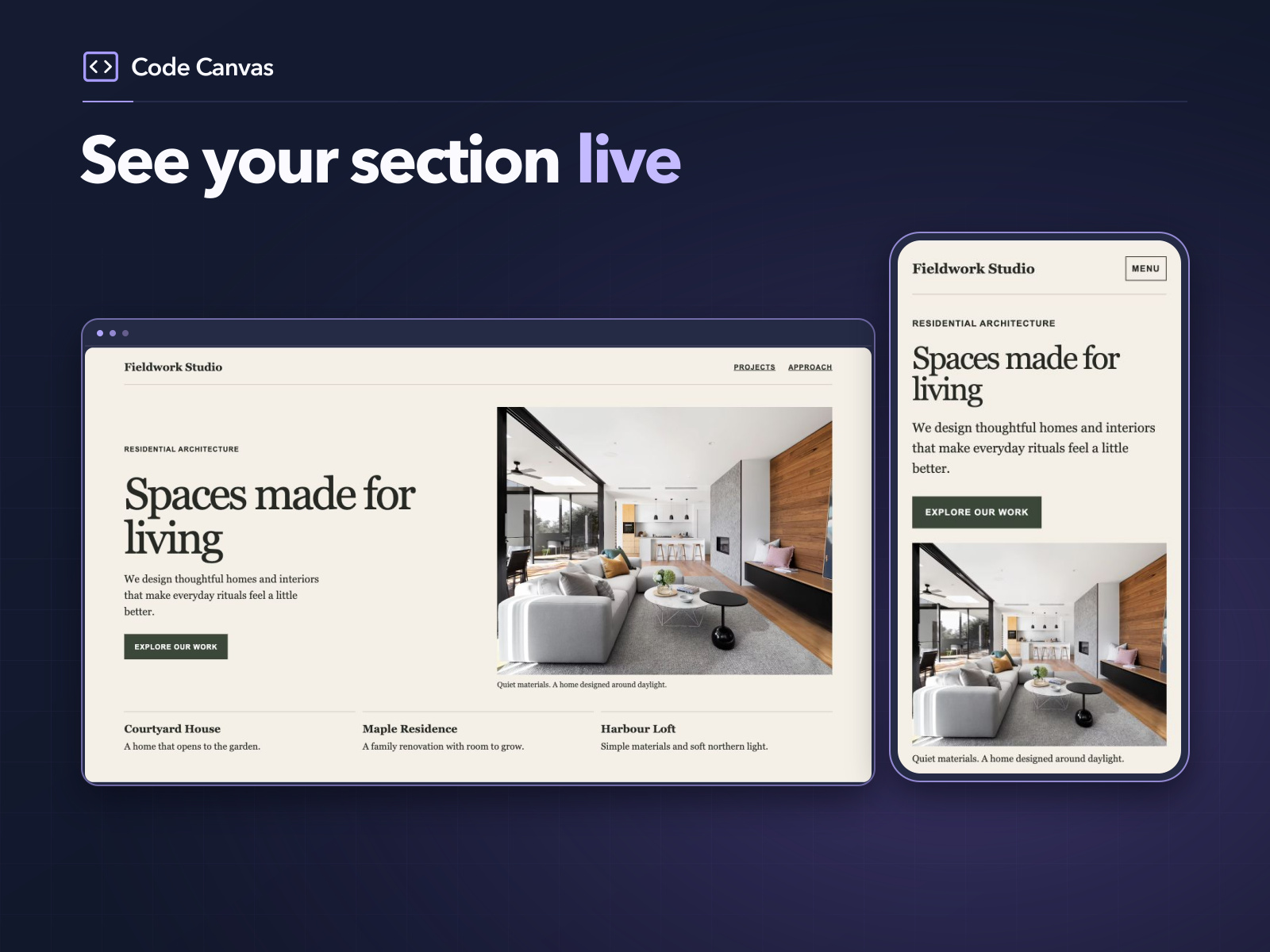
  • Embed responsive sections from AI-generated or hand-written HTML and CSS
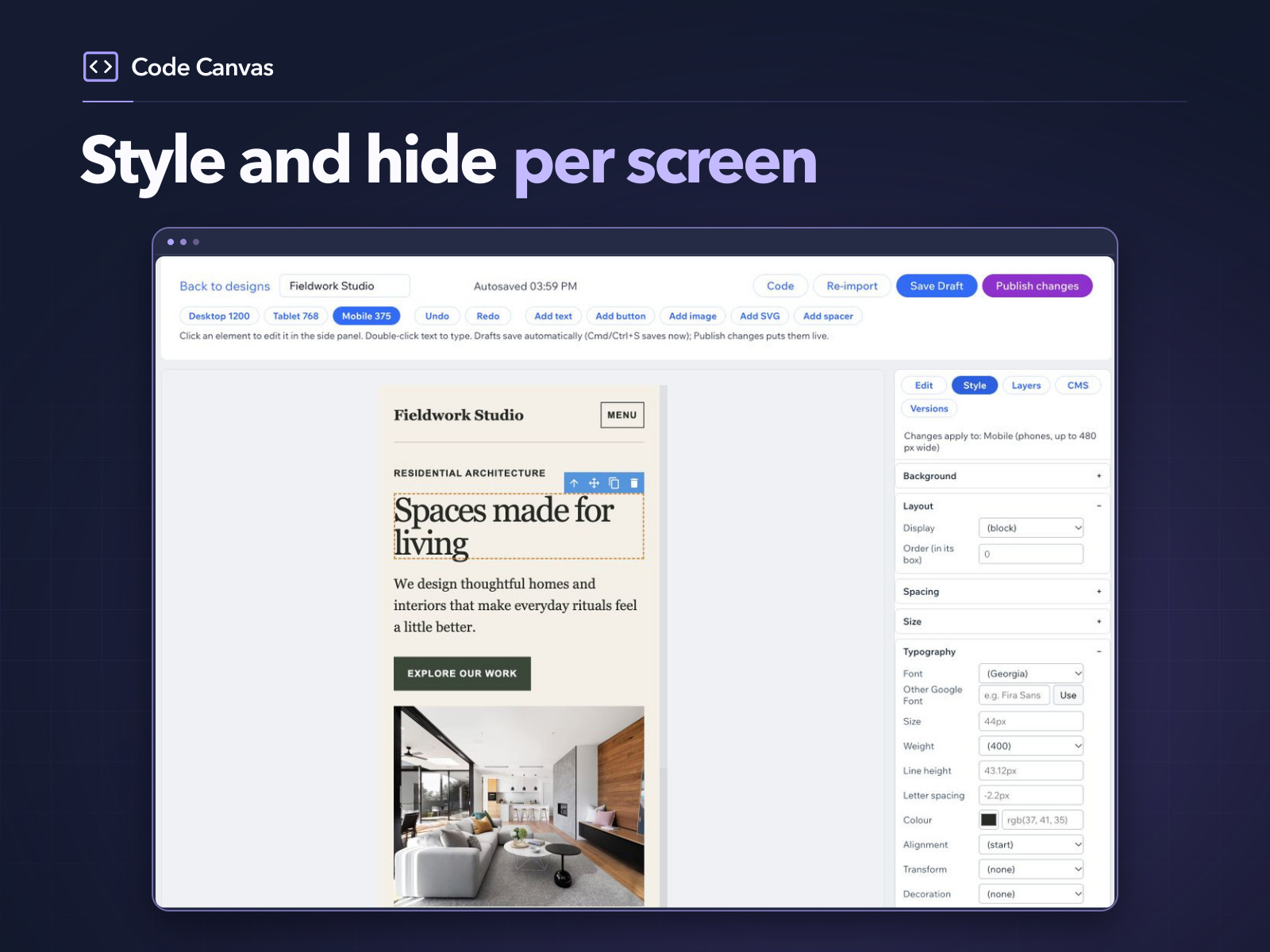
  • Edit text, images and links visually with desktop, tablet and mobile previews
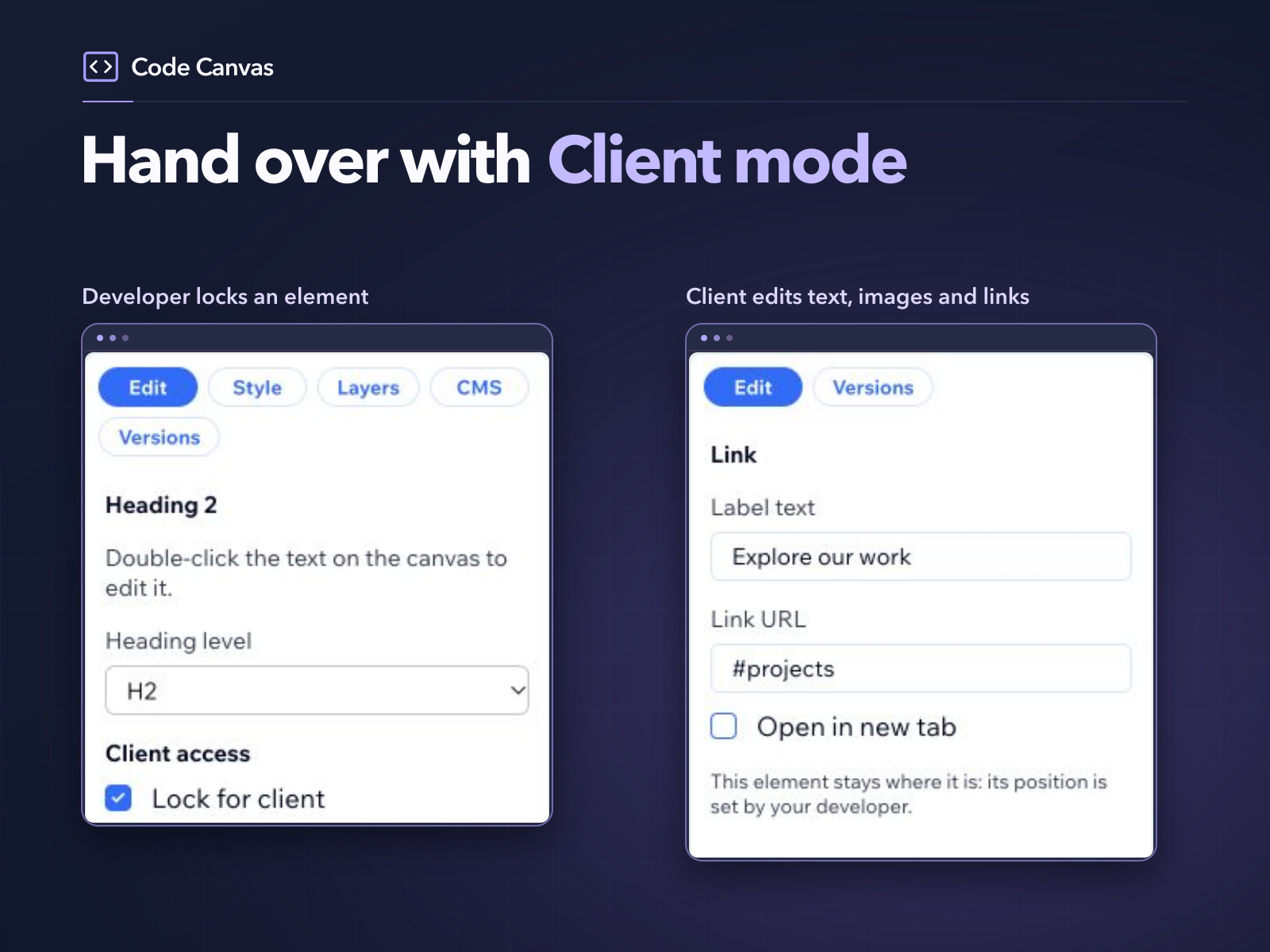
  • Give clients Content only access and lock individual elements with Pro
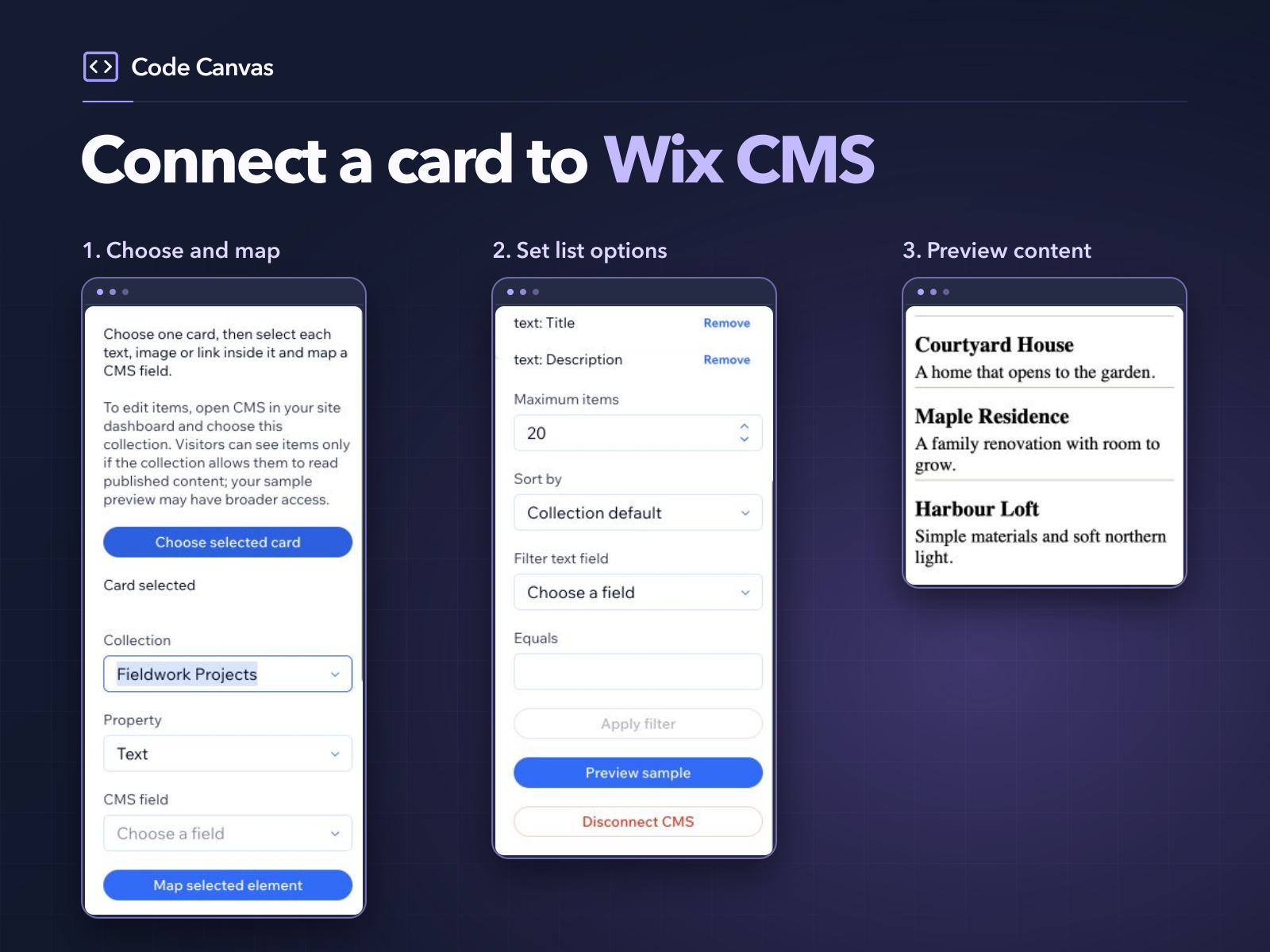
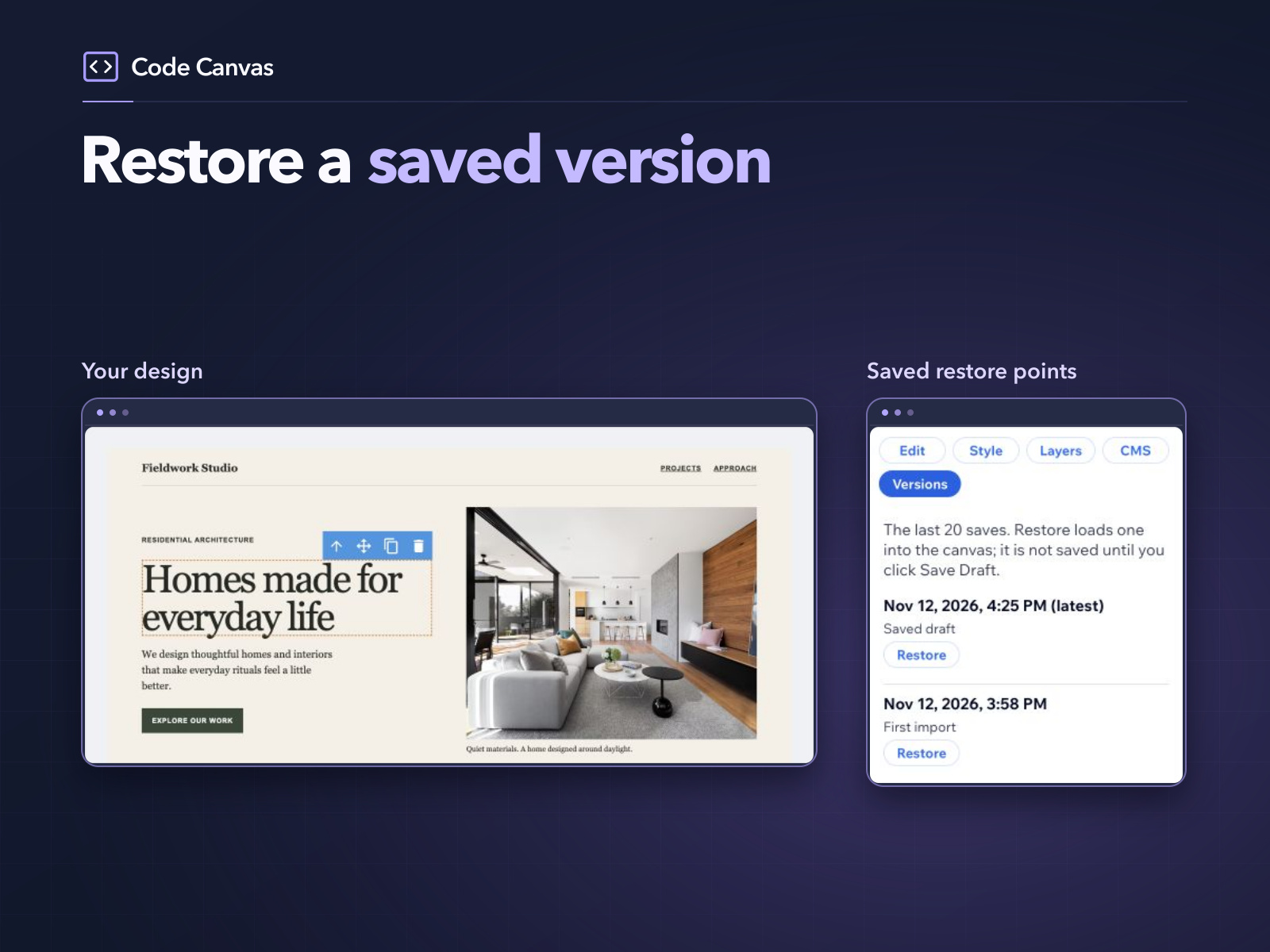
  • Connect CMS cards and restore earlier saved versions with Pro
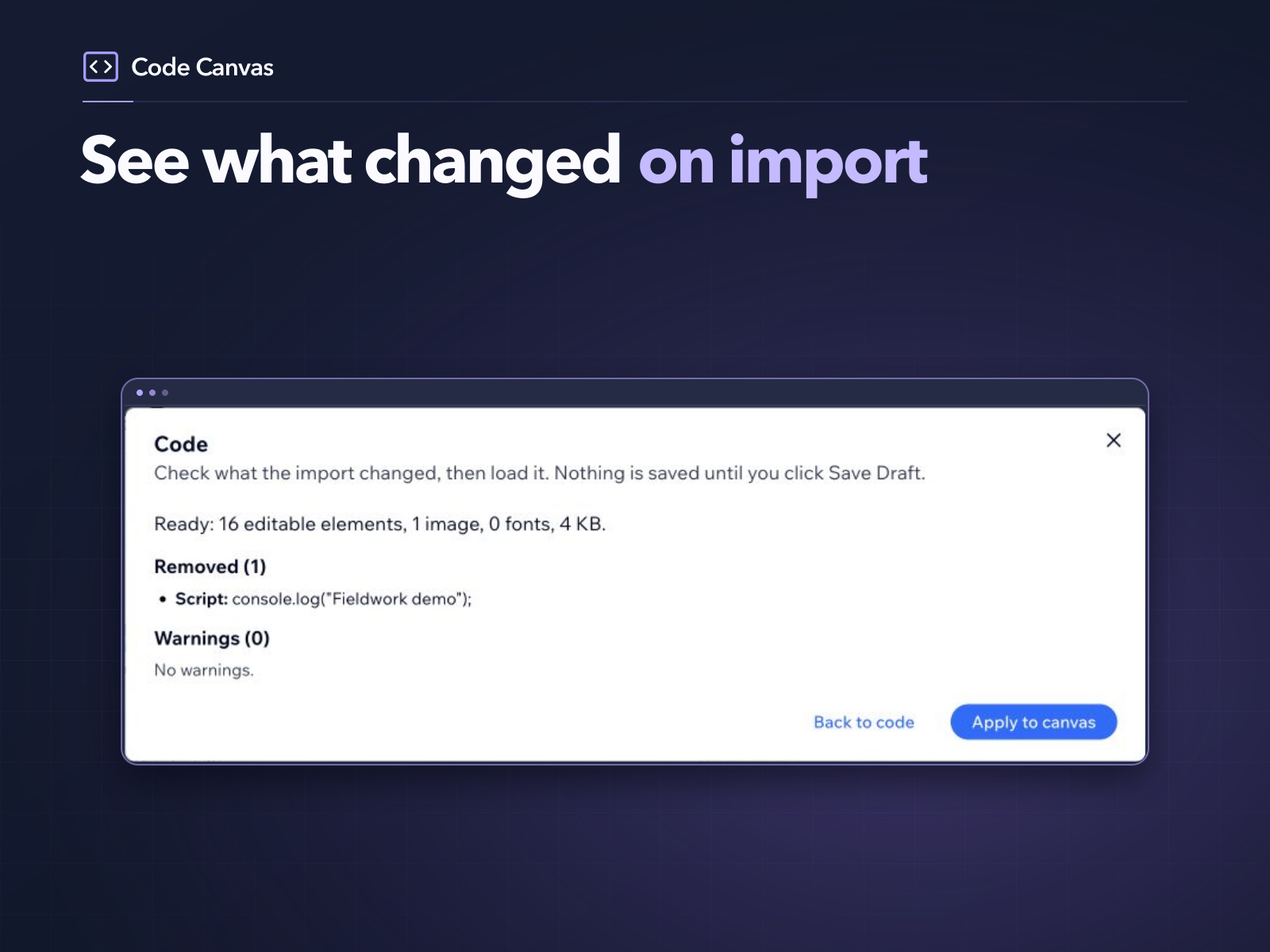
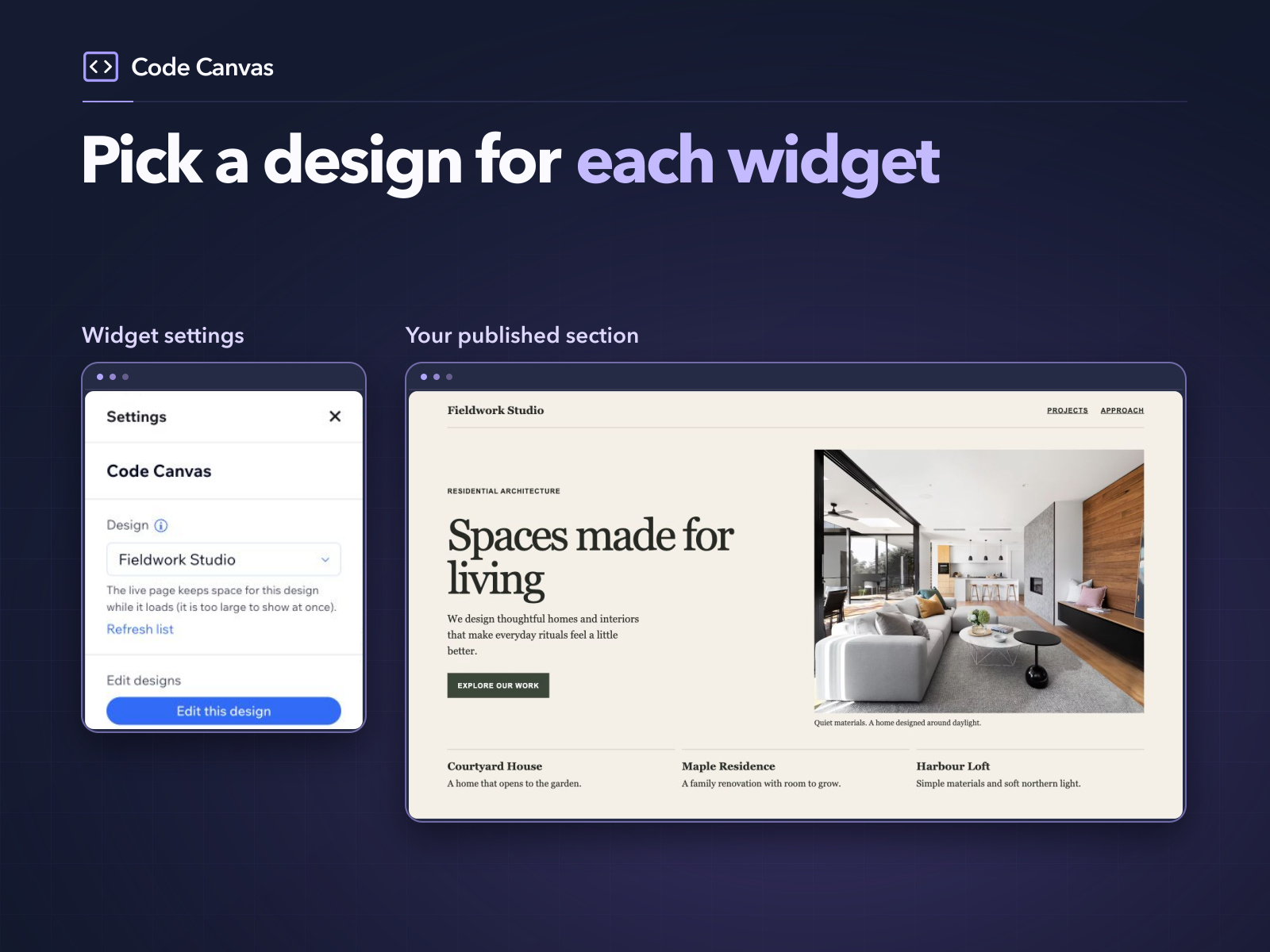
Turn HTML and CSS from an AI tool or your own code into a responsive section on your site. Code Canvas displays your section in a widget without an iframe. Paste your code in Code Canvas Editor, then edit text, images and links visually. Preview desktop, tablet and mobile. Publish the design and select it in the widget’s Settings. Free includes developer editing and one published design per site. Pro adds unlimited published designs, Client mode, CMS connections and version history for US$7.99 monthly or about US$59 yearly per site before tax. Give clients Content only access and lock elements, or connect a card to a CMS collection to repeat it for each item. Code Canvas is built and tested for the Classic Editor and Studio. Harmony and Studio Two are not supported yet. Pasted JavaScript is removed and pasted forms cannot submit. Add a native form separately for inquiries or signups. For content important to search visibility, place key headings and body text in native site elements.
Availability:
This app is available worldwide.
App languages:
English
Featured in

Rating & Reviews

This app hasn’t received any reviews yet, be the first to rate it.

Pricing & plans

Basic plan

Free

Visual HTML/CSS editing
Desktop, tablet and mobile preview
One published design per site
Pro plan
$

4

92
/month
Unlimited published designs
Client mode and element locks
Wix CMS connections
Version history
* Price is in USD.

Build and launch your next app for 230m+ Wix users