

online store
bookings
events
popup

Better Check-In
By
Self check-in with waiver & payment checks
No Reviews Yet
14 day free trial

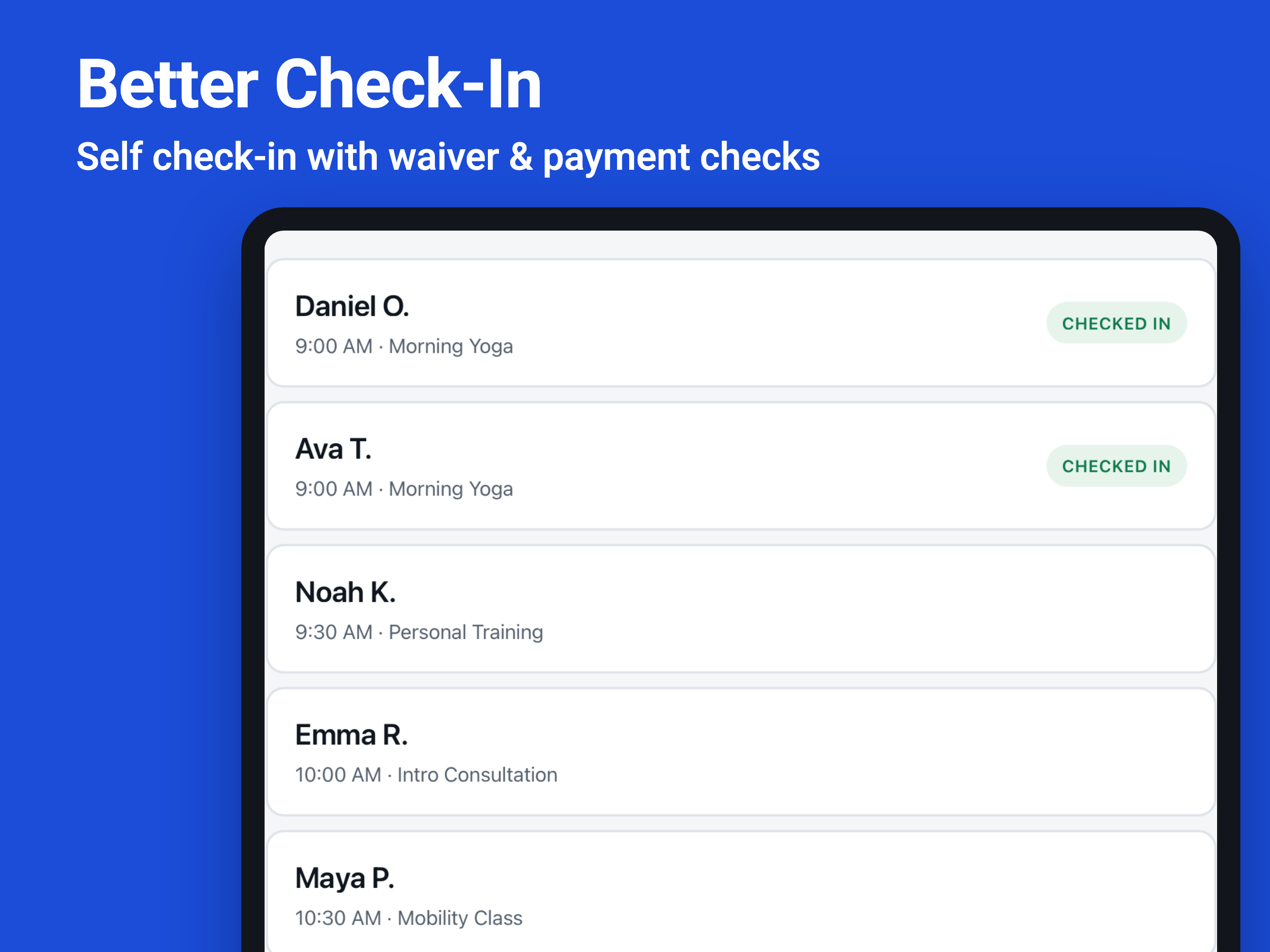
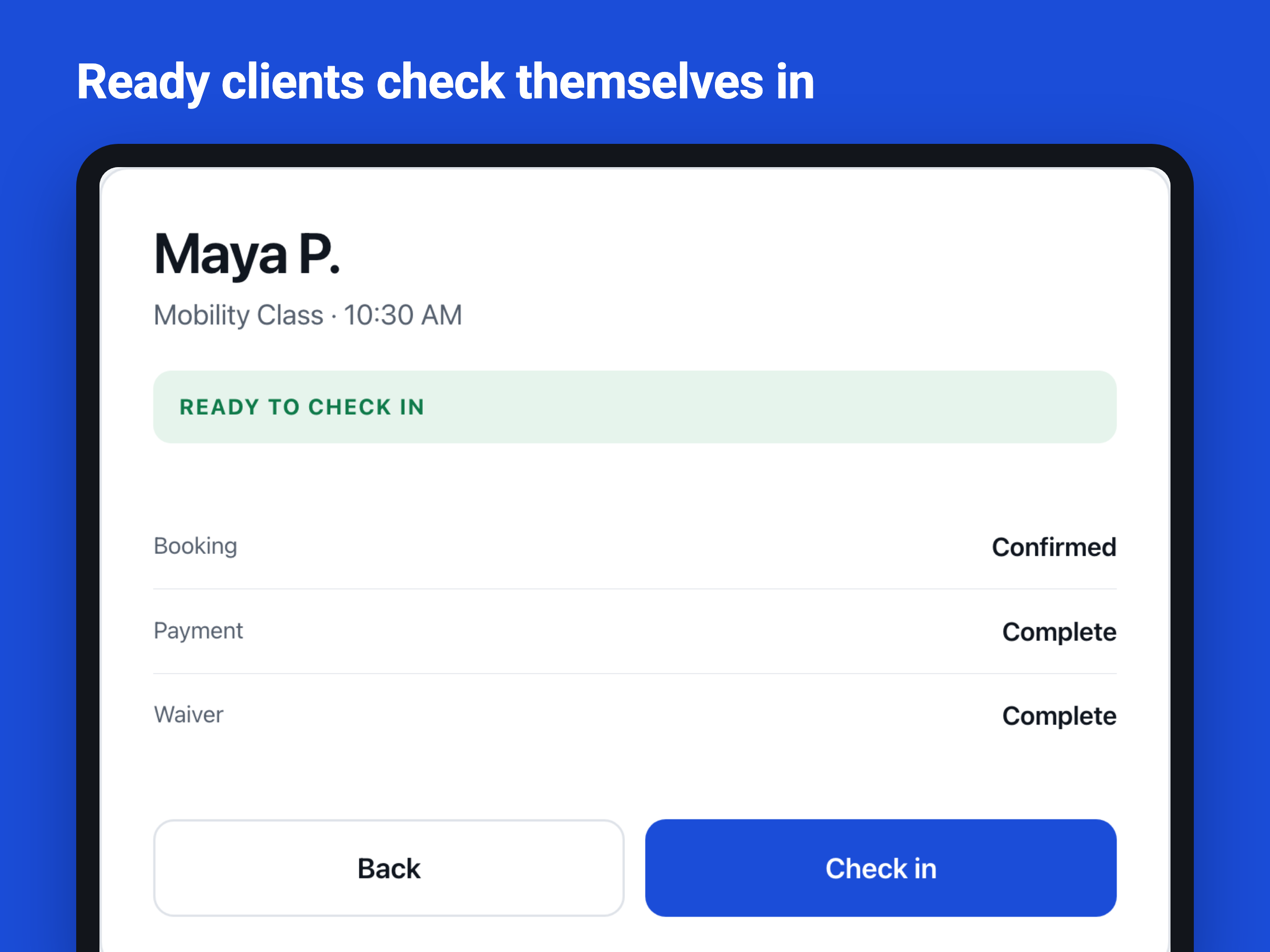
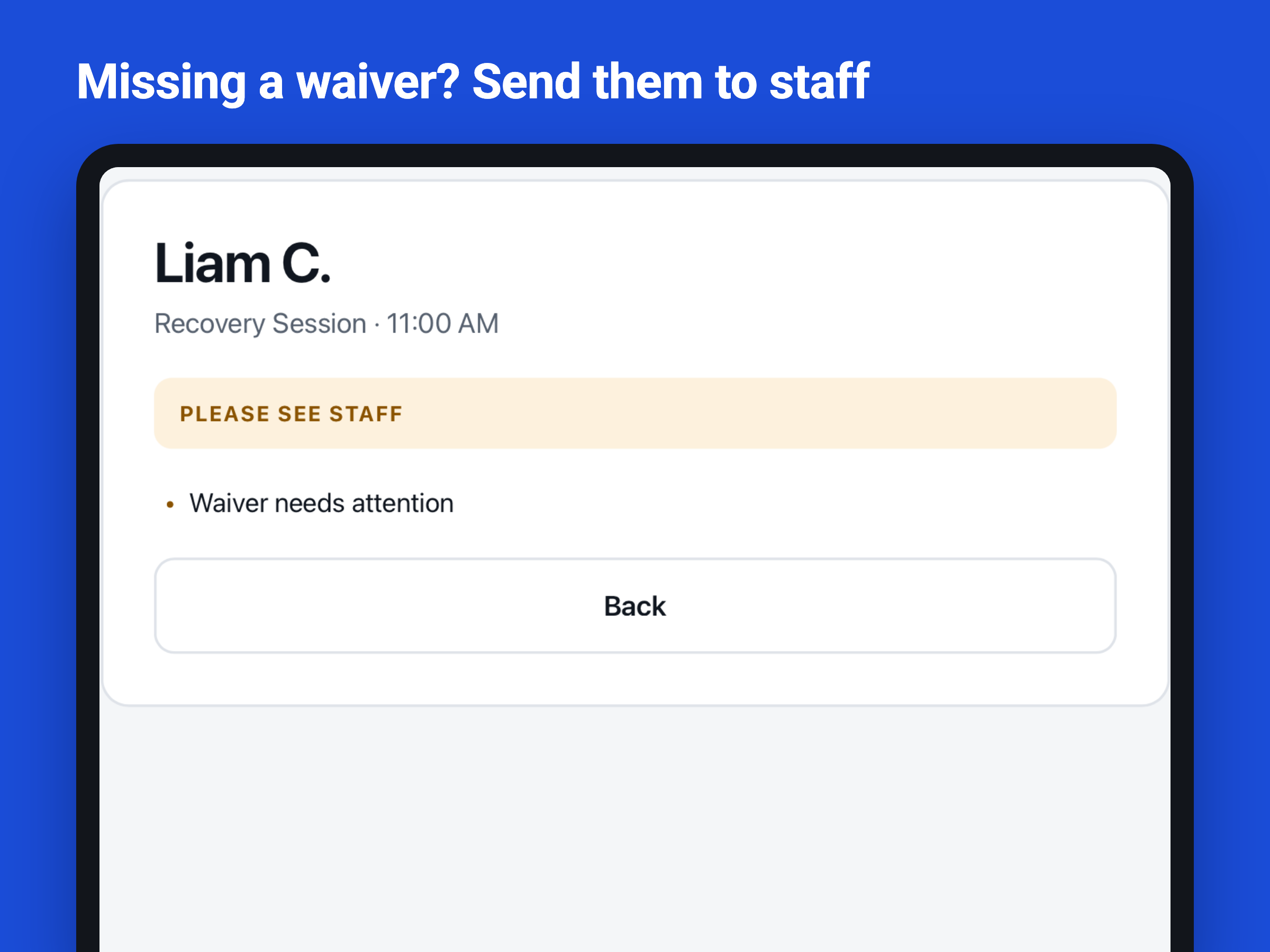
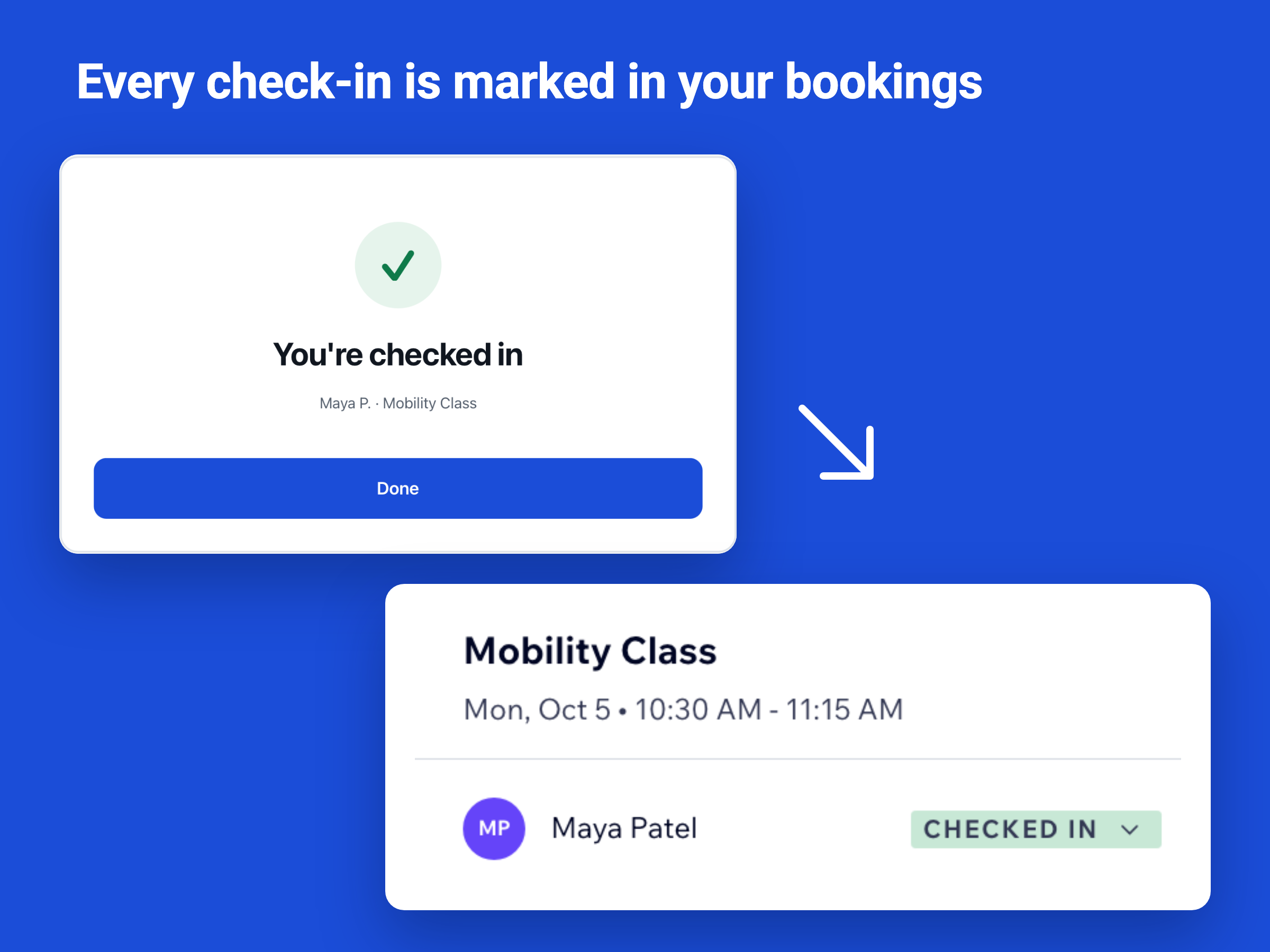
Better Check-In overview
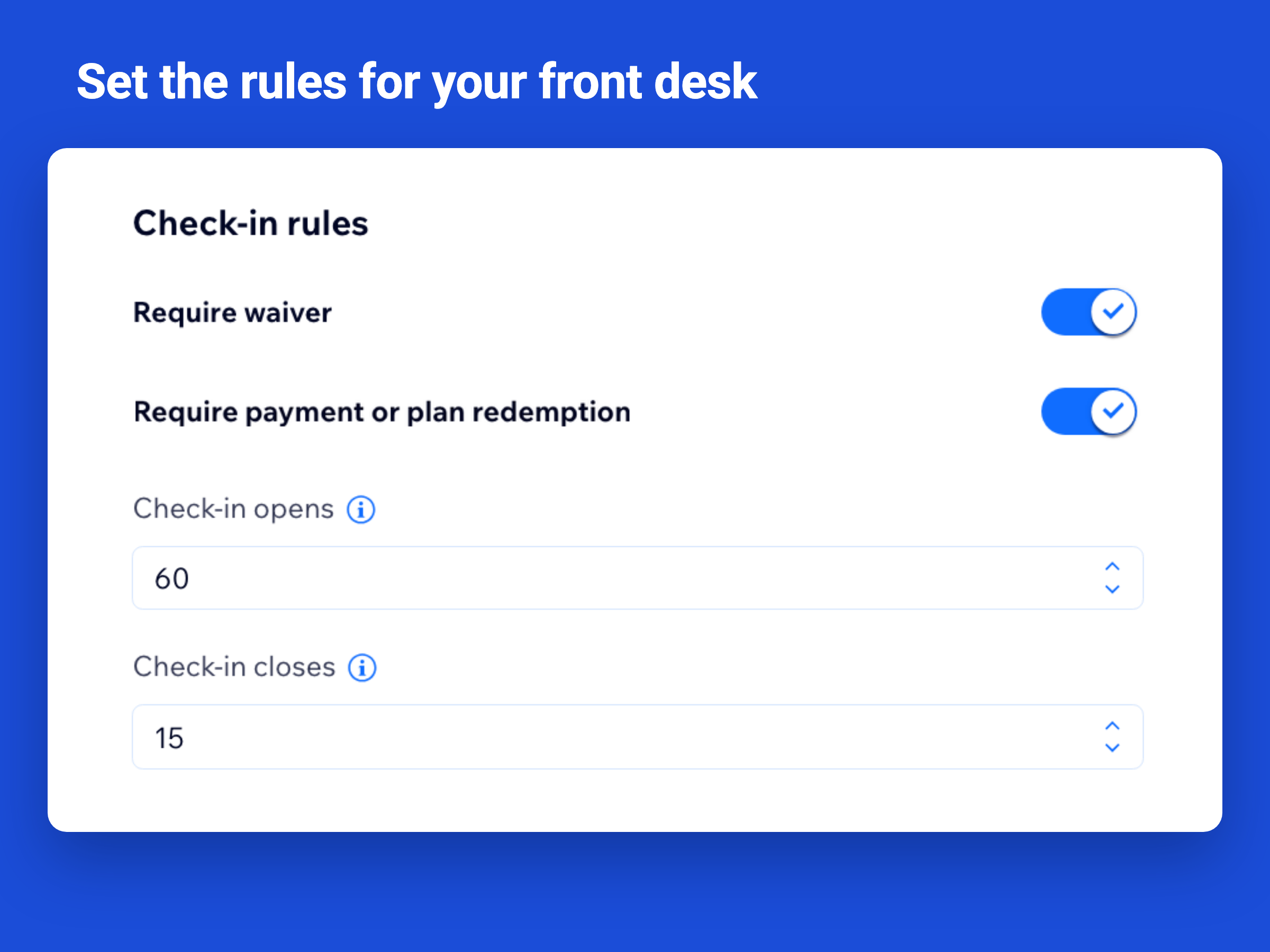
- Verify waivers and payment before self check-in
- Clients check themselves in on a front-desk tablet
- Unpaid or unsigned bookings are sent to staff
- Check-ins update booking attendance automatically
Categories
Availability:
This app is available worldwide.App languages:
English
Site Requirements:
-
Featured in
Rating & Reviews
This app hasn’t received any reviews yet, be the first to rate it.Pricing & plans
This app offers a 14-day free trialPremium plan
$
12
49
/month
Self-service customer check-in
Wix Bookings attendance sync
Waiver & payment checks
Secure kiosk device activation
* Price is in USD.