

online store
bookings
events
popup

Month Calendar for Bookings
By
Booking calendar with month view and seats left
No Reviews Yet
Free plan available

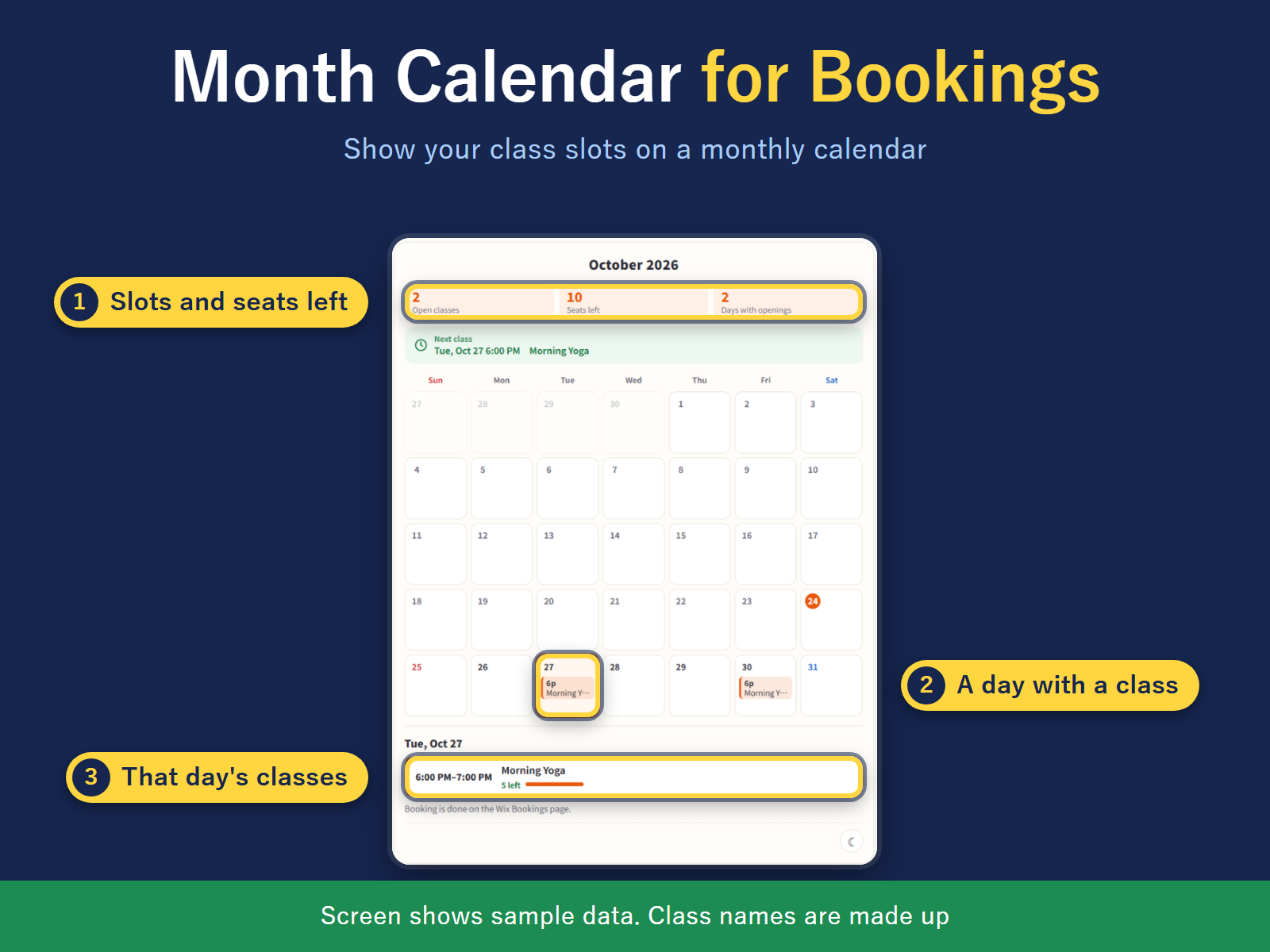
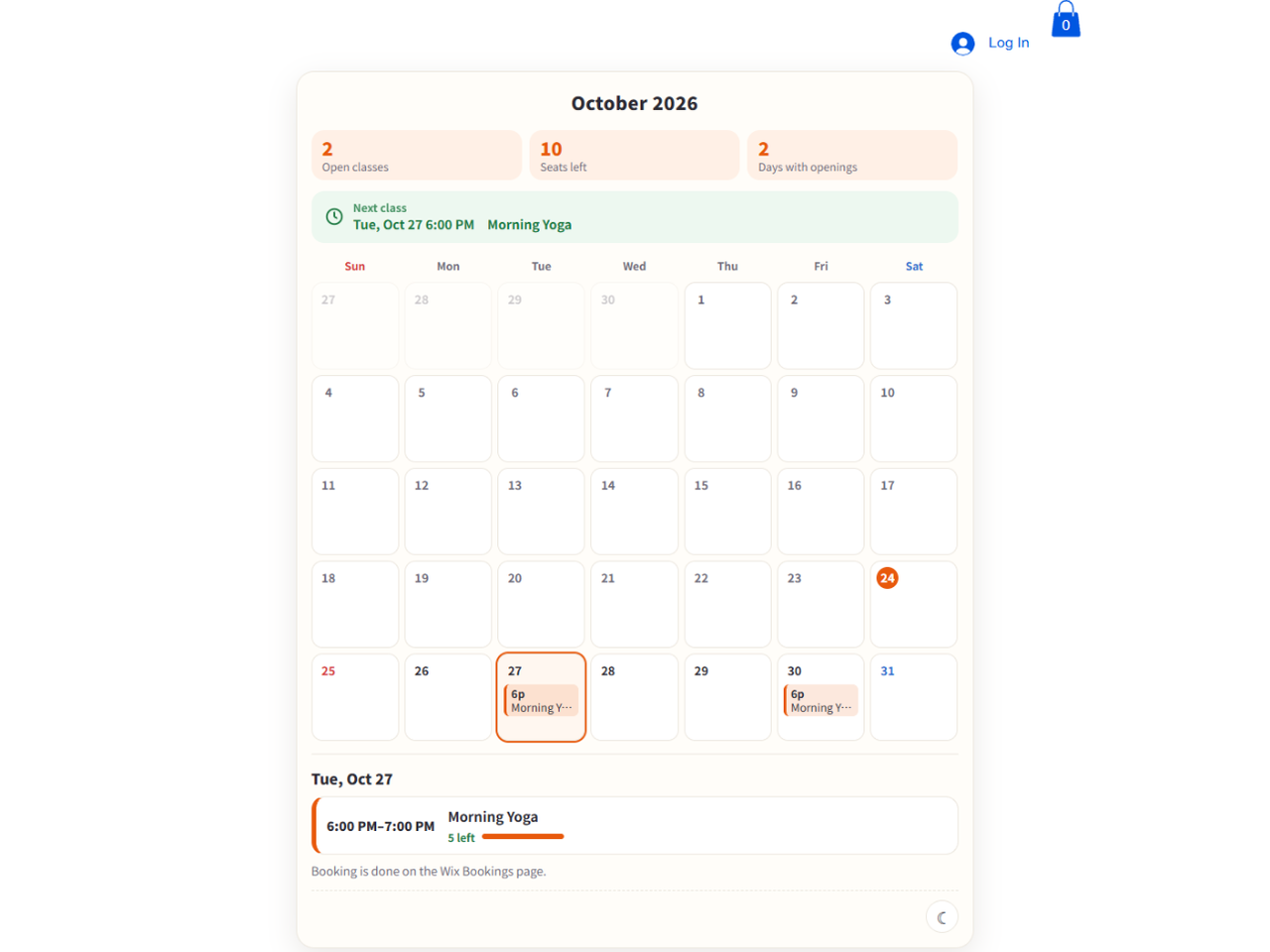
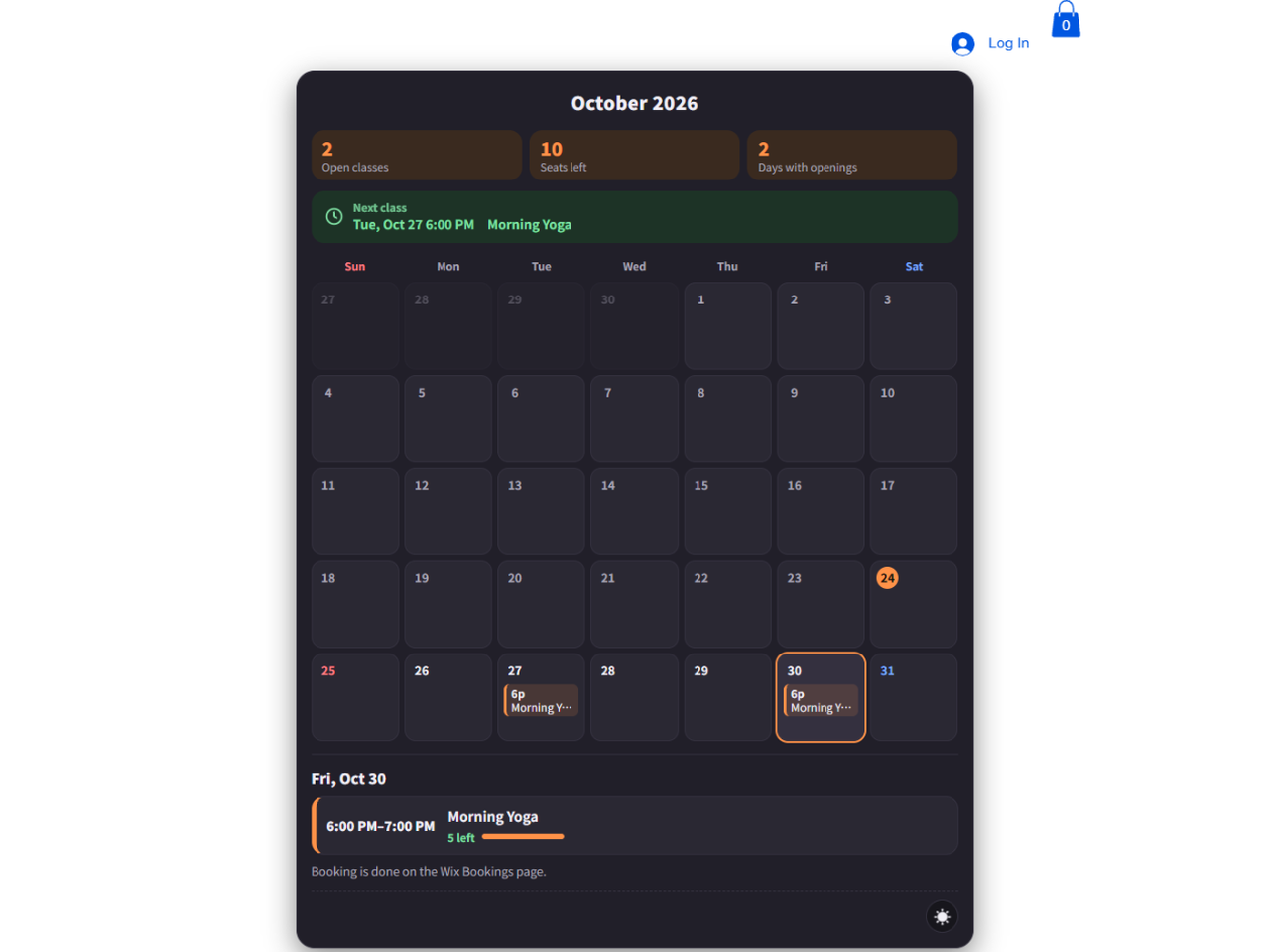
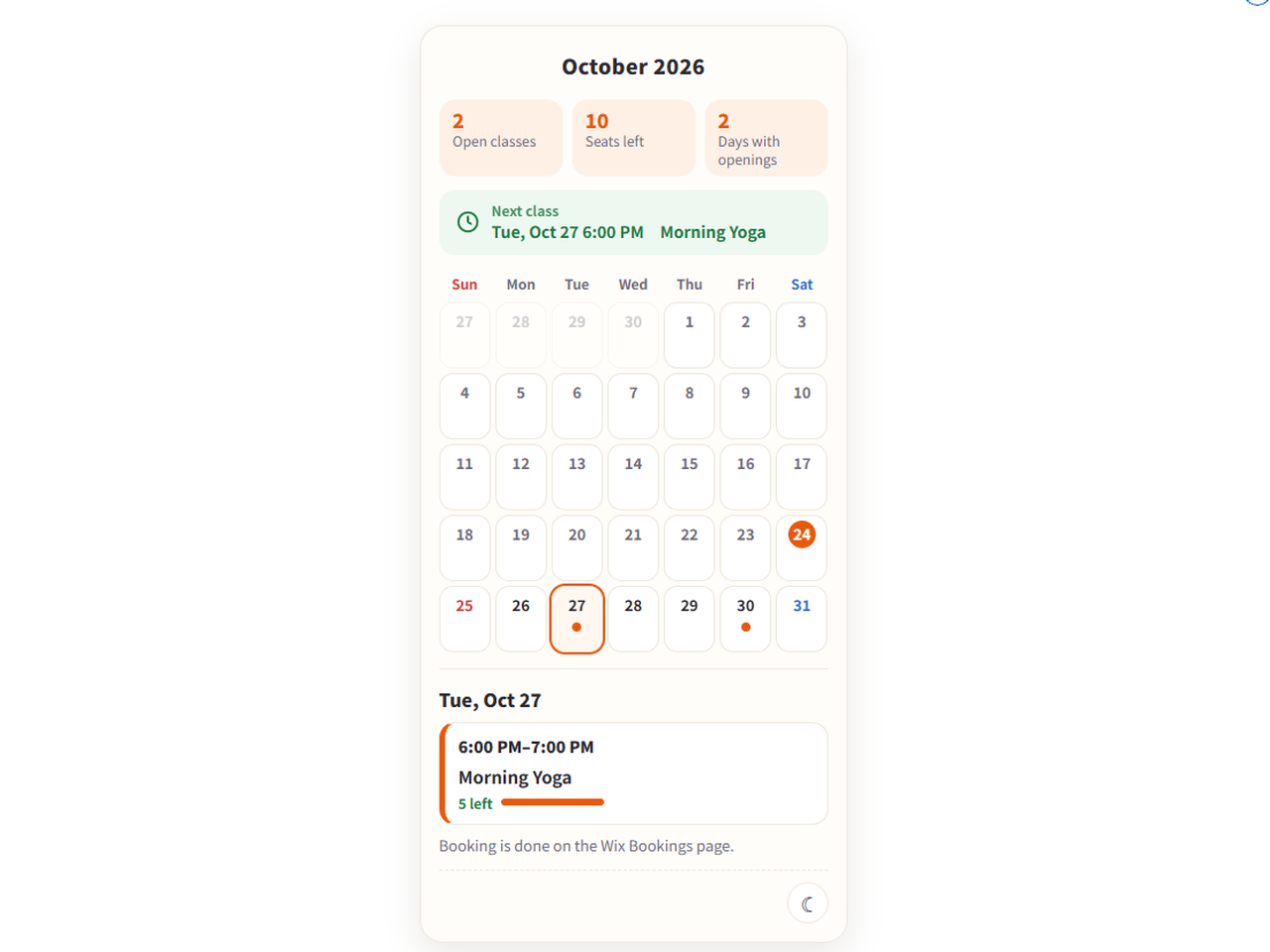
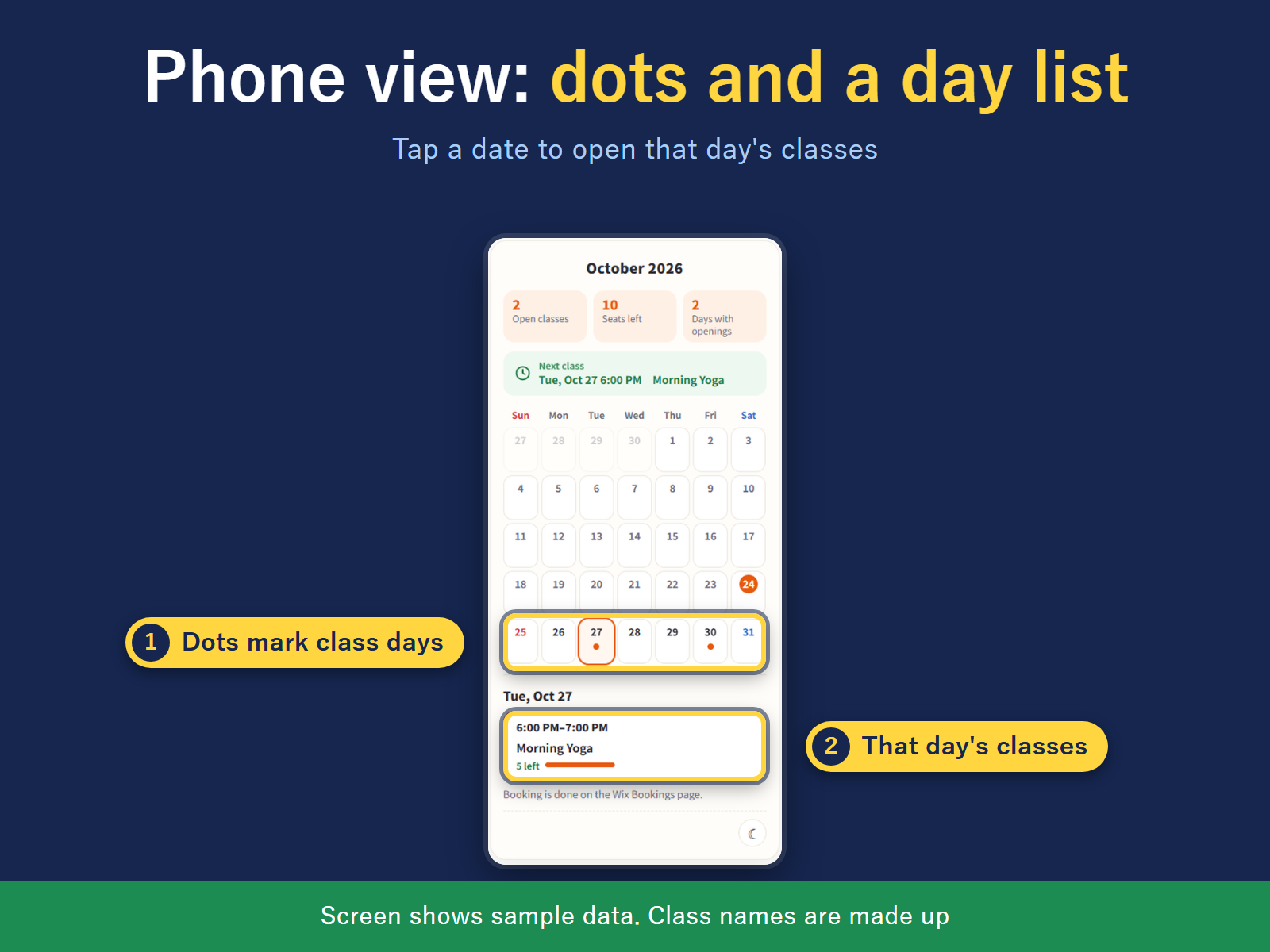
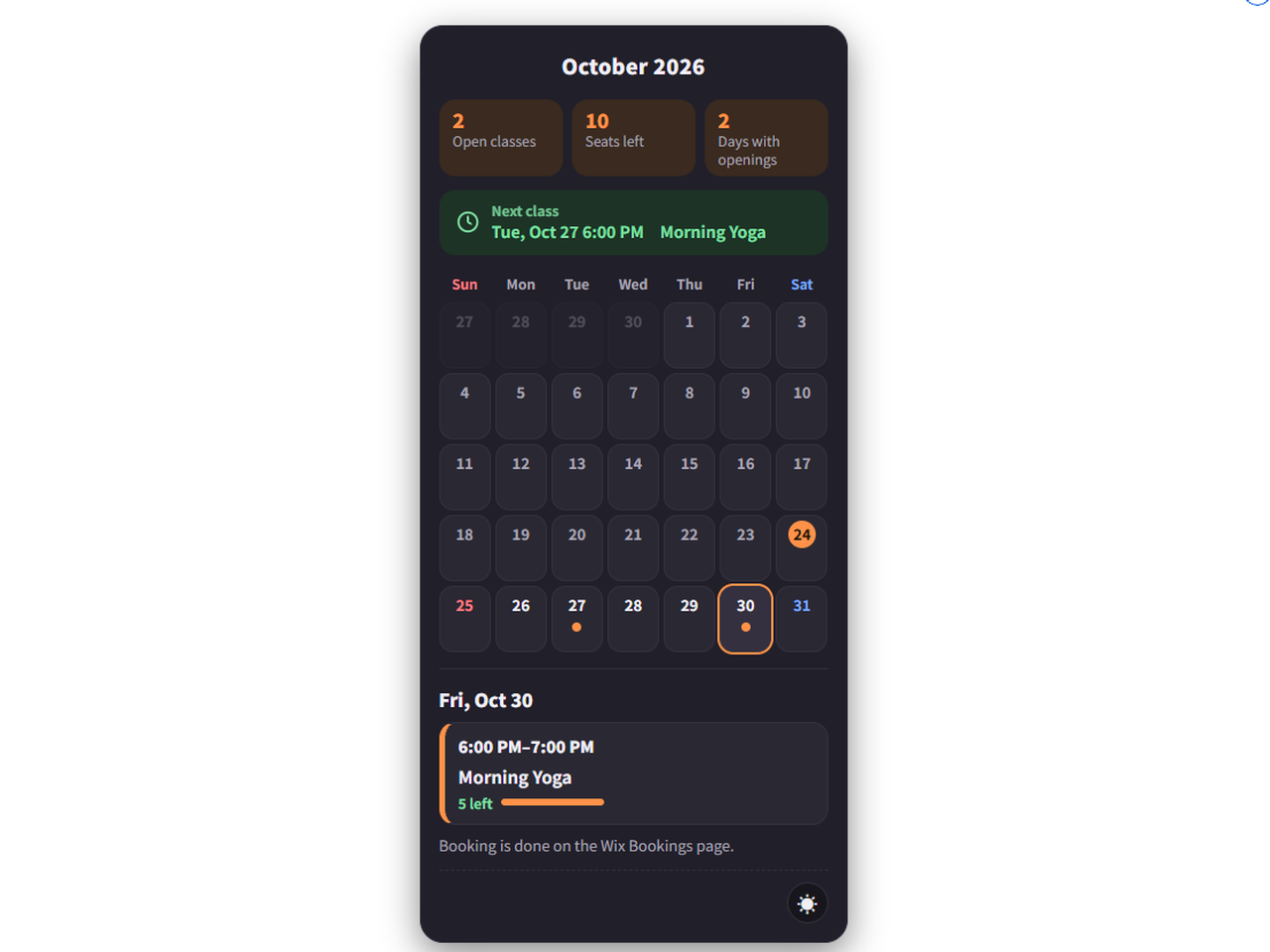
Month Calendar for Bookings overview
- Month grid with time and class name
- Seats left in each day's list
- Seven looks to choose from
- Month grid with a day list on phones
Rating & Reviews
This app hasn’t received any reviews yet, be the first to rate it.Pricing & plans
Basic plan
Free
This month, all classes in one color
English/Japanese, light/dark, themes
Hide full classes
Sunday or Monday week start
Pro plan
$
3
99
/month
12 months ahead (Free: this month)
A color per class (Free: one color)
Custom colors, background, fonts, size
Post images and a booking-page QR code
* Price is in USD.