Wix App Market Logo

wix logo


Trending Topics
online store
bookings
events
popup

Auto Order Tagger logo

Auto Order Tagger

By
Tag orders automatically when they are approved
No Reviews Yet
Free plan available

Auto Order Tagger overview

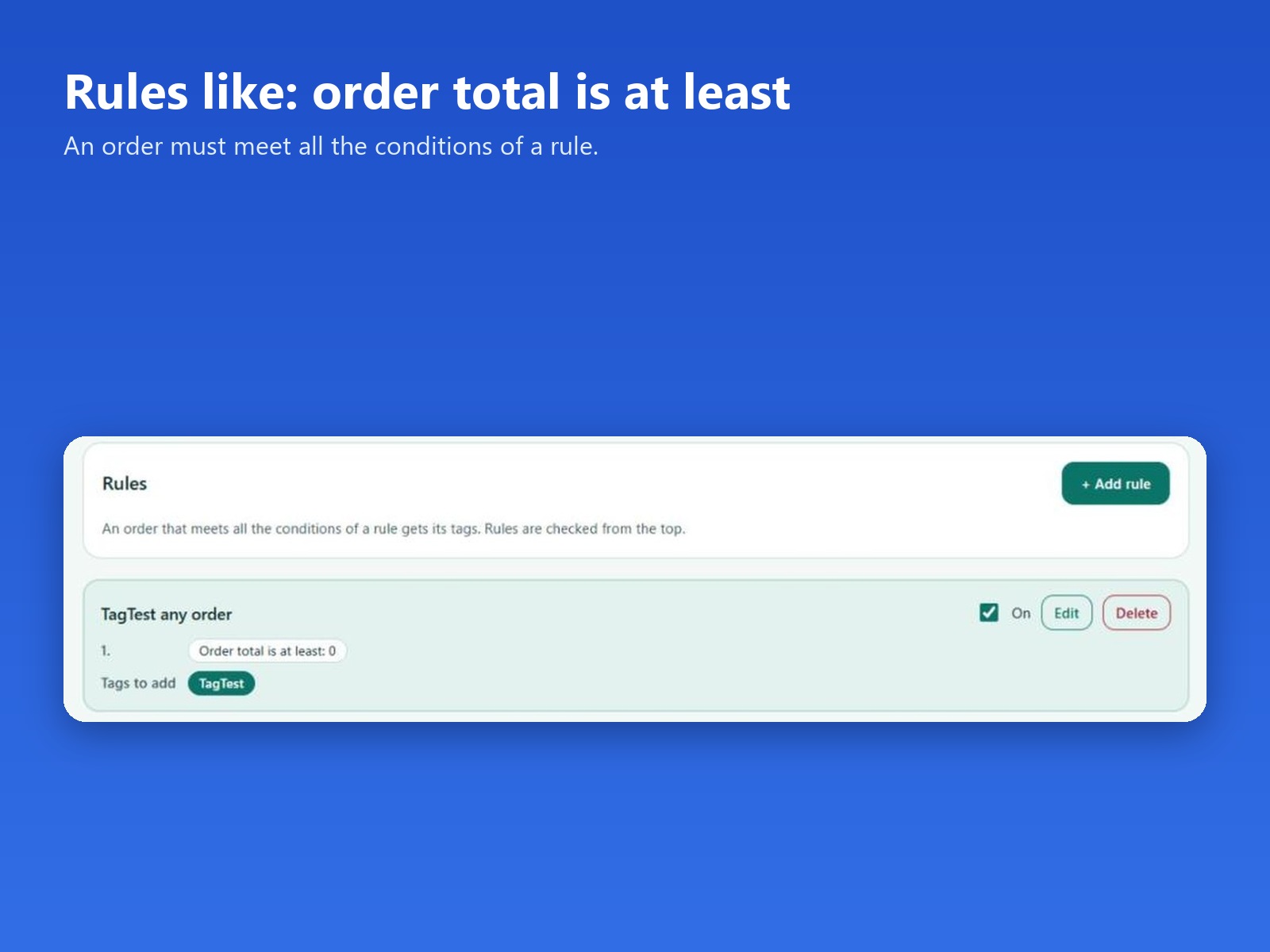
  • Tag orders when the total is at least an amount you set
  • Tags are added when an order is approved
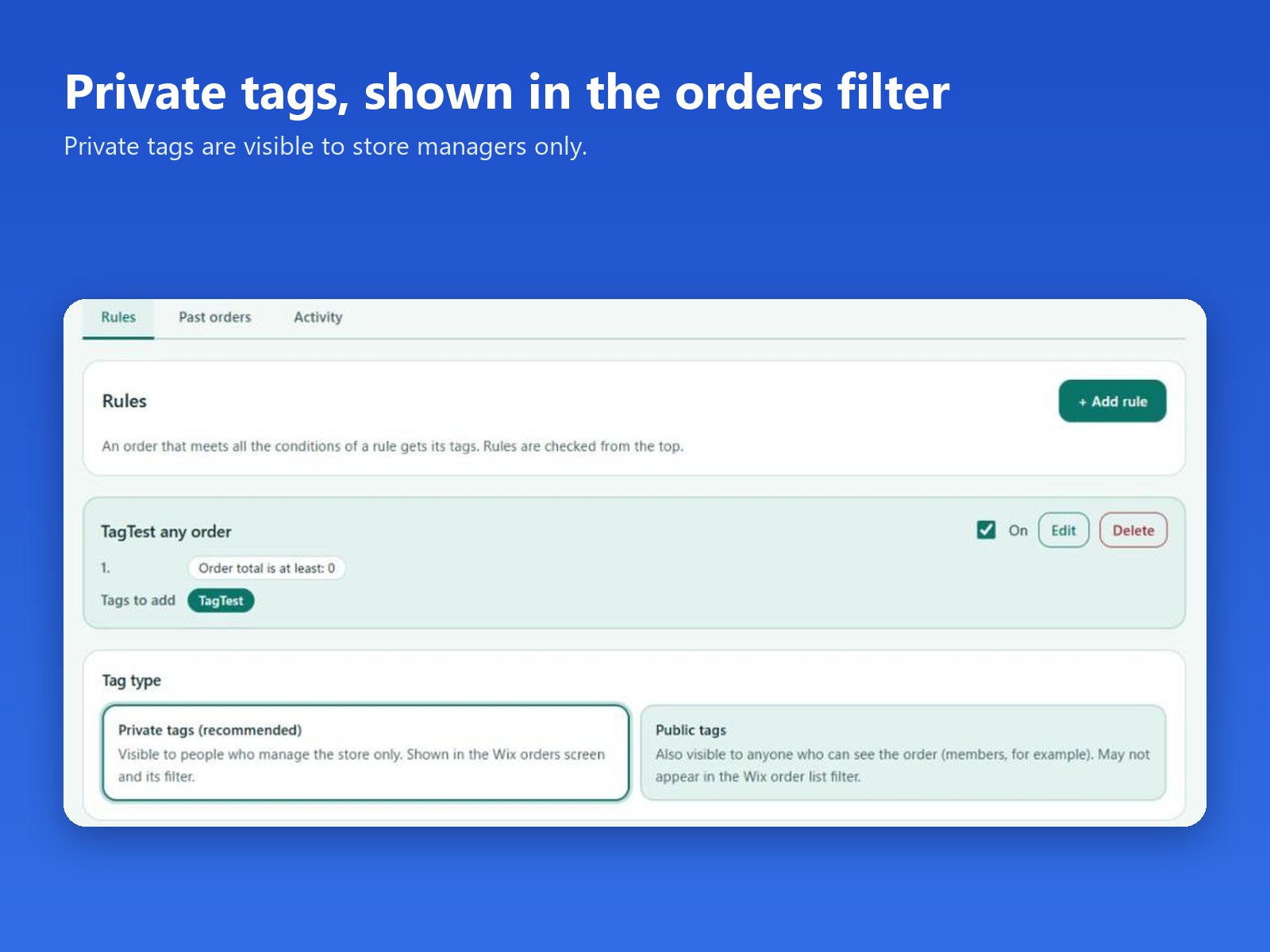
  • Private tags by default, shown in the order list filter
  • Free plan: 2 rules. Pro: up to 100 rules, plus past orders
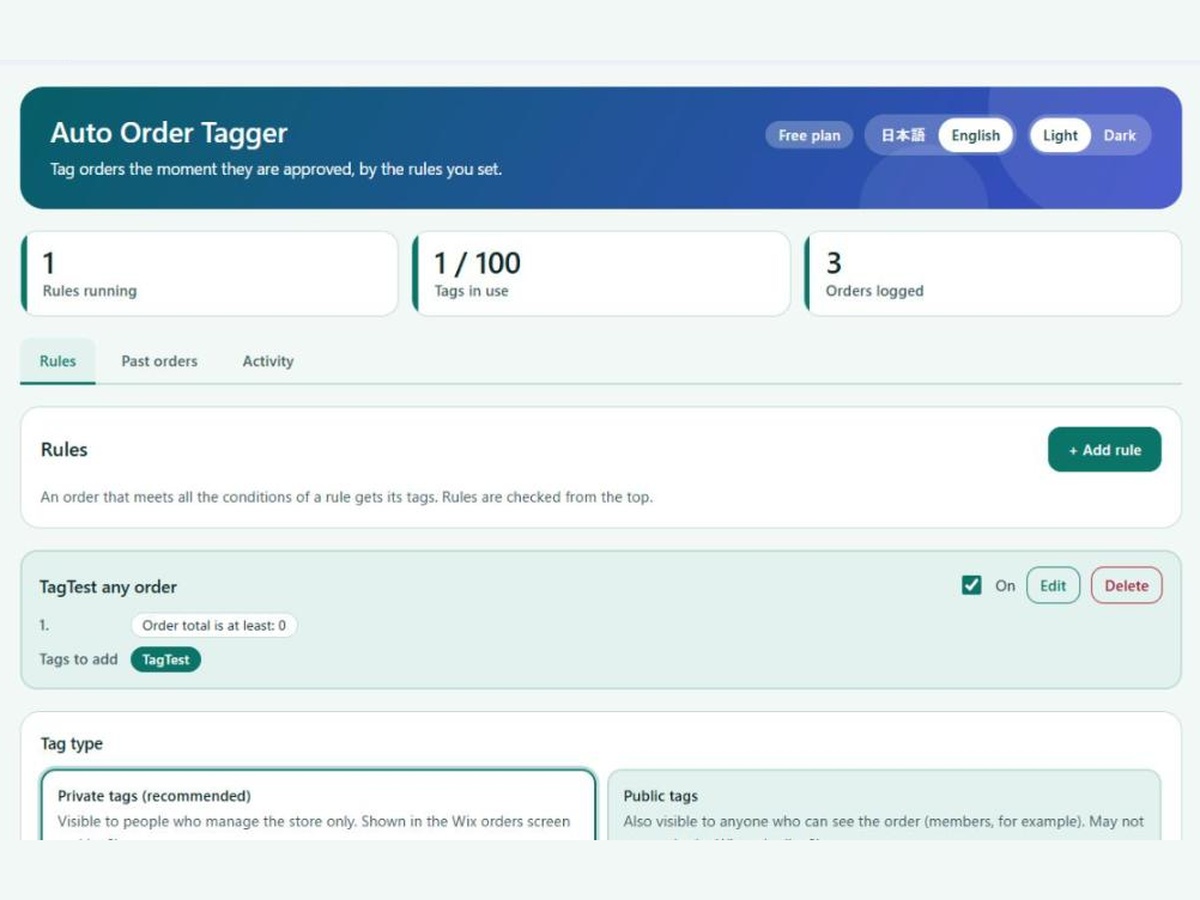
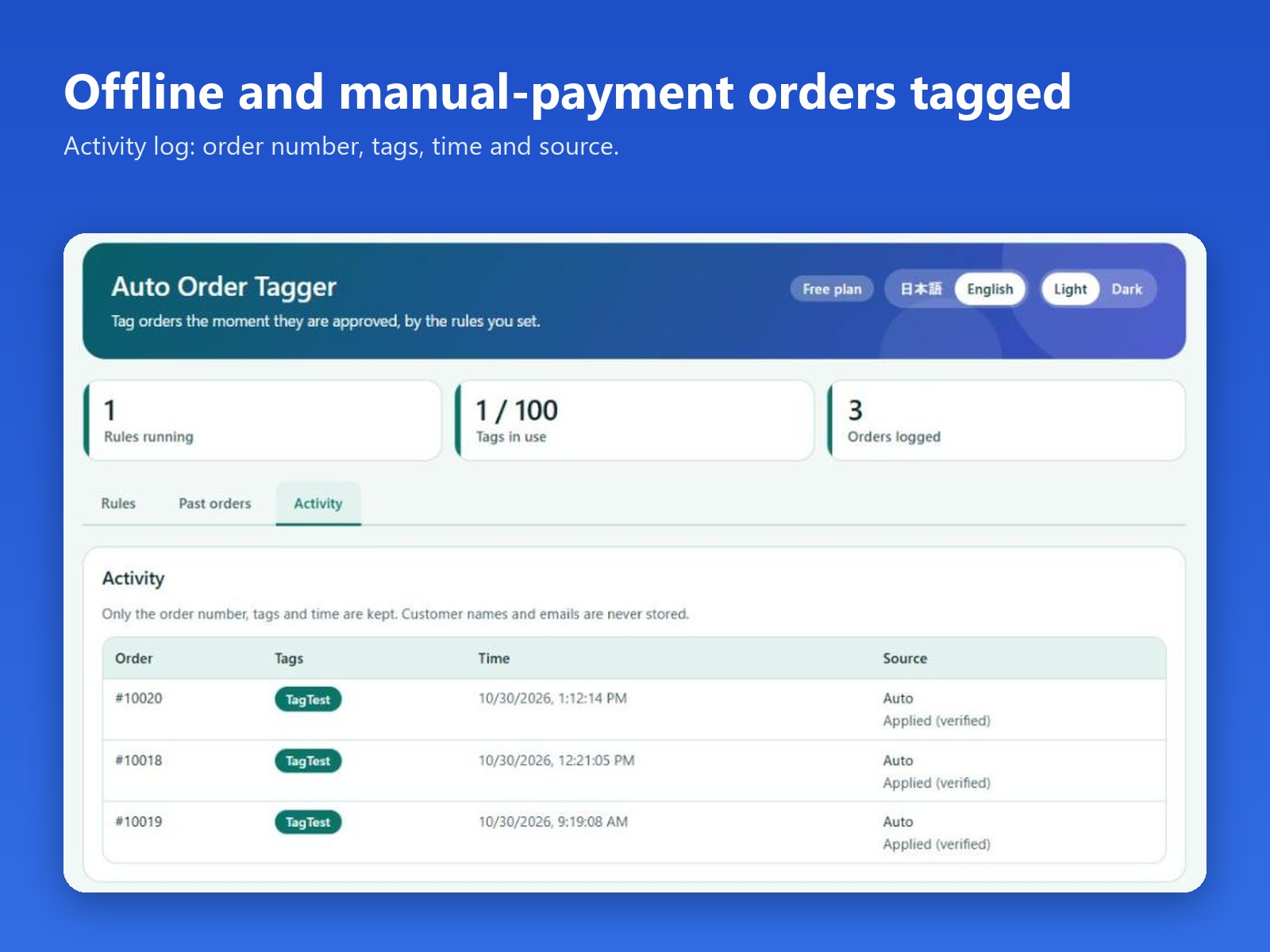
When large orders are mixed in with everyday ones, finding them usually means opening each order by hand. Auto Order Tagger adds the tags for you, so the order list can be filtered by what matters today. Open the app from your site dashboard and add a rule: enter an order total and the tags to add. When an approved order's total is at least that amount, the order gets the rule's tags. Rules run when an order is approved, including orders paid offline, such as manual payment. Tags are private by default: they are visible only to people who manage the store, and they appear on the orders page and in its tag filter. Public tags are also visible to anyone who can see the order. The Activity tab lists the order number, the tags, the time and the source. Customer names, emails and addresses are not stored. The free plan runs 2 rules on every new order. Pro allows up to 100 rules and can apply your rules to past orders for a date range you choose.
Availability:
This app is available worldwide.
App languages:
English
You can translate all app content displayed on your site into any language.
Featured in

Rating & Reviews

This app hasn’t received any reviews yet, be the first to rate it.

Pricing & plans

Basic plan

Free

Up to 2 tagging rules
Auto-tags new approved orders
Activity log of tagged orders
Pro plan
$

3

99
/month
Up to 100 tagging rules
Tag past orders in bulk
Everything in the free plan
* Price is in USD.

Build and launch your next app for 230m+ Wix users