Wix App Market Logo

wix logo


Trending Topics
online store
bookings
events
popup
Sale Sync - Category & Ribbon logo

Sale Sync - Category & Ribbon

By
Auto-sync your Sale category and ribbons
No Reviews Yet
Free

Sale Sync - Category & Ribbon overview

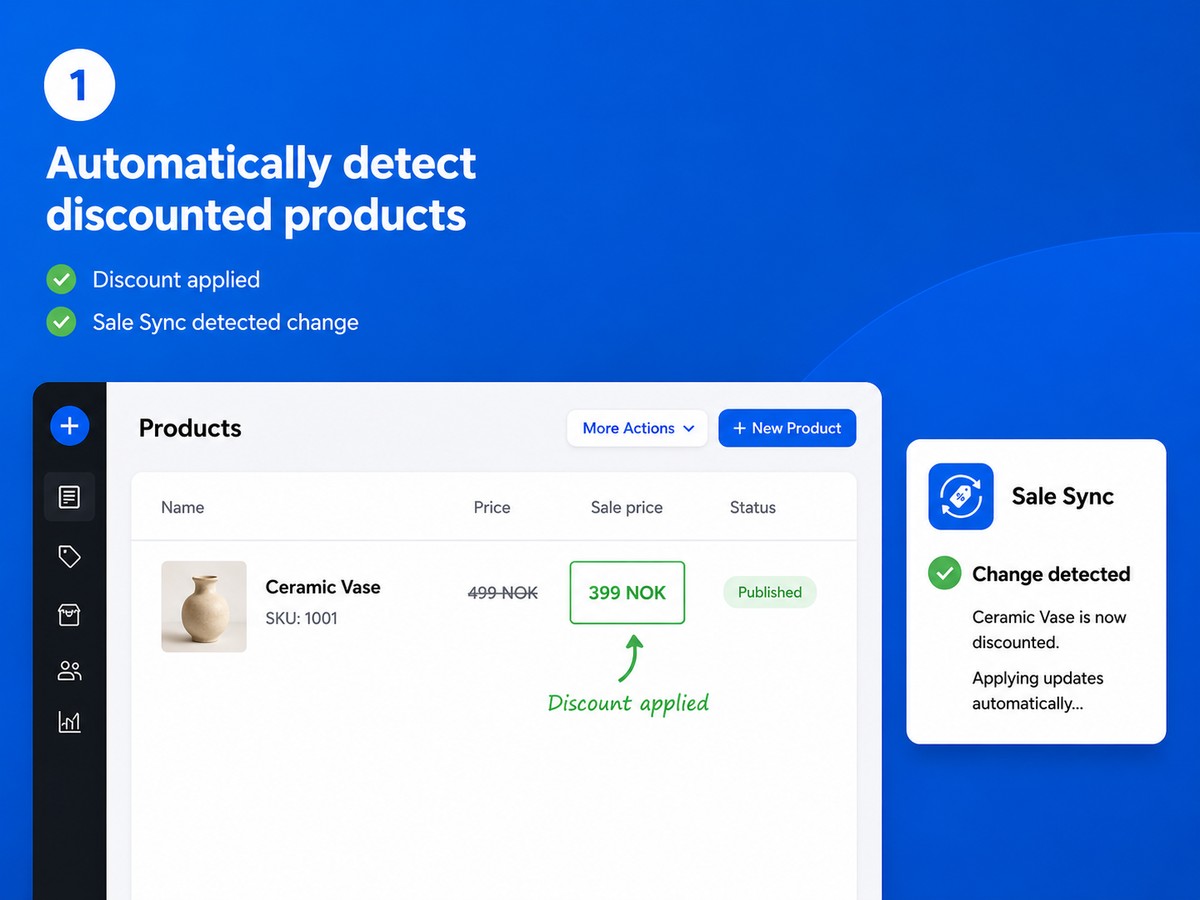
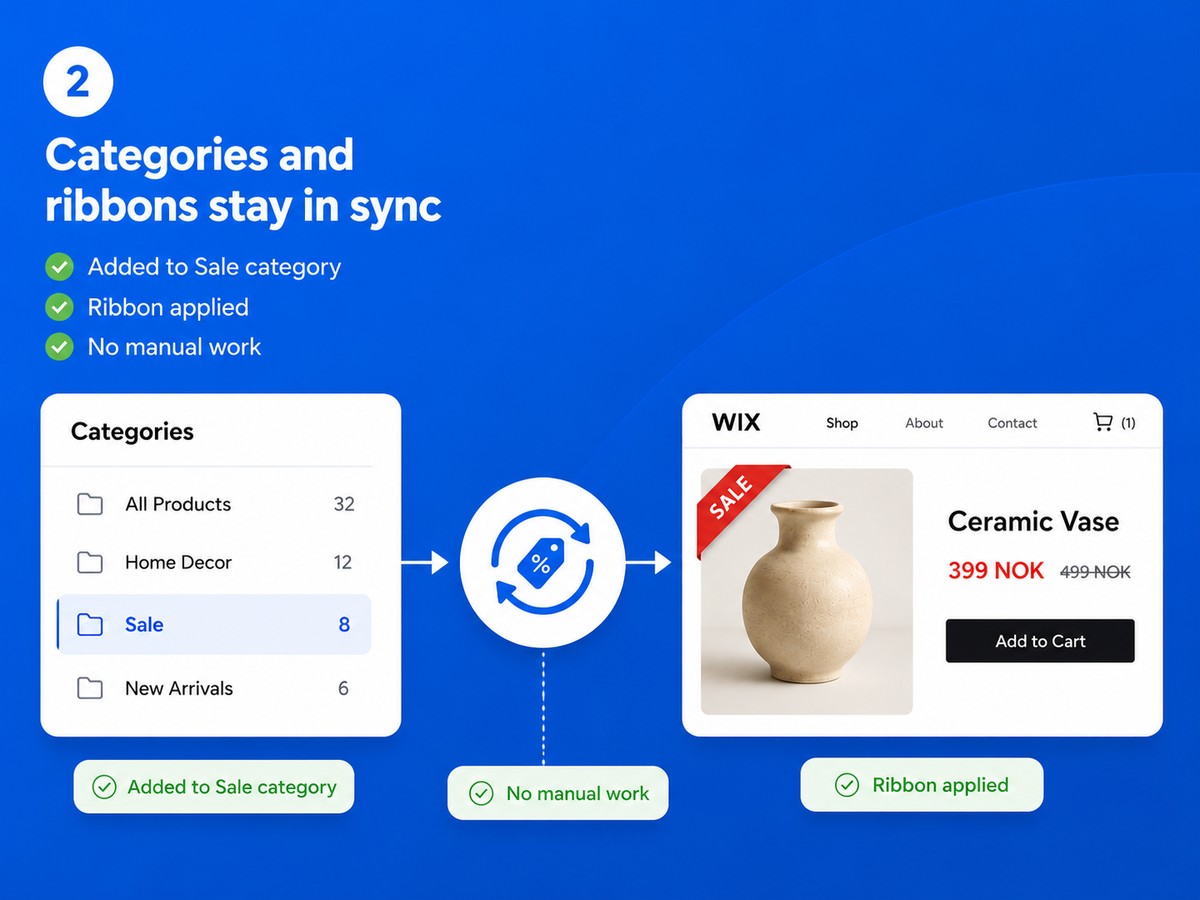
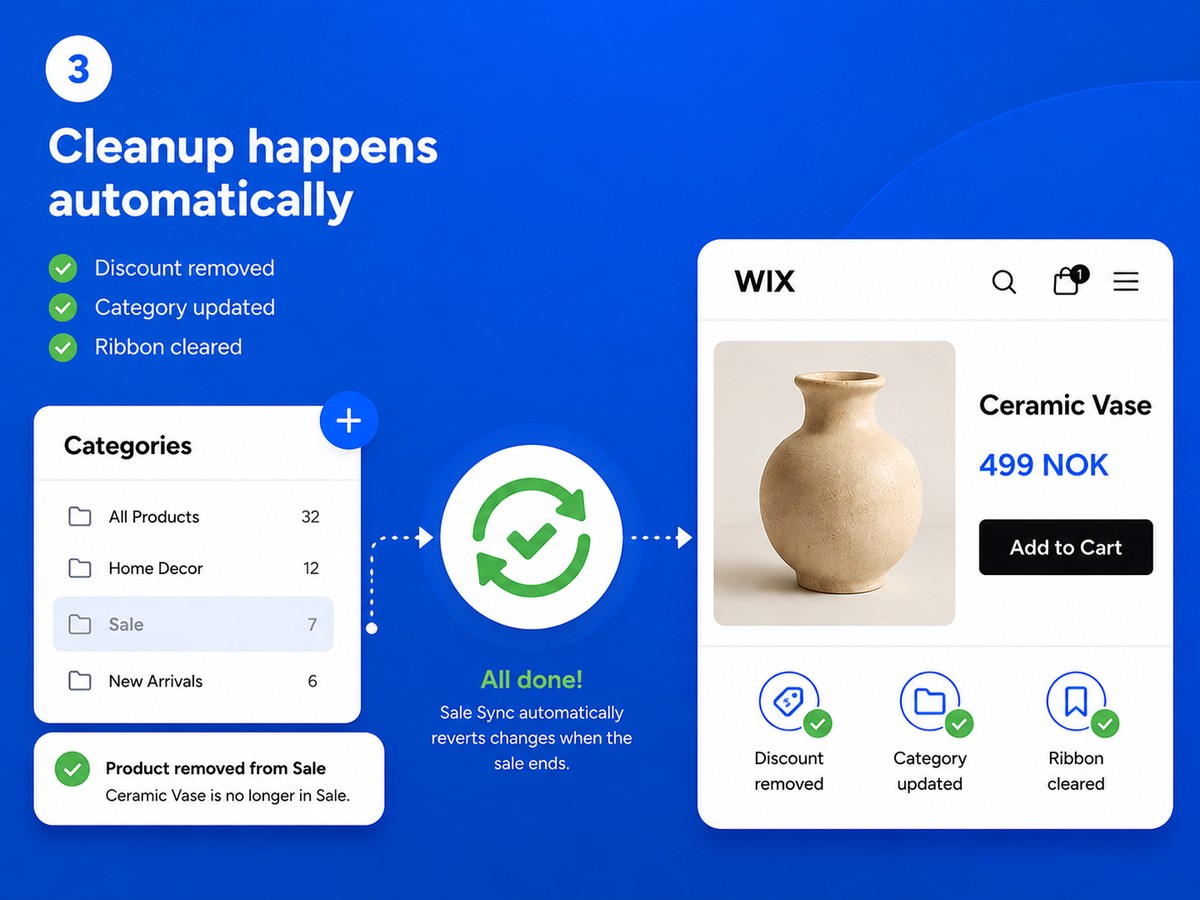
  • Discounted products are added to your Sale category automatically - and removed the moment the discount ends
  • A custom ribbon label appears on sale products and is cleared automatically when the sale is over
  • Your Sale category is always accurate - no forgotten products, no stale ribbons
  • Set up in one minute: choose your category and ribbon text, and Sale Sync handles the rest
Running a sale means more than just setting a discount. You also need to add products to your Sale category so customers can find them, and tag them with a ribbon so they stand out. When the sale ends, you need to undo all of that. Do this across dozens of products and multiple sales and it becomes a real chore - and easy to forget. Sale Sync does all of this for you, automatically. Setup takes a minute: choose which category you use for sale products and what text you want on the ribbon. That's it. Every time you discount a product it is added to your Sale category and the ribbon is applied. When you remove the discount it is taken out of the category and the ribbon is cleared. Your Sale category is always accurate. Your ribbons always reflect current pricing. And you never have to think about it again.
Availability:
This app is available worldwide.
App languages:
English
You can translate all app content displayed on your site into any language.
Site Requirements:
-
Featured in
GT
App developed byGlimm Tech

Visit our WebsiteContact us for supportPrivacy Policy
Glimm AS ensures that it complies with EU trade laws.

Rating & Reviews

This app hasn’t received any reviews yet, be the first to rate it.

Build and launch your next app for 230m+ Wix users