Wix App Market Logo

wix logo


Trending Topics
online store
bookings
events
popup
Checkout Fields to Contacts logo

Checkout Fields to Contacts

By
Copy checkout form answers to customer contacts
No Reviews Yet
Free

Checkout Fields to Contacts overview

  • Copies checkout form answers to contact fields
  • New orders are copied automatically
  • Check or copy past orders, up to 365 days
  • Up to 10 field pairs; missing fields are created
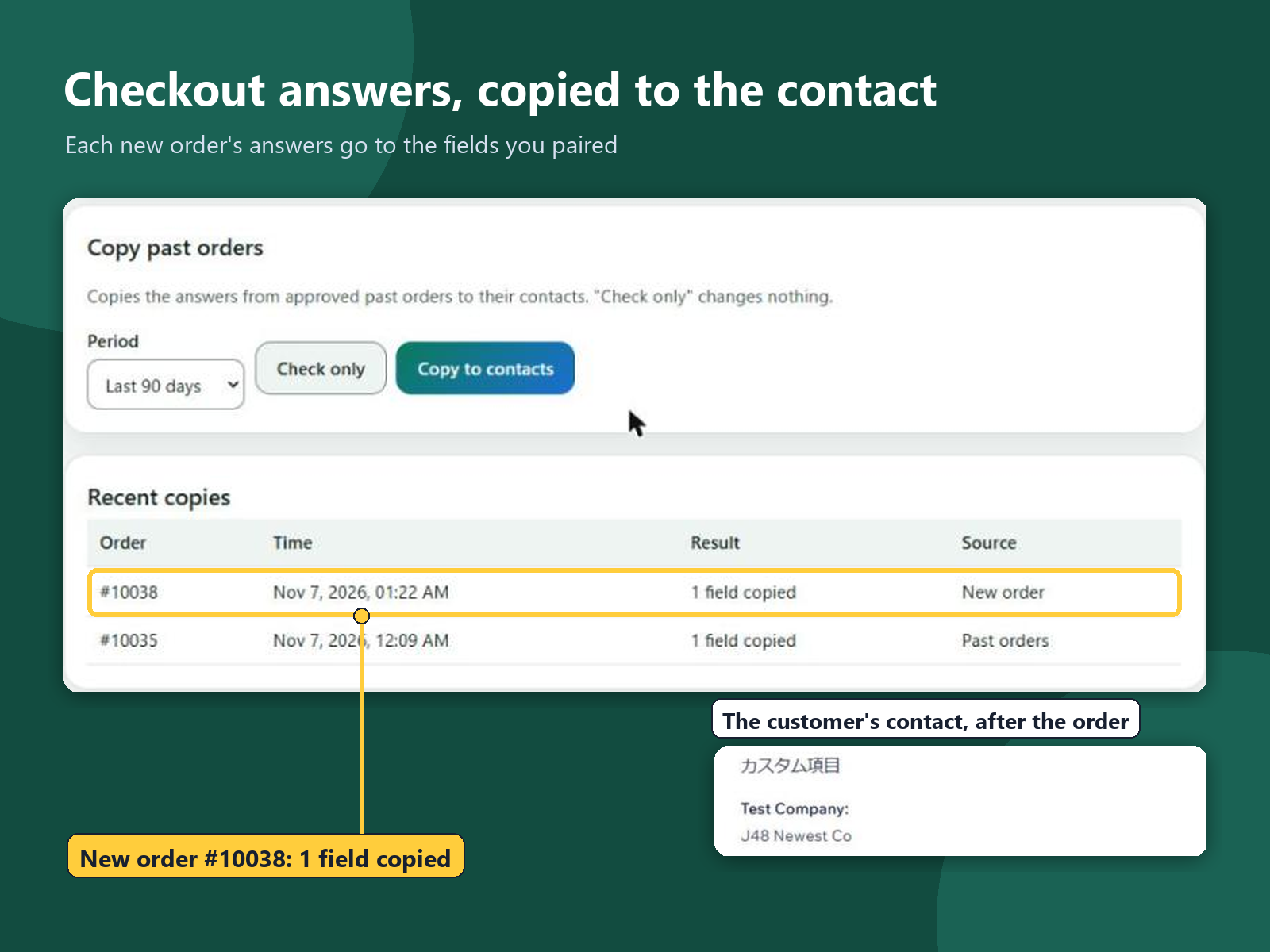
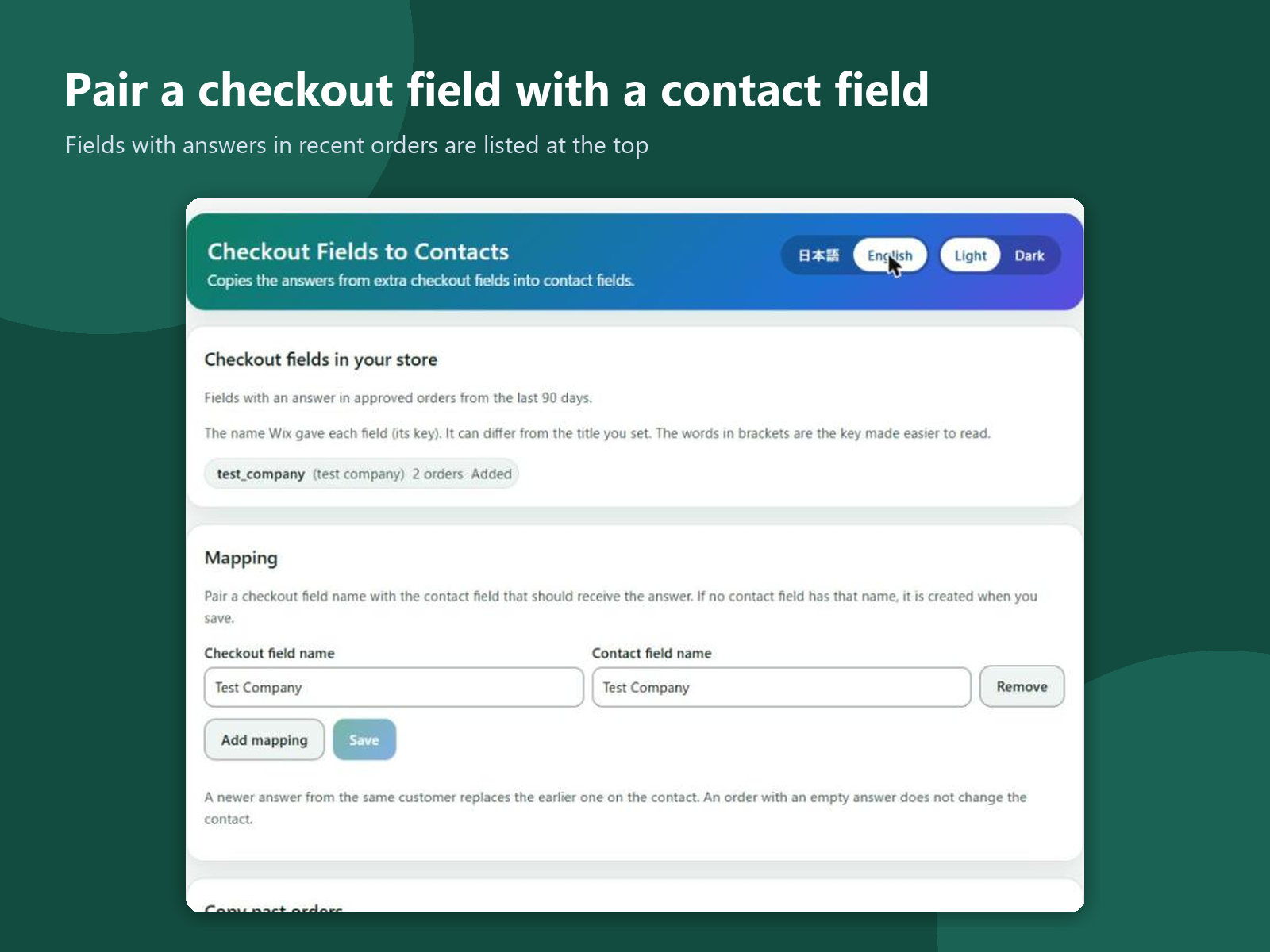
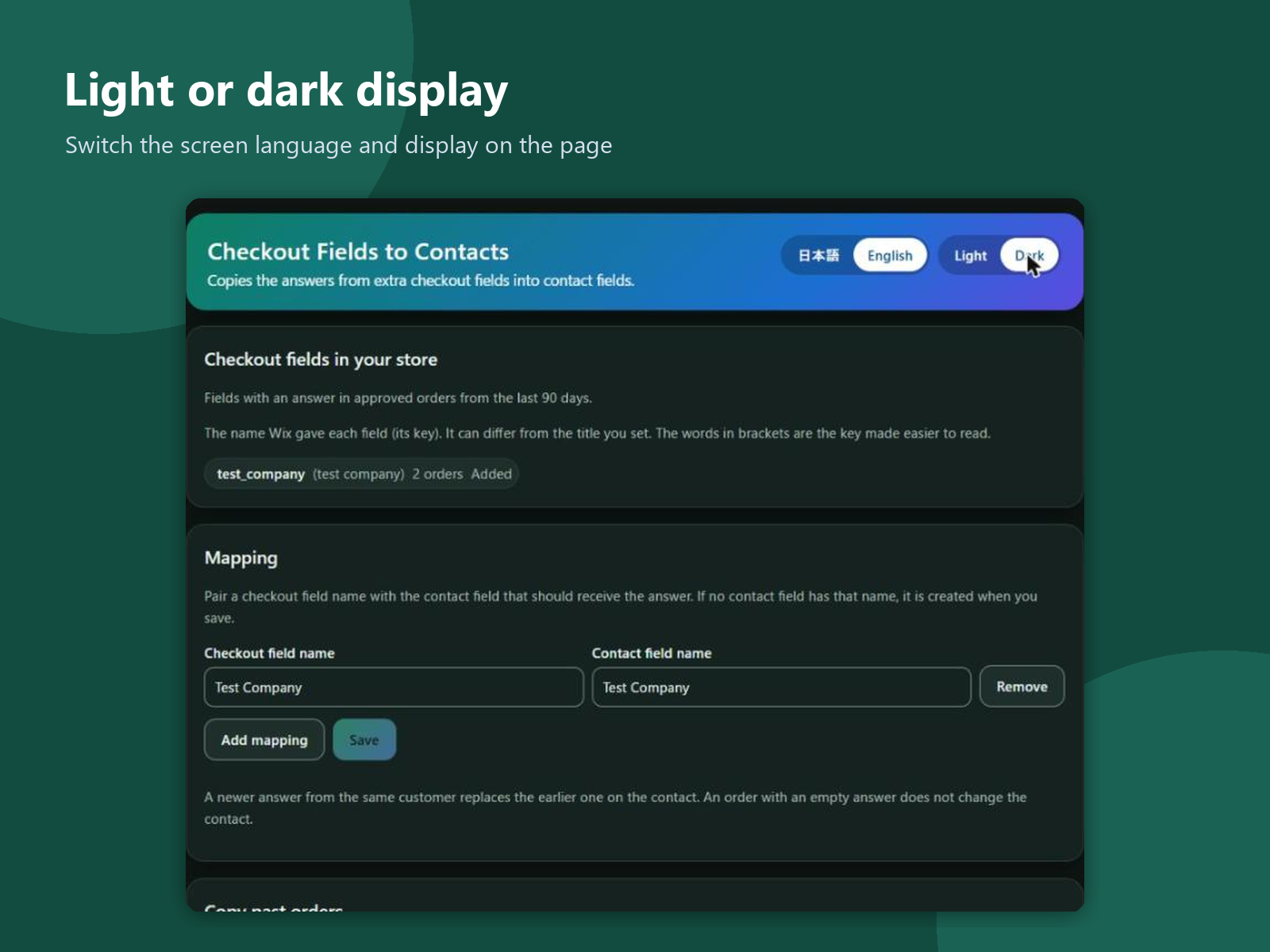
Extra questions on the checkout form, such as a company name or a tax number, are answered on each order and stay there. To find an answer later, you open order after order; the contact does not have it. This app adds a page to your dashboard. It shows the checkout fields that have answers in your recent orders. Pair each checkout field with a contact field, up to 10 pairs; a contact field that does not exist yet is created when you save. From then on, the answers of each new order are copied to the customer's contact automatically. For past orders, pick the last 30, 90, 180 or 365 days and choose Check only, which changes nothing and shows how many orders would be copied, or Copy. A newer answer from the same customer replaces the earlier one on the contact, and an empty answer leaves the contact as it is. A copy counts as done only when the contact shows the value. Recent copies are listed with the order number, time and result. The app reads orders and contacts, and writes only the contact fields you paired. Its settings and logs are kept in your site's data and hold no names, emails or answers. The screens are in English and Japanese, light or dark.
Availability:
This app is available worldwide.
App languages:
English, 
Japanese
You can translate all app content displayed on your site into any language.
Site Requirements:
-
Featured in

Rating & Reviews

This app hasn’t received any reviews yet, be the first to rate it.

Build and launch your next app for 230m+ Wix users