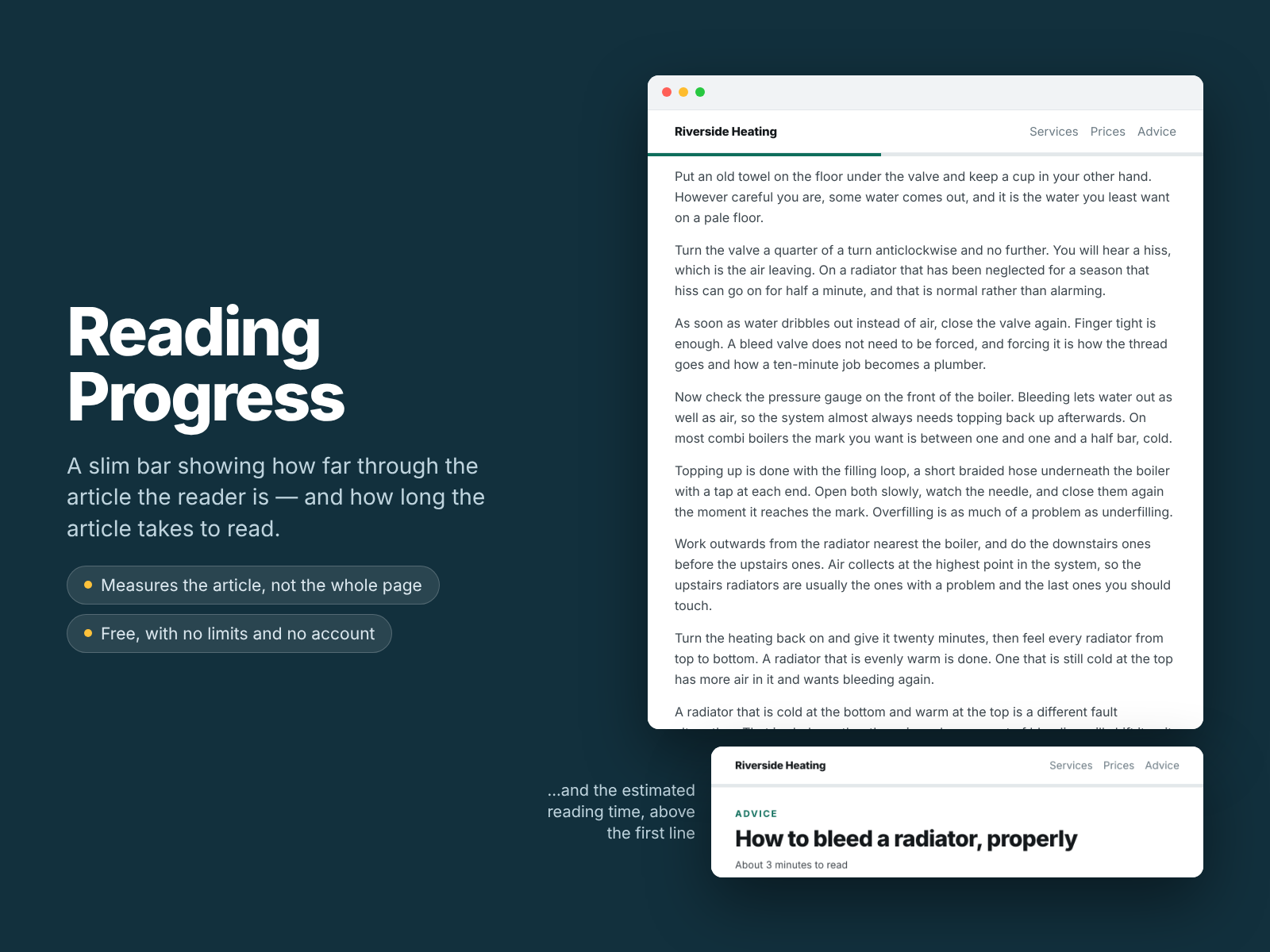
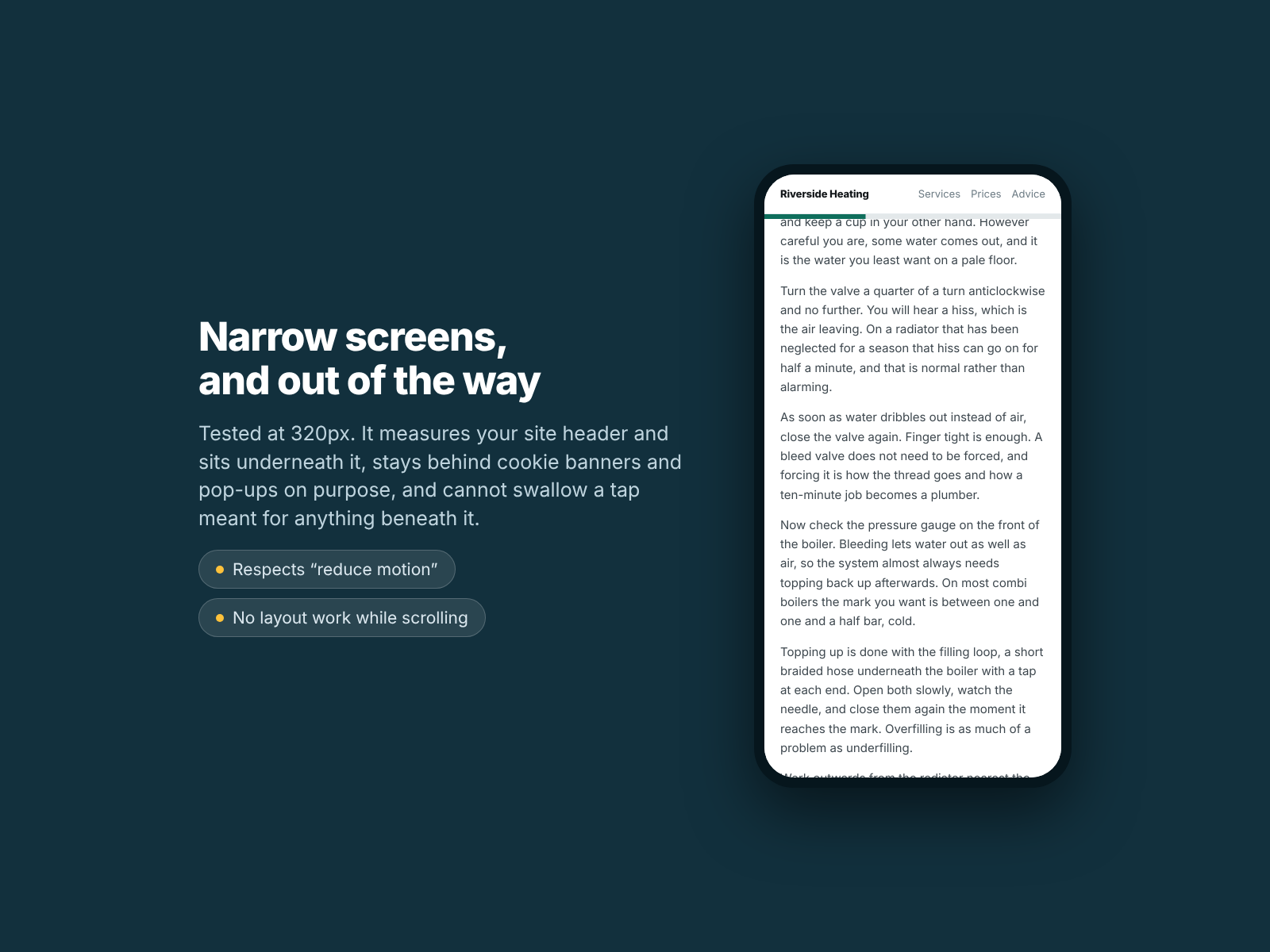
It measures the article, not the page, so the bar ends when the reader does
An honest reading time: your post's words only, and it says the rate used
Costs your page nothing while scrolling — no layout work on any frame
Stays out of the way — behind banners, and it never swallows a tap
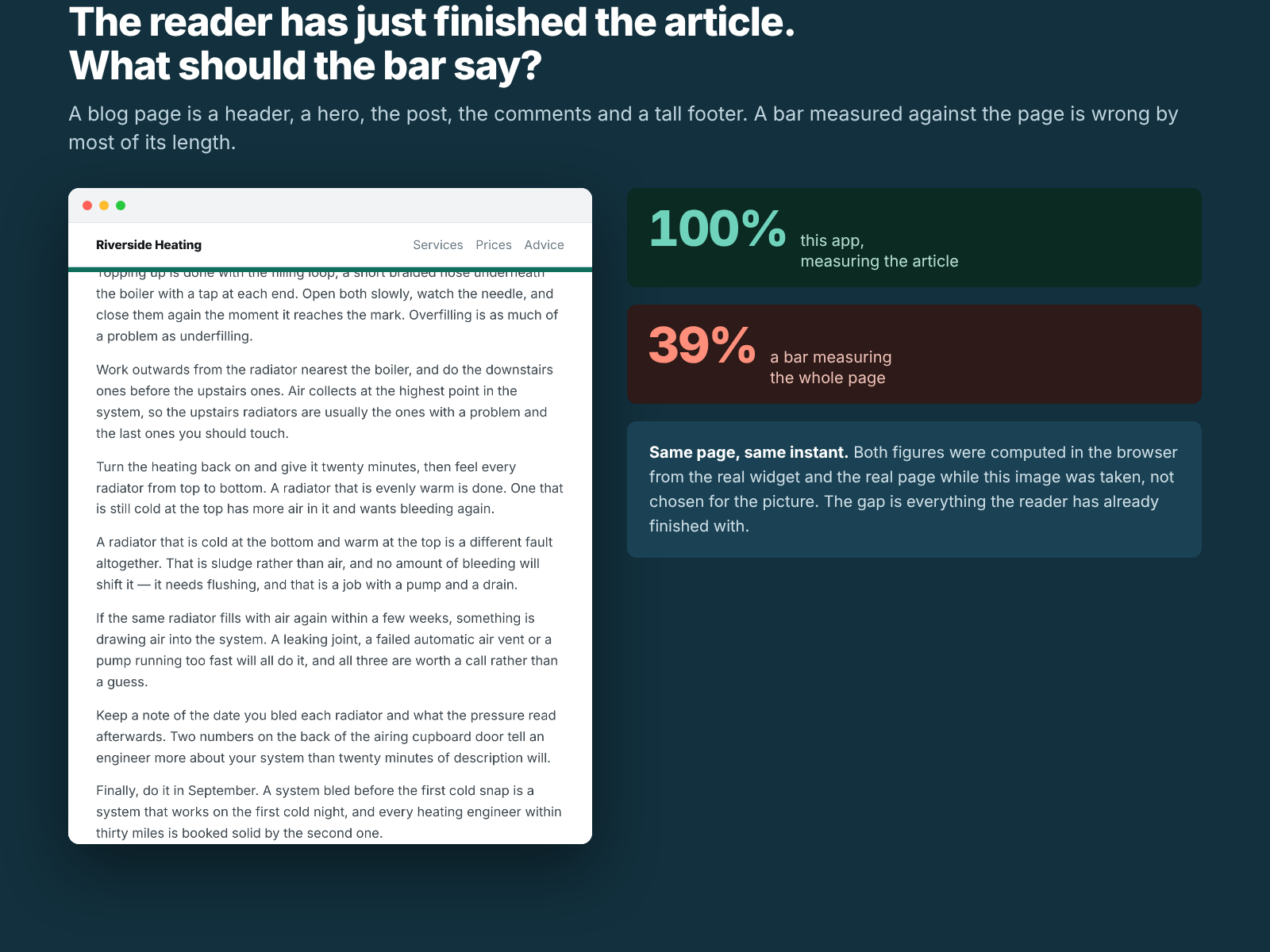
Most reading bars divide how far you have scrolled by how tall the page is. On a blog post — sticky header, hero, post, comments, related articles, tall footer — the post is perhaps 40% of that height, so the bar reads 40% at the moment the reader finishes and 100% at your copyright line.
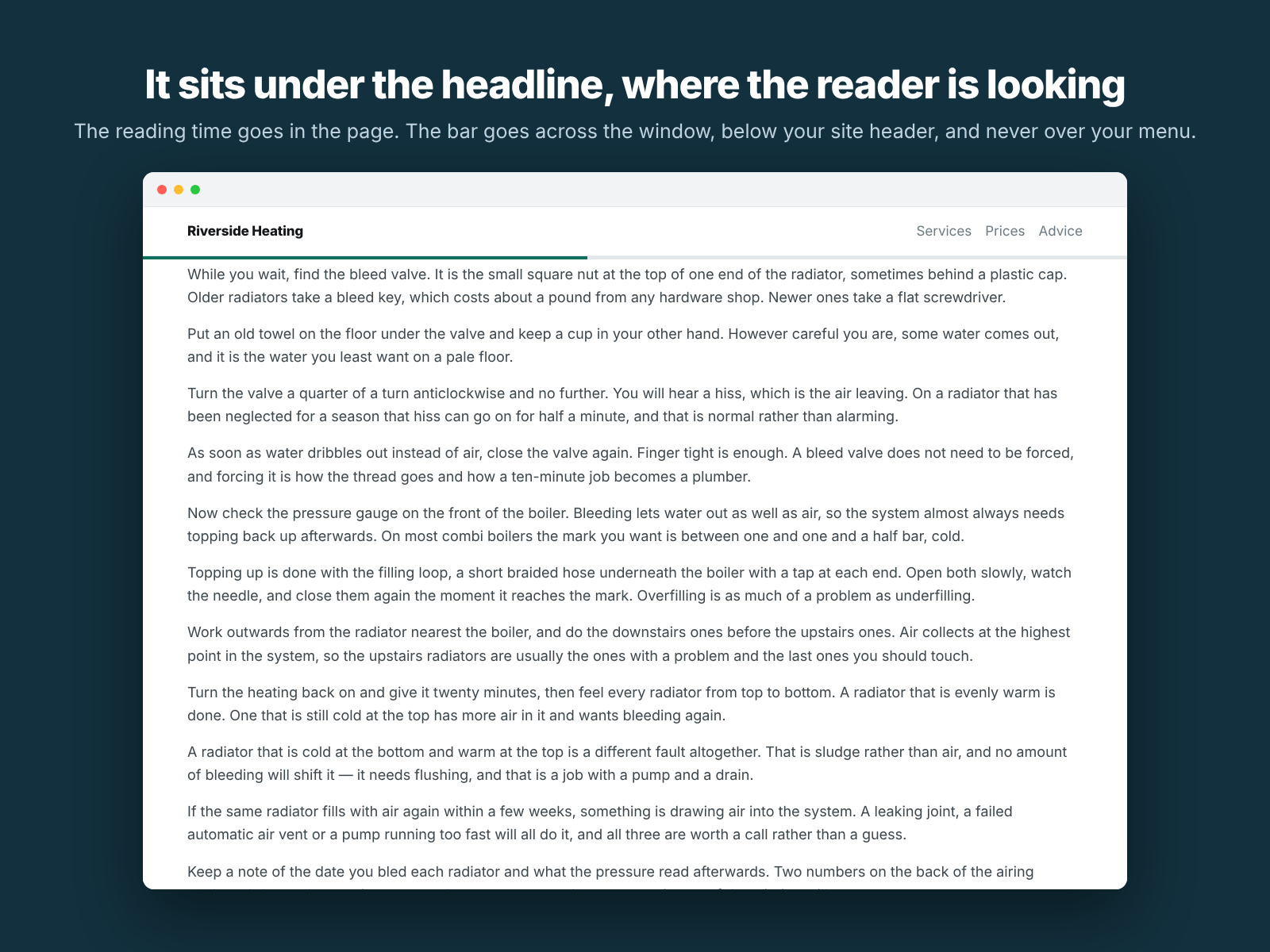
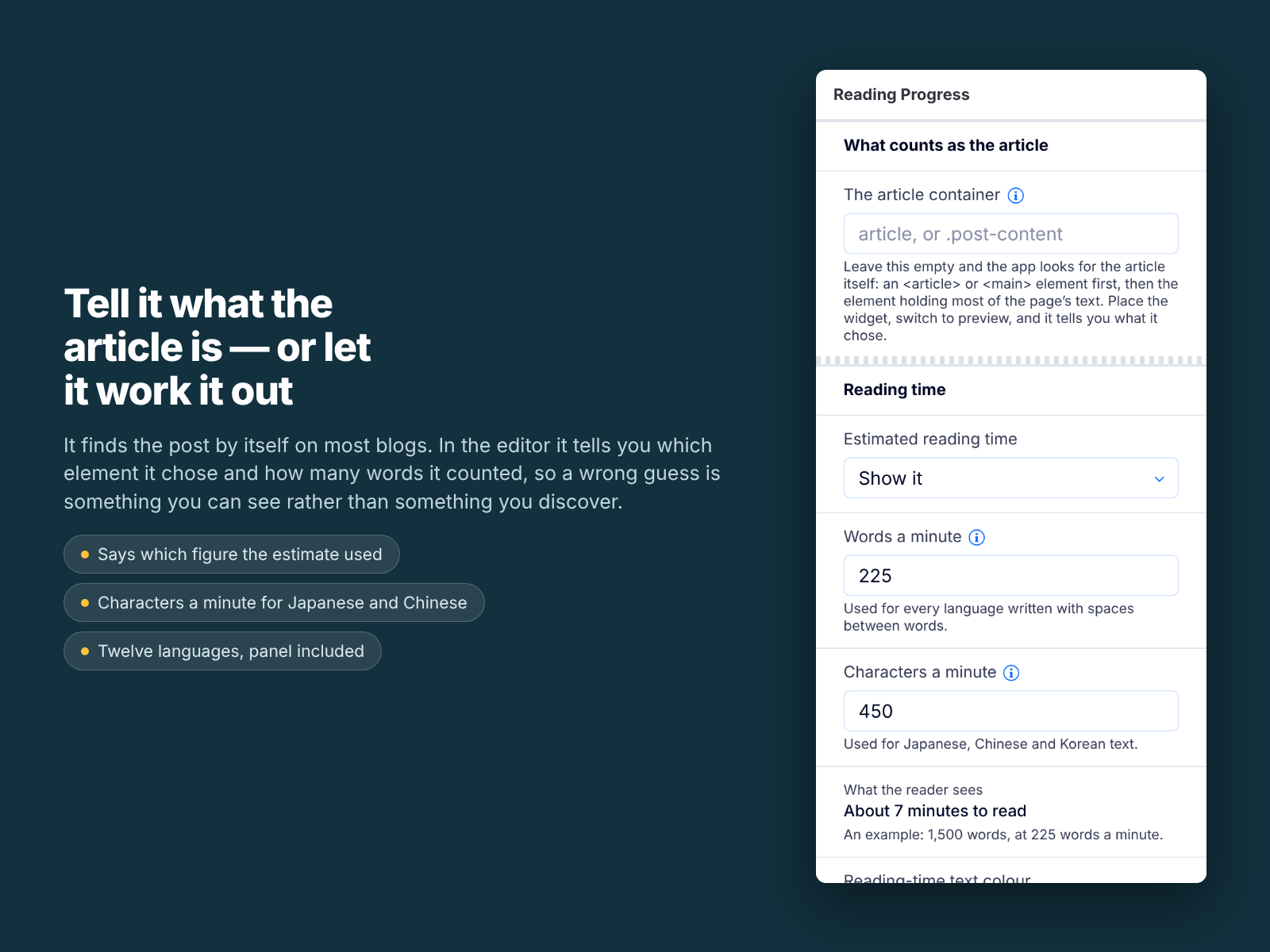
This one measures the article. Name the element that holds your post, or leave the field empty and it looks for an <article> or <main> and falls back to whichever element holds most of the text. The bar reaches the end when the last line of the post does.
The reading time is an estimate and says so. It counts the words inside that container only — not your navigation, footer or comments — and divides by a words-per-minute figure you set. Japanese and Chinese are counted by character instead, decided from the text itself.
What it will not do: it draws nothing on a page with no article, or one short enough to fit on a screen. Its stacking order is deliberately low, so a cookie banner always wins the strip of screen it wants. It collects nothing, stores nothing and calls nobody.
For blogs, magazines, documentation and anyone publishing long pages. Free: no trial, no limits, no account.