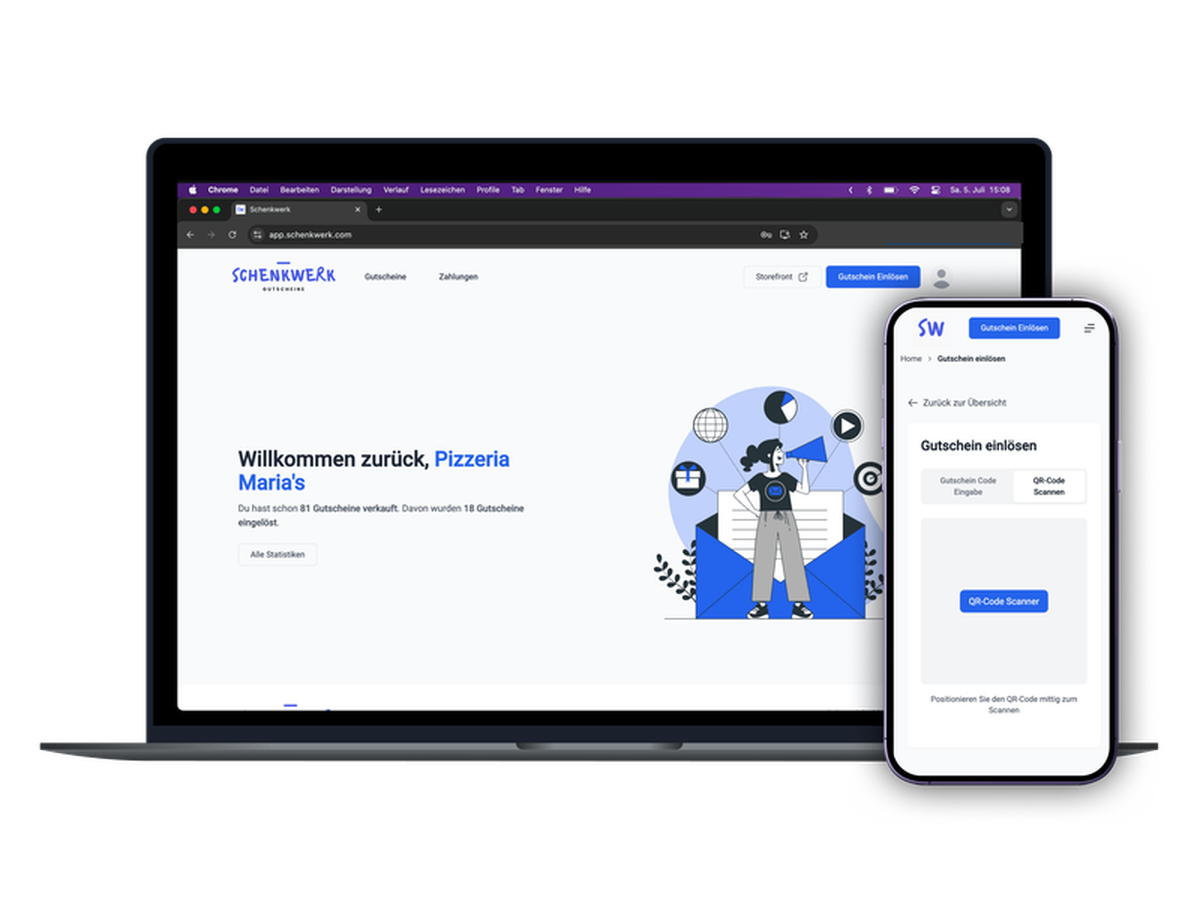
Customers redeem Schenkwerk vouchers at checkout: shop, bookings, events, restaurants
Partial redemption: the remaining balance stays on the voucher
Every redemption shows up in your Schenkwerk dashboard
Schenkwerk helps local shops sell their own gift vouchers. This app brings those vouchers to your site, so customers can use them when paying for store orders, bookings, event tickets and restaurant orders.
Once the app is installed and connected to your Schenkwerk account (a free account is available at schenkwerk.com), a gift card field appears at checkout. When a customer enters a Schenkwerk voucher code, the app checks the current balance and redeems the order amount. Any remaining balance stays on the voucher for a later purchase. If an order fails after a voucher has been applied, the amount is credited back to the voucher.
Online redemptions appear in your Schenkwerk dashboard alongside in-store redemptions, giving you one overview of how your vouchers are being used.
A few things to keep in mind: vouchers are redeemed in the currency they were sold in (EUR or CHF), so your site should use the same currency. Only vouchers issued by the connected Schenkwerk account, or a network it belongs to, can be redeemed on your site. The app does not request access to your orders, customers or payments; it only responds to the checkout's gift card requests.