

online store
bookings
events
popup

CMS Filter & Search
By
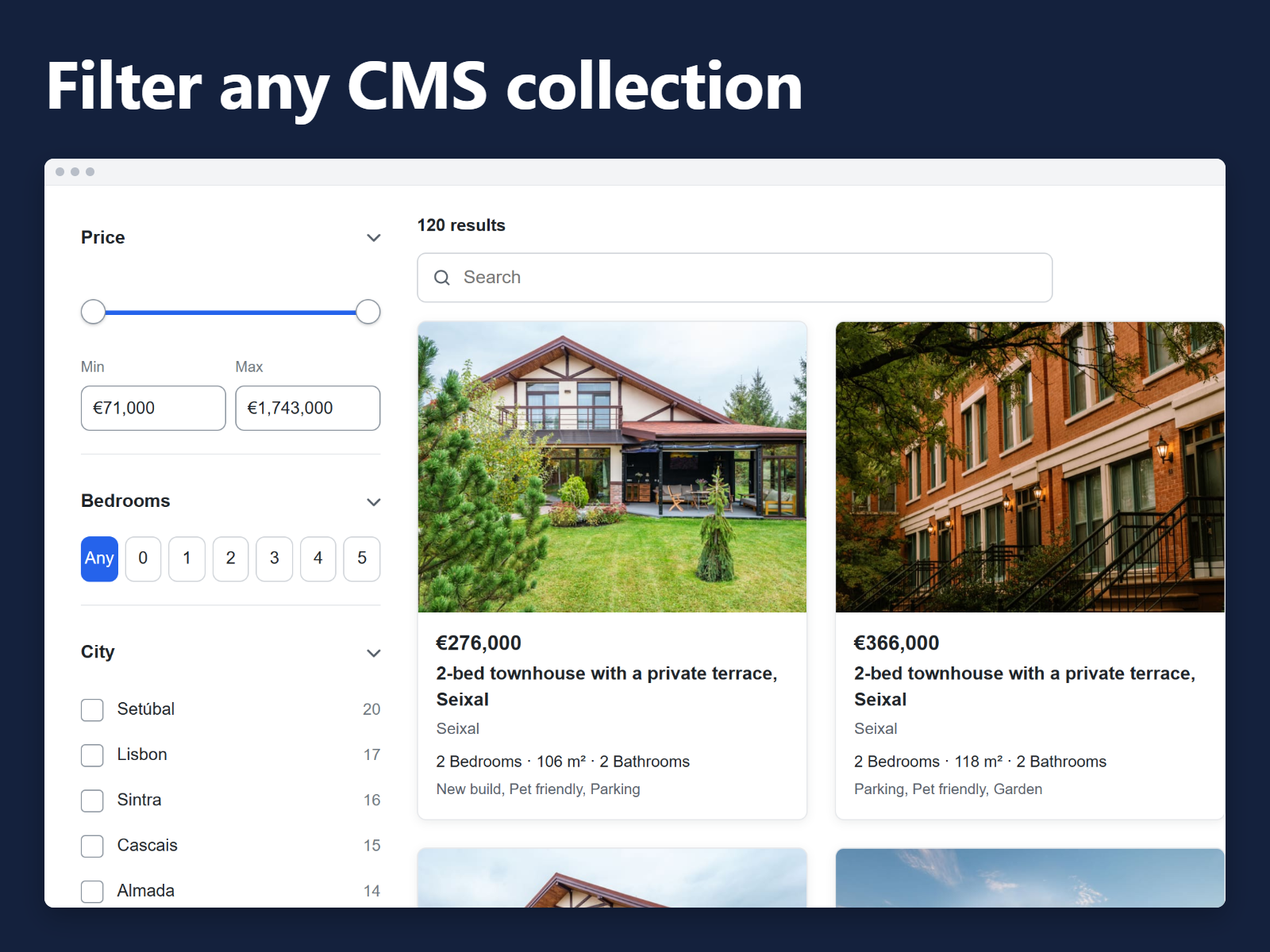
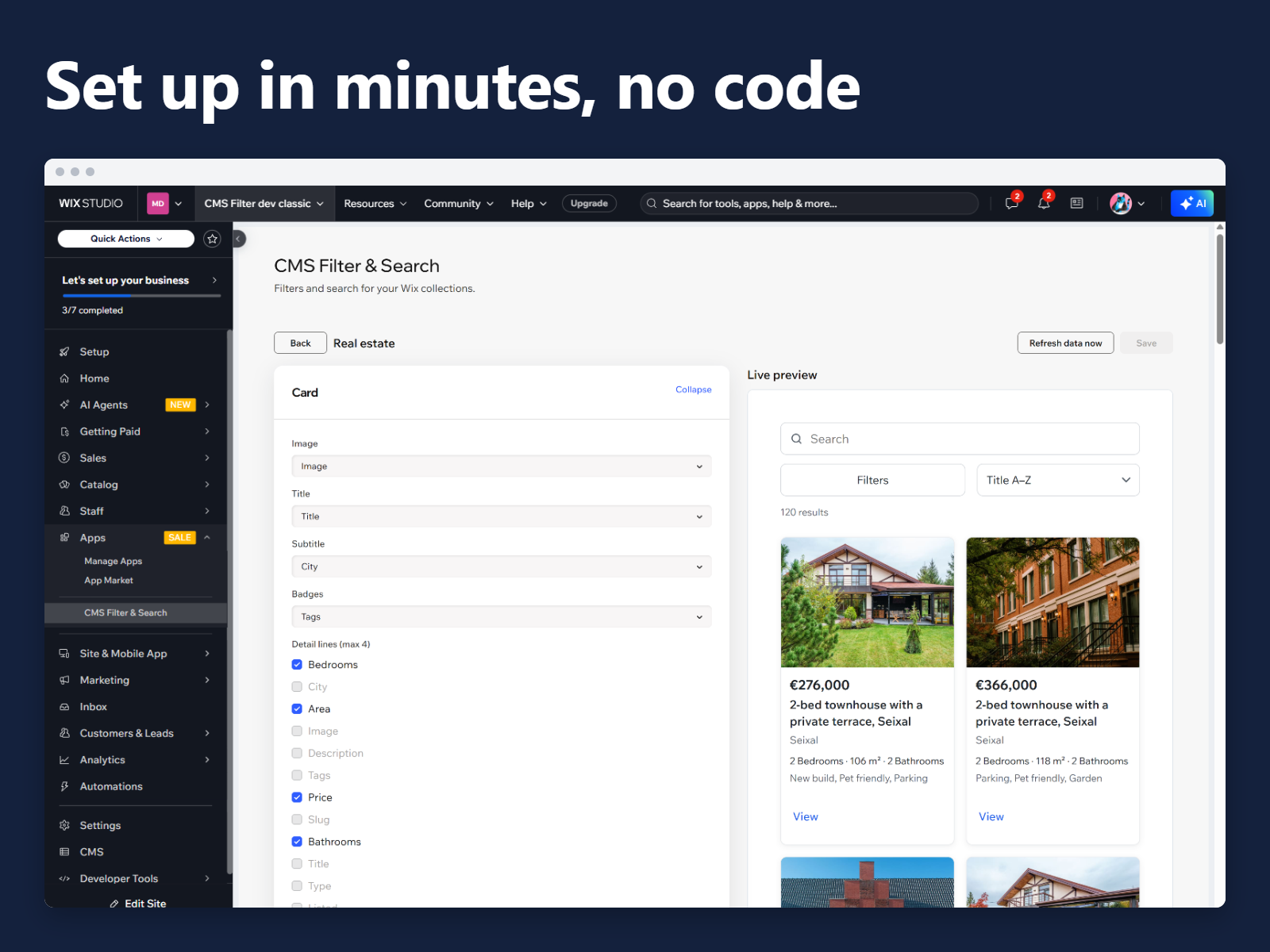
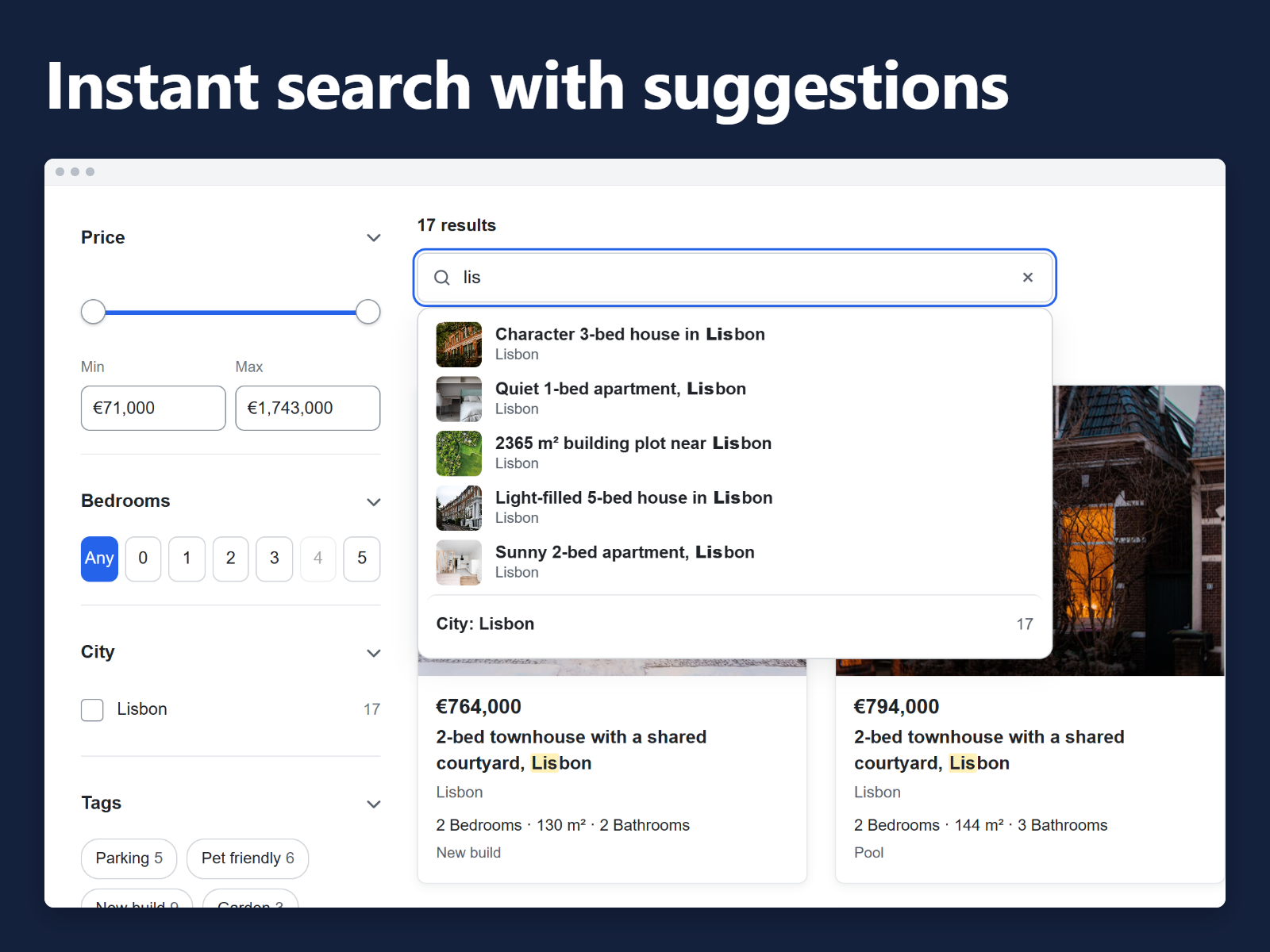
Filter and search any CMS collection
No Reviews Yet
Free plan available

CMS Filter & Search overview
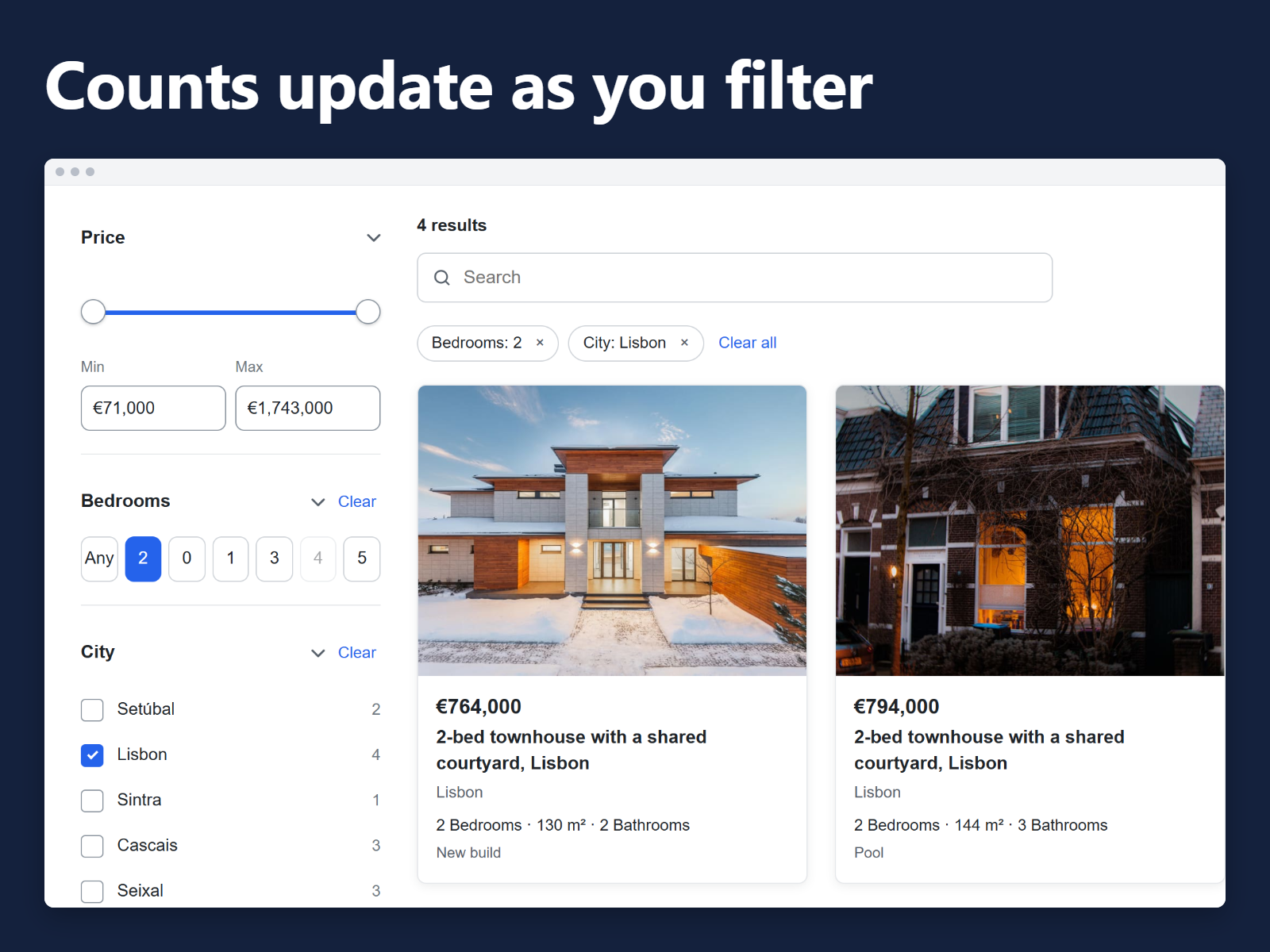
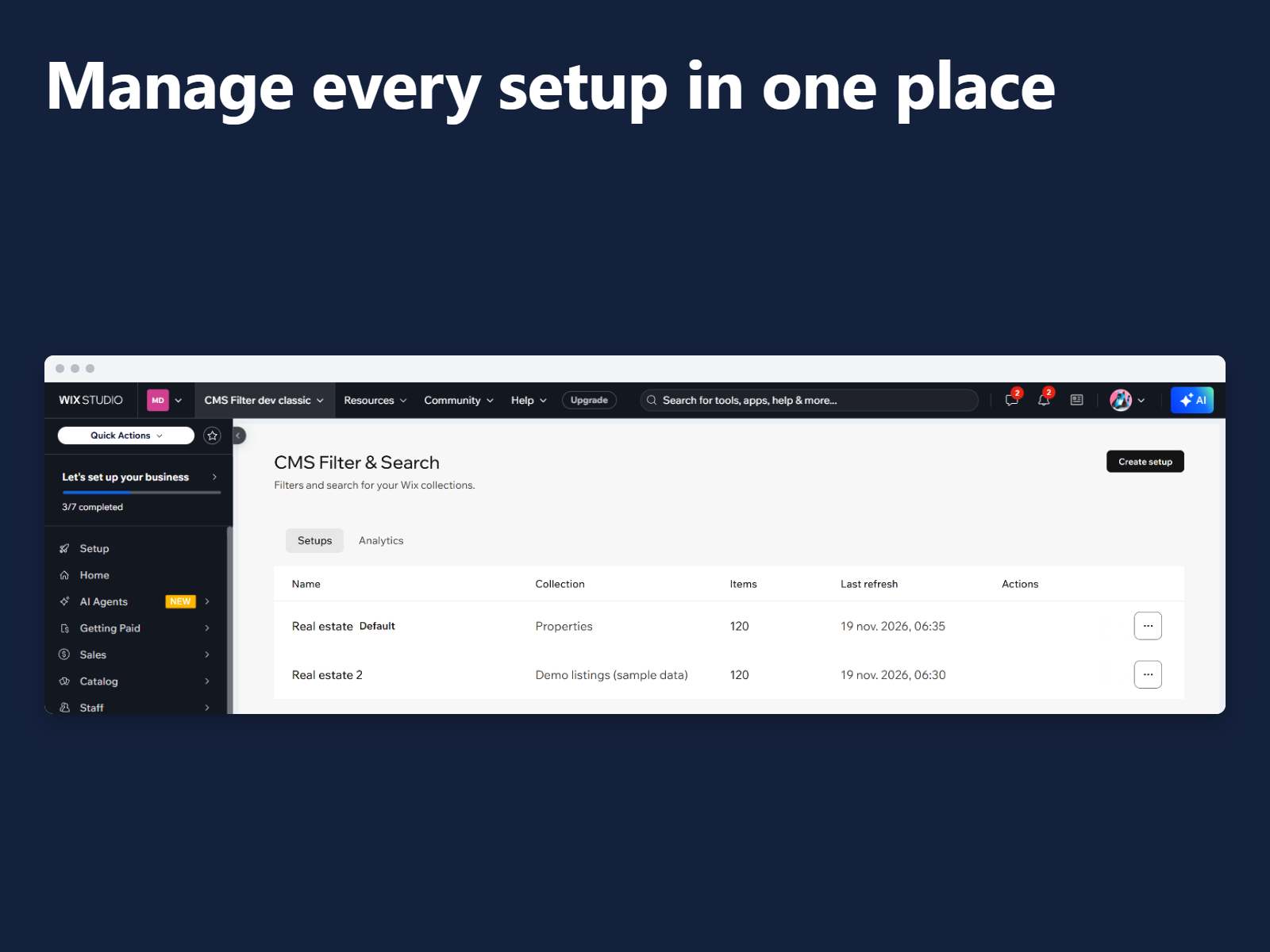
- Filters and search for any CMS collection
- Counts that update for every option
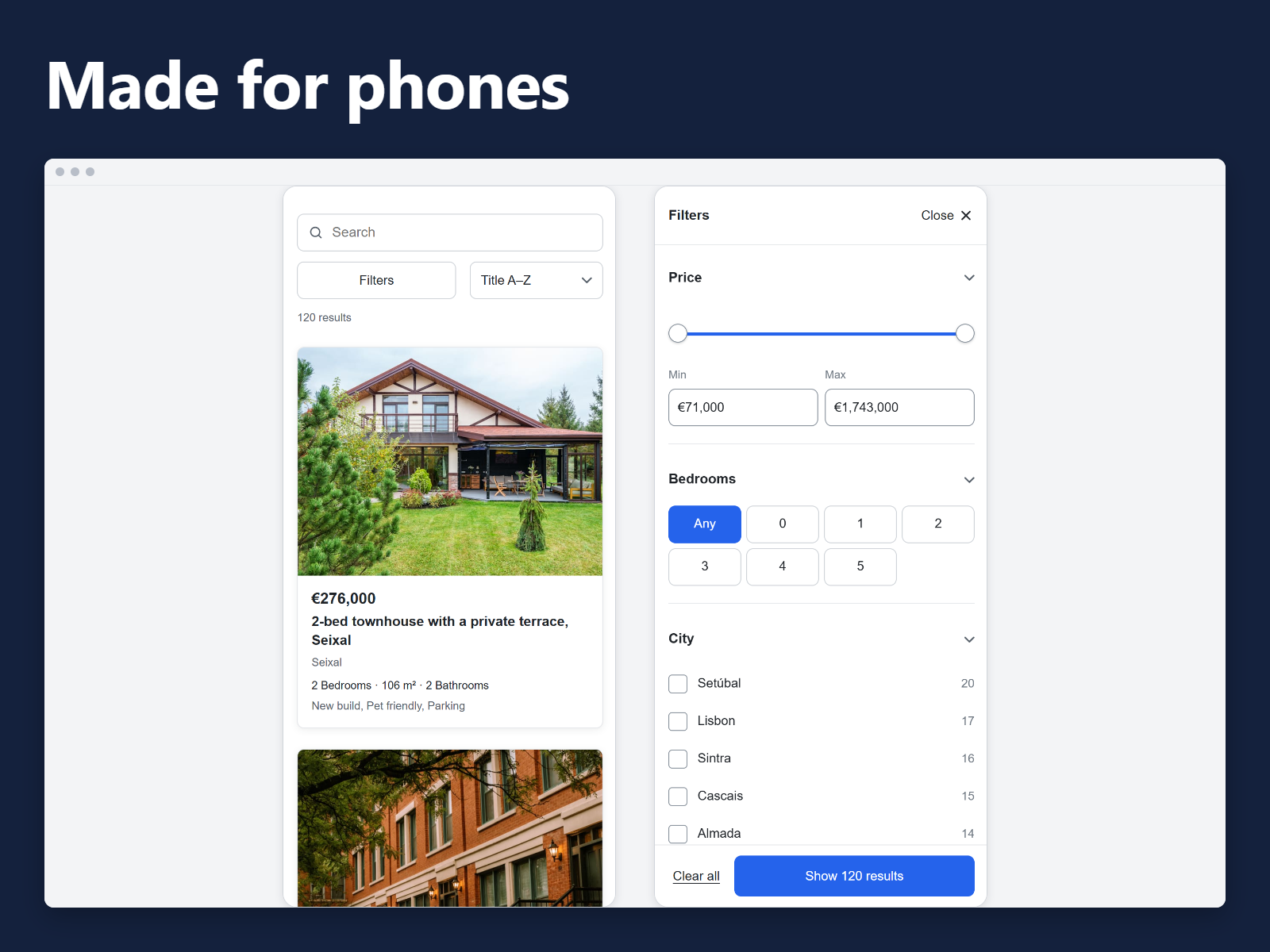
- Grid results, with phone-friendly filters
- Free plan to start, Pro for larger collections
Rating & Reviews
This app hasn’t received any reviews yet, be the first to rate it.Pricing & plans
Basic plan
Free
1 setup with up to 200 items
Search, checkbox and dropdown filters
Works in Editor, Studio and Harmony
Pro plan
$
5
99
/month
Unlimited setups
Up to 10,000 items per setup
Range and date filters
Shareable links and search analytics
* Price is in USD.