

online store
bookings
events
popup

CMS Charts
By
Live charts from your CMS collections
5.0
14 day free trial

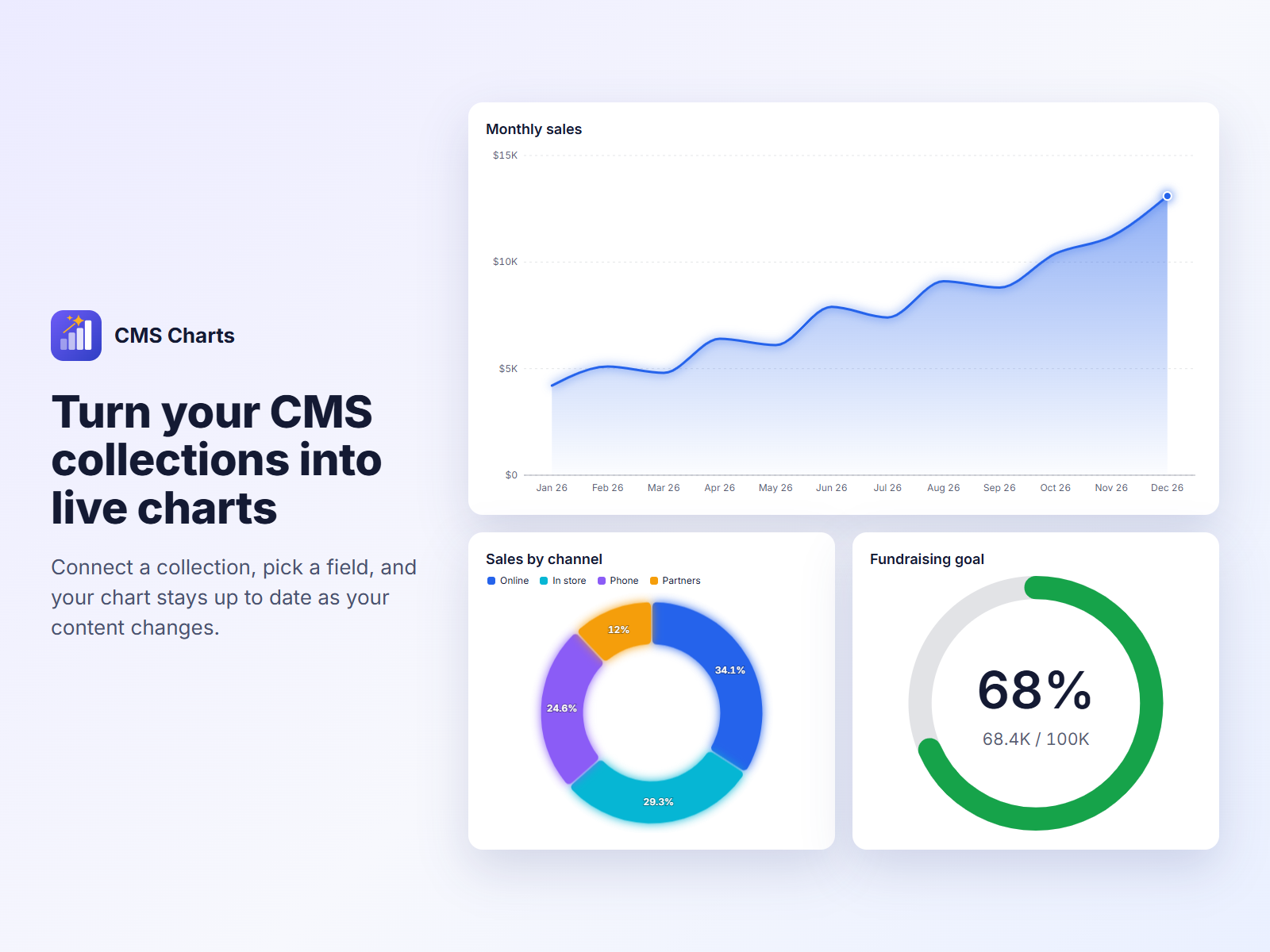
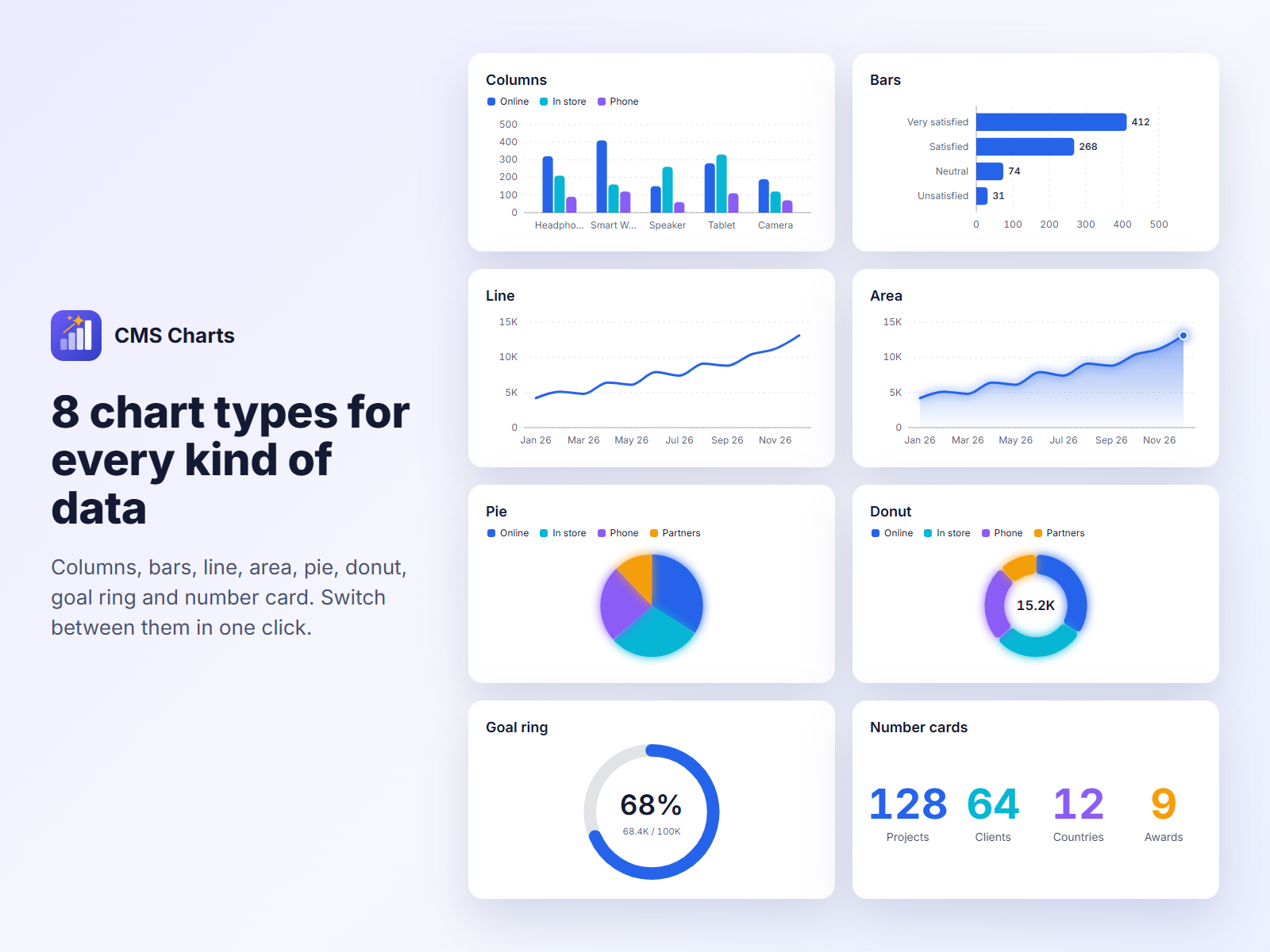
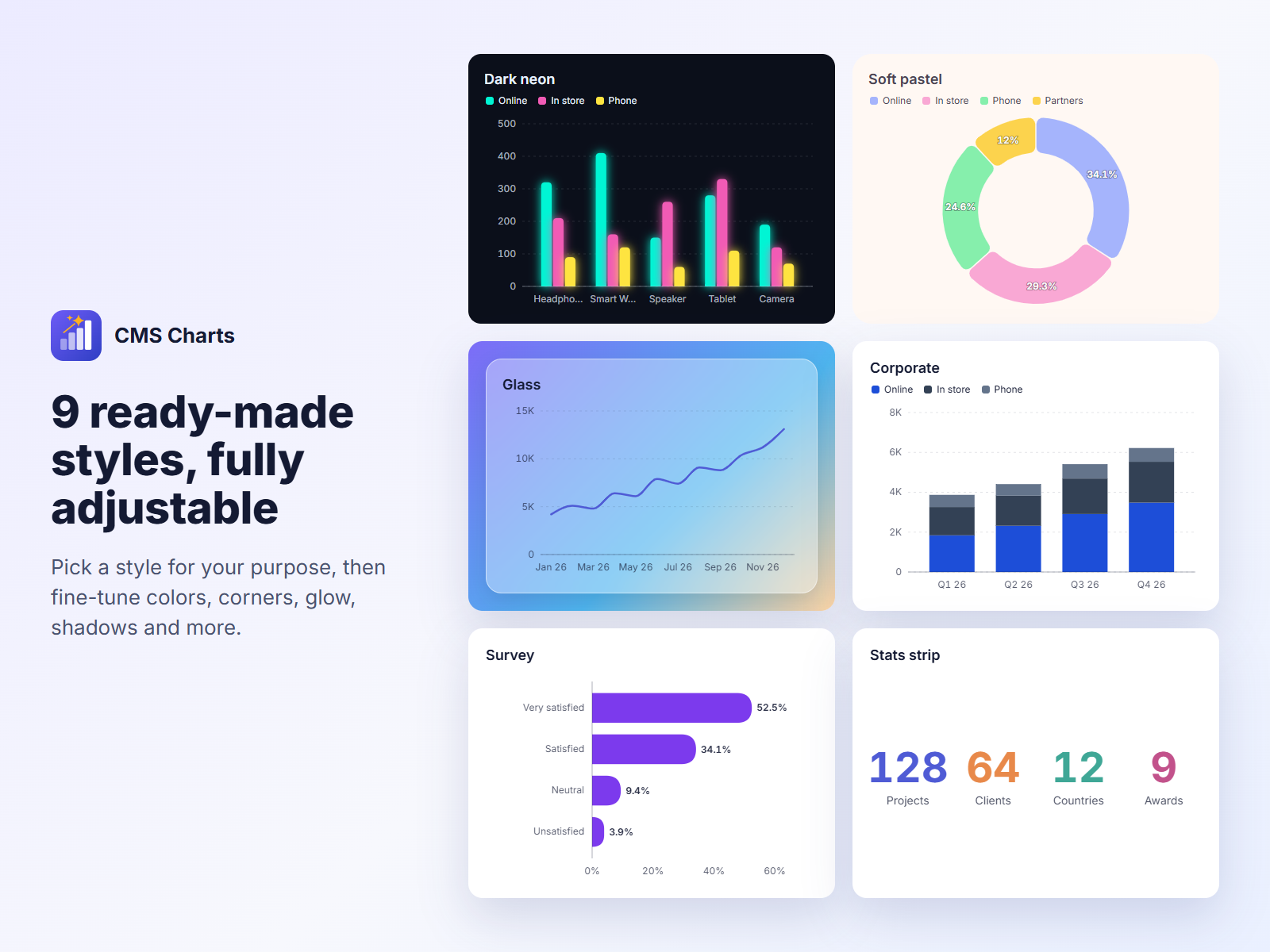
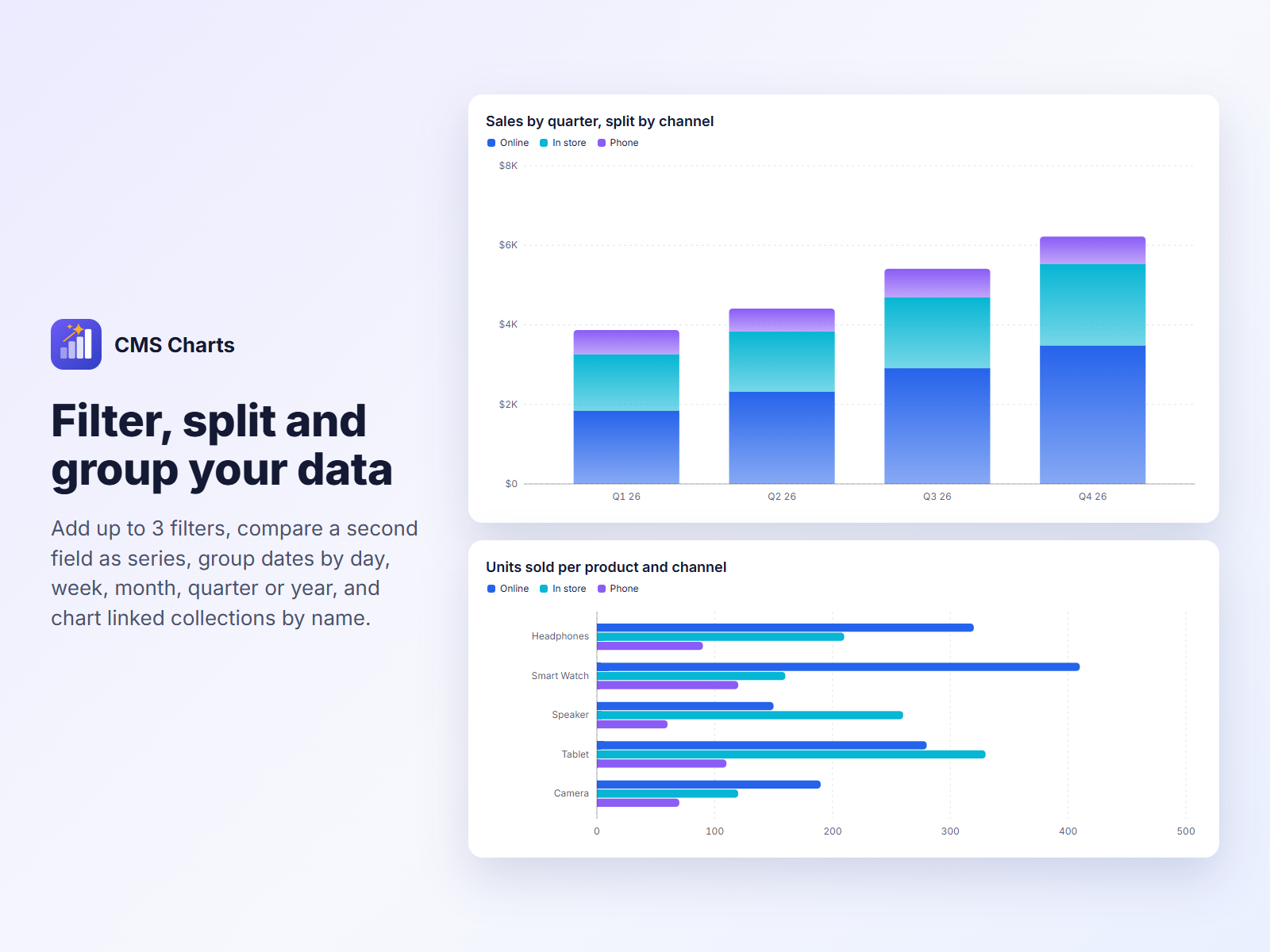
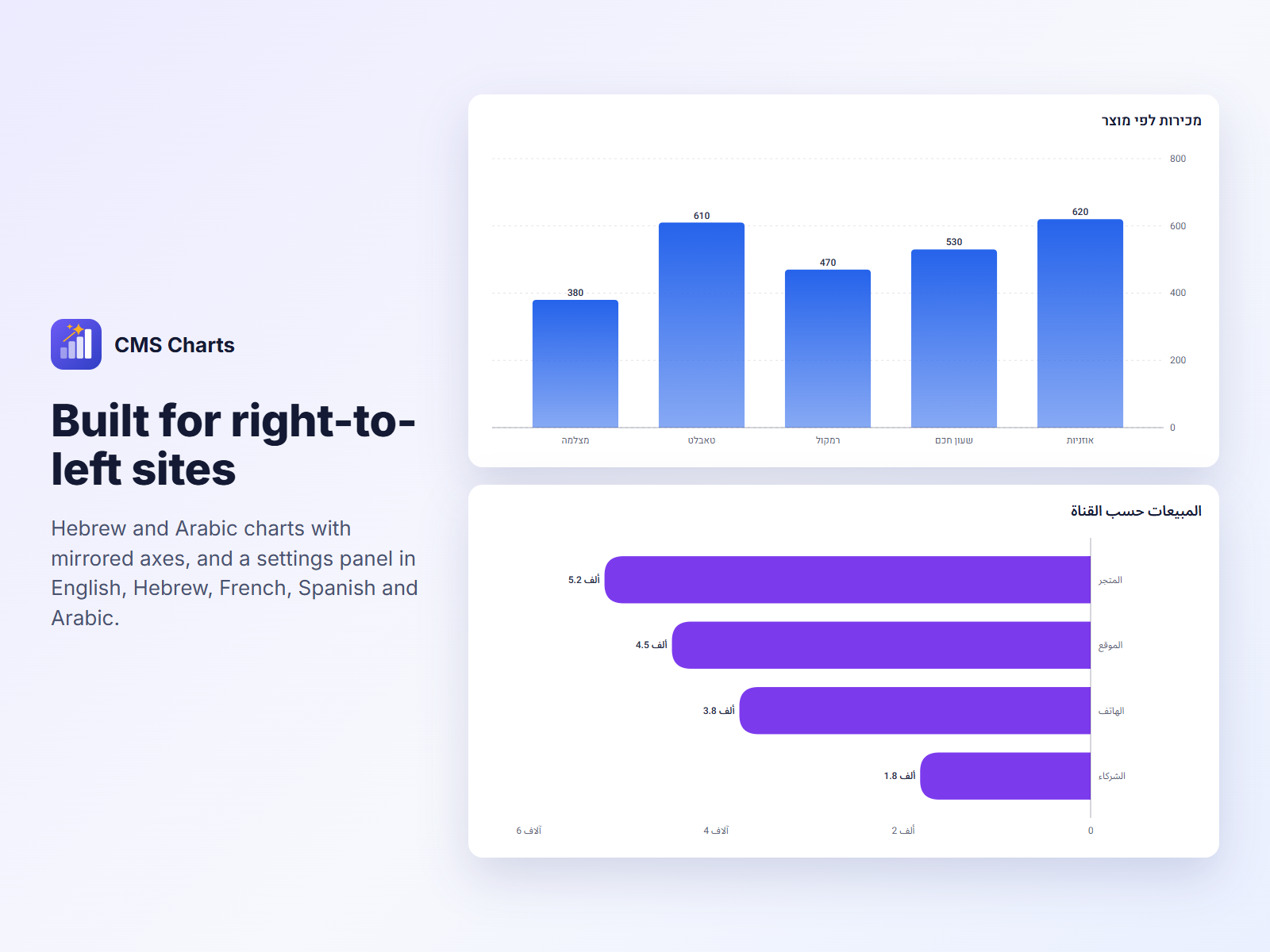
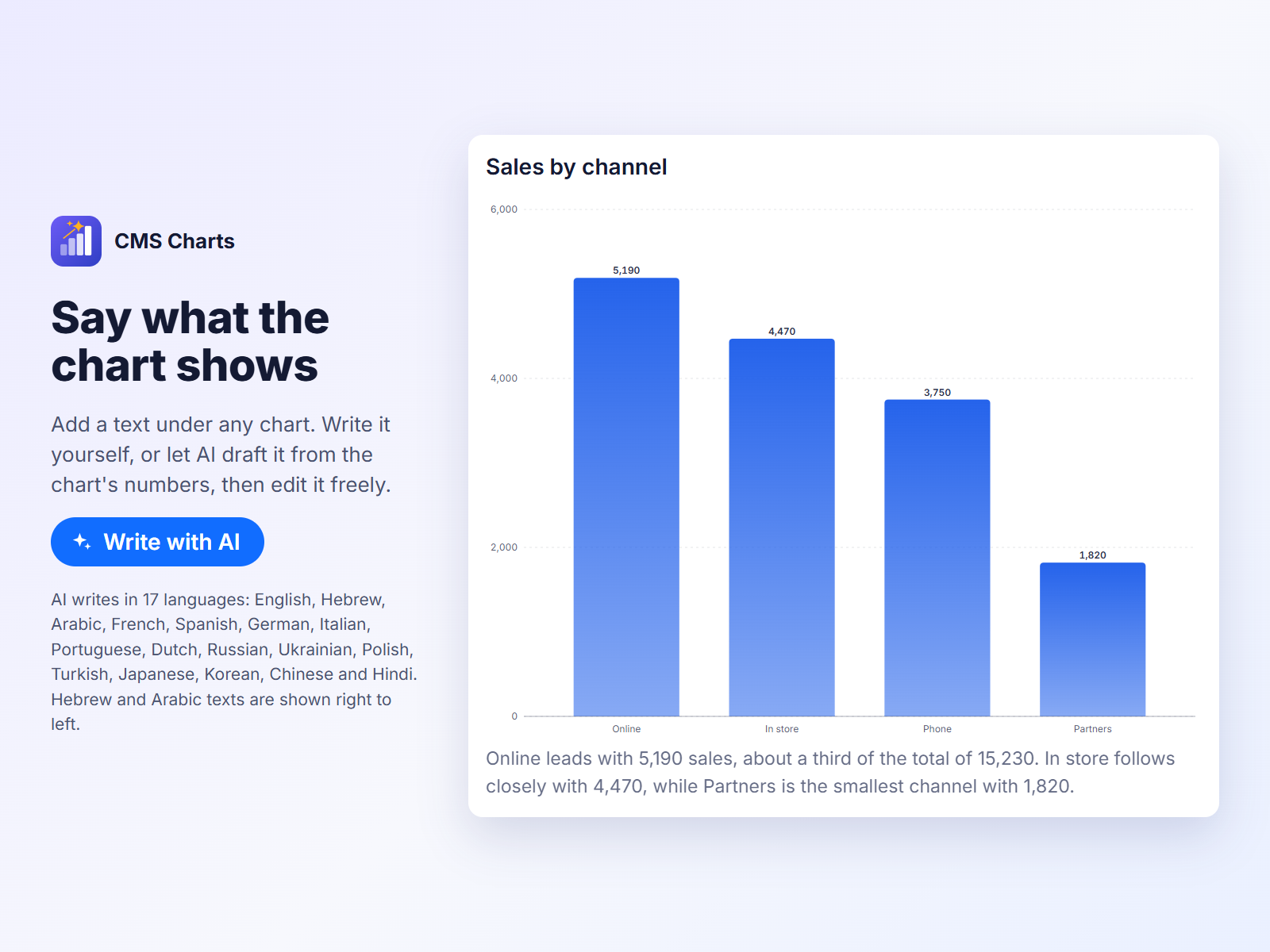
CMS Charts overview
- Connect any CMS collection in a few clicks
- 8 chart types and 9 ready-made styles
- Filters, series, date grouping and RTL support
- Chart captions you can draft with AI
Categories
Availability:
This app is available worldwide.App languages:
English,
Arabic,
French,
Hebrew,
Spanish
Featured in
5.0 Average Rating
1 review
5
1
4
0
3
0
2
0
1
0
DA
Davidisakov12/ Oct 8, 2026
Does exactly what I needed with my CMS dataEasy to set up. I picked a collection, chose what to group by, and the chart was on the page. When the content changes, the chart updates with it, so I don't have...
MC
team McWIX
Thank you!
If you have any ideas or questions, we'd love to hear from you at support@mcwix.com.(1)
Thank you for your feedback
Pricing & plans
This app offers a 14-day free trialFull Access plan
$
1
80
/month
Charts from any CMS collection
Unlimited charts on your site
8 chart types, 9 ready-made styles
AI captions, filters and series
* Price is in USD.