

online store
bookings
events
popup

CookieOfficer
By
Cookie consent banner for GDPR and CCPA
No Reviews Yet
Free

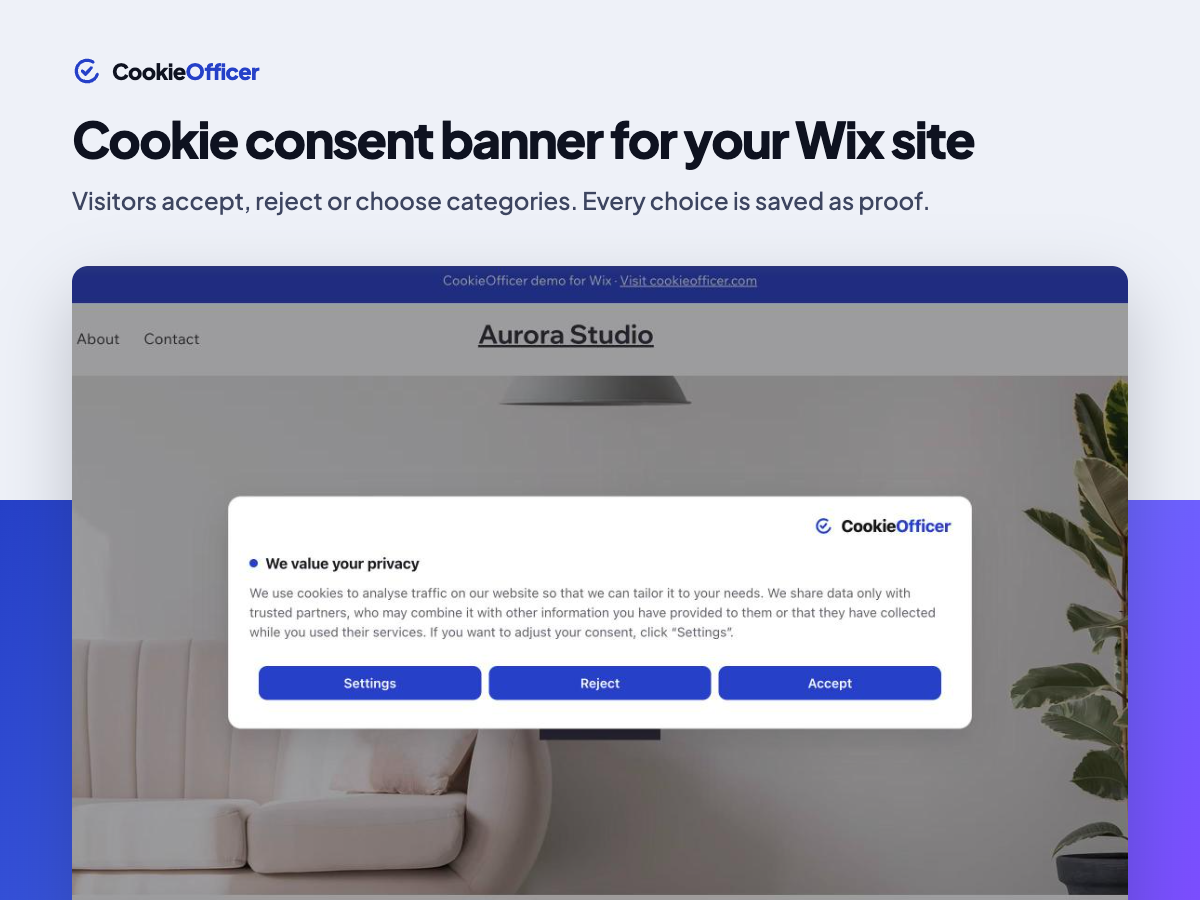
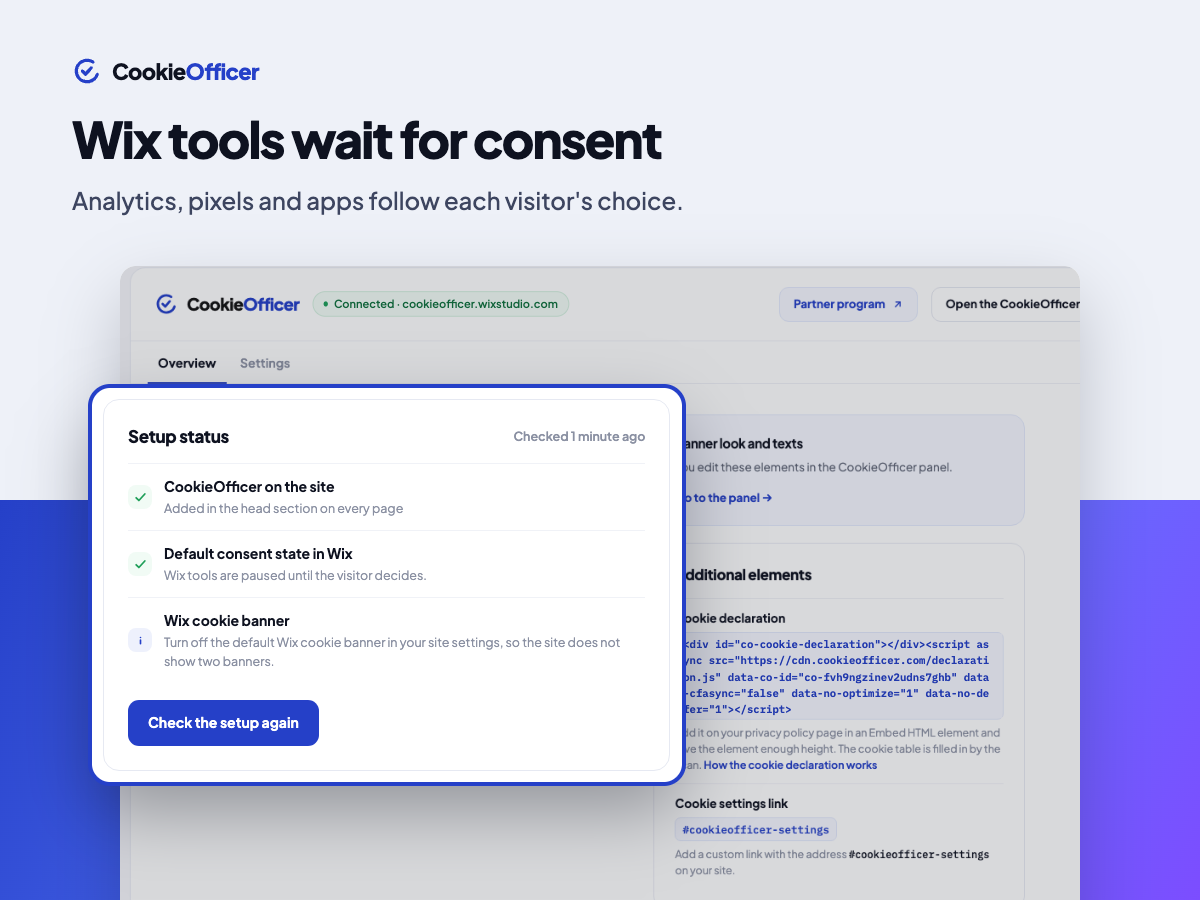
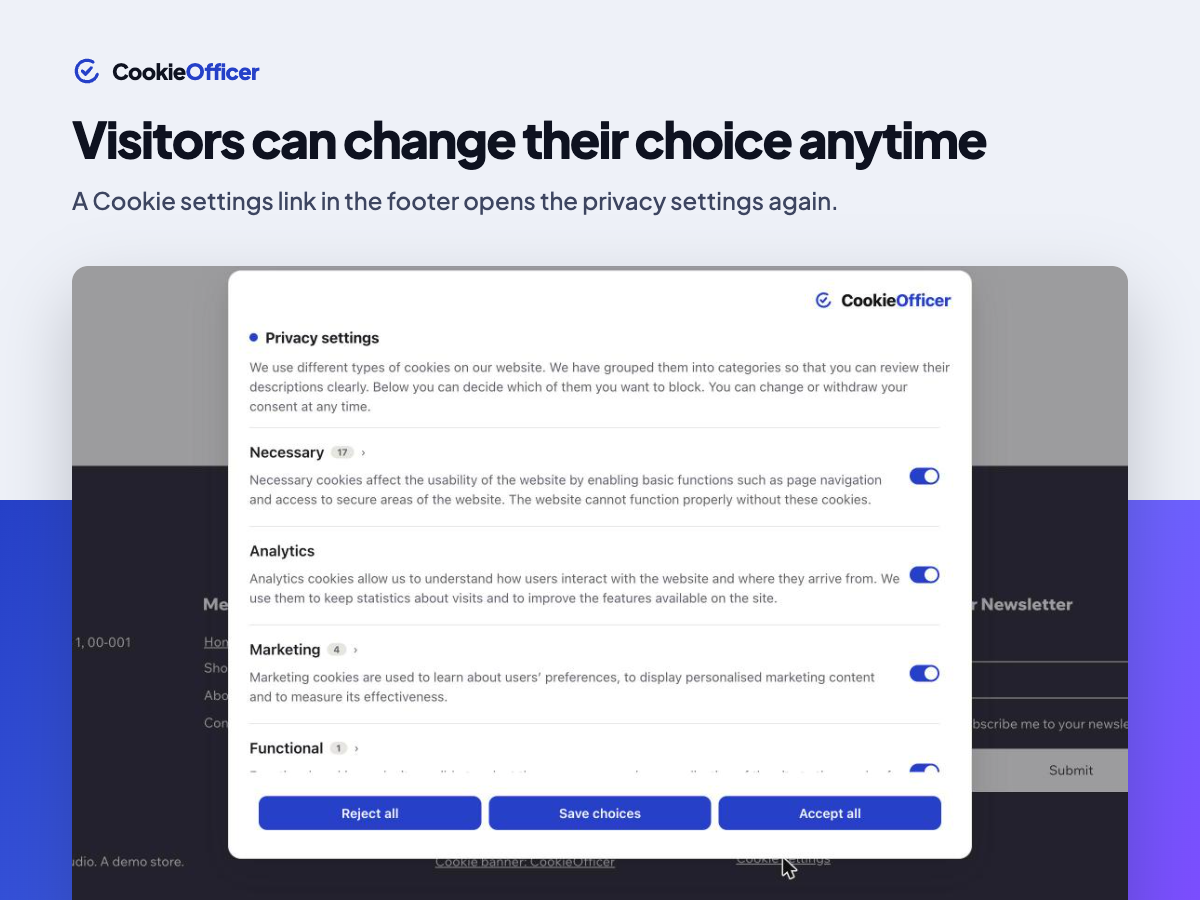
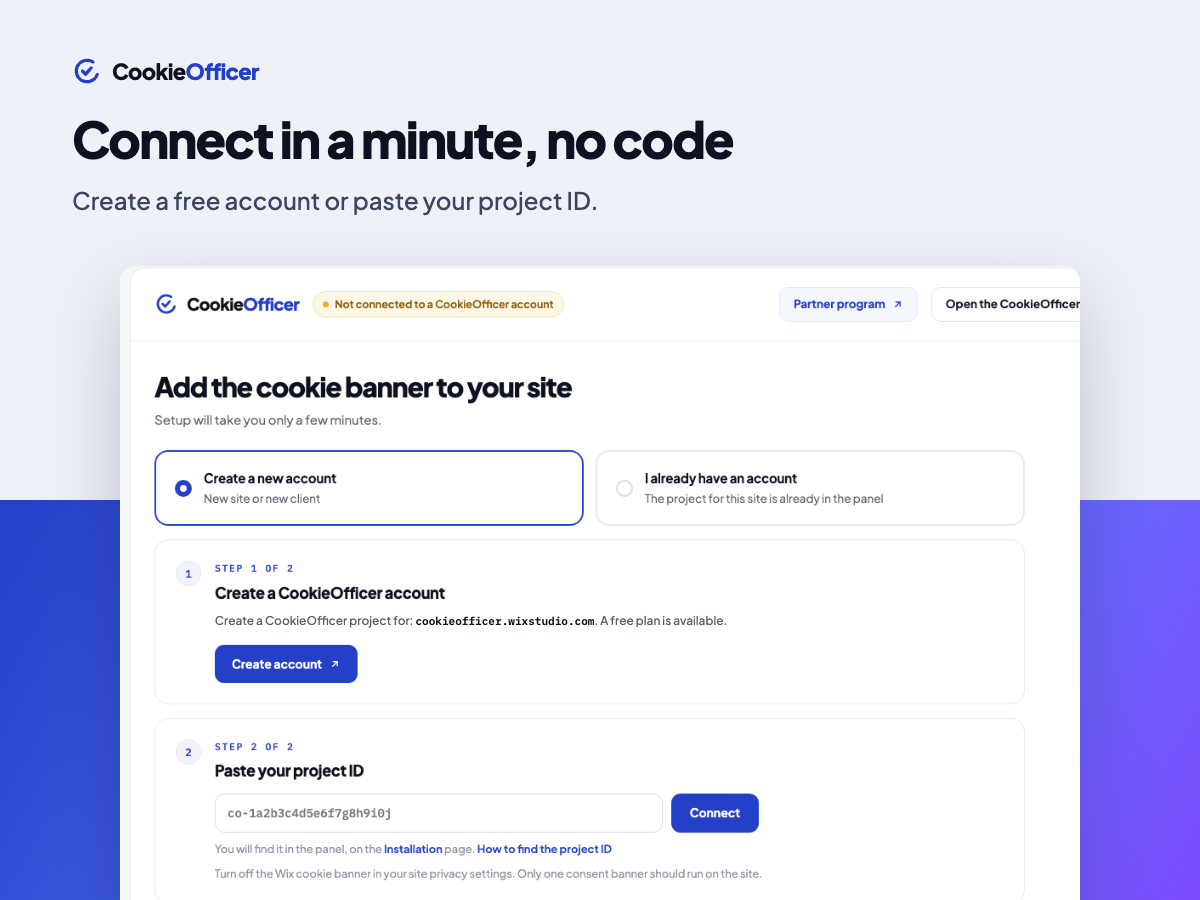
CookieOfficer overview
- Site tools and pixels wait for visitor consent
- Google Consent Mode v2 default and update
- Consent log with downloadable proof
- Cookie scan, script blocking and declaration
Availability:
This app is available worldwide.App languages:
English,
Arabic,
Bulgarian,
Chinese,
Croatian,
Czech,
Danish,
Dutch,
Estonian,
Finnish,
French,
German,
Greek,
Hungarian,
Italian,
Japanese,
Korean,
Latvian,
Lithuanian,
Norwegian,
Polish,
Portuguese,
Romanian,
Russian,
Slovak,
Spanish,
Swedish,
Turkish,
Ukrainian