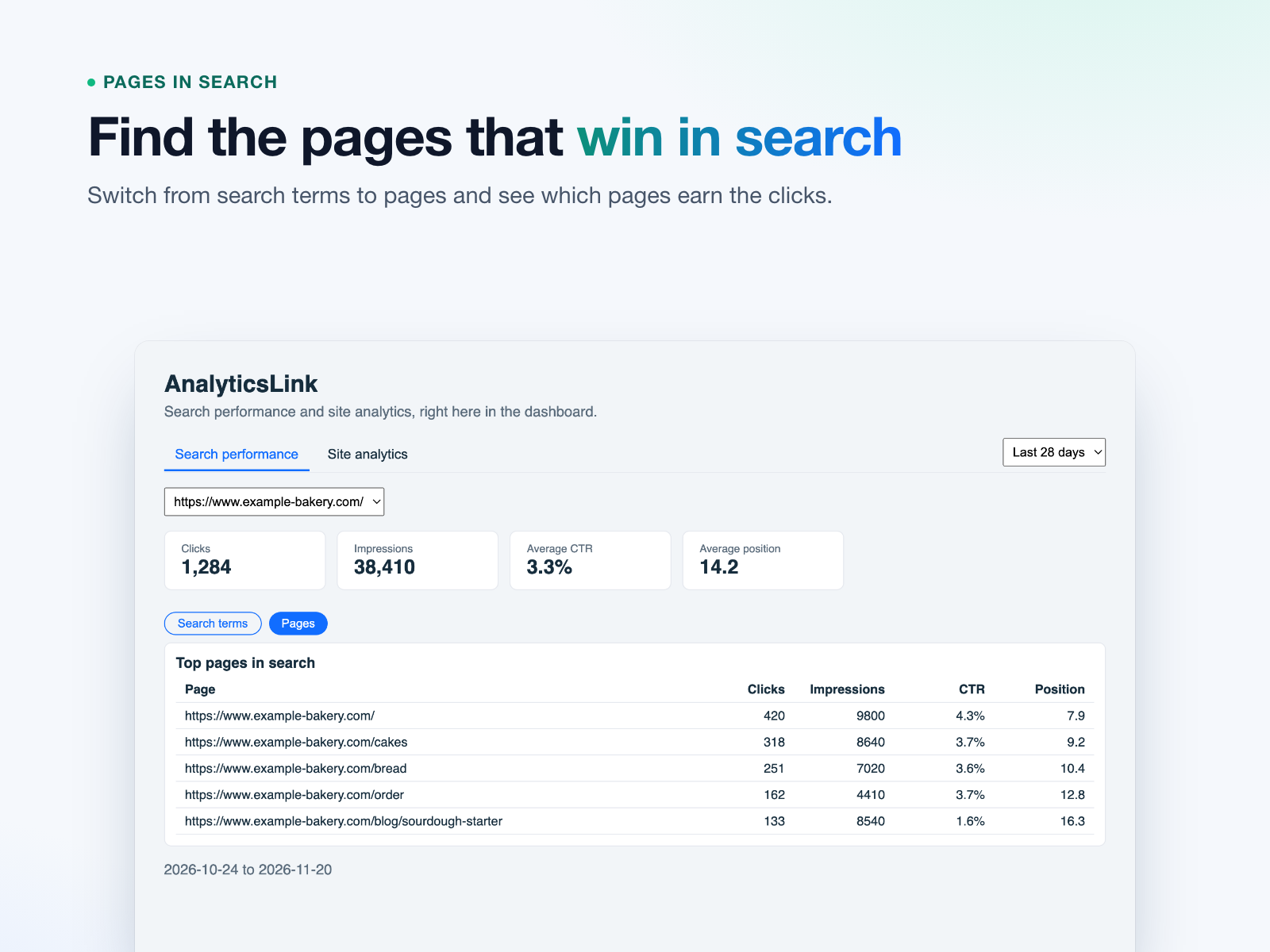
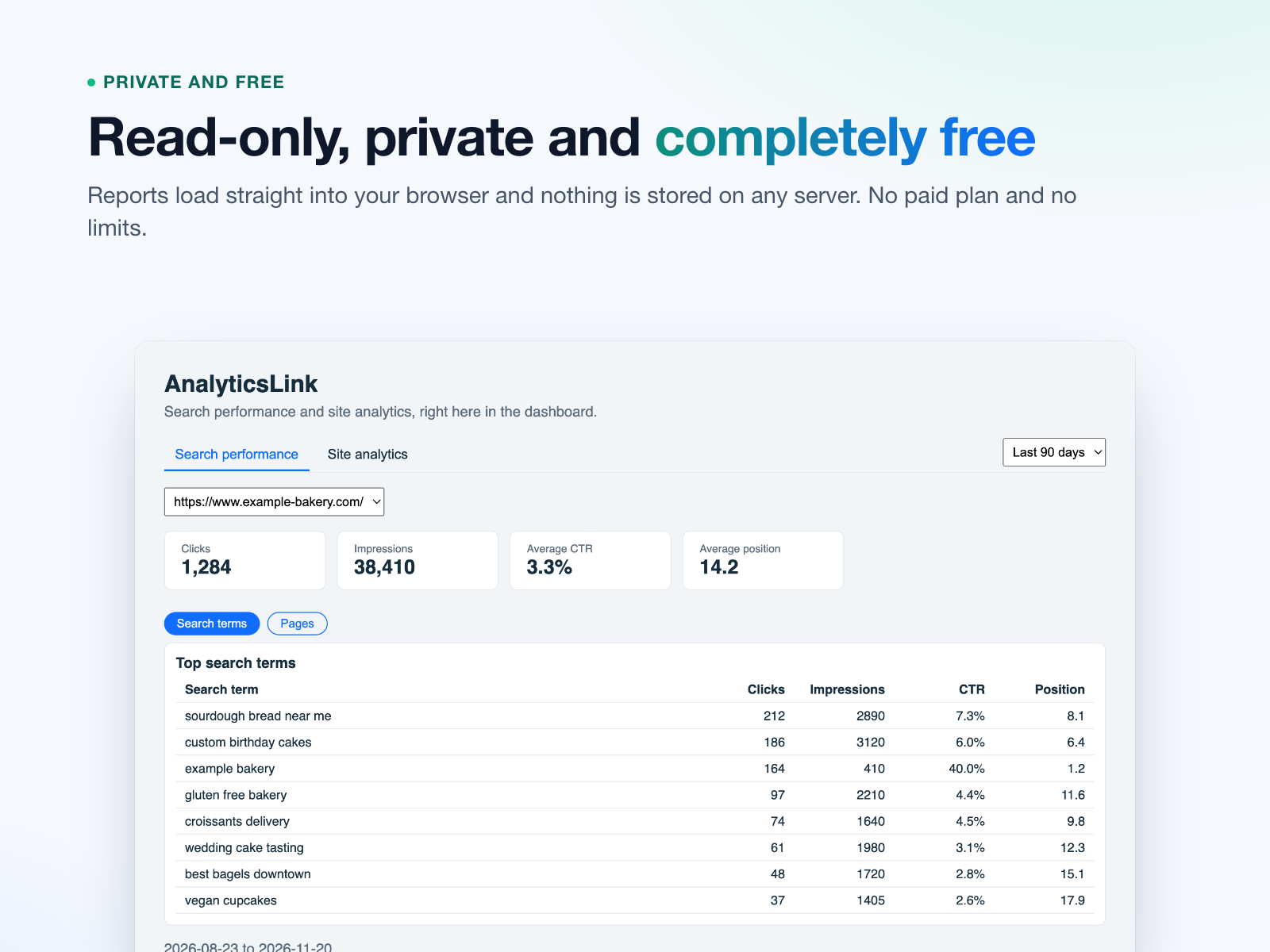
AnalyticsLink brings your Google Search Console and Google Analytics reports into your site dashboard, so you can see how people find your site and what they do there without opening another tab.
How it works: open AnalyticsLink from your dashboard, click Connect Google account, sign in with the Google account that has your site's data and allow read-only access. Your reports load right away.
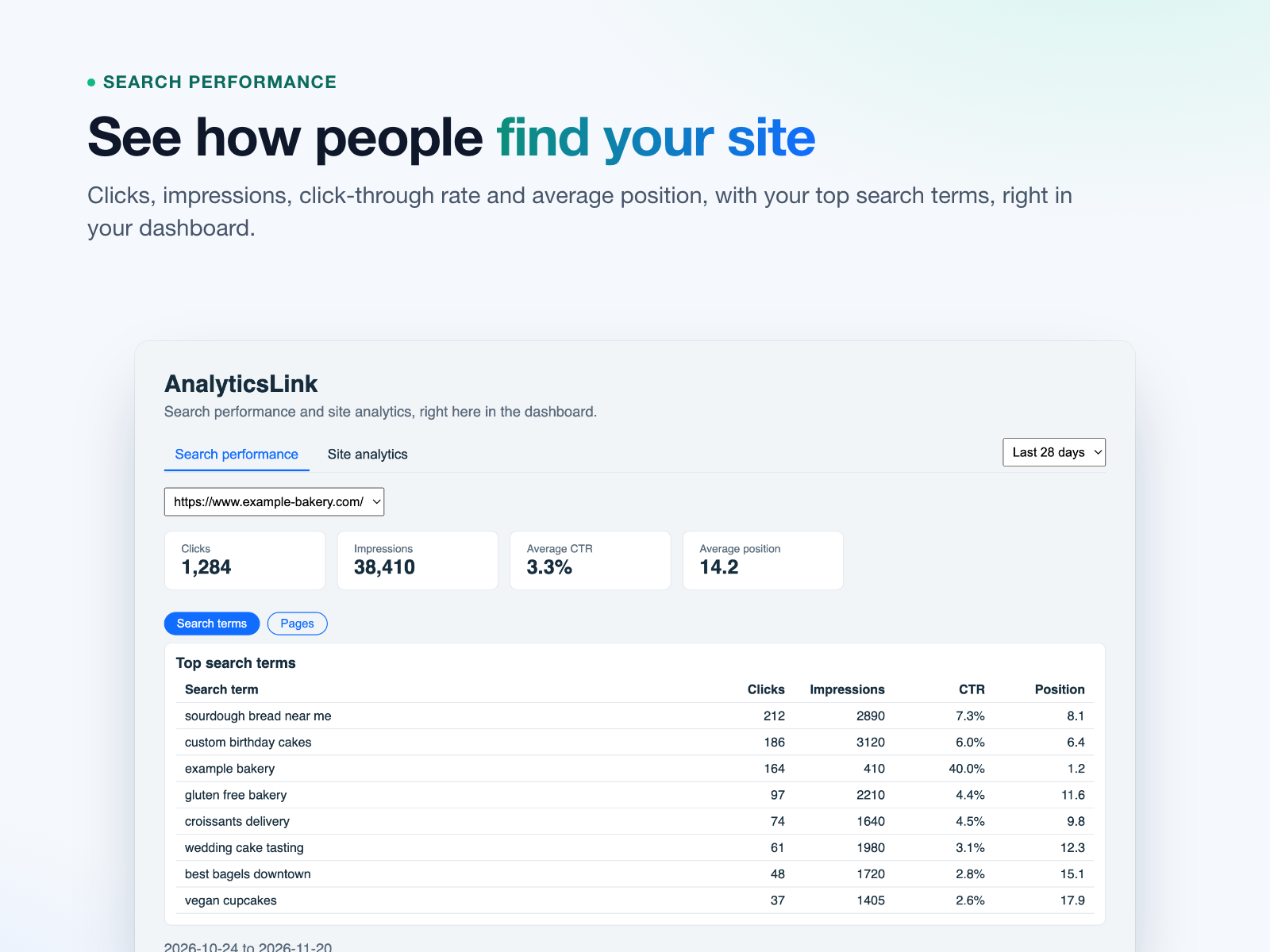
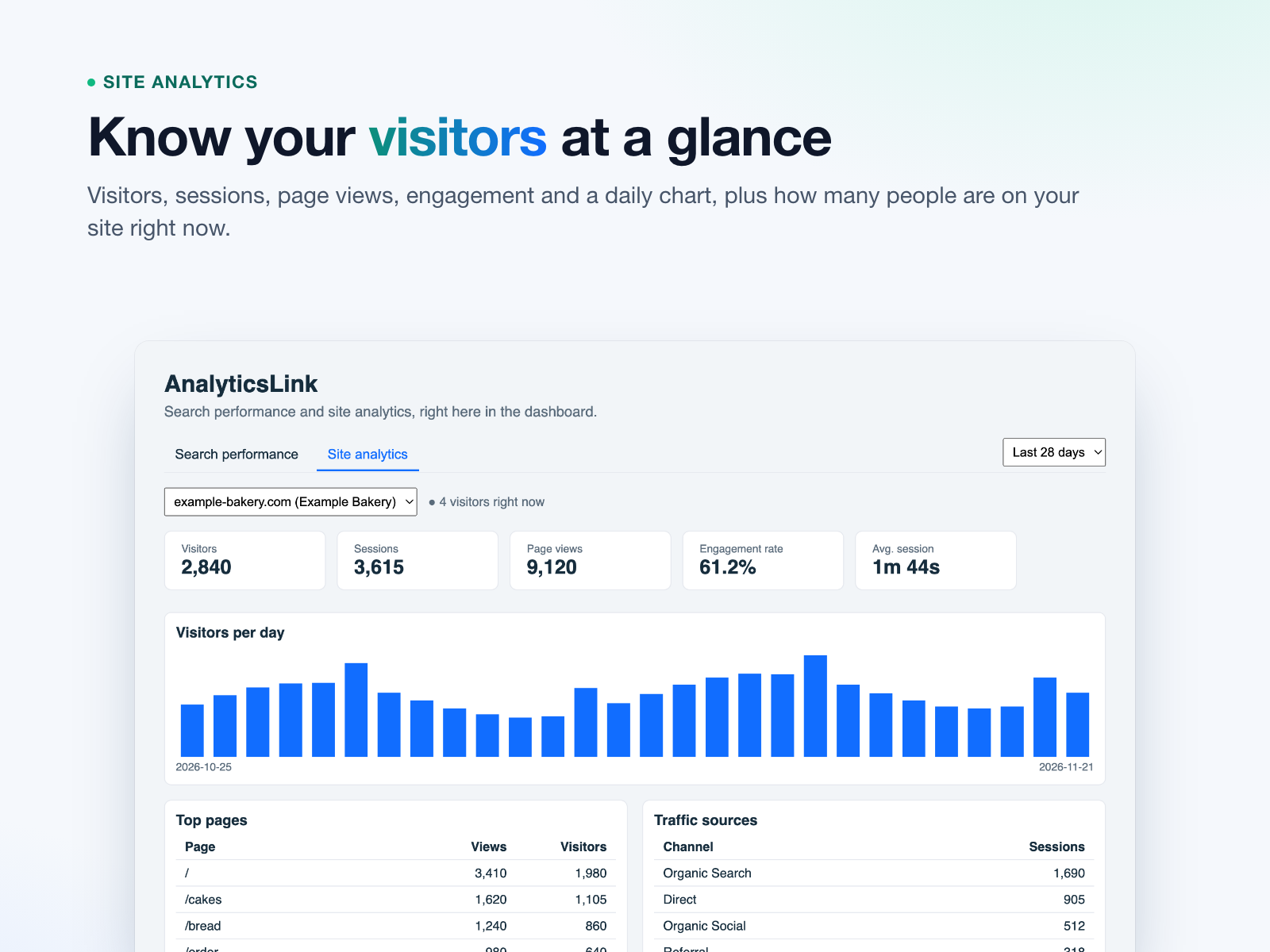
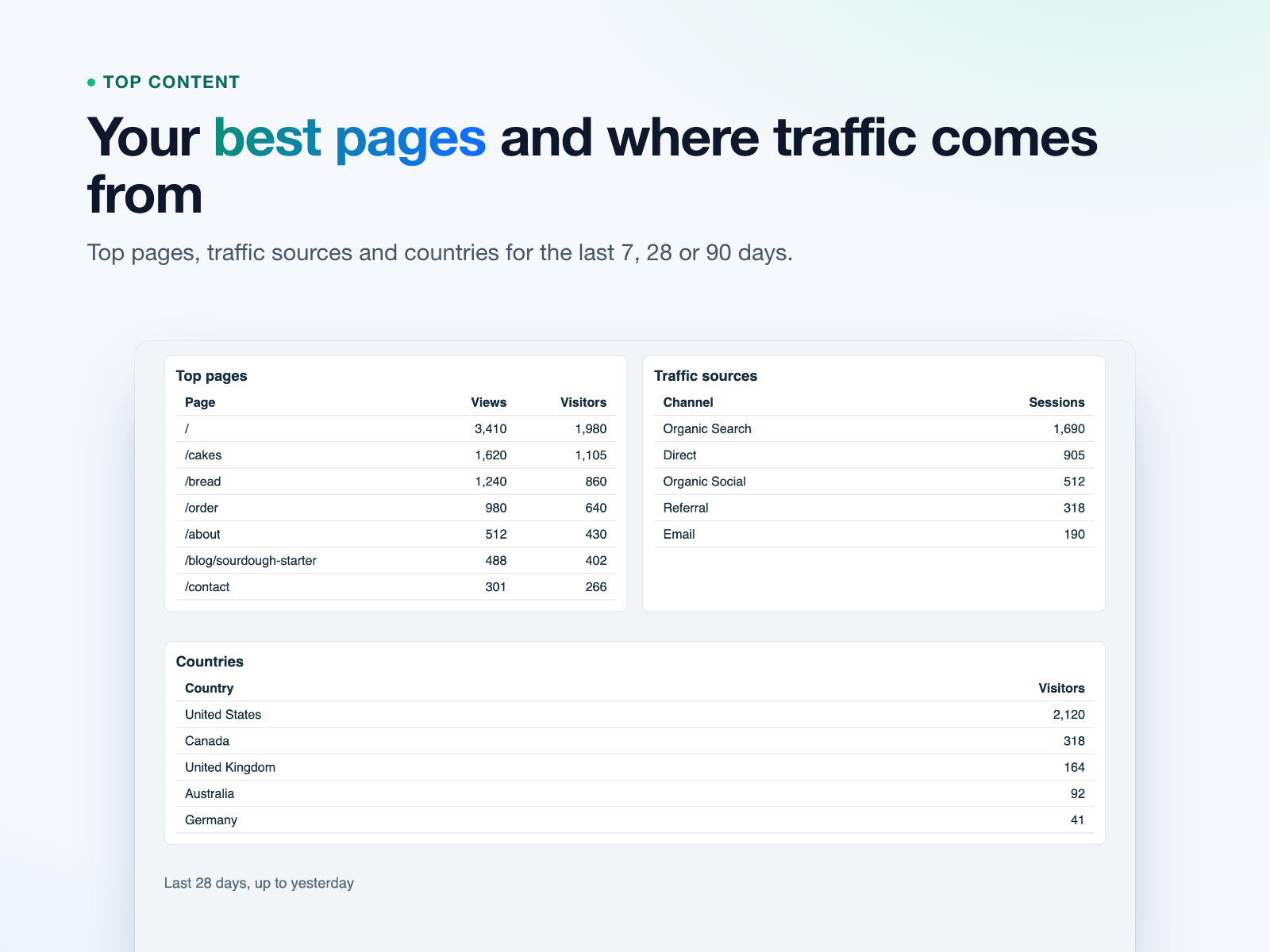
Search performance shows clicks, impressions, click-through rate and average position, with your top search terms and pages. Site analytics shows visitors, sessions, page views, engagement, a daily chart, top pages, traffic sources, countries and visitors right now. Pick the last 7, 28 or 90 days.
What you need: your site verified in Google Search Console for the search reports, and a Google Analytics 4 property for the visitor reports. Each tab works on its own. You can open a sample report before connecting.
AnalyticsLink only reads your reports, loads them straight into your browser and stores nothing on any server. It is completely free, with no limits.