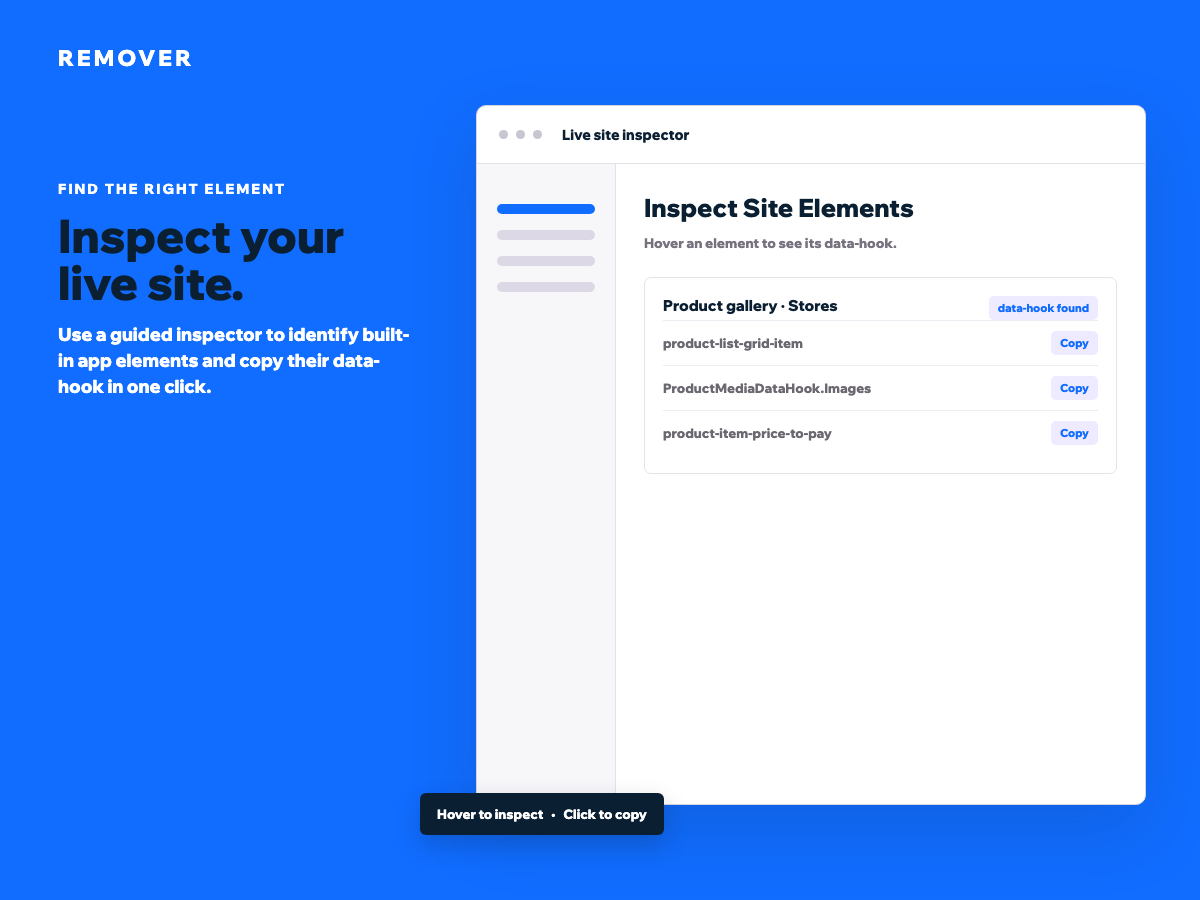
Inspect your live site and copy any supported data-hook
Hide unwanted Stores, Checkout and Thank You page elements
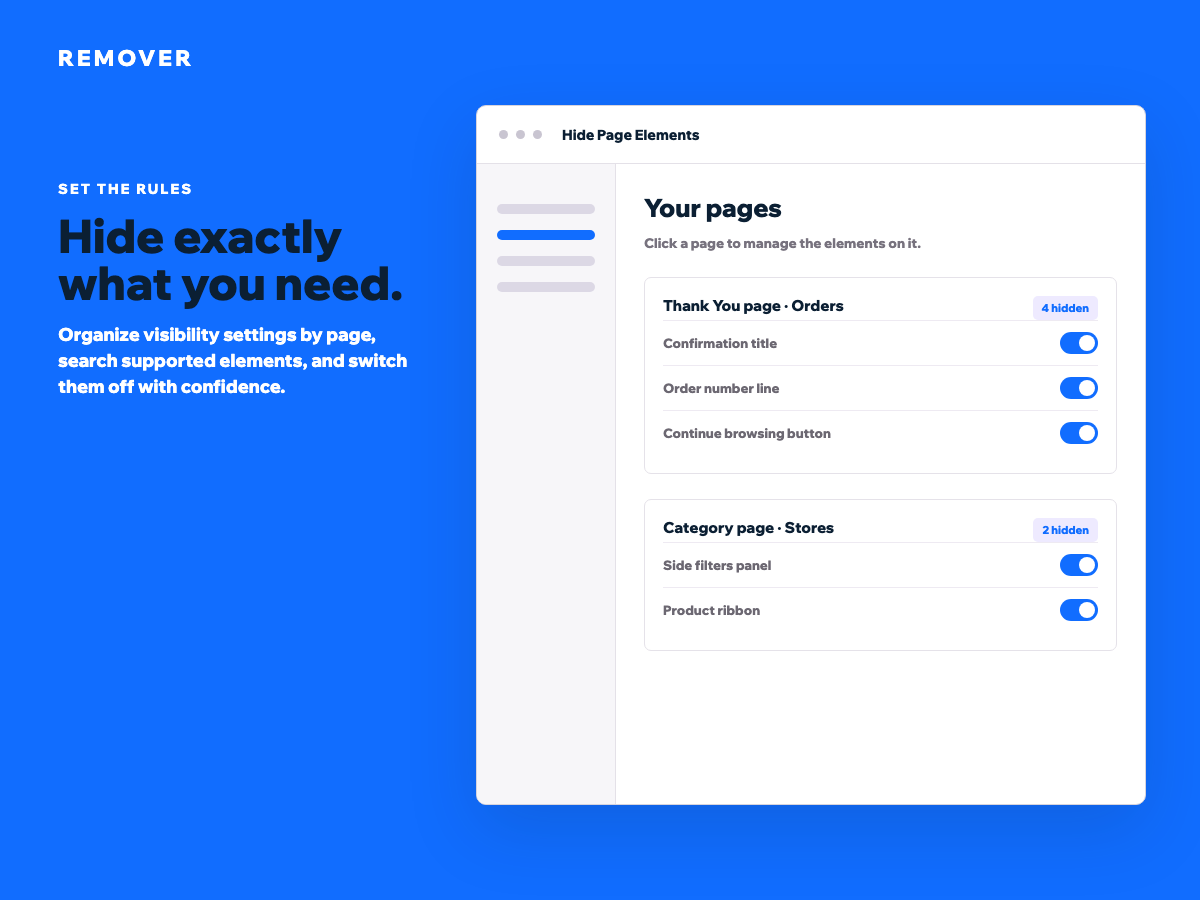
Set visibility rules for individual pages or your whole site
Search, bulk-edit and safely restore hidden elements anytime
Remover gives you control over built-in app elements that are not available in the standard editor. Remove unwanted sections from Stores, Checkout, Thank You pages, category pages and other system-generated experiences, without custom code.
Start with the live inspector. Hover over your published site to identify an element, see its data-hook and copy the value in one click. Add it to a page rule, switch it off, and save. The change is applied to visitors while your original setup stays editable in the dashboard.
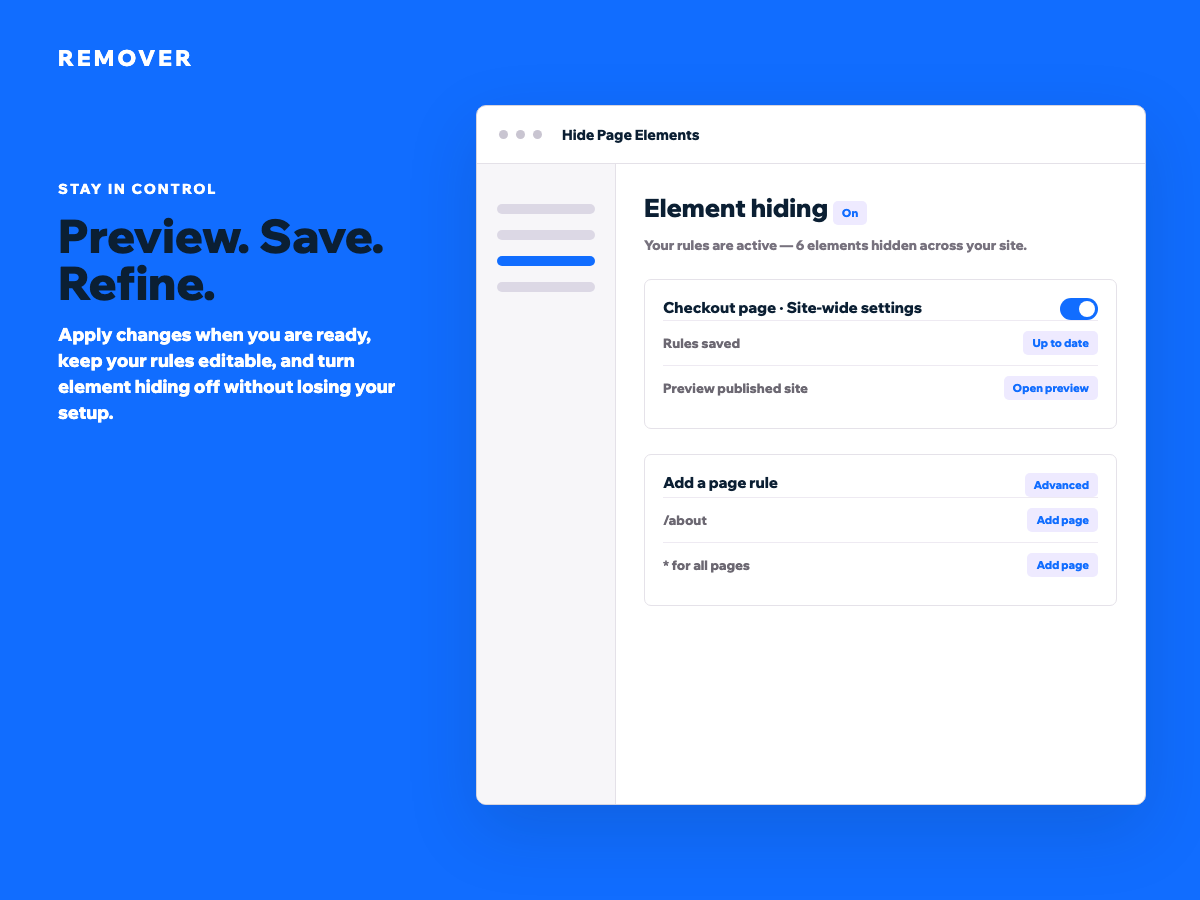
Use friendly labels and search to find the element you need. Hide items individually or apply a bulk action to an entire page. Create rules for a URL path, add a custom data-hook for an advanced layout, or use an asterisk to hide the same element across the site. Turn hiding off temporarily to review the original experience, then restore your rules without rebuilding them.
Remover is useful when you need a focused product flow, a cleaner confirmation page, a simpler category layout, or more control over system content that is otherwise difficult to manage. Preview your changes, save only when ready, and keep every visibility decision in one clear place.