Wix App Market Logo

wix logo


Trending Topics
online store
bookings
events
popup

Limitry: Order Limits & Rules logo

Limitry: Order Limits & Rules

By
Set order minimums, maximums and delivery rules
No Reviews Yet
Free

Limitry: Order Limits & Rules overview

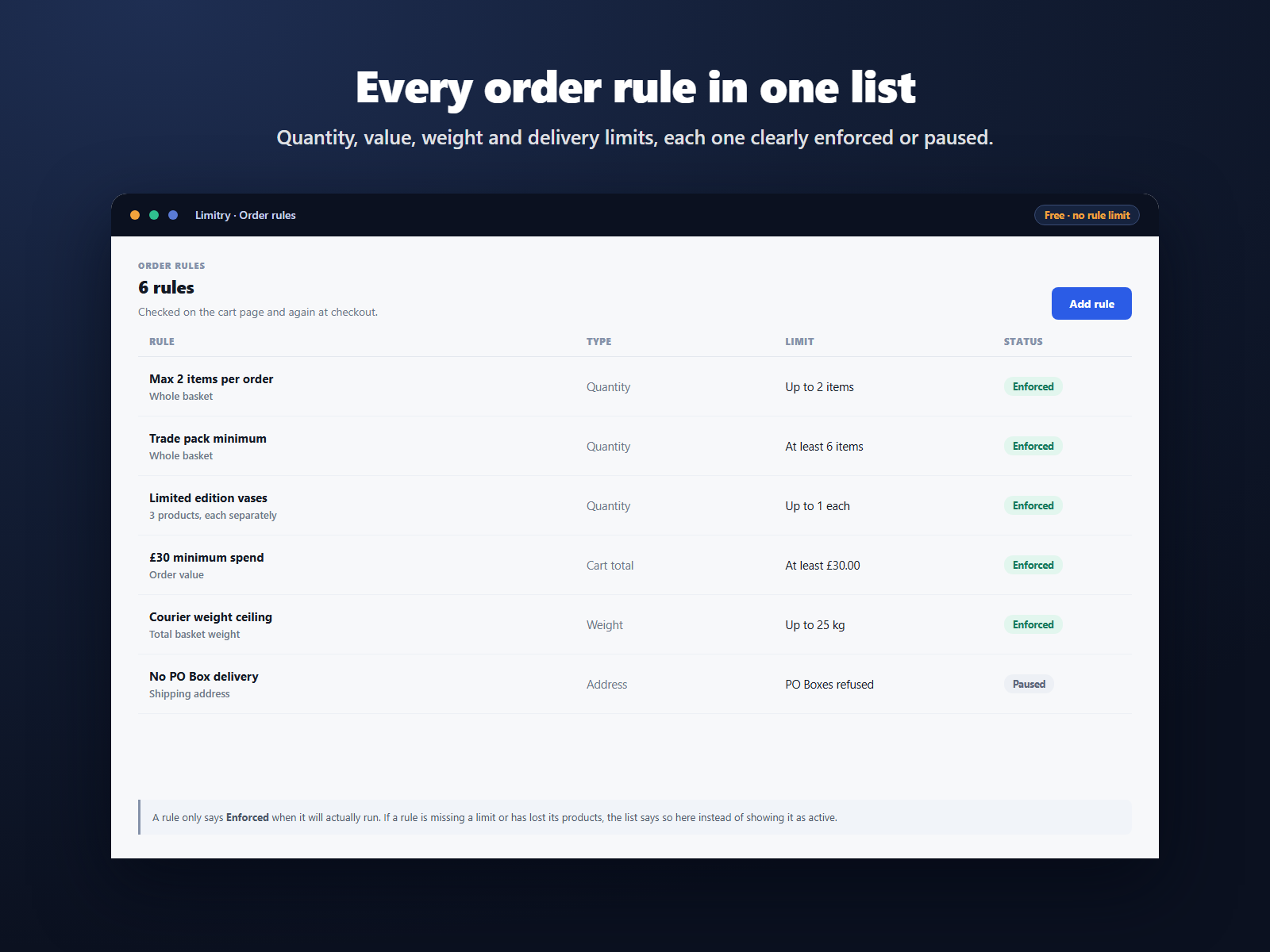
  • Set a minimum or maximum items per order
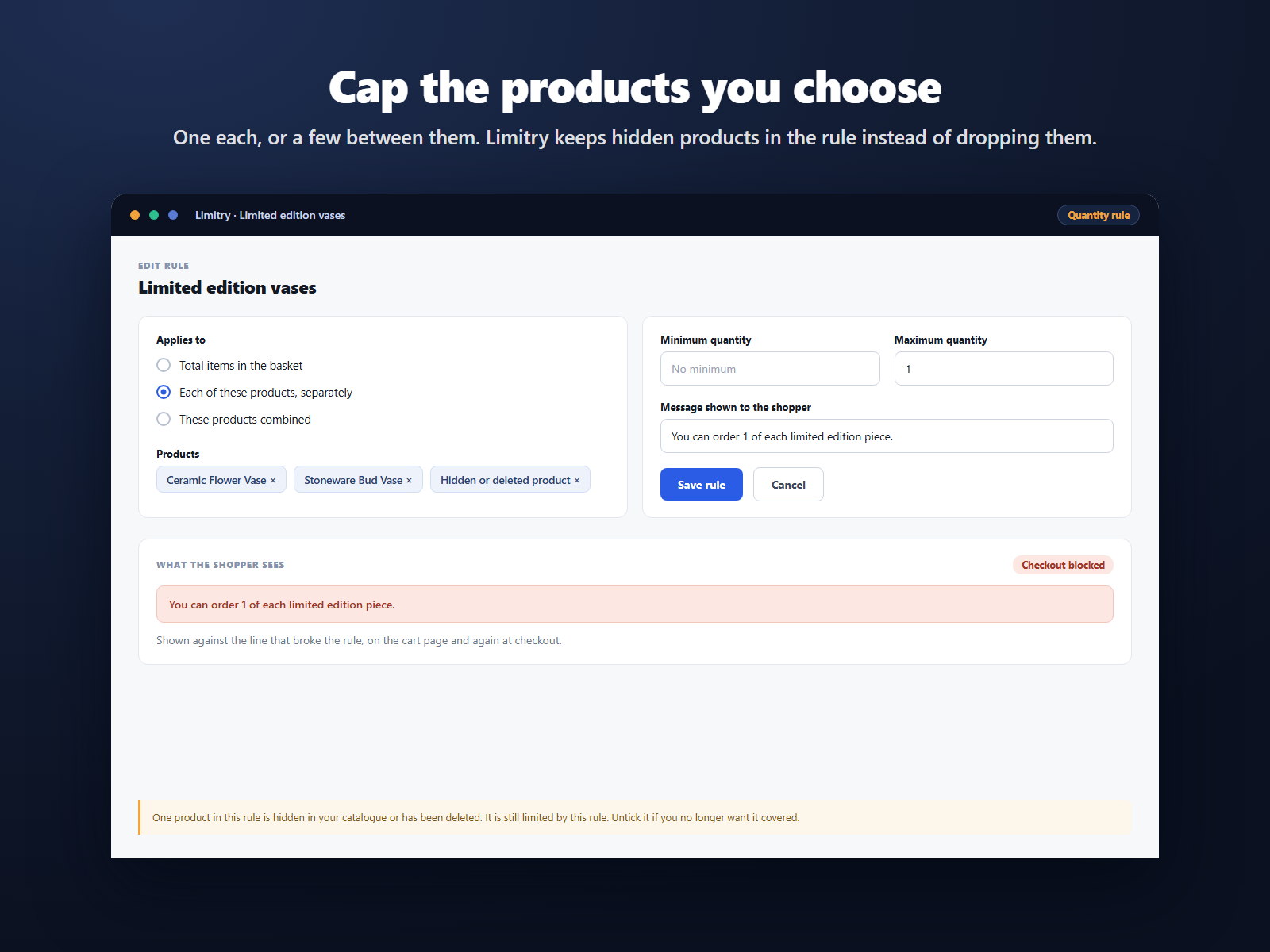
  • Cap chosen products, singly or combined
  • Limit basket total value and total weight
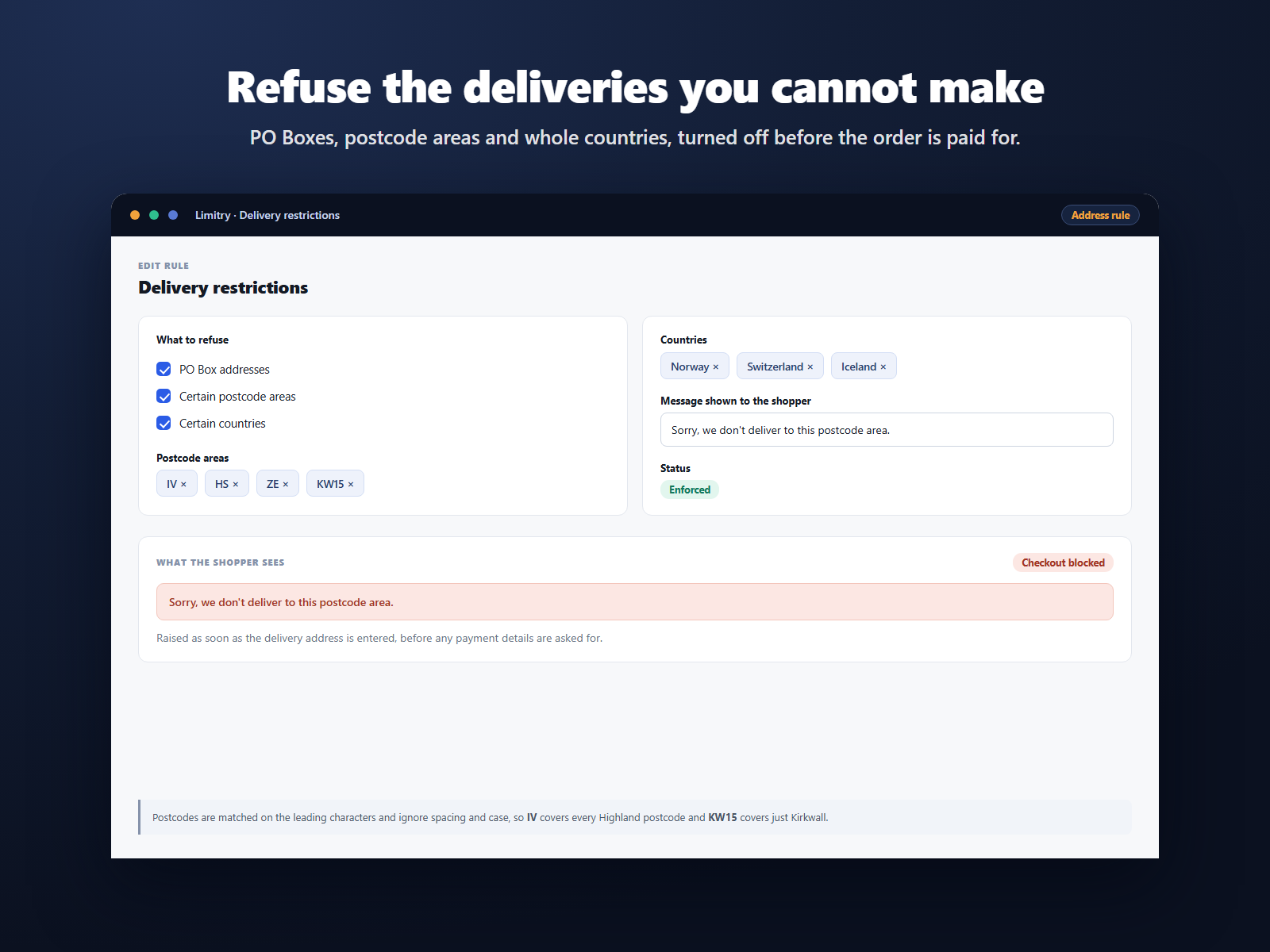
  • Refuse PO Boxes, postcodes or countries
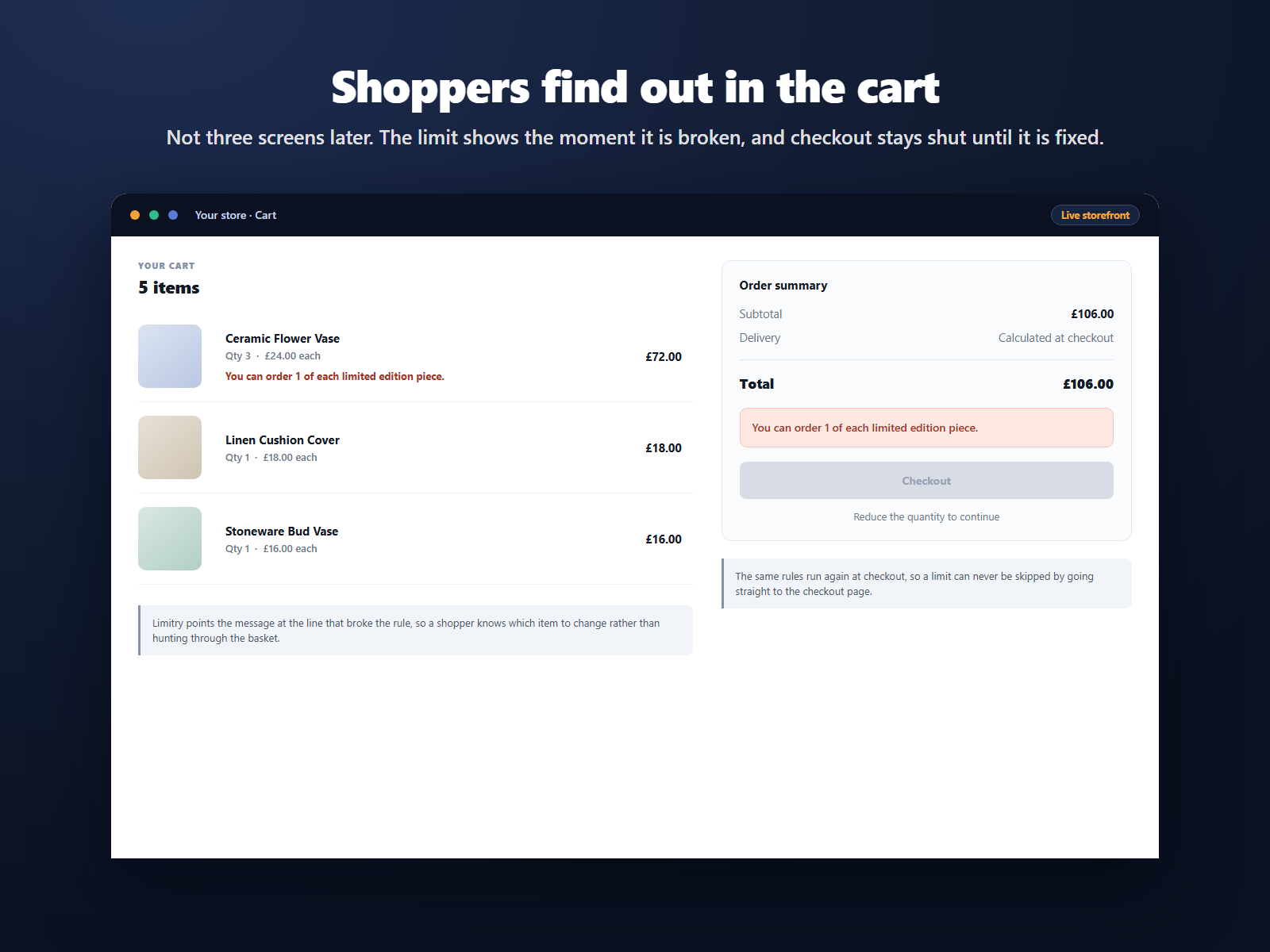
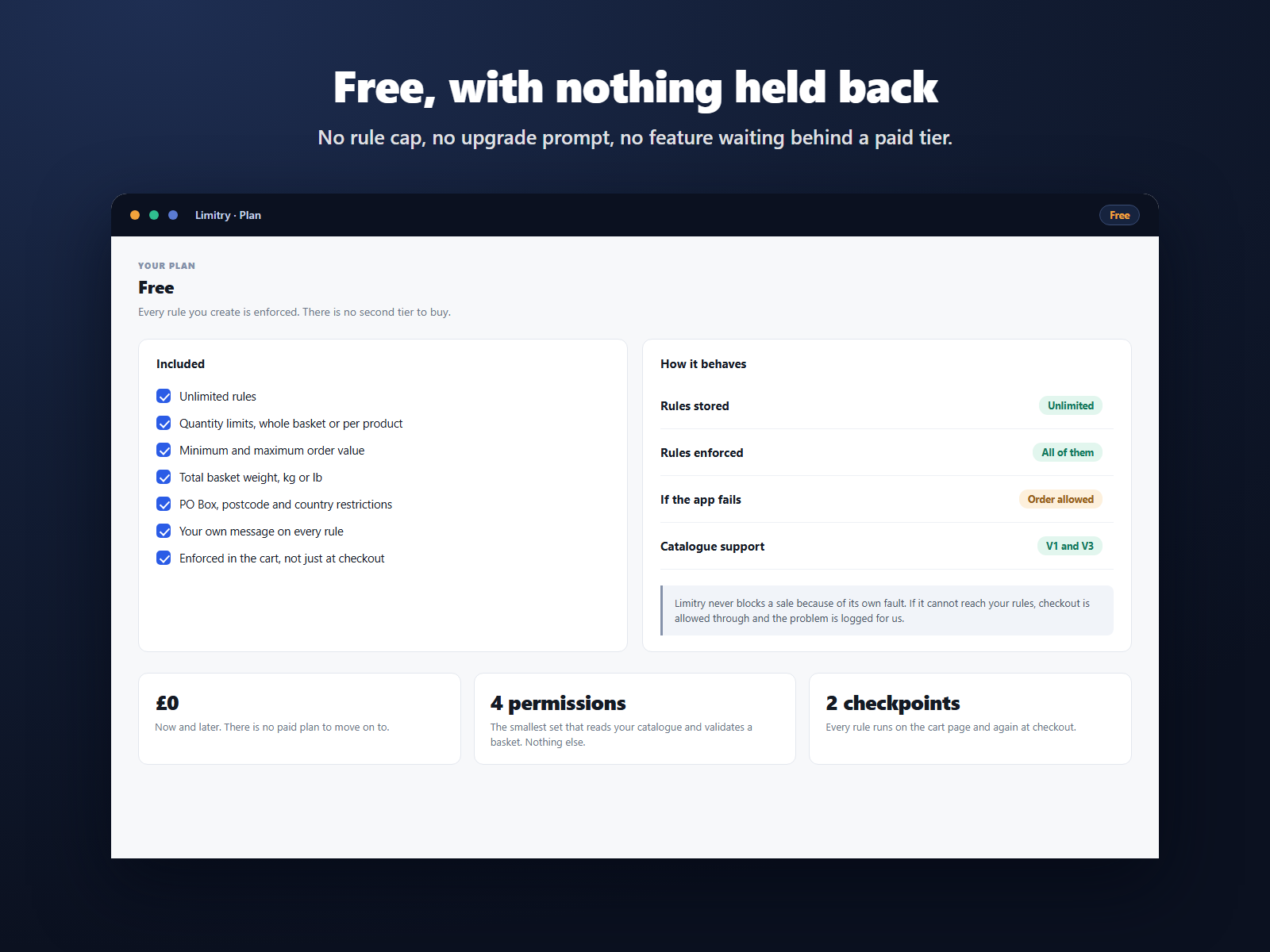
Limitry helps you turn away the orders you would rather not receive, before they reach your checkout. Your store already lets you set a minimum order value. Limitry is meant to cover the rest: how many items a shopper can buy, how much the basket may weigh, which products are capped, and where you are willing to deliver. There is no rule cap and no paid tier, so every rule you create is enforced. Each limit is checked on the cart page as well as at checkout, so a shopper usually meets a limit while still shopping rather than after filling in their delivery details. Every rule carries a message you can rewrite in your own words, and where a single line is at fault the message is pointed at that line. You can set a minimum, a maximum or both on the total number of items in a basket, cap chosen products either separately or across a group, set a minimum or maximum order value, set a maximum basket weight in kilograms or pounds, and turn away PO Box addresses, postcode areas or whole countries. If Limitry cannot read one of your rules, the rules list says so rather than showing it as enforced, and if the app itself fails, checkout is allowed to continue rather than being held up.
Availability:
This app is available worldwide.
App languages:
English
You can translate all app content displayed on your site into any language.
Site Requirements:
-
Featured in

Rating & Reviews

This app hasn’t received any reviews yet, be the first to rate it.

Build and launch your next app for 230m+ Wix users