

online store
bookings
events
popup

Checkout Rules: Order Limits
By
Order limits & restrictions for your checkout
No Reviews Yet
Free plan available

Checkout Rules: Order Limits overview
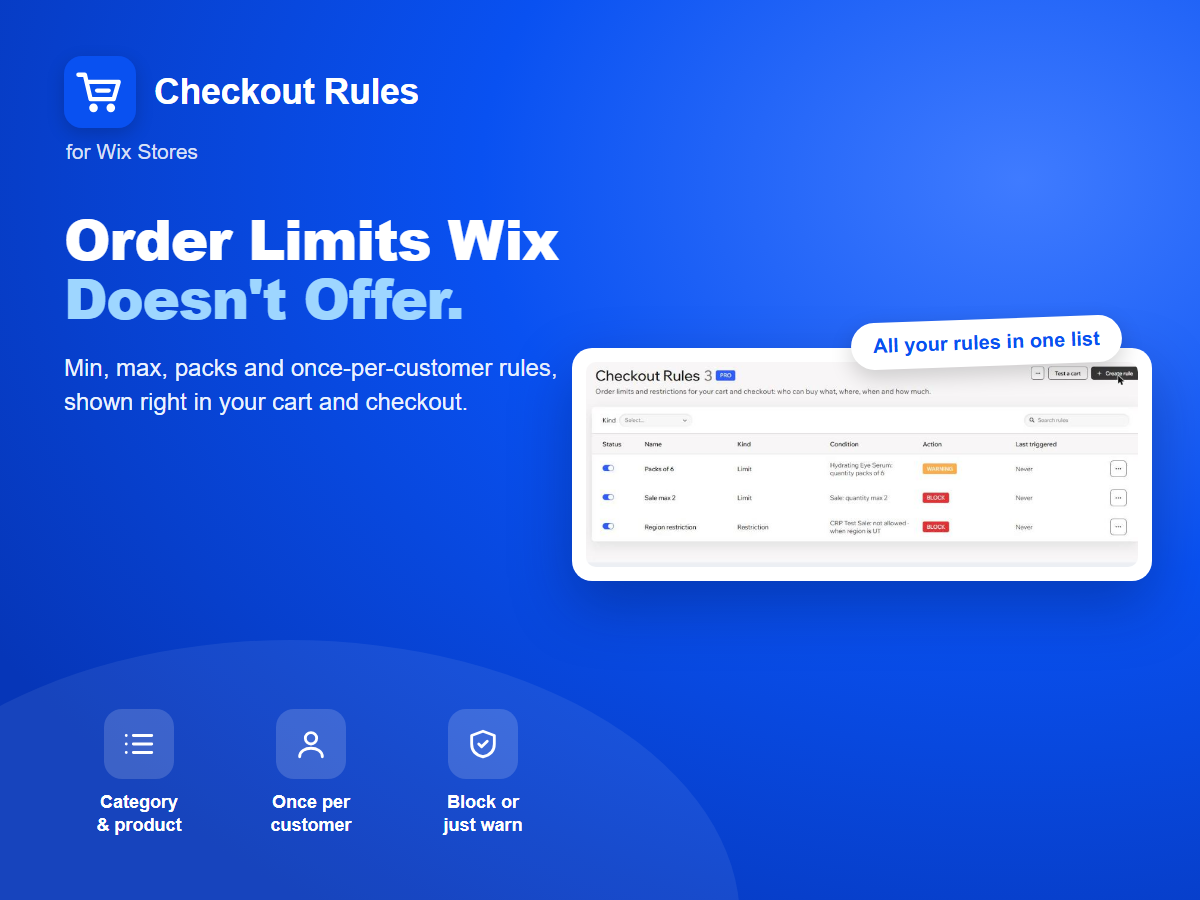
- Min/max quantity, spend or weight per category, product or order
- Restrict products by country, state, postcode, PO box or delivery
- Once per customer, first-order-only and members-only products
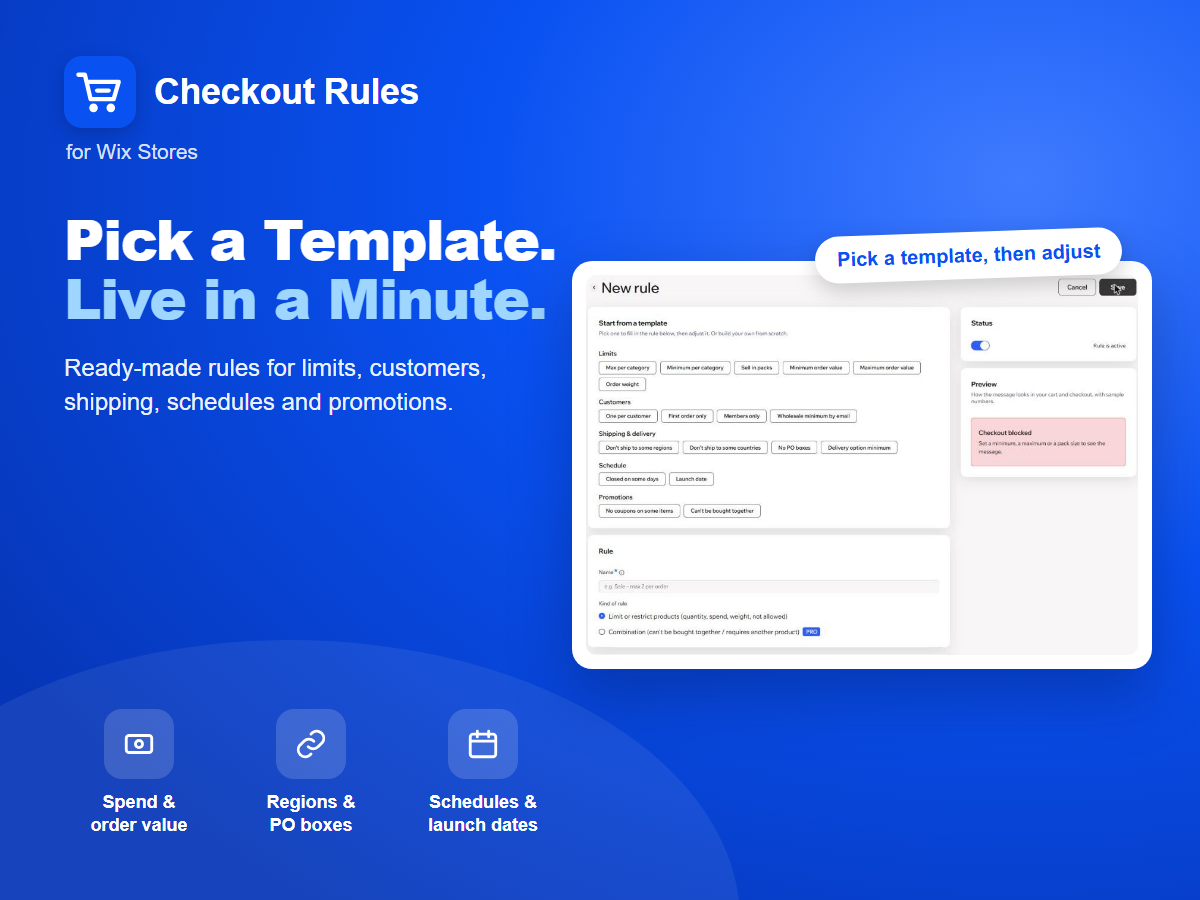
- Packs of N, schedules, coupon rules and can't-buy-together rules
Rating & Reviews
This app hasn’t received any reviews yet, be the first to rate it.Pricing & plans
Free plan
Free
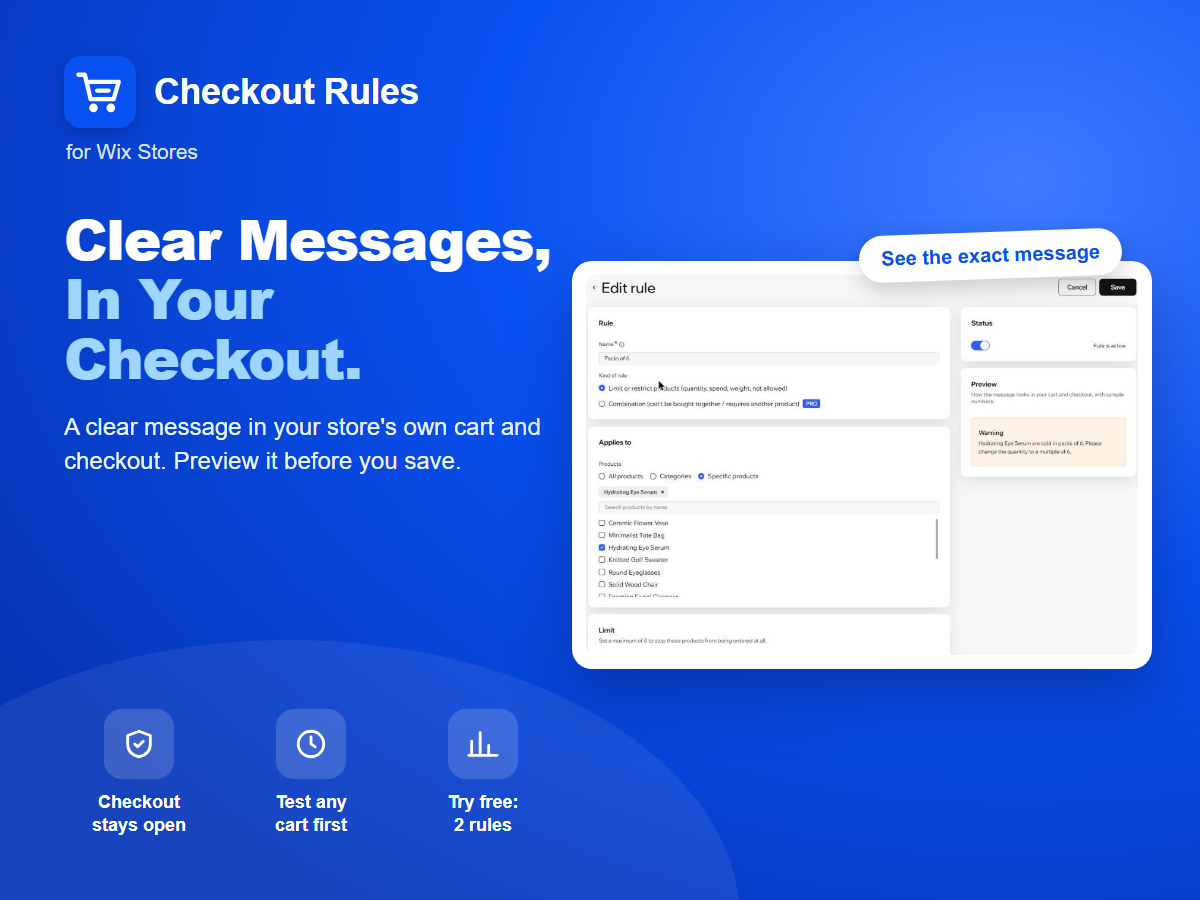
2 active rules
Category, spend & weight limits
Ship-to, delivery & schedule rules
Activity log of blocked checkouts
Pro plan
$
4
92
/month
Unlimited active rules
Per-customer & first-order rules
Can't-buy-together rules
Combine multiple conditions
* Price is in USD.