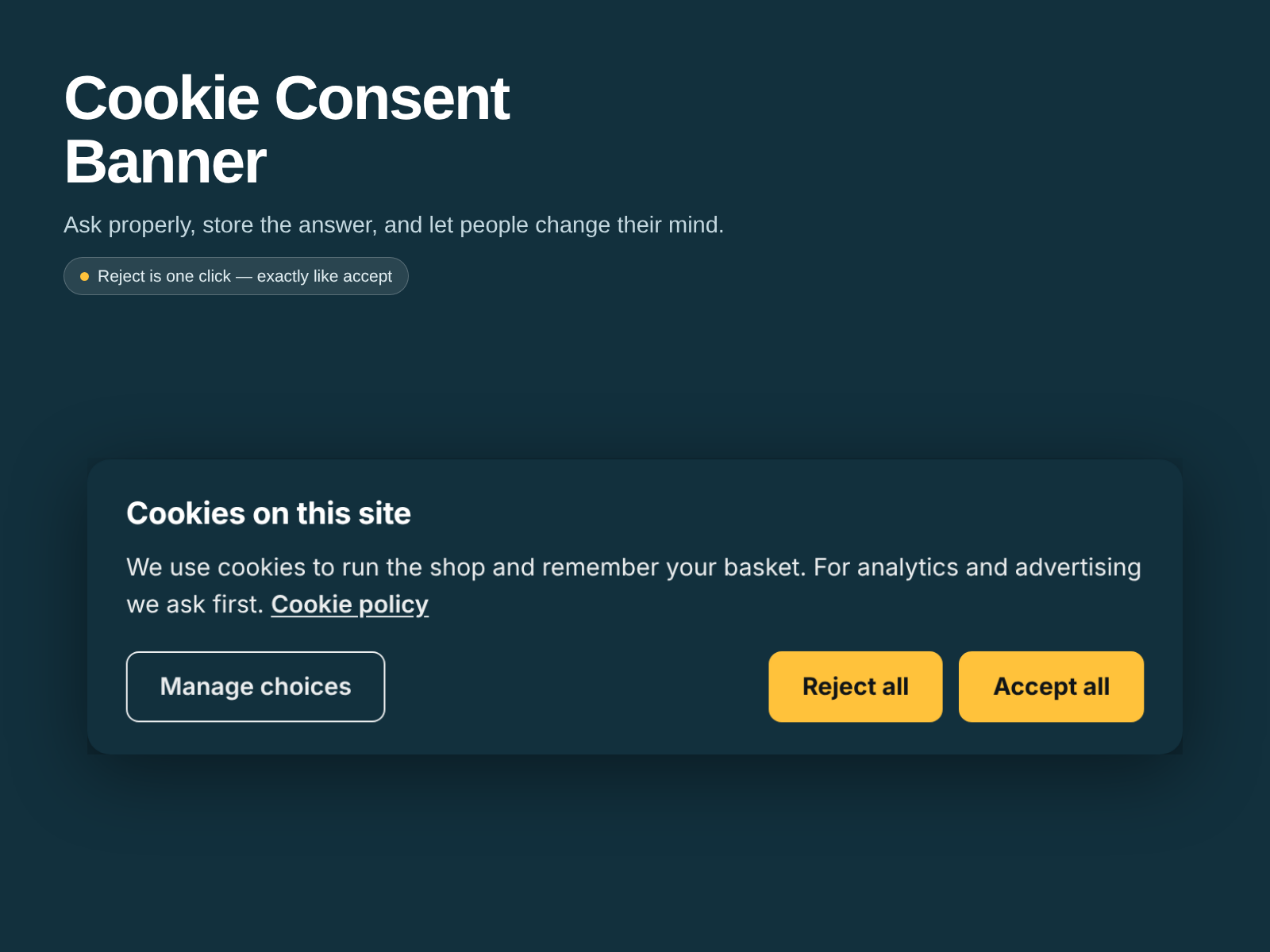
Reject all and Accept all are the same button: same size, same colour, one click each
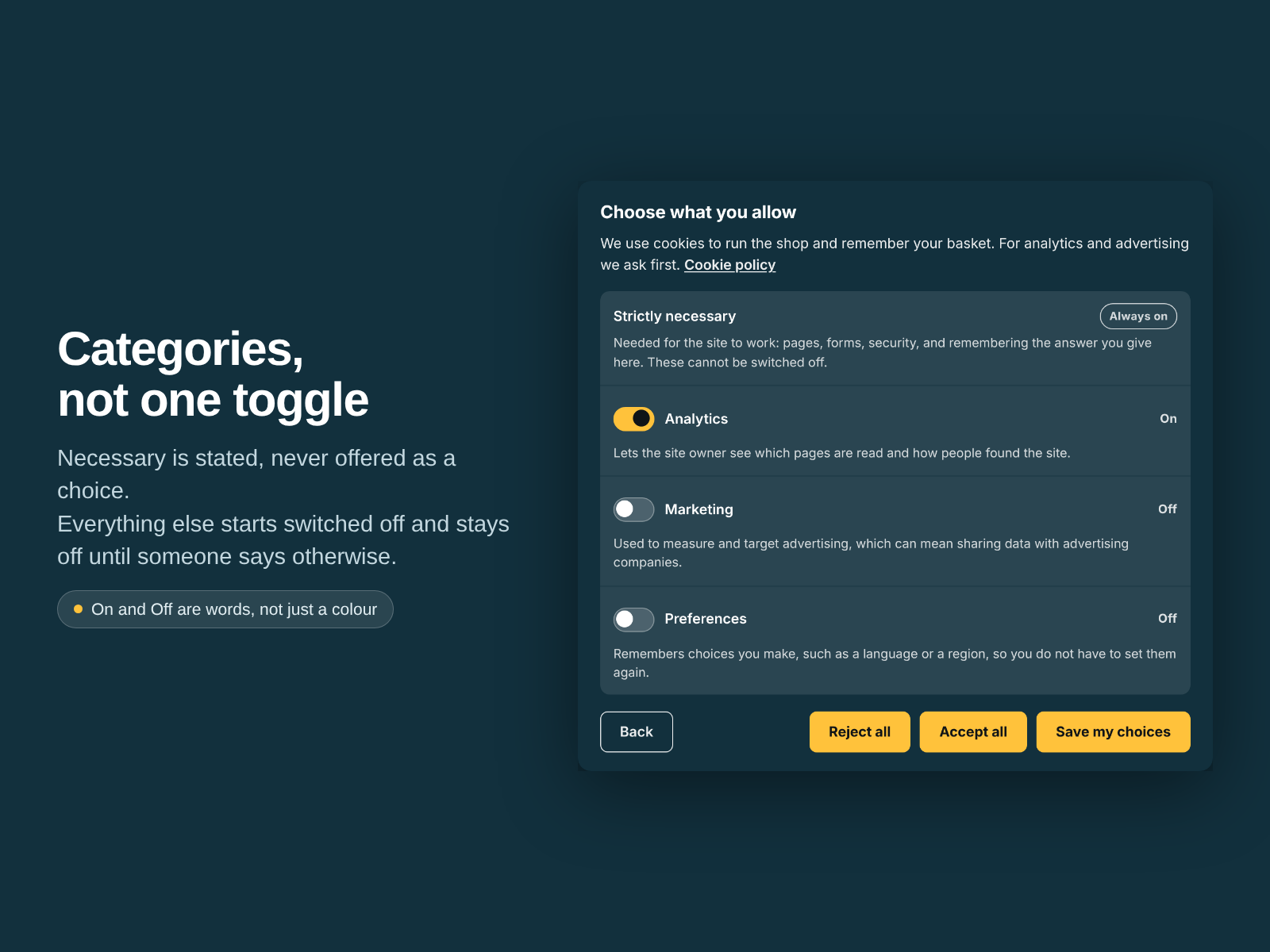
Nothing optional is on until a visitor says so, each category explained in your own words
The answer is kept in the visitor's browser with the date, and a version you bump to re-ask everyone
Twelve languages, a real dialog for screen readers and keyboards, and no network request at all
A cookie banner is on your site for legal reasons and nothing else. Most are built to get a click rather than an answer: "Accept all" in bright colour, "Reject" as grey text three sizes smaller. That is what regulators have been fining.
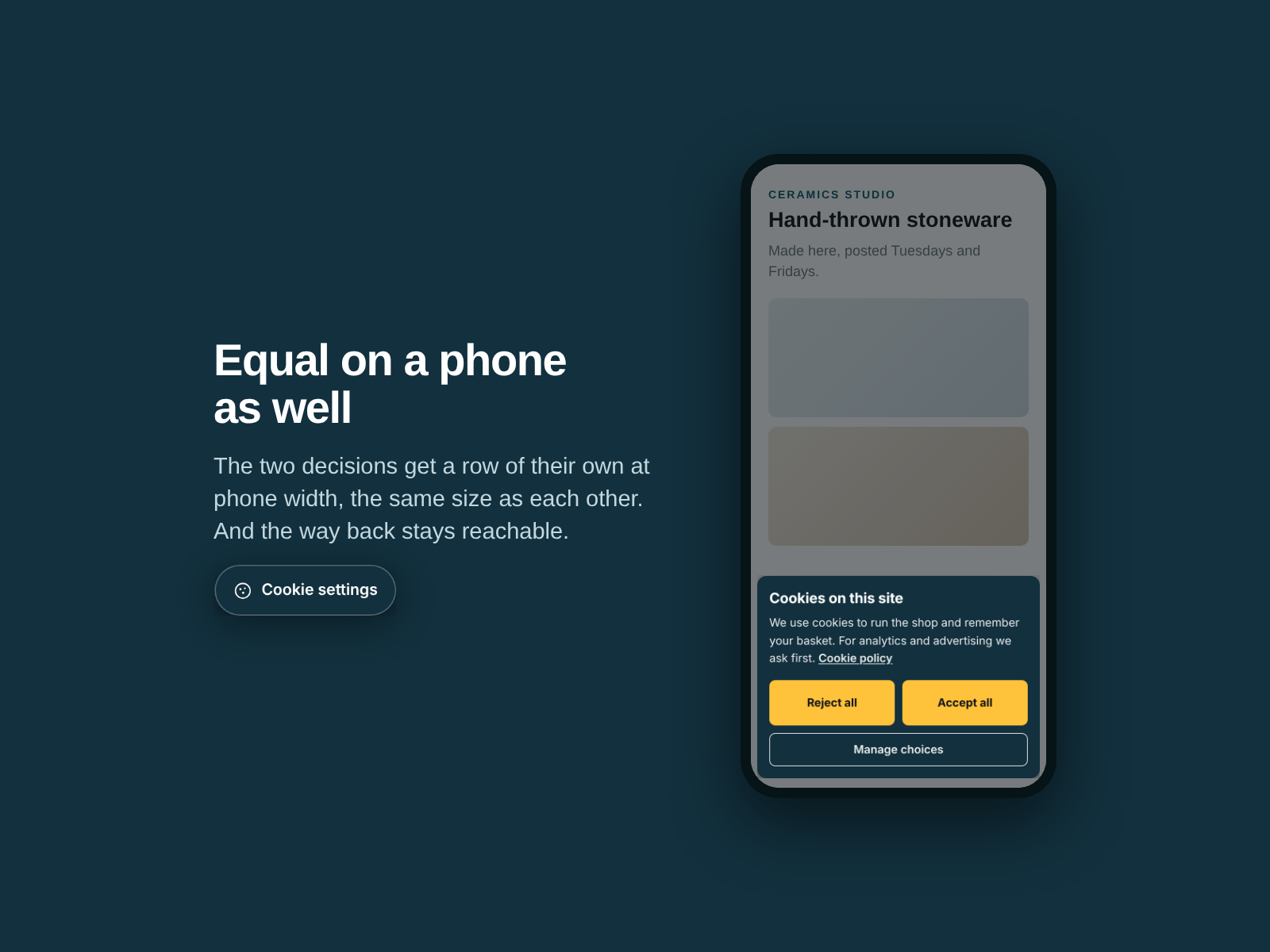
This one asks properly. "Reject all" and "Accept all" are the same button: same size, same colour, one click each. Optional categories start switched off, and closing the banner stores nothing and grants nothing. You write each category's explanation in your own words, never machine-translated. The answer is kept in the visitor's own browser with the date and a version number you control: bump it and everyone is asked again, otherwise nobody is asked twice. A "Cookie settings" control stays on the page, so withdrawing permission is as easy as giving it. Twelve languages, a real dialog for screen readers and keyboards, and no network request at all.
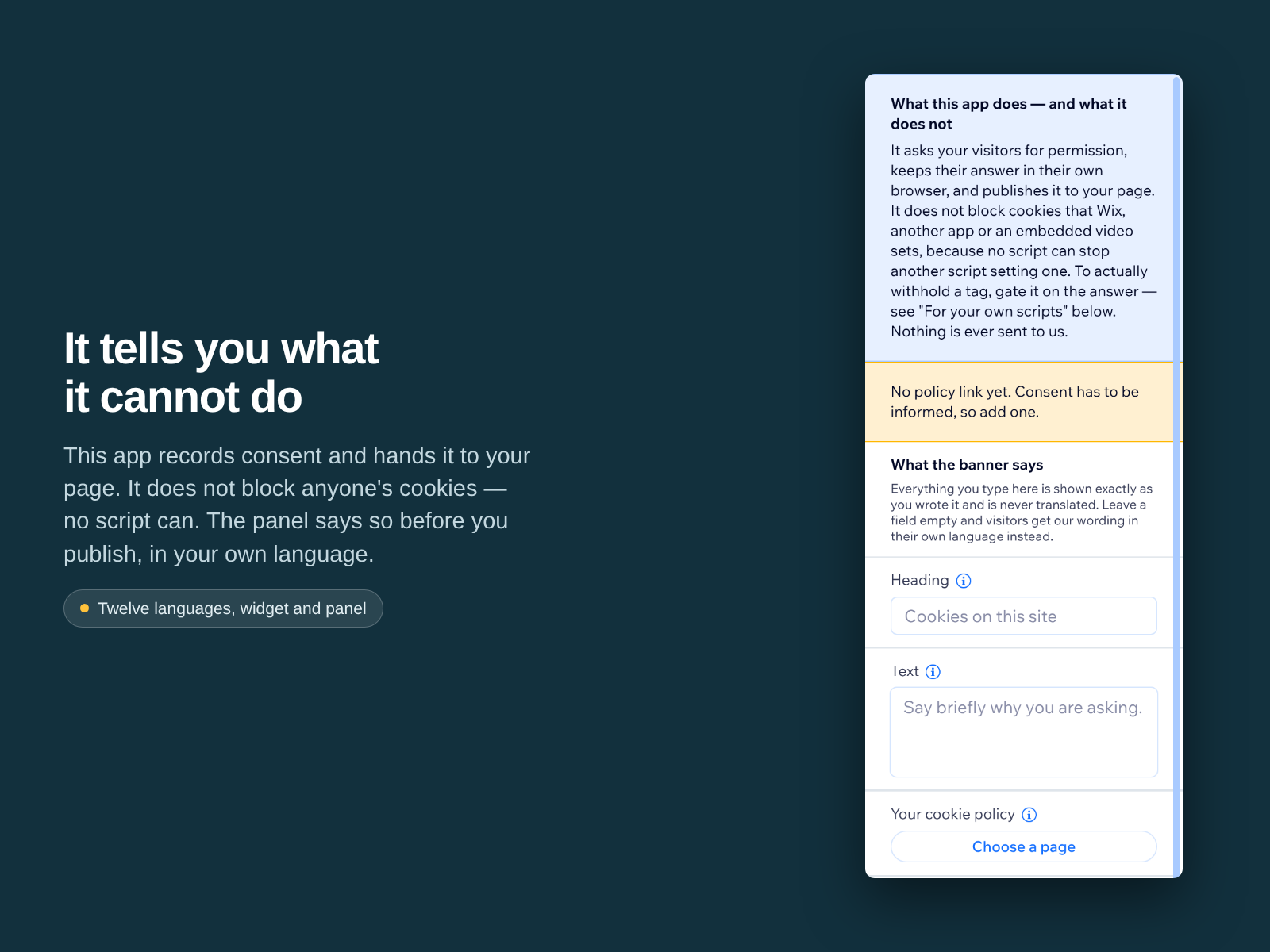
What it does not do: it does not block cookies. No script in a page can stop another script setting one. It records the answer and publishes it to your page as a JavaScript global, so you can gate your own tags on it. It is not legal advice, and installing it does not make a site compliant.